-
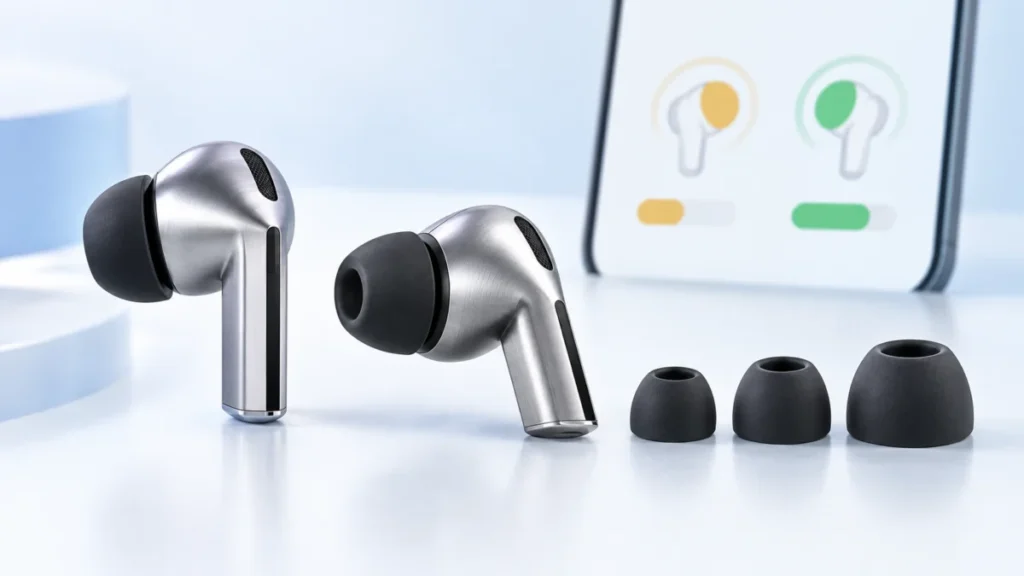
Galaxy Buds3 Pro Earbud Fit Test Failed: How to Fix the Seal and Ear Tip Size
If your Galaxy Buds3 Pro keep returning Poor fit in the Earbud fit test, start by checking how each bud is seated before assuming the ear tip size is wrong. Samsung's documented sequence points first to the blade angle and whether the ea... -
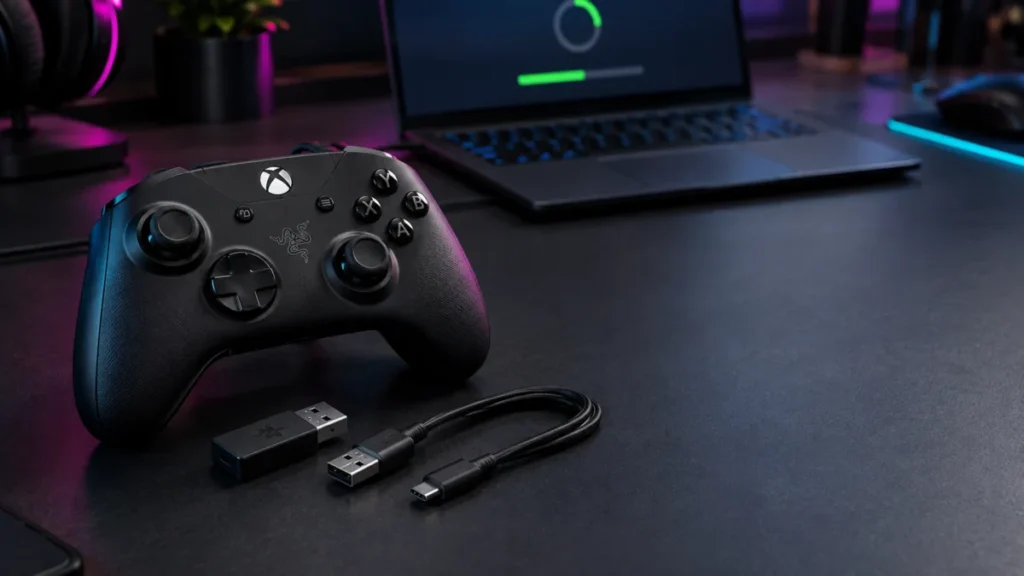
Razer Wolverine V3 Pro Firmware Update Failed or Greyed Out: How to Fix the Dongle and Controller Stages
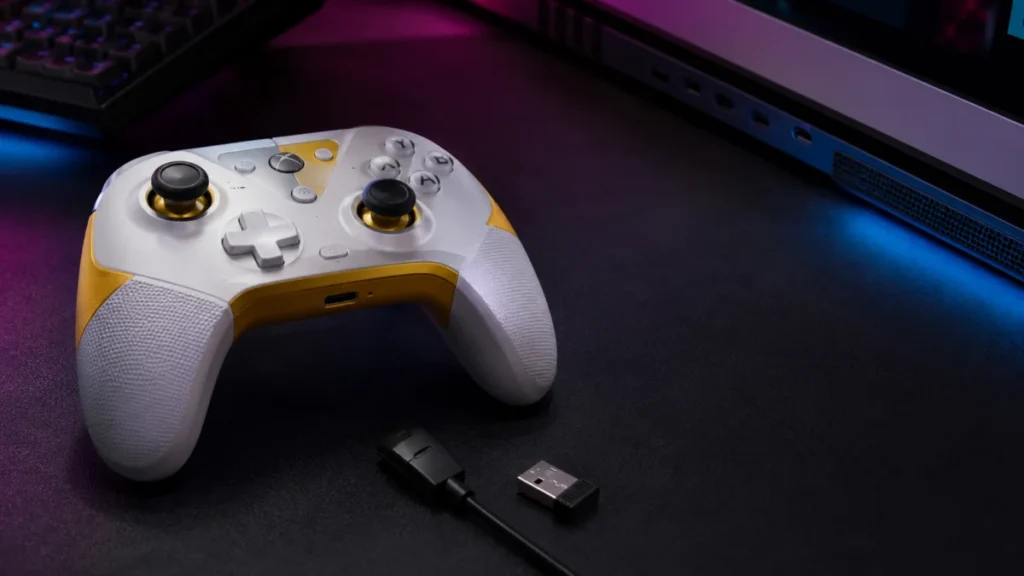
Firmware updates for the Razer Wolverine V3 Pro (RZ06-0520) run in two separate stages: the HyperSpeed Wireless Dongle first, then the controller itself over USB. The correct fix depends on which stage stopped. Before anything else, conf... -
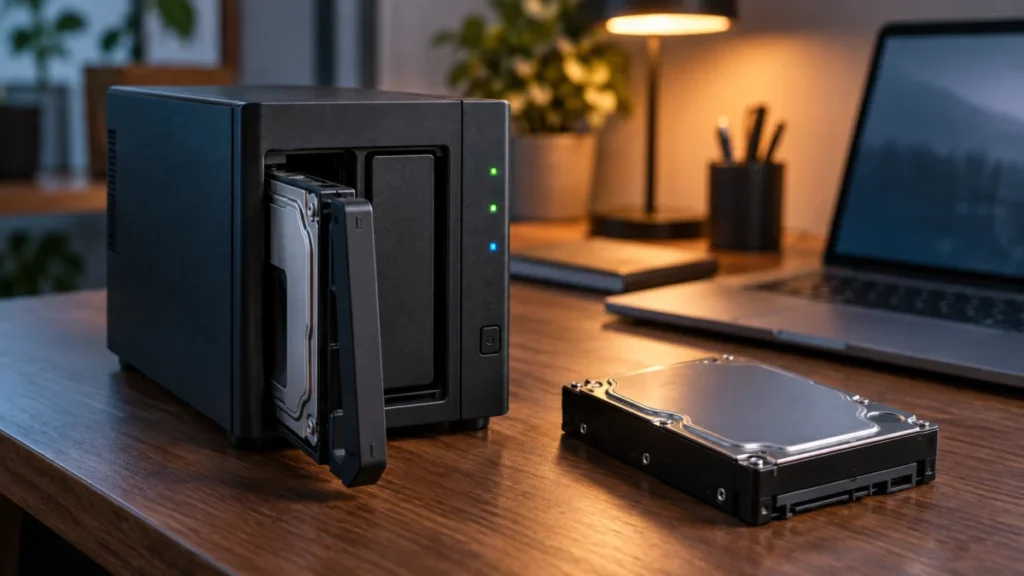
Synology DS224+ Drives Not Detected: Safe Checks Before Replacing a Drive
If your Synology DS224+ no longer shows an installed drive in Storage Manager, shut the unit down and reseat one drive at a time before doing anything else. Do not initialize, format, or reinstall DSM while you are still diagnosing. Syno... -
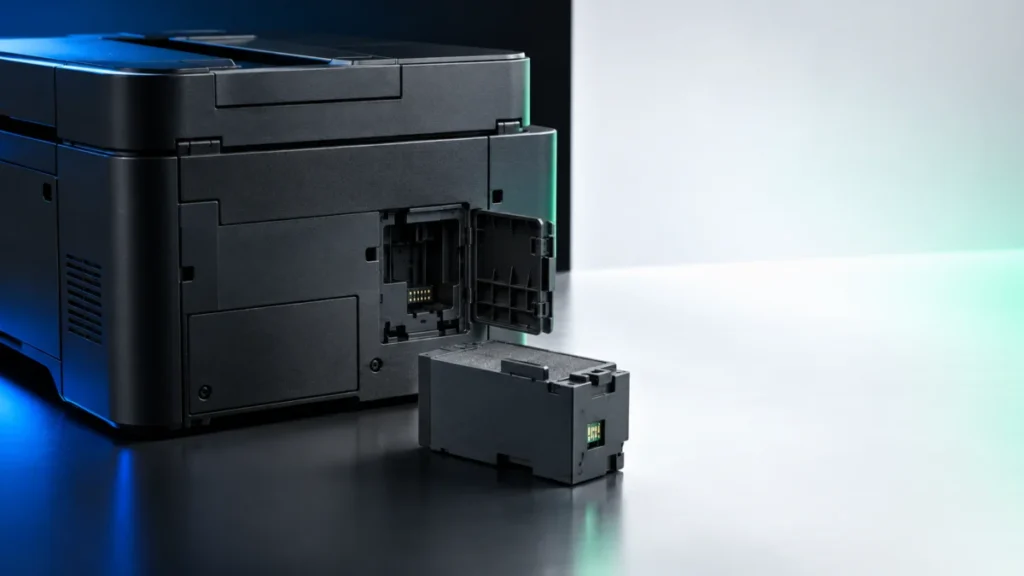
Epson ET-4850 Maintenance Box Full: Replace T04D1 and Clear the Error
If your Epson ET-4850 reports that the maintenance box is full, the part you need is the Epson T04D1 ink maintenance box. Epson's own accessory page lists T04D100 as the model number for that part and states that the two numbers refer to... -
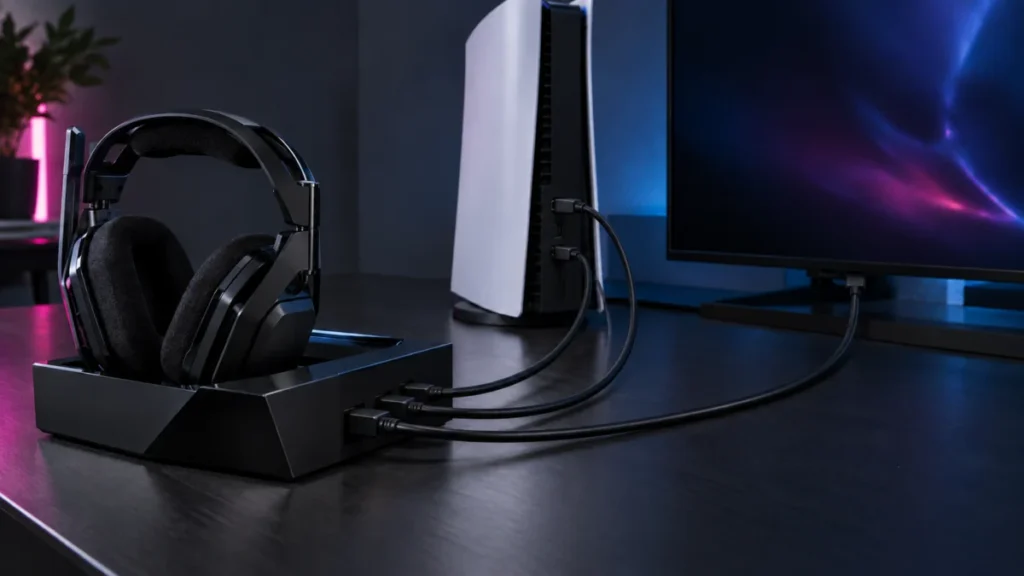
ASTRO A50 X Has No Sound on PS5: HDMI, USB Audio, and Output Setting Checks
If your ASTRO A50 X has no sound on PS5, check the audio routing before assuming the hardware has failed. In the setup Logitech recommends, the A50 X does not behave like an ordinary USB headset. Game audio reaches the headset over HDMI,... -
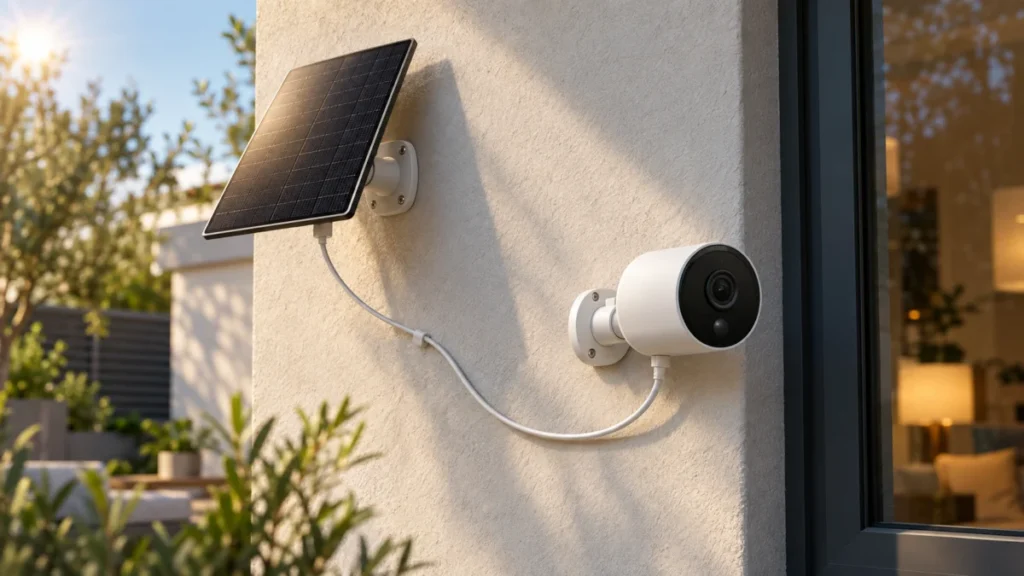
Tapo C425 Solar Panel Not Charging: Hardware Version, Cable, and Sunlight Checks
Quick Answer: What to Check First Before you adjust anything outdoors, plug your C425 into its original USB power adapter. If the battery climbs, the battery and normal USB charging path are working, which narrows the fault to the solar ... -
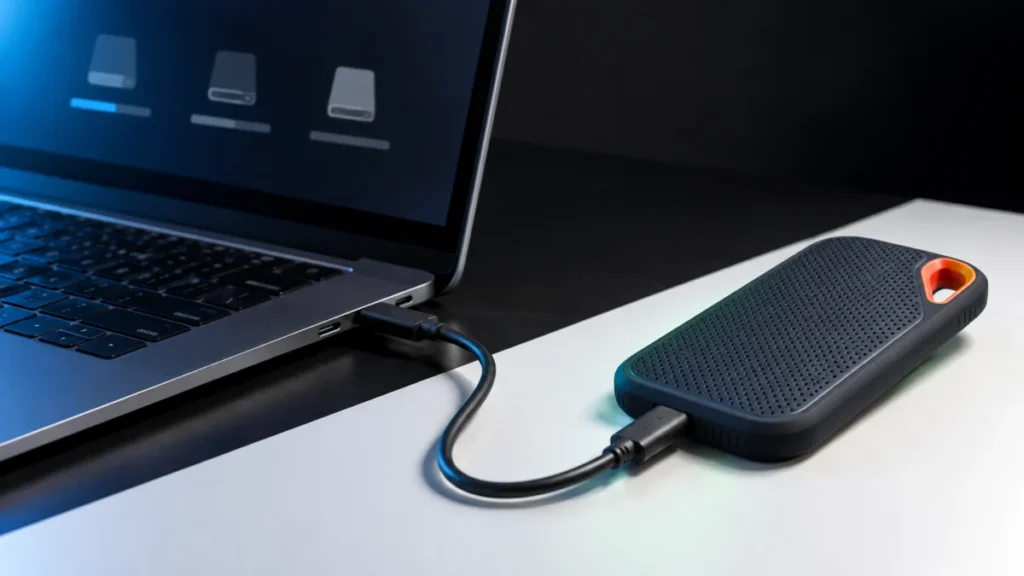
SanDisk Extreme Portable SSD V2 Not Recognized in Windows 11: Check It in This Order Before You Format
When a SanDisk Extreme Portable SSD V2 (SDSSDE61) is not recognized in Windows 11, the fastest route to a fix is to find out how far Windows actually gets. Check three places, in this order: File Explorer, Disk Management, and Device Man... -
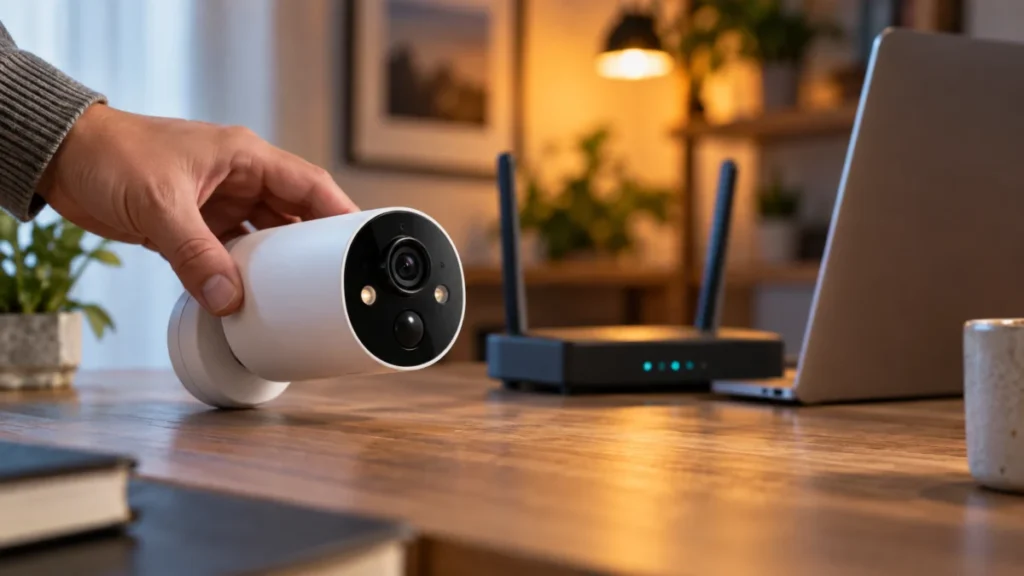
Tapo C425 Camera Offline: LED, 2.4 GHz, and Signal Checklist (2026)
If your Tapo C425 shows Offline in the Tapo app, do not start with a factory reset. Start with the status LED. That LED separates two failures that look identical in the app but have completely different fixes: a camera that never joined... -
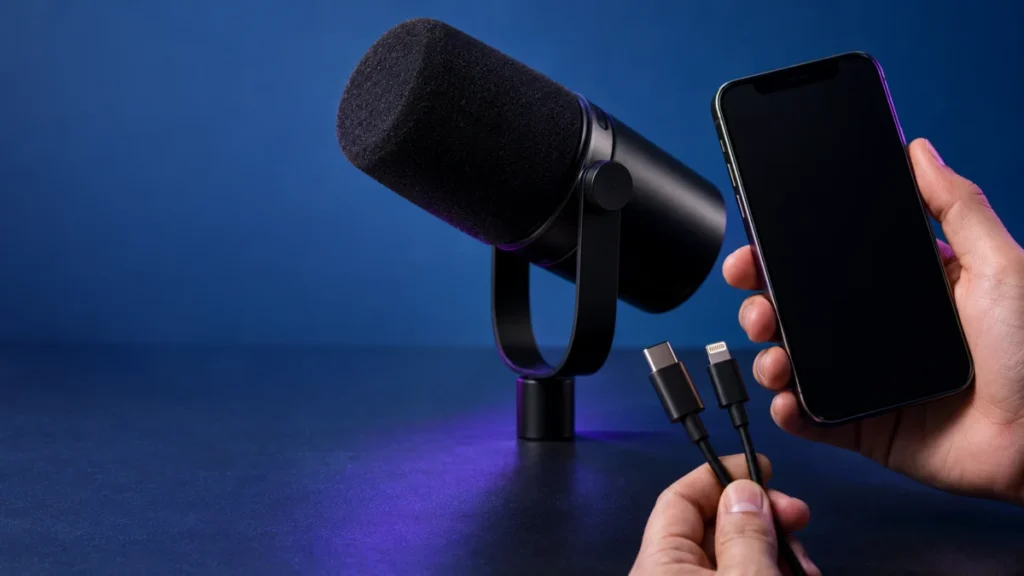
Shure MV7+ Not Working With a Lightning iPhone: Cable and Recording Checks
If your Shure MV7+ is not working with a Lightning iPhone, start with the cable that came in the box. The MV7+ ships with a USB-C to USB-C cable only, so it cannot reach a Lightning port without a second cable. Shure's MV7+ user guide li... -
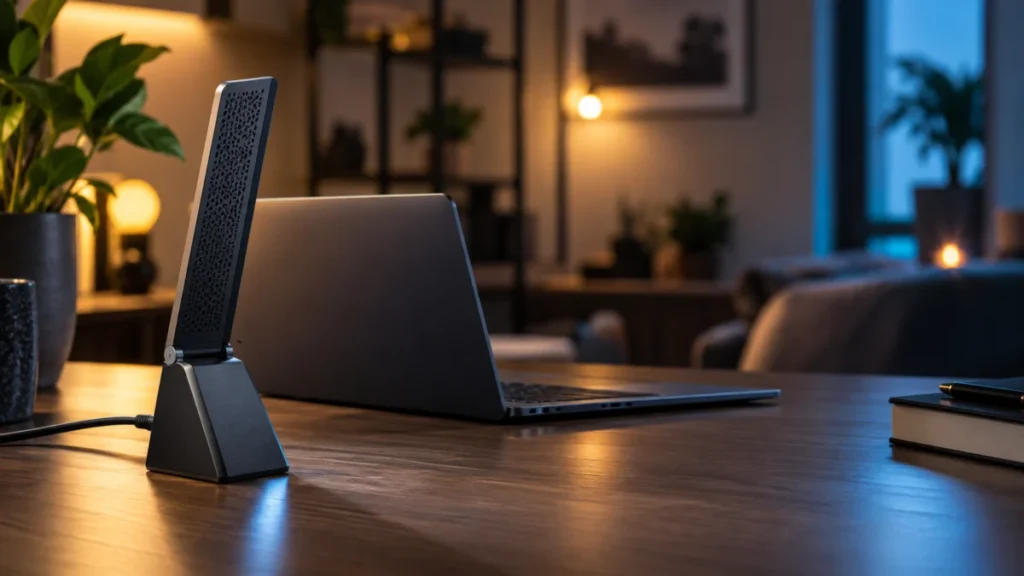
NETGEAR A8000 Not Detected on Windows: USB, Driver, and Startup Checks
If your NETGEAR A8000 is not detected on Windows, start by identifying what Windows actually shows, not by reinstalling the driver. "Not detected" covers four different situations; a driver-related error points first to checking the soft...