
Gaming Devices– category –
-
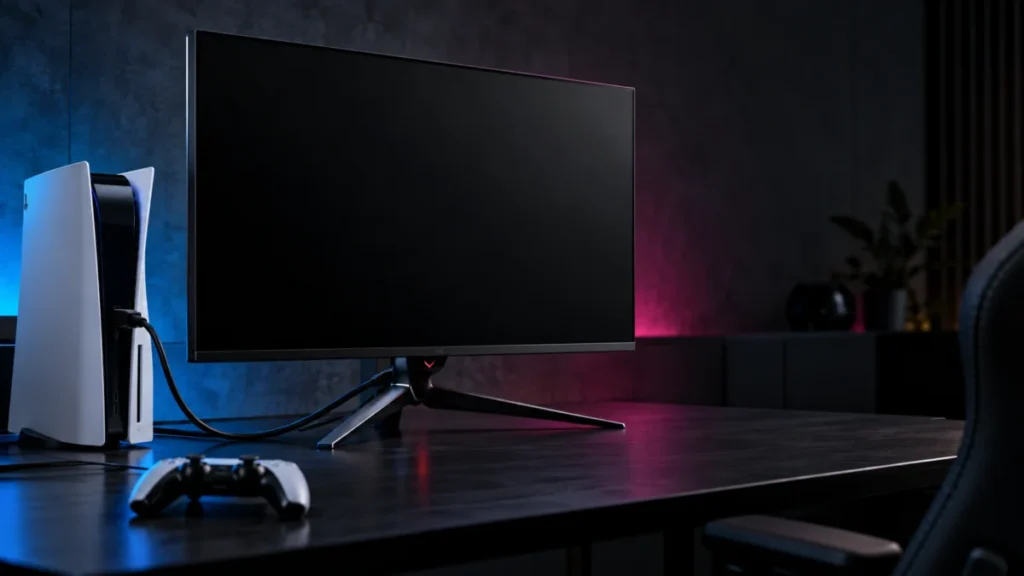
ASUS PG32UCDM Shows No Signal on PS5: Check the Input and HDMI Path
If your ASUS ROG Swift OLED PG32UCDM shows “NO SIGNAL” or stays black while your PS5 is on, start with the monitor’s Input Select menu, then connect the PS5 directly to HDMI-1 or HDMI-2 with no capture card, switch, or soundbar in betwee... -
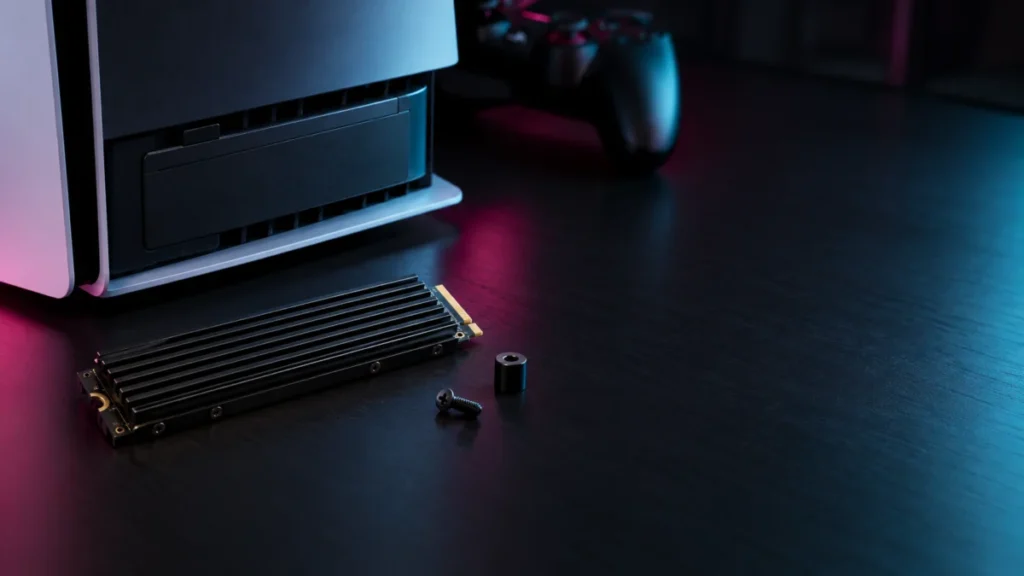
WD_BLACK SN850X Not Detected by PS5? Step-by-Step Checks by Console Model
If your PS5 does not detect a WD_BLACK SN850X, do not replace the drive yet. Sony's instructions say a PS5 shows a formatting guide the first time it boots with a newly installed M.2 SSD. If that guide never appears, check four things in... -
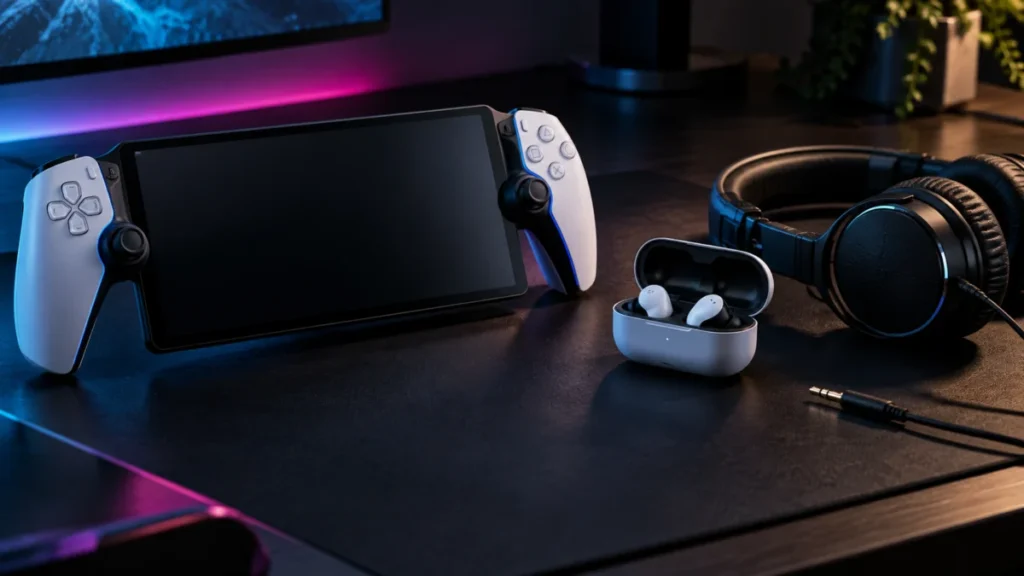
PlayStation Portal Won’t Connect to Bluetooth Headphones: Wired and PlayStation Link Options
PlayStation Portal cannot pair with standard Bluetooth headphones or earbuds, and no Portal setting changes that. Sony's official PS Portal troubleshooting page states that only devices using PlayStation Link can connect to the Portal wi... -
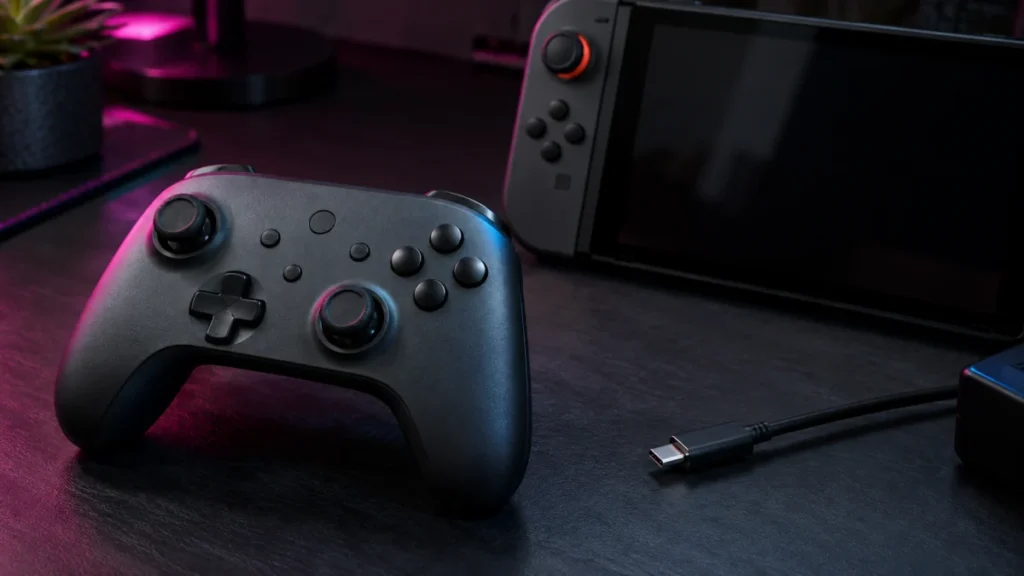
8BitDo Ultimate 2C Bluetooth Not Connecting to Switch 2: Firmware, Pairing, and USB Checks
If your 8BitDo Ultimate 2C Bluetooth Controller does not appear in Change Grip/Order on a Nintendo Switch 2, check its firmware before repeating the pairing process. The controller shipped with factory firmware v1.00, and 8BitDo added Sw... -
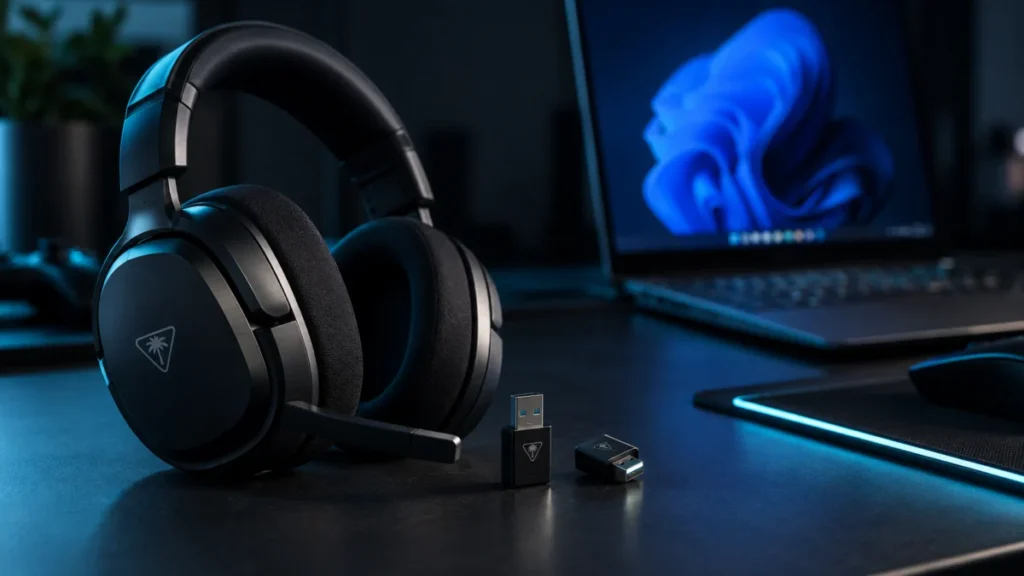
Turtle Beach Stealth 700 Gen 3 Not Detected in Swarm II? How to Fix Headset and Transmitter Detection on Windows
If Swarm II shows no headset, no transmitter, or only one of the two, check the transmitter LED before anything else. A transmitter whose LED is blinking green is not paired to the headset, so check pairing before attempting the firmware... -
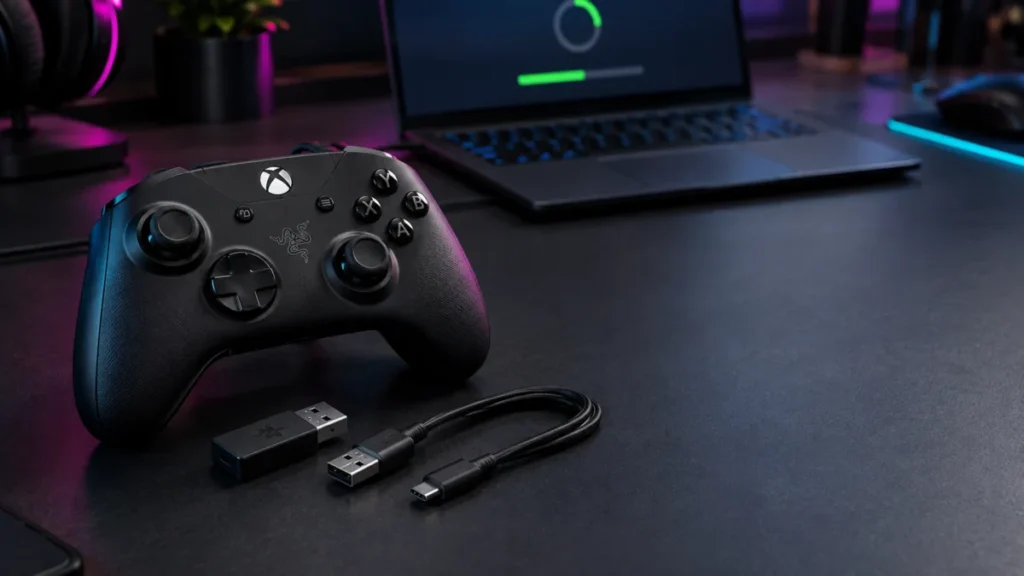
Razer Wolverine V3 Pro Firmware Update Failed or Greyed Out: How to Fix the Dongle and Controller Stages
Firmware updates for the Razer Wolverine V3 Pro (RZ06-0520) run in two separate stages: the HyperSpeed Wireless Dongle first, then the controller itself over USB. The correct fix depends on which stage stopped. Before anything else, conf... -
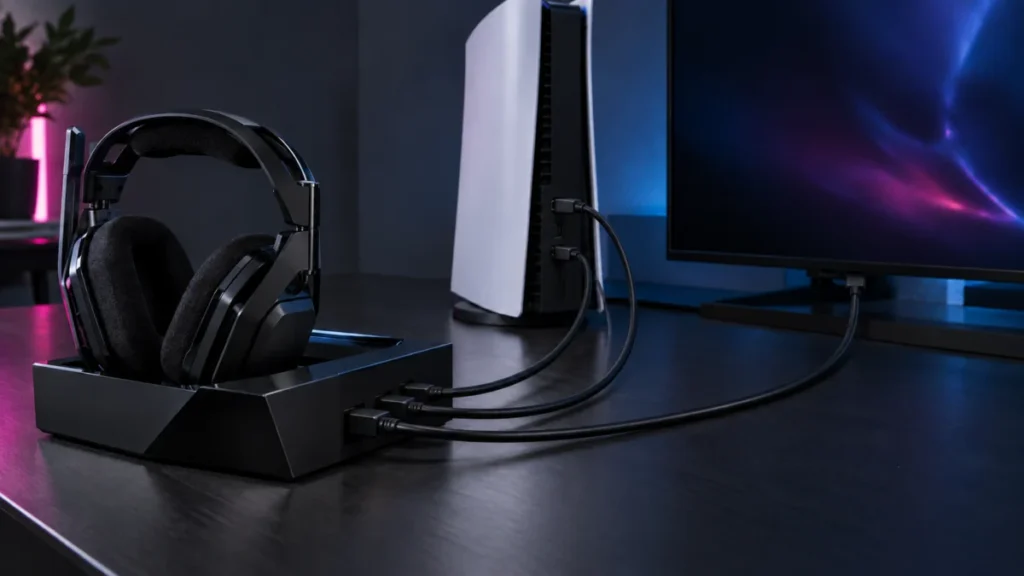
ASTRO A50 X Has No Sound on PS5: HDMI, USB Audio, and Output Setting Checks
If your ASTRO A50 X has no sound on PS5, check the audio routing before assuming the hardware has failed. In the setup Logitech recommends, the A50 X does not behave like an ordinary USB headset. Game audio reaches the headset over HDMI,... -
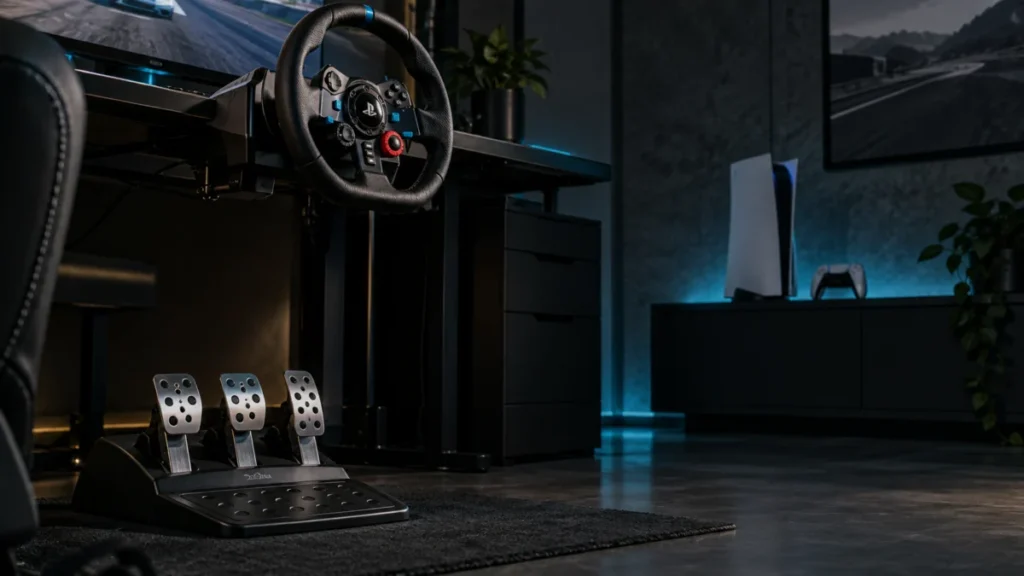
Logitech G29 Pedals Not Working on PS5: Connection, Game Settings, and Clutch Checks
If your G29 pedals are not responding on PS5, start by watching what the wheel does the moment you plug it in. Logitech's official troubleshooting documentation states that once the wheel is connected to a game console or PC, it rotates ... -
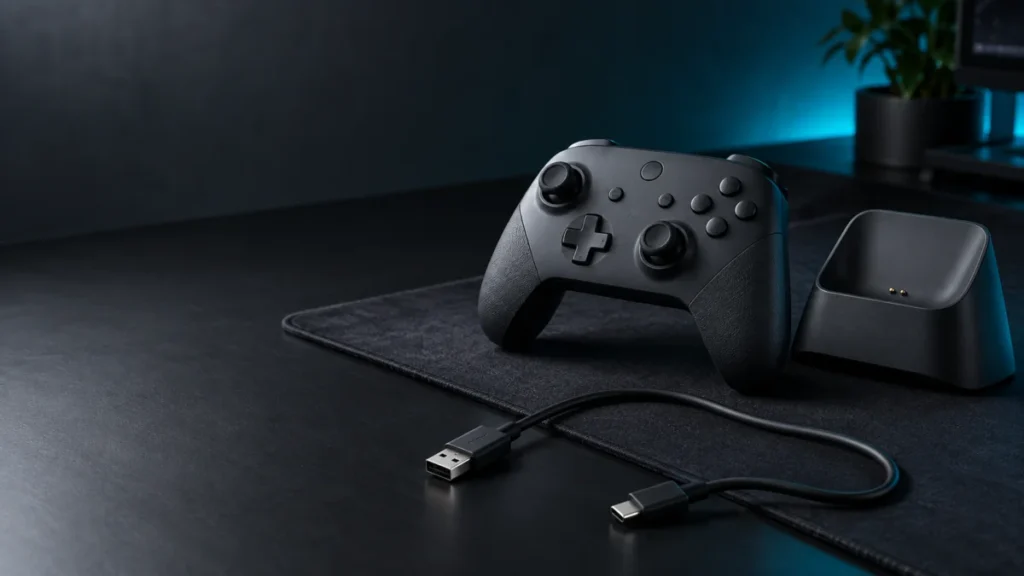
8BitDo Ultimate 2 Wireless Not Charging: Dock vs. Direct USB Checklist
If your 8BitDo Ultimate 2 Wireless will not charge, take the dock out of the circuit and watch one specific light. Lift the controller off the dock, connect the bundled cable to the USB-C port on the controller, and observe the Power LED... -
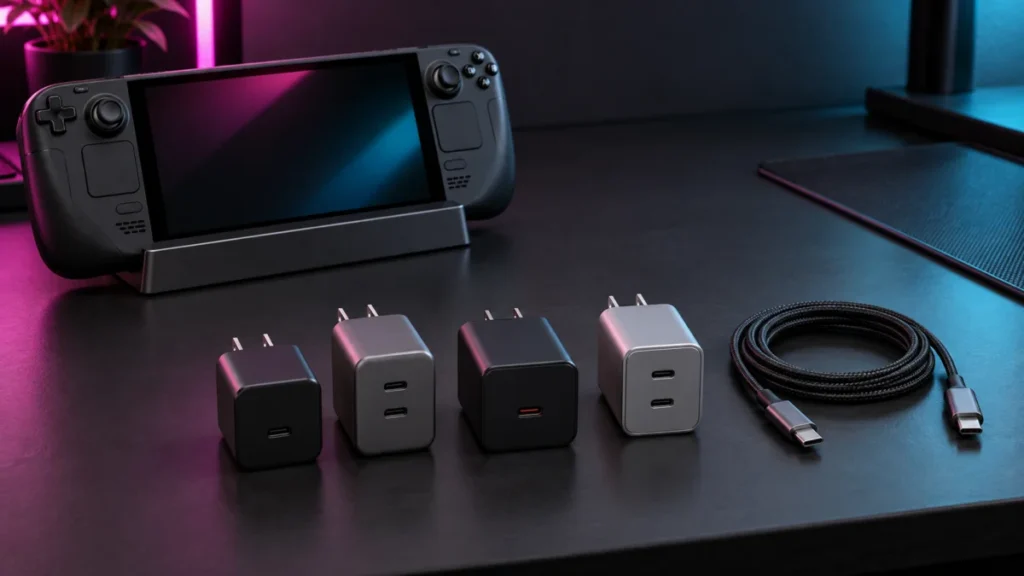
Best 65W Chargers for Steam Deck Docks (2026): Port-by-Port Output
A Steam Deck LCD and a Steam Deck OLED are both specified for a 45W USB-C PD 3.0 power supply, and Valve supplies one in the box with each model. A 65W rating alone does not mean faster charging for the Deck, and connecting a 65W charger...