-
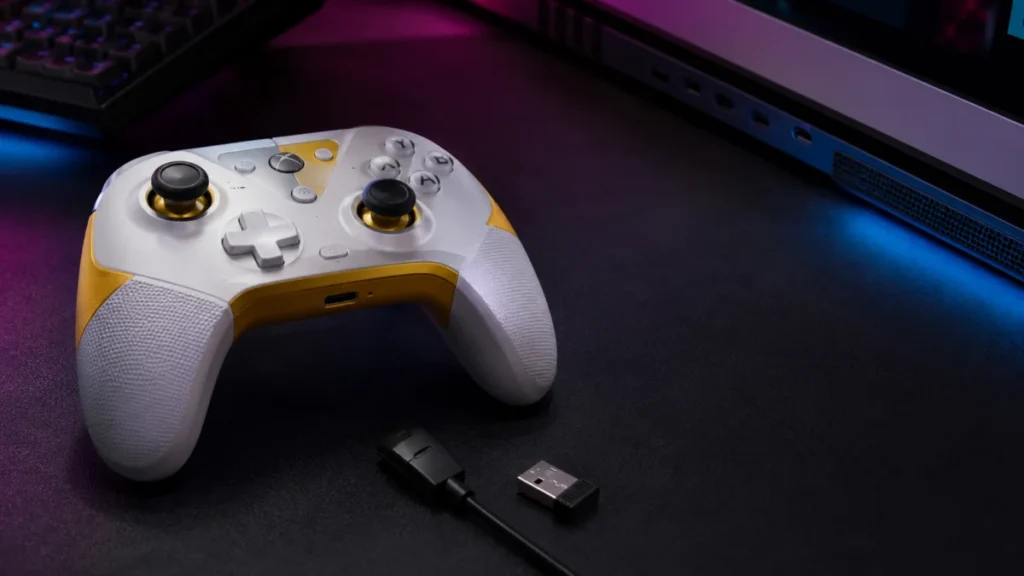
GameSir G7 Pro 8K Not Working? Fix PC Connection, GameSir Connect App & Steam Input Issues
If your GameSir G7 Pro 8K is not working on your PC, the fastest path to a fix is to identify where the failure happens rather than guessing. Three different problems bring most people here: the controller is not recognized on the PC at ... -
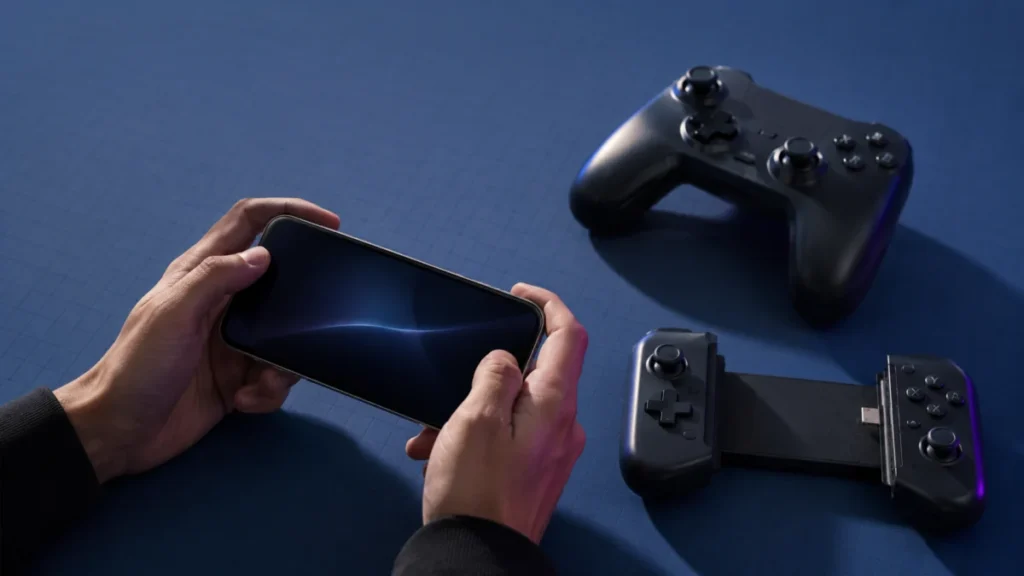
Game Controller Not Working on iPhone or Android: Bluetooth, USB-C, and Cloud Gaming Checks
A phone connecting to a controller and a game accepting controller input are two separate layers — and most "controller not working" problems live in the gap between them. Your iPhone or Android phone can pair with a controller perfectly... -
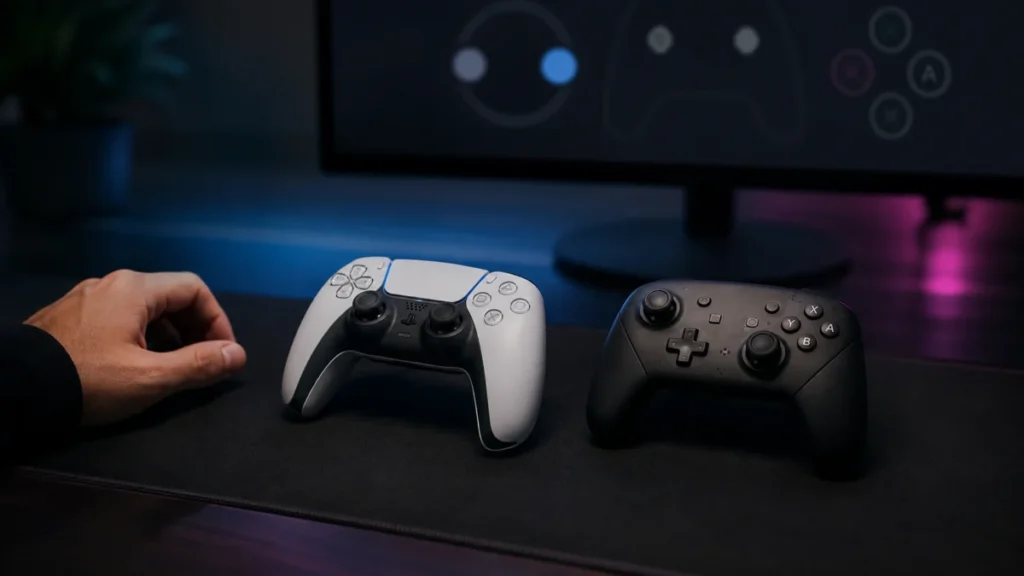
Steam Shows Xbox Buttons for PlayStation or Nintendo Controllers: Steam Input and Button Glyphs Explained
If Steam shows Xbox button prompts while you are holding a DualSense, DualShock 4, Switch Pro Controller, or 8BitDo pad, your controller is most likely working correctly. In nearly every case, the mismatch comes from one of two layers: h... -
Steam Detects Your Controller but It’s Not Working in Game: Steam Input, Per-Game Settings & Native Support (2026 Checklist)
Steam seeing your controller does not mean the game will accept its input. Steam detection and in-game support are separate layers. If your controller shows up in Steam (or in Big Picture) but it's not working in game, the break is almos... -
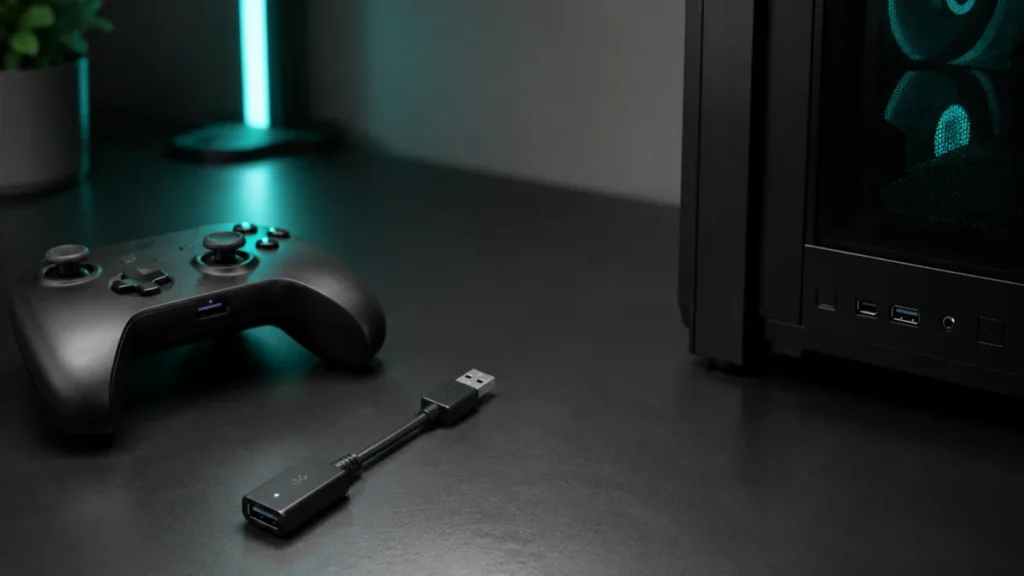
Best Bluetooth Adapter for PC Game Controllers? What to Check Before Buying
If your PC controller keeps disconnecting, lagging, or refusing to pair over wireless, a Bluetooth adapter only helps when the problem is physical: your PC has no Bluetooth, the built-in module is weak, or interference is killing the sig... -
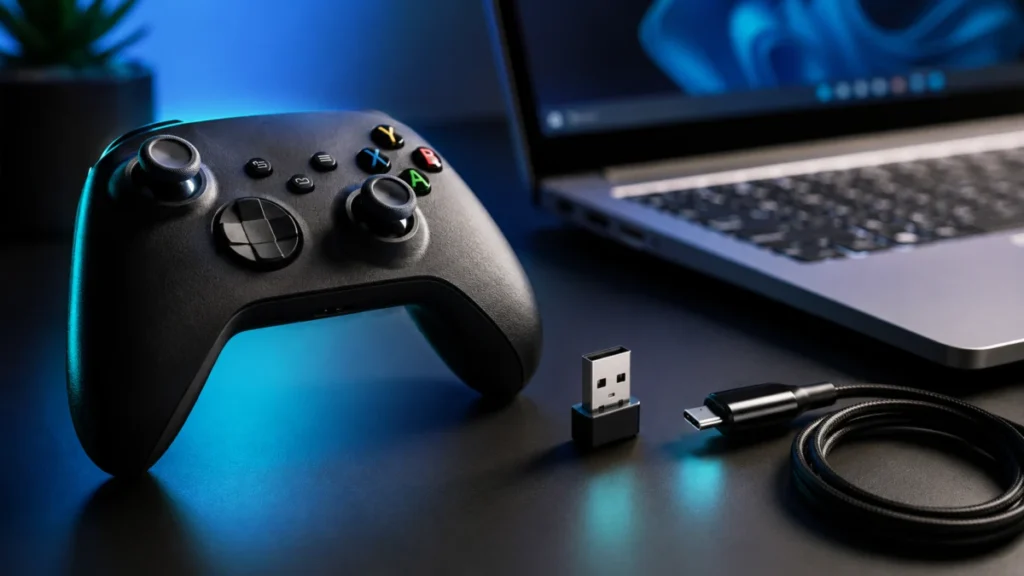
Game Controller Won’t Connect to Windows 11 via Bluetooth? Fix It by Symptom (2026)
If a game controller won't connect to Windows 11 over Bluetooth, the problem is almost always stuck at one of five layers: Windows Bluetooth itself, the controller's pairing mode, Steam Input, the specific game's controller support, or y... -
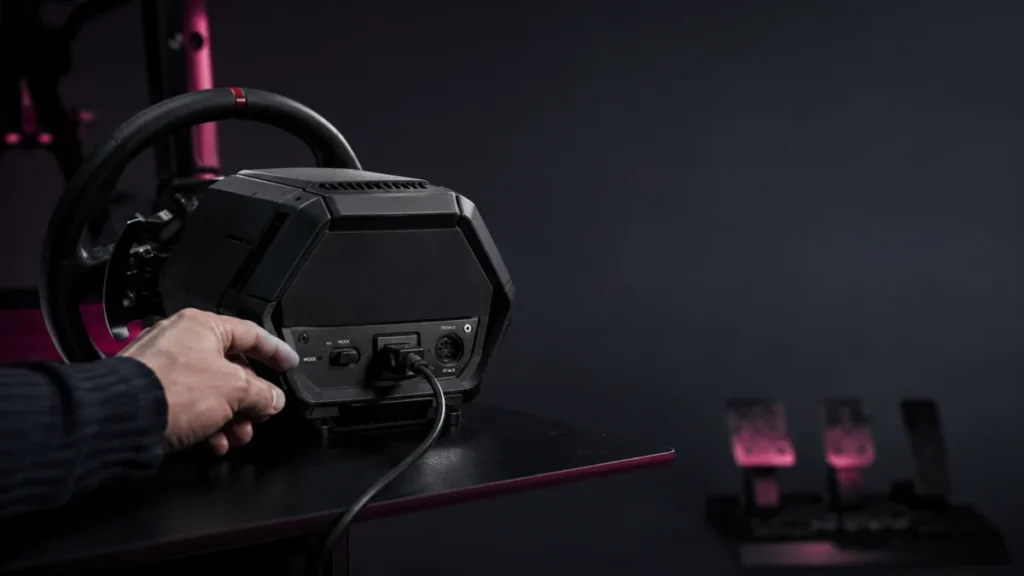
Thrustmaster T598 Not Detected: My Thrustmaster Panel, Firmware, USB, and Game Settings to Check
If your Thrustmaster T598 is not detected, the first job is to figure out where detection stops: Windows itself, the My Thrustmaster Panel app, the firmware update, or the game. These are separate problems with separate fixes. The most c... -
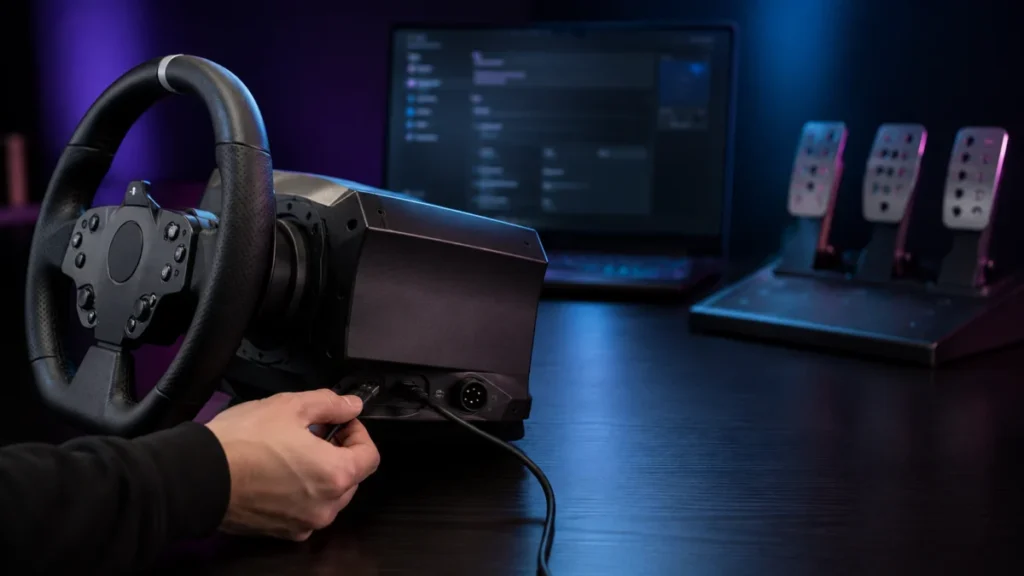
Racing Wheel Not Detected on PC: USB, Power, Driver, Firmware, and Game Settings to Check
If your racing wheel is not detected on your PC, the most useful first step is to recognize that "not detected" is not one problem — it is five separate layers that fail independently. A wheel can be invisible to Windows, visible t... -
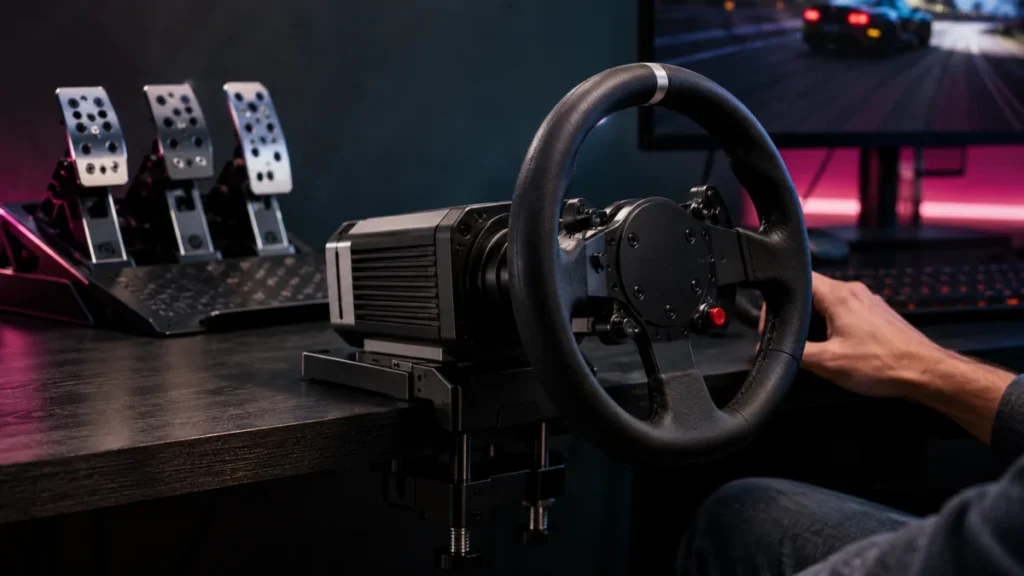
Best Sim Racing Wheels for PC and PS5: What to Check Before Buying (2026)
The best sim racing wheel is not a single product — it is the wheel that matches your platform first. Before comparing torque or force feedback, decide whether you are racing on PC, PlayStation 5, or Xbox, because compatibility is decide... -
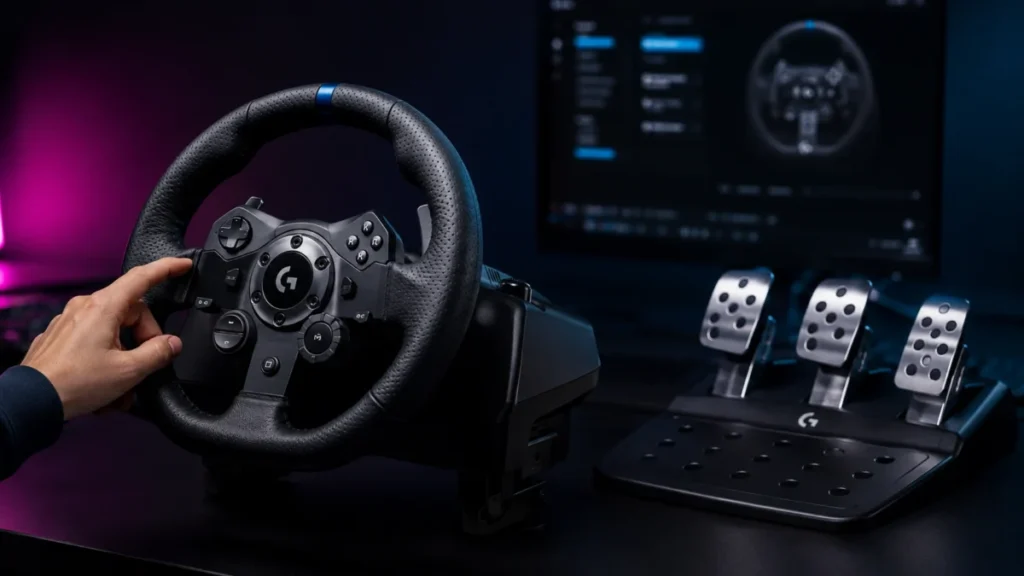
Logitech G923 Force Feedback Not Working on PC: Power, G HUB, and Game Settings to Check
If your Logitech G923 is detected on your PC but has no force feedback, work through three things in order: power, G HUB, and in-game mapping. According to Logitech's official support, the G923 must be powered by its provided power suppl...