
PC & Gadgets– category –
-
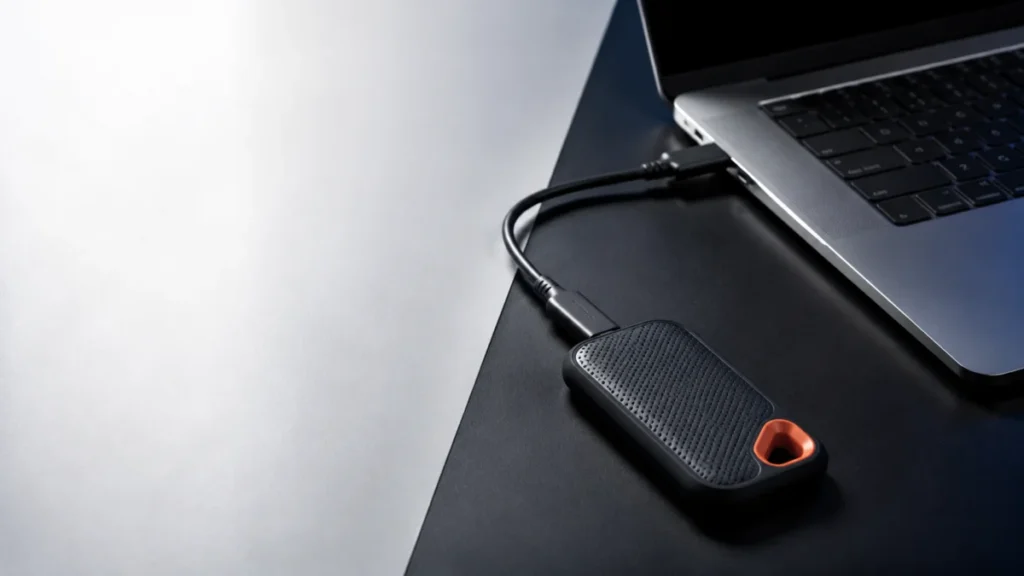
SanDisk Extreme Portable SSD V2 Slow Transfer on Windows 11: Step-by-Step Checks by Symptom
If your SanDisk Extreme Portable SSD V2 (SDSSDE61) transfers files slowly on Windows 11, check the negotiated USB link speed before you change any setting. A steady rate near 40 MB/s strongly suggests that the connection has fallen back ... -
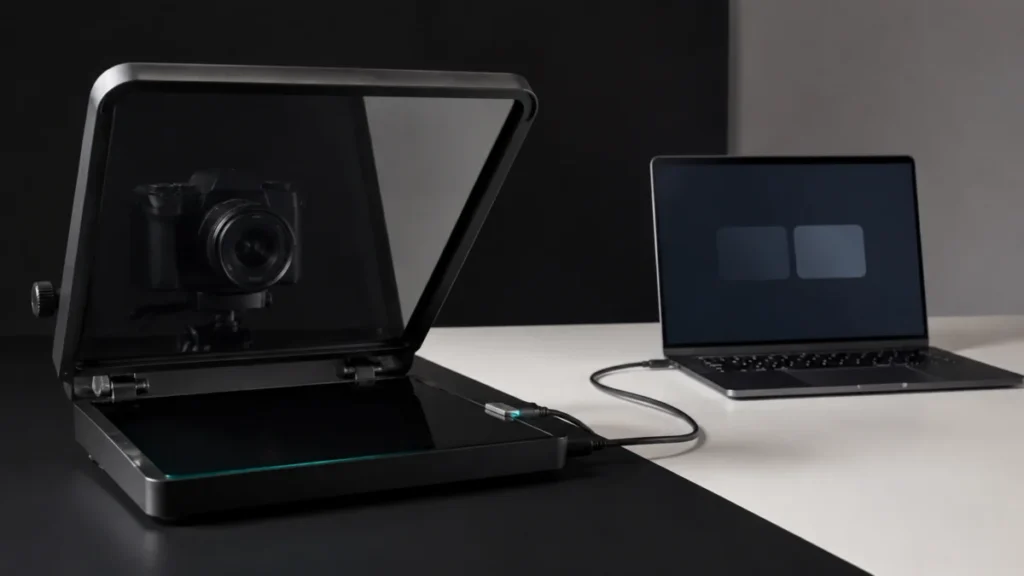
Elgato Prompter No Image on Windows: Step-by-Step Fix by Symptom
If your Elgato Prompter shows no image on Windows, do not reinstall Camera Hub yet. Open Settings → System → Display first and check whether Windows lists Prompter as a second display. That single check decides everything that follows. I... -
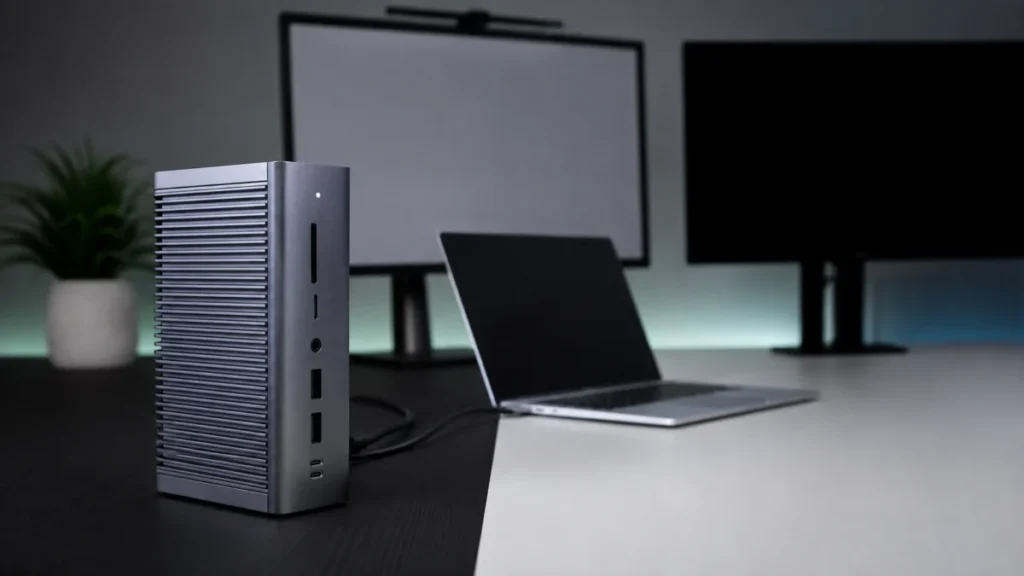
CalDigit TS4 Monitor Not Detected on Mac: Symptom-by-Symptom Checklist
If your CalDigit TS4 is not showing an external monitor on your Mac, the first job is not to reinstall anything or update firmware. It is to work out which of four separate symptoms you actually have: the monitor never appears in System ... -
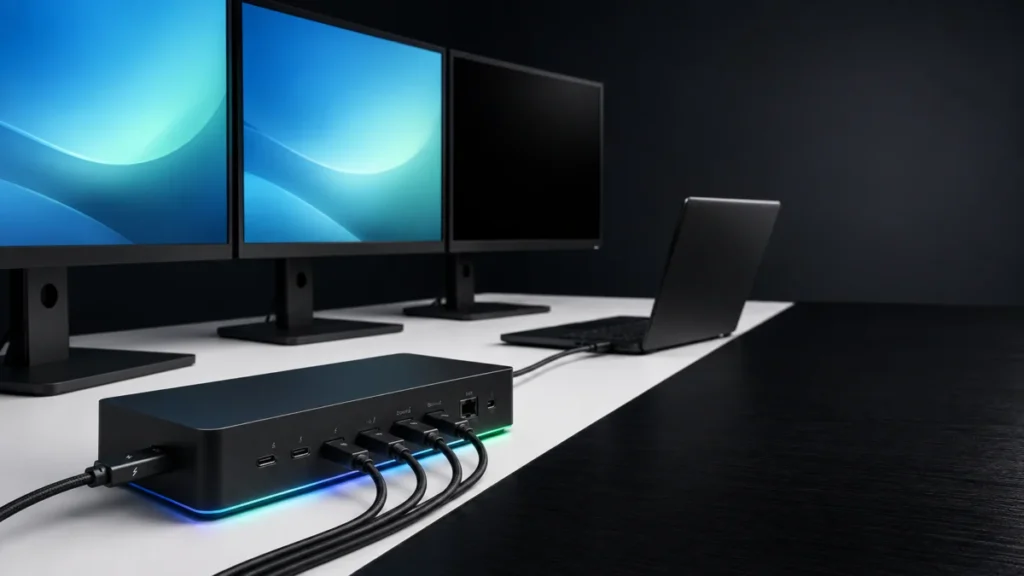
Razer Thunderbolt 5 Dock Chroma Monitor Not Detected on Windows 11: Host, Cable, and Display Checks
If your monitor is not detected through the Razer Thunderbolt 5 Dock Chroma on Windows 11, start with three checks: confirm that the laptop uses the upstream port, verify that the display cable carries video, and check how many external ... -
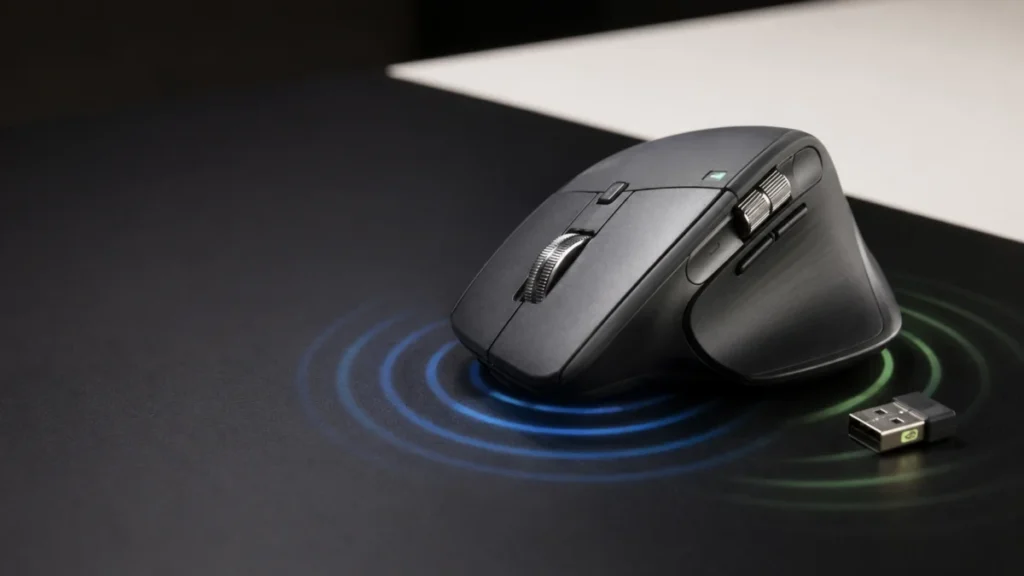
MX Master 4 Haptic Feedback Not Working on Windows 11: Firmware, Bolt, and Options+ Checks (2026)
If your MX Master 4 gives no haptic feedback, first check whether it vibrates at power-on or during its first Bluetooth connection. A response there confirms that the haptic mechanism can activate, so check software and setup conditions ... -
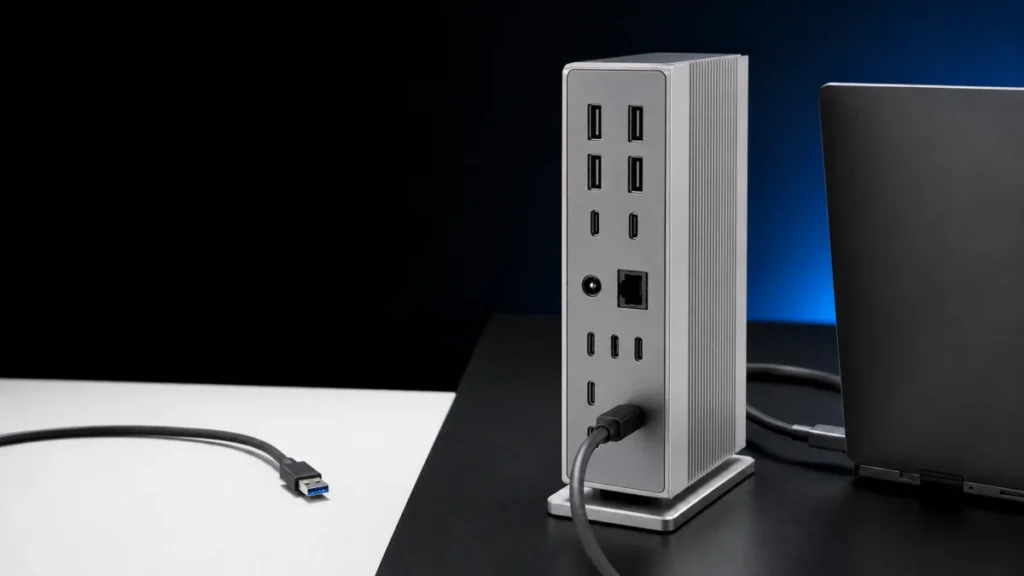
CalDigit TS5 Plus USB Ports Not Working on Windows 11: BIOS, USB4 & PCIe Checklist (2026)
If your CalDigit TS5 Plus charges your laptop and shows video on Windows 11 but the USB-A ports, rear USB-C Data ports, or 10Gb Ethernet stay dead, the first thing to check is that this port group depends on PCIe Passthrough, while charg... -
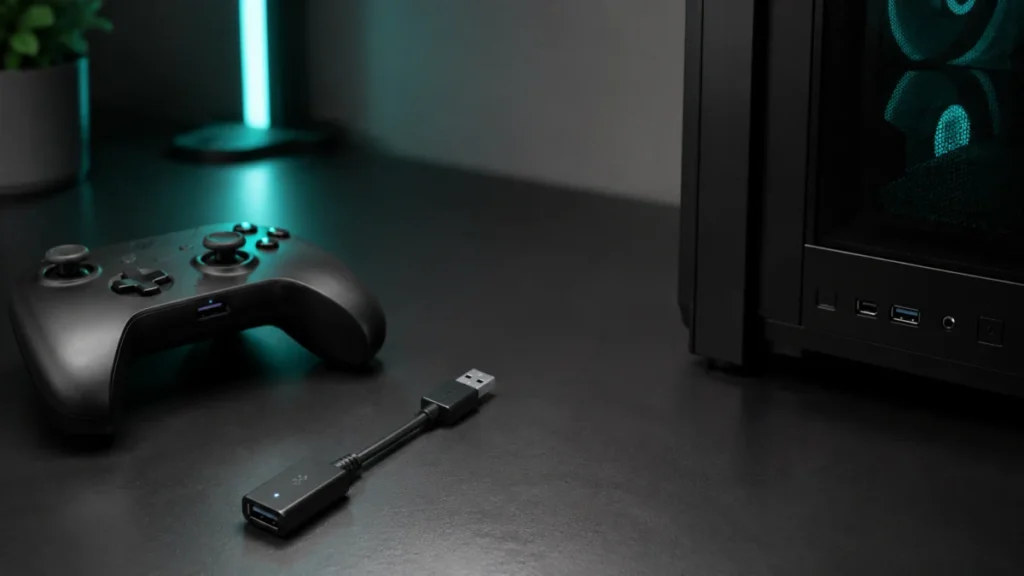
Best Bluetooth Adapter for PC Game Controllers? What to Check Before Buying
If your PC controller keeps disconnecting, lagging, or refusing to pair over wireless, a Bluetooth adapter only helps when the problem is physical: your PC has no Bluetooth, the built-in module is weak, or interference is killing the sig... -
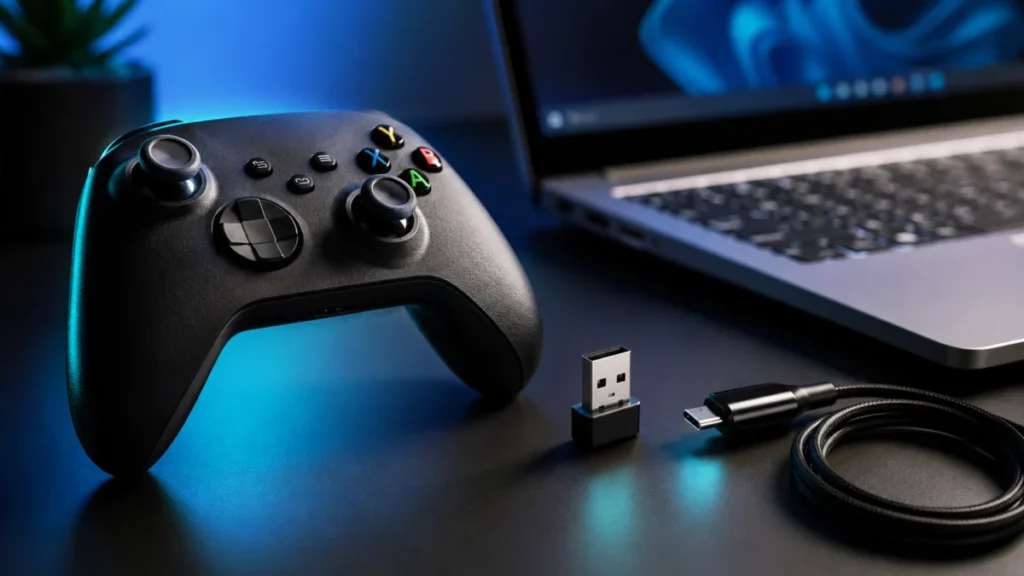
Game Controller Won’t Connect to Windows 11 via Bluetooth? Fix It by Symptom (2026)
If a game controller won't connect to Windows 11 over Bluetooth, the problem is almost always stuck at one of five layers: Windows Bluetooth itself, the controller's pairing mode, Steam Input, the specific game's controller support, or y... -
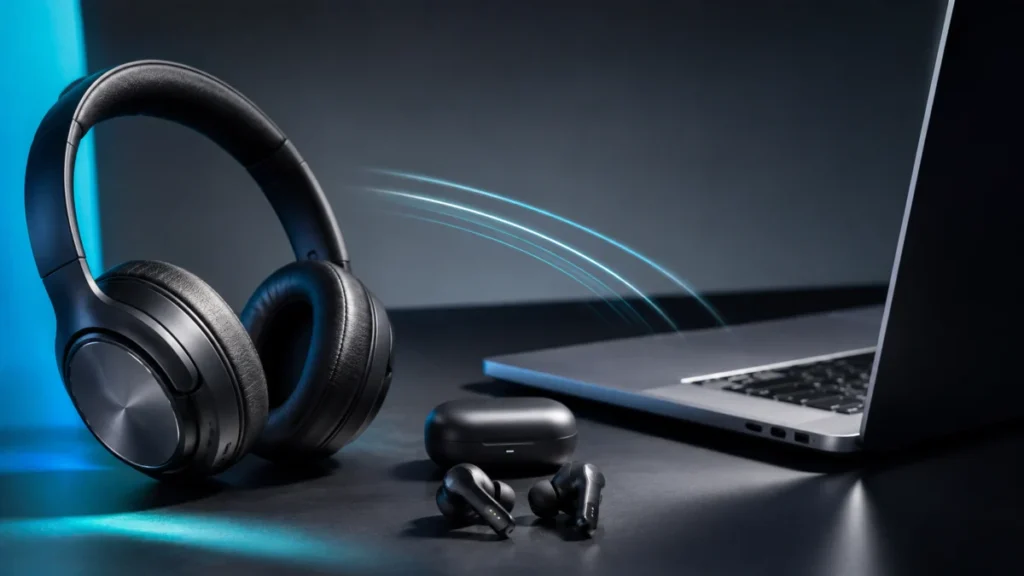
Best Bluetooth LE Audio Headsets for Windows 11 (2026): What to Check Before Buying
We may earn a commission on qualifying purchases at no extra cost to you. If you want a Bluetooth headset that keeps full stereo sound while your microphone is active on Windows 11, you need Bluetooth LE Audio — not just "Bluetooth 5.3" ... -
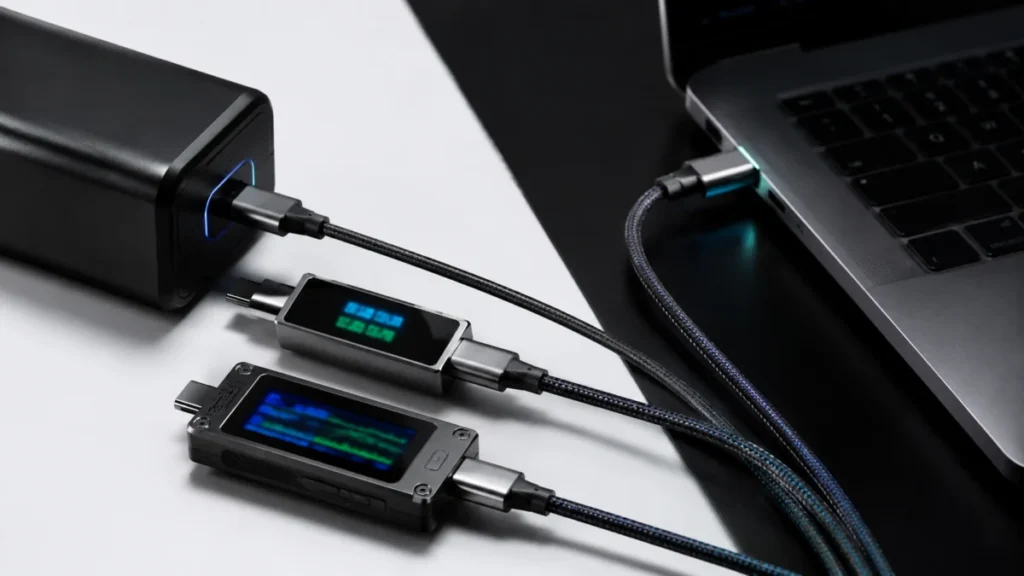
USB-C Power Meters for 240W Charging: What Each Tool Can (and Can’t) Check (2026)
A USB-C power meter shows you the volts, amps, and watts flowing between a charger and your laptop in real time, which is enough to confirm whether a 240W charger is actually delivering 240W. But a basic meter cannot read the e-marker ch...