
PC & Gadgets– category –
-
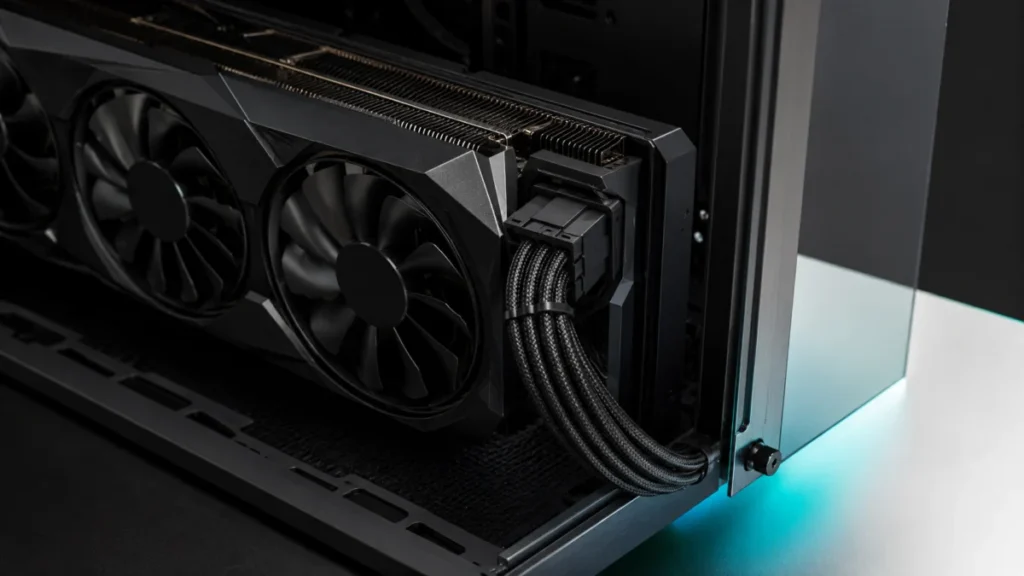
RTX 5090 12V-2×6 Cable Clearance Guide: How to Avoid Connector Stress and Melting Risks
If you are installing an RTX 5090 in a mid-tower or dual-chamber case, there is a real chance the 12V-2x6 power cable will contact the side panel once it is closed. Most RTX 5090 AIB models stand between 145mm and 150mm tall — up to 13mm... -

Apple Vision Pro Mac Virtual Display Not Showing Up or Won’t Reconnect: Fixes to Try Before Resetting
Short answer: Mac Virtual Display problems on Apple Vision Pro fall into two different cases, and they start in different places. If the connection worked before and now times out, the usual cause is a failed AWDL (Apple Wireless Direct ... -

M4 MacBook Air Dual Monitor Setup: Thunderbolt Dock, USB-C Hub, DisplayLink — What You Need to Know Before Buying
The M4 MacBook Air is the first MacBook Air in the Apple Silicon era to support two external monitors with the lid open — no clamshell mode, no workarounds required. Before buying any dock, hub, or adapter, there are three things to conf... -

Windows 11 “You’ll Need the Internet for This” Error? Install KB5085516 First
If OneDrive, Teams Free, Microsoft Edge, Word, Excel, or Copilot are showing "You'll need the Internet for this" — but your browser loads pages without any problem — this is most likely caused by the March 10, 2026 Windows 11 cumulative ... -
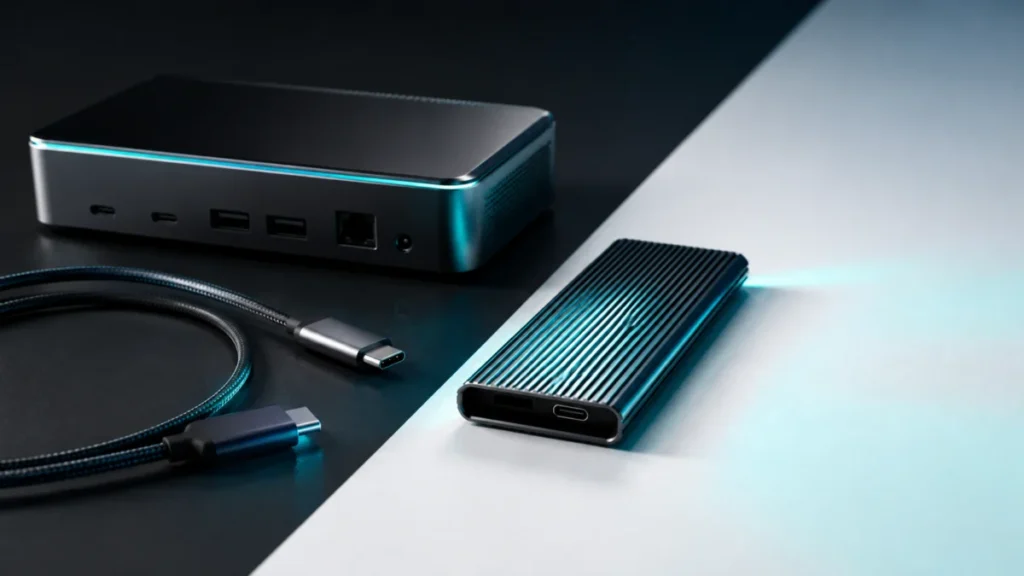
USB4 80Gbps vs Thunderbolt 5: What the Specs Really Mean and What to Check Before Buying
Jump to: The Short Answer What Is USB4 80Gbps? What Is Thunderbolt 5? Main Differences Naming and Logo Confusion Cable Compatibility Docks and SSD Enclosures Mac vs Windows Buying Checklist Final Verdict USB4 80Gbps and Thunderbolt 5 bot... -
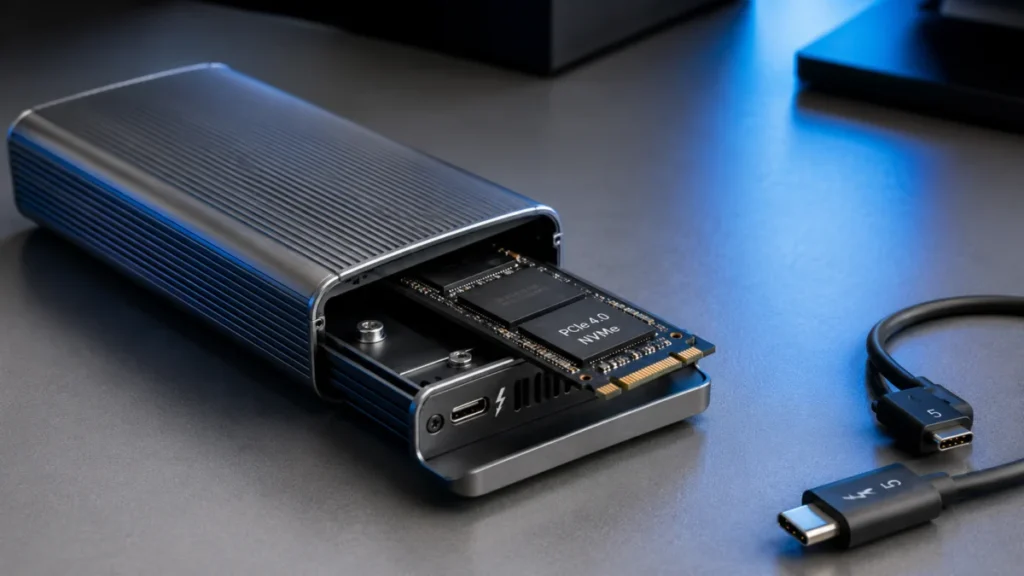
Best Thunderbolt 5 External SSD Enclosures: DIY NVMe Speed, Heat, and Compatibility Explained
Thunderbolt 5 external SSD enclosures let you build a DIY external drive that reaches around 6,000 MB/s — nearly matching the internal SSD speeds on an M4 Max MacBook Pro. If you have an M4 Pro or M4 Max Mac, or a Thunderbolt 5 Windows l... -
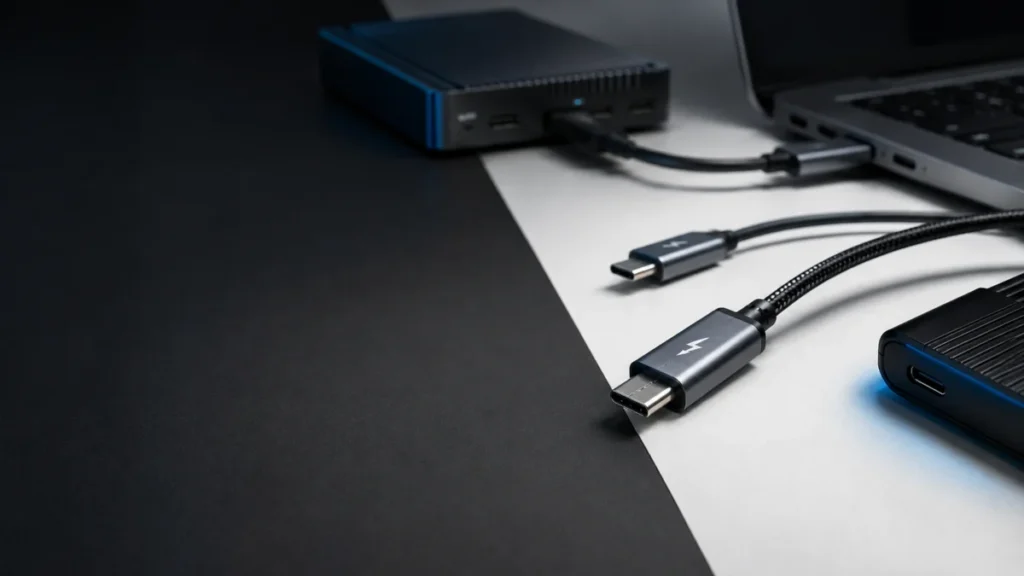
Thunderbolt 5 Cables: 80Gbps Speed, 120Gbps Bandwidth Boost, and What to Buy
Jump to: Do You Need a TB5 Cable? 240W ≠ Thunderbolt 5 Speed 80Gbps vs 120Gbps Boost Explained TB5 vs TB4 vs USB4 vs USB-C Table Active vs Passive: Why Length Matters Which Cable for Your Use Case Cable Categories Worth Buying 5 Common B... -
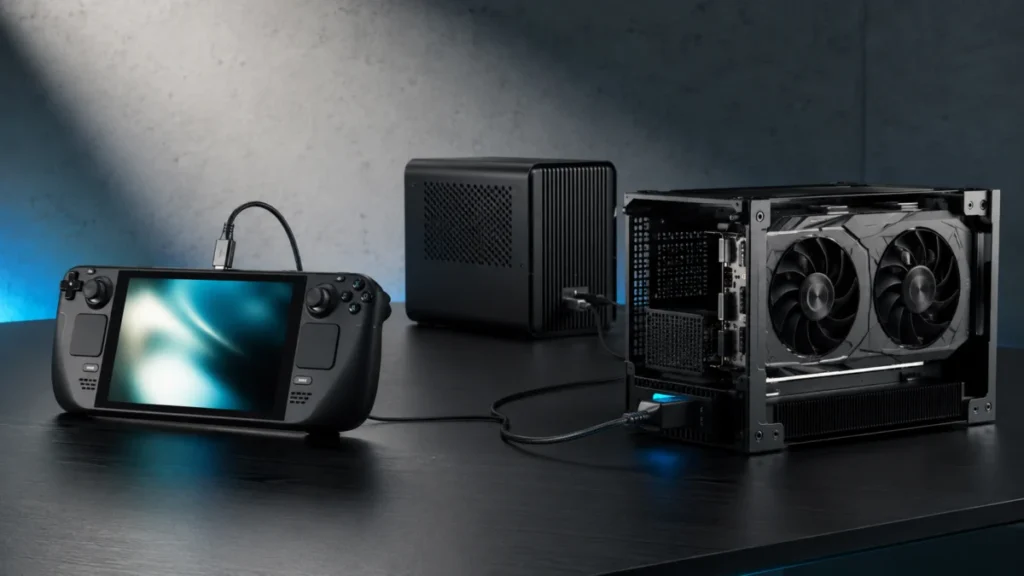
Best eGPU Docks for Handheld Gaming PCs in 2026: ROG Ally X, OCuLink, USB4, and Thunderbolt 5
Jump to: What Is an eGPU Dock? USB4 vs Thunderbolt 5 vs OCuLink Integrated eGPU vs Empty Enclosure User Complaints to Check First Best eGPU Docks in 2026 Which eGPU Works With Your Device? Common eGPU Problems Final Recommendation The be... -
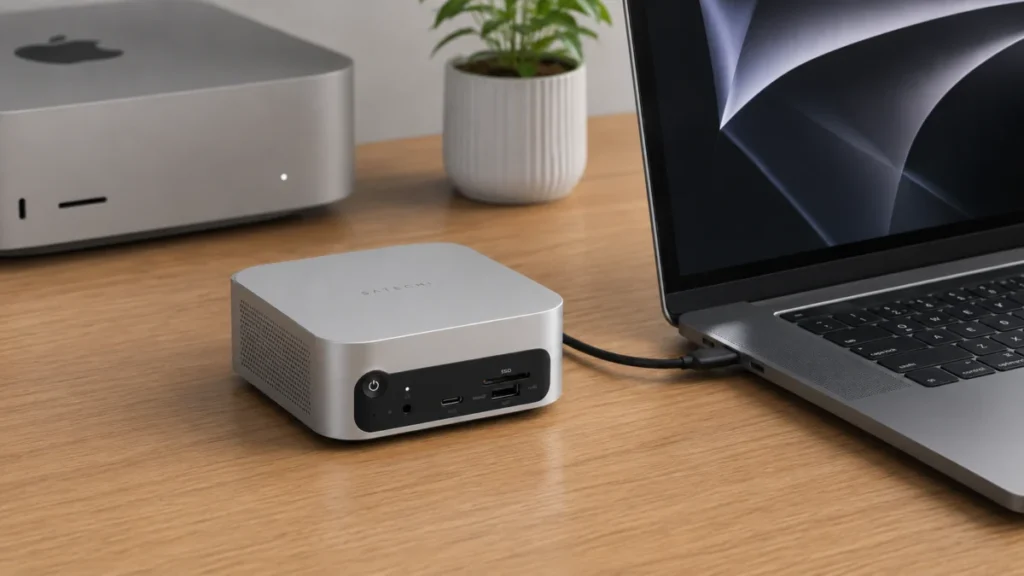
Satechi Thunderbolt 5 CubeDock Review: Bandwidth and Display Limits
The Bottom Line: The Satechi Thunderbolt 5 CubeDock with SSD Enclosure delivers real-world NVMe speeds up to 6,000 MB/s, 140W host charging, and a form factor engineered to sit beside your Mac mini as if the two were designed together — ... -
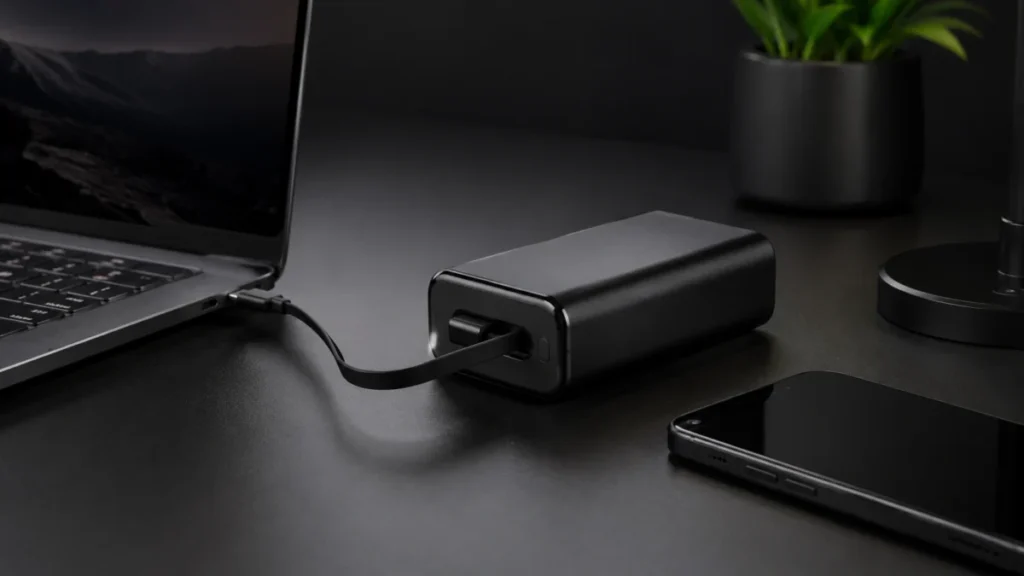
Anker 25K 165W Power Bank Review: Output Limits and the 30W Bottleneck
The Bottom Line The Anker Laptop Power Bank (25K, 165W) — model A1695 — is the most convenient all-in-one solution in its class: built-in cables, a precise smart display, and full airline carry-on clearance at 90Wh, all in a 595g chassis...