
PC & Gadgets– category –
-
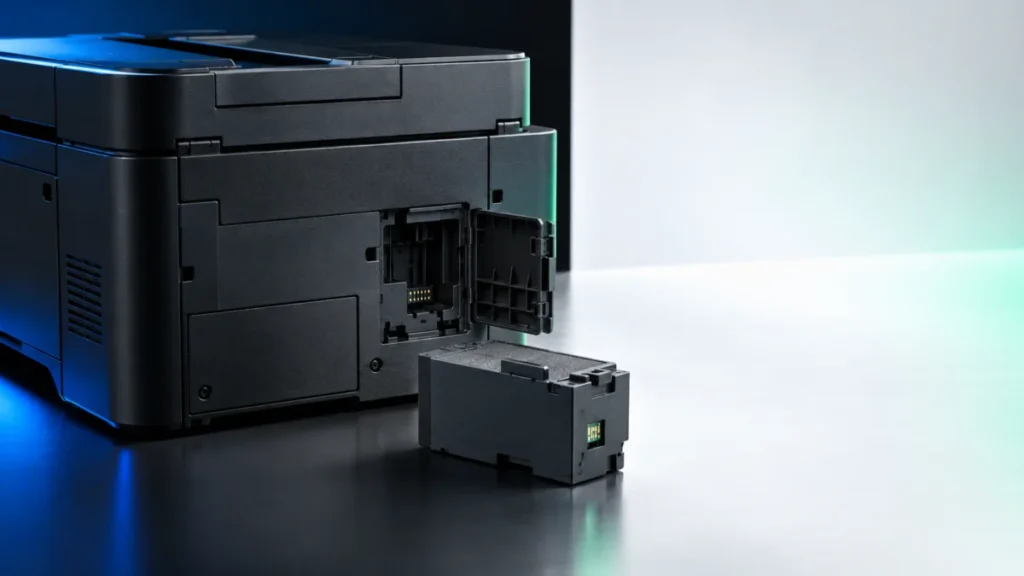
Epson ET-4850 Maintenance Box Full: Replace T04D1 and Clear the Error
If your Epson ET-4850 reports that the maintenance box is full, the part you need is the Epson T04D1 ink maintenance box. Epson's own accessory page lists T04D100 as the model number for that part and states that the two numbers refer to... -
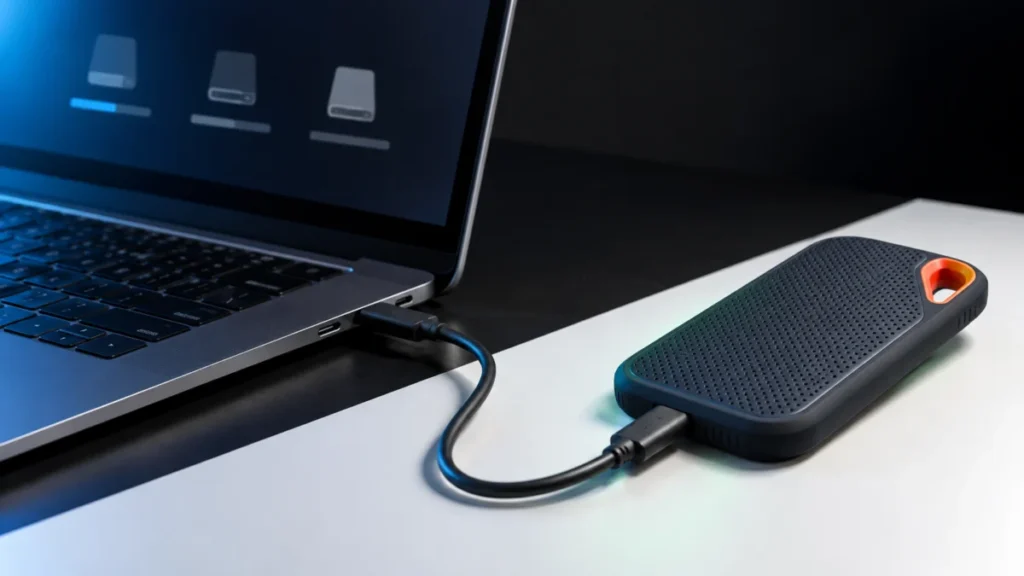
SanDisk Extreme Portable SSD V2 Not Recognized in Windows 11: Check It in This Order Before You Format
When a SanDisk Extreme Portable SSD V2 (SDSSDE61) is not recognized in Windows 11, the fastest route to a fix is to find out how far Windows actually gets. Check three places, in this order: File Explorer, Disk Management, and Device Man... -
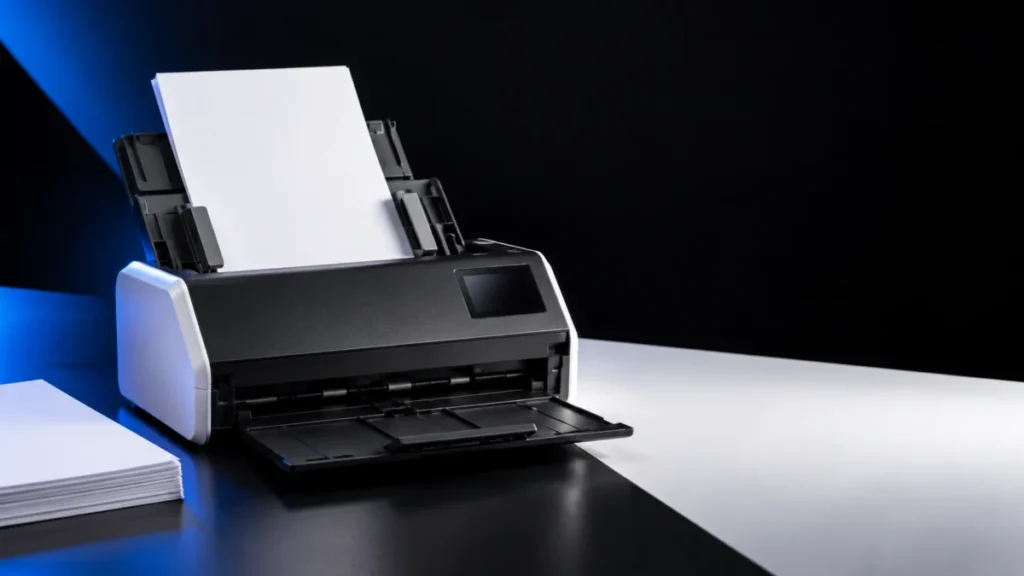
Brother ADS-1800W Paper Jams or Won’t Feed: ADF, Document, and Roller Checks
If your Brother ADS-1800W jams or will not pull paper, read the message on its LCD before you order a replacement roller. Brother uses three separate thresholds on this scanner, and they sit far apart. Scheduled Maintenance Alert appears... -
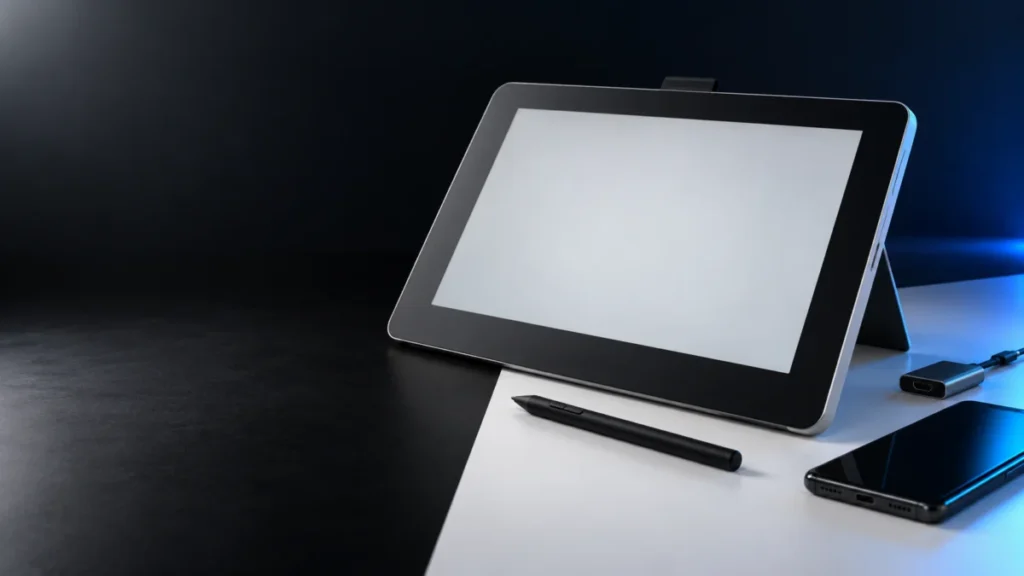
Wacom One DTC133 Pen Not Working on Android: USB Data, App, and Android Mode Checks
If the pen on your Wacom One DTC133 does nothing after you connect the display to an Android phone or tablet, check compatibility and the connection before assuming a hardware fault. The DTC133 Android support pages we checked describe c... -
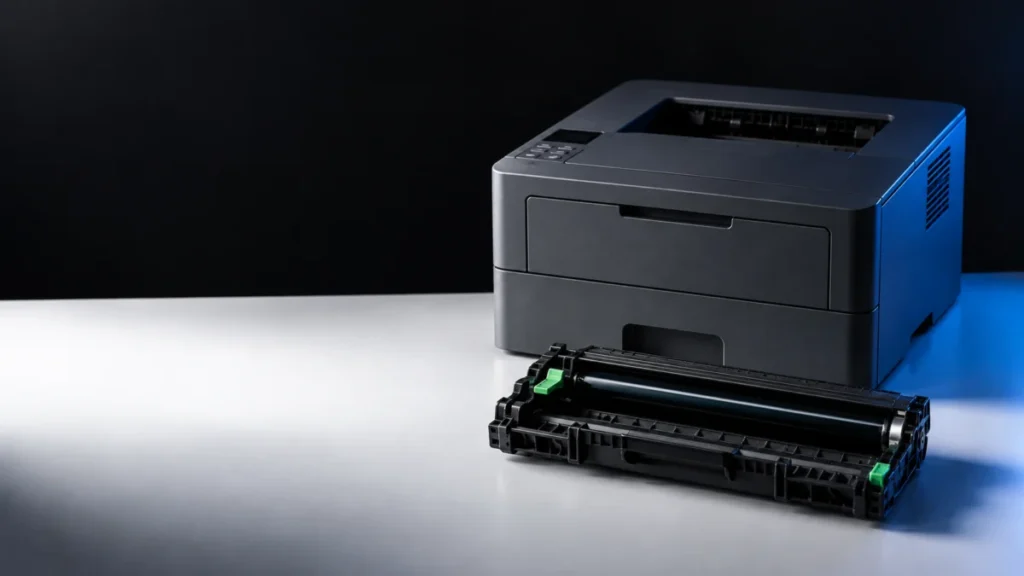
Brother HL-L2460DW Drum Replacement: What to Buy, How to Install, and How to Reset
On the Brother HL-L2460DW, the drum unit and the toner cartridge are two separate supplies, and the message on the LCD tells you which one to replace. In the US, the drum unit is supply order number DR830. The toner cartridges are TN830 ... -
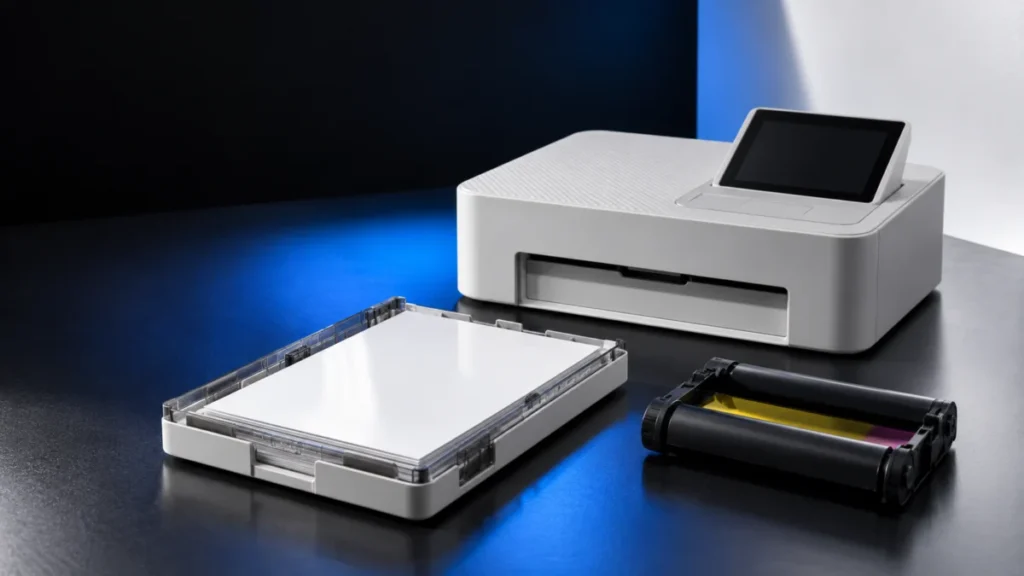
Canon SELPHY CP1500 Paper or Cassette Error: Check the Size Match, Loading, and App Setting
If your Canon SELPHY CP1500 stops before printing with a paper or cassette message, first check the size match, loading, and app setting. Canon's documentation and support guidance identify four items to check before deciding whether rep... -
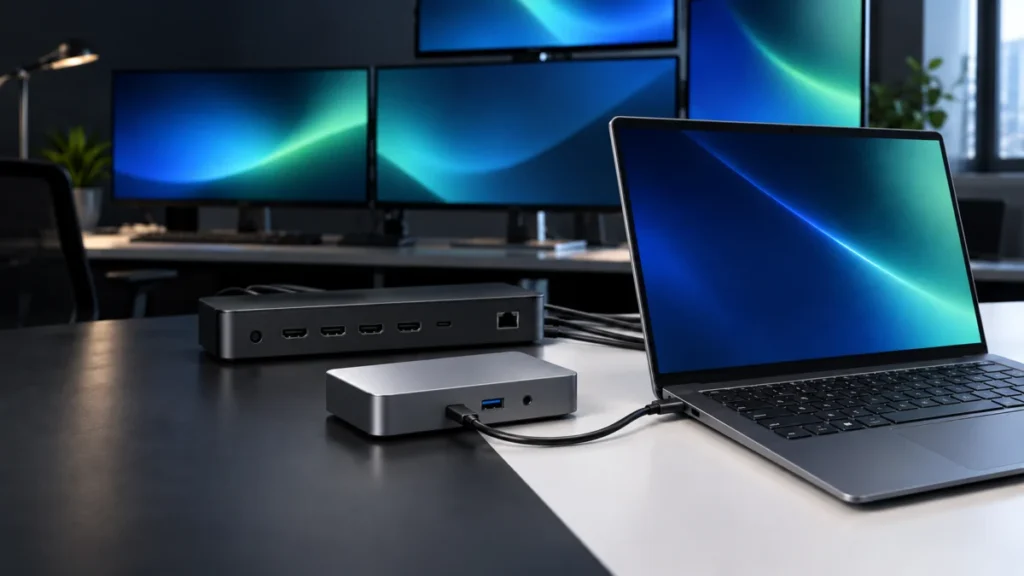
Best Docks for Snapdragon X Laptops: USB4 vs DisplayLink Compatibility by Host Model
For a Snapdragon X Elite or Snapdragon X Plus laptop, a native USB4 dock is the right default, and DisplayLink is the exception rather than the safe choice. Qualcomm's platform pages list up to three external UHD displays at 60 Hz f... -
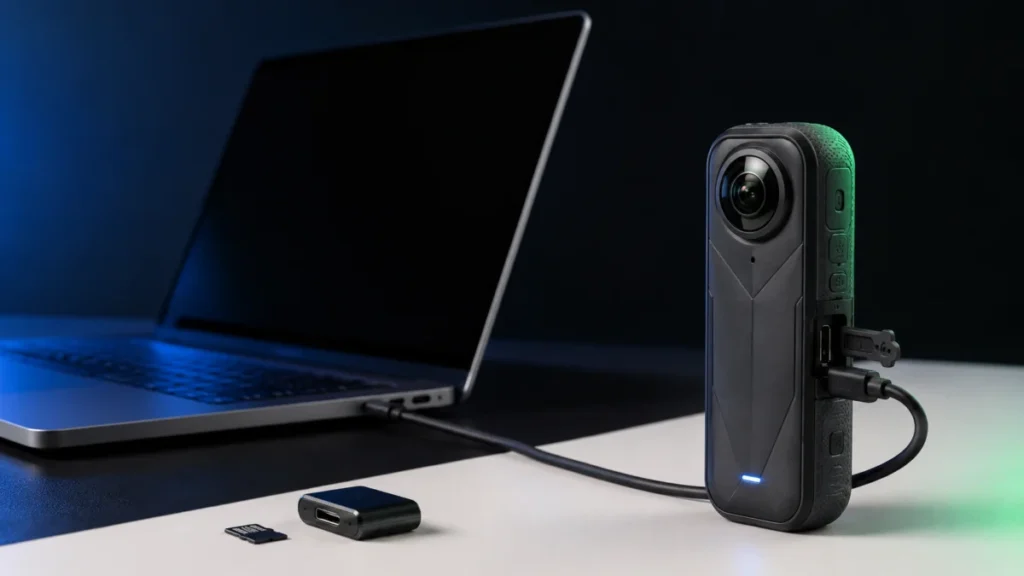
Insta360 X5 USB Mode Not Showing on PC: Fix It by Symptom, in the Right Order
If your Insta360 X5 shows no USB mode screen when you plug it into a PC, start here: power the camera on, connect it directly to the computer with a USB-C cable that carries data, and watch the camera screen. Insta360 documents that X5 a... -
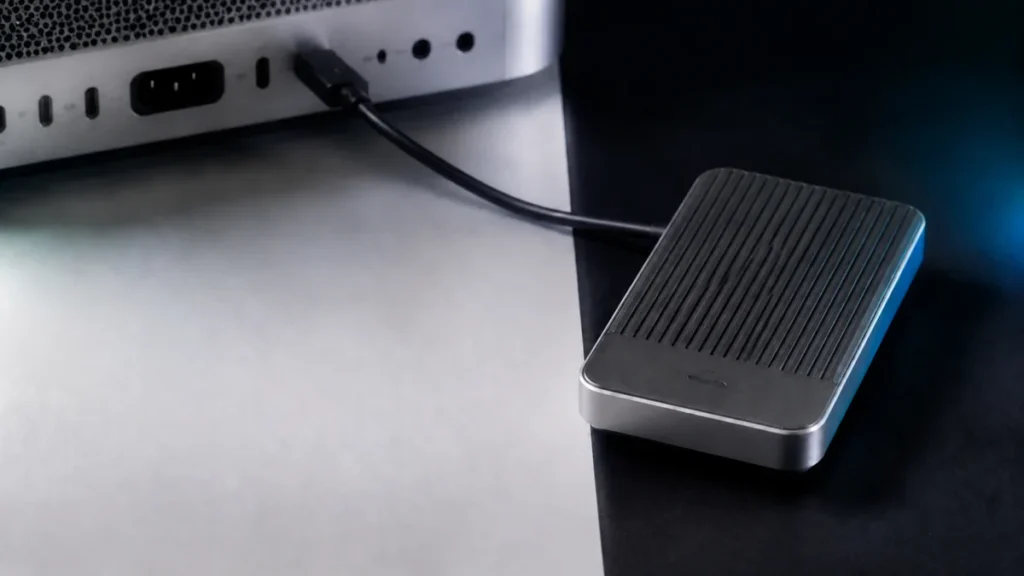
OWC Envoy Ultra Not Mounting on Mac: Bus Power, Detection, and APFS Mount Checks
If your OWC Envoy Ultra will not mount on a Mac, start by separating a detection or bus-power problem from a volume-level mount problem. Identify which of four states you are in: the drive is mounted but hidden by a Finder setting, liste... -
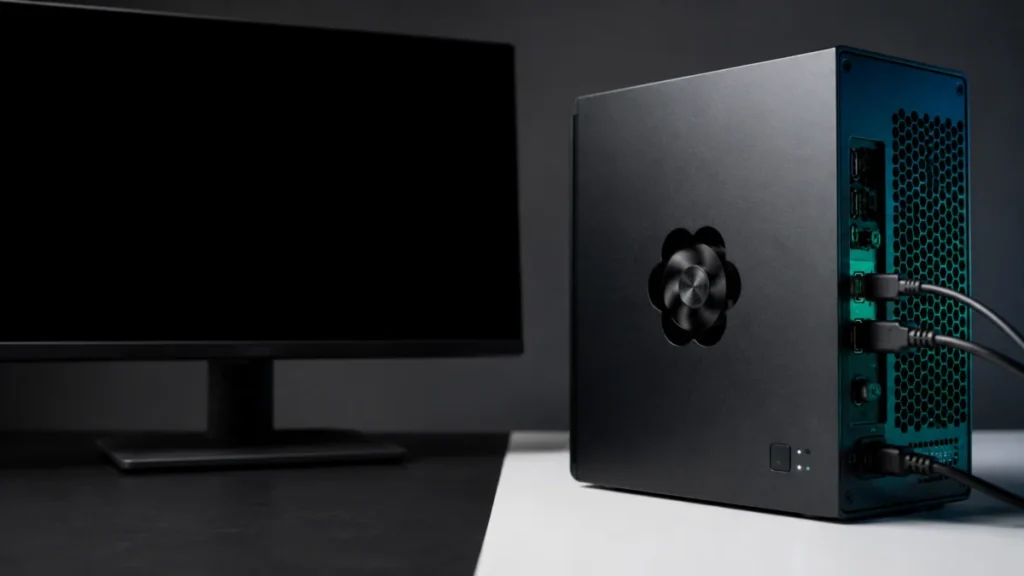
Framework Desktop Black Screen on First Boot: Memory Training, Status LEDs, and No-Display Checks
If your Framework Desktop powers on but shows nothing on screen, the deciding signal is not how long you have waited. It is what the machine does while you wait. If the APU fan keeps spinning and the mainboard status LEDs are not repeati...