
PC & Gadgets– category –
-

APC SMT1500C Replace Battery Warning: What to Check Before You Buy an RBC7
Short answer: On an APC SMT1500C, check the warning pattern and battery condition before buying anything. A steady Replace Battery icon with a one-minute alarm every five hours has a charge-and-self-test branch only when there is no leak... -
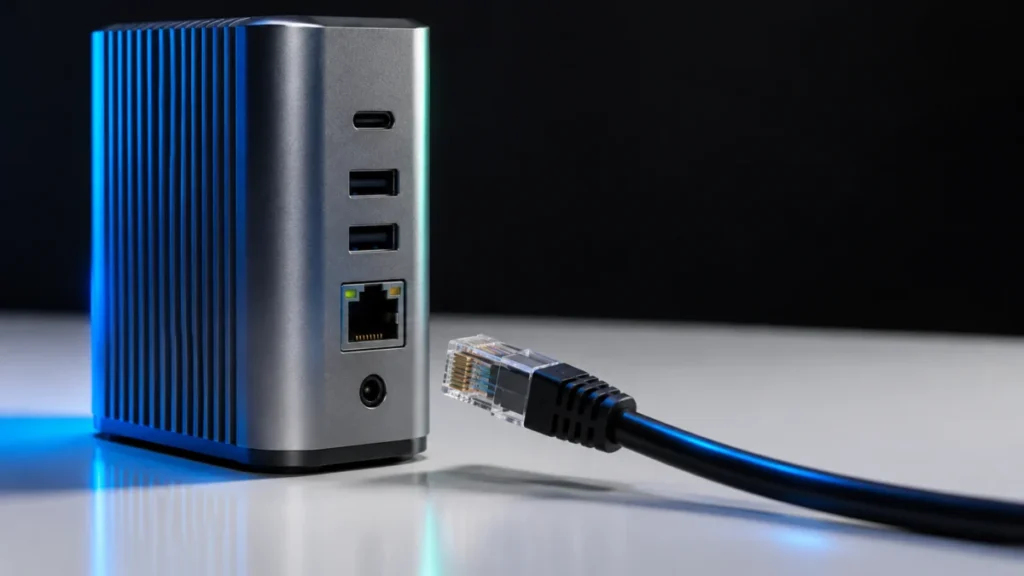
CalDigit TS4 Ethernet Not Working on Windows? Check PCIe and the Right Driver
If your CalDigit TS4 Ethernet port is not working on Windows, start by deciding which of two problems you have. If Windows shows no Ethernet controller for the dock at all, check the connection first: CalDigit states that the TS4's built... -
Dell U4025QW KVM Not Switching Keyboard and Mouse? Check Port 7 First
If your Dell UltraSharp U4025QW switches the picture between two computers but the keyboard and mouse stay on one of them, check the USB path before anything else. A working HDMI or DisplayPort picture does not give the monitor a USB dat... -
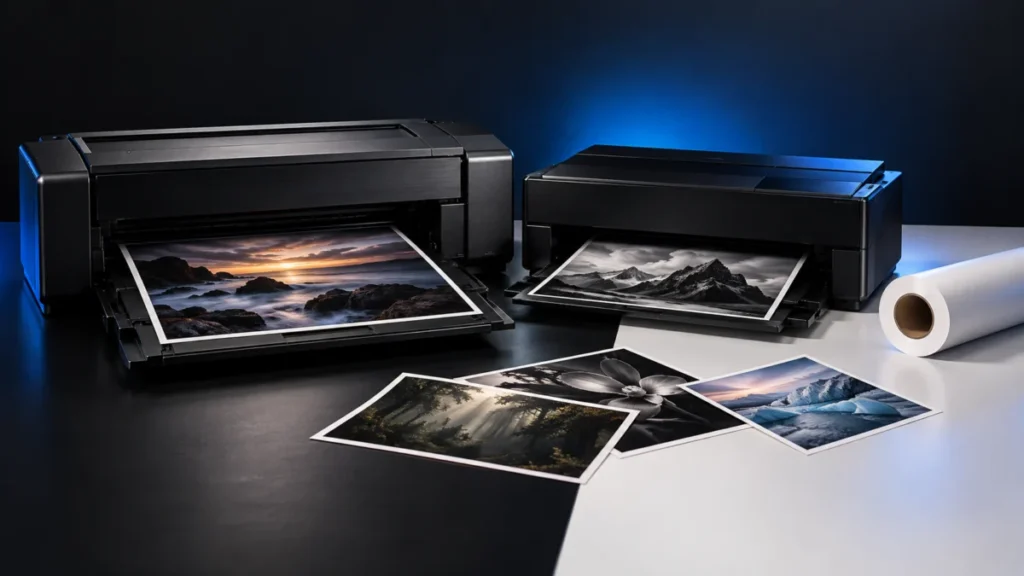
Canon imagePROGRAF PRO-1100 vs Epson SureColor P900: Which 17-Inch Photo Printer Fits Your Workflow?
If you print cut sheets of photo and fine art paper up to 17 x 22 inches, work with media no thicker than 0.7 mm, and have room for a heavy desktop machine, the Canon imagePROGRAF PRO-1100 is the stronger default choice. If you need roll... -
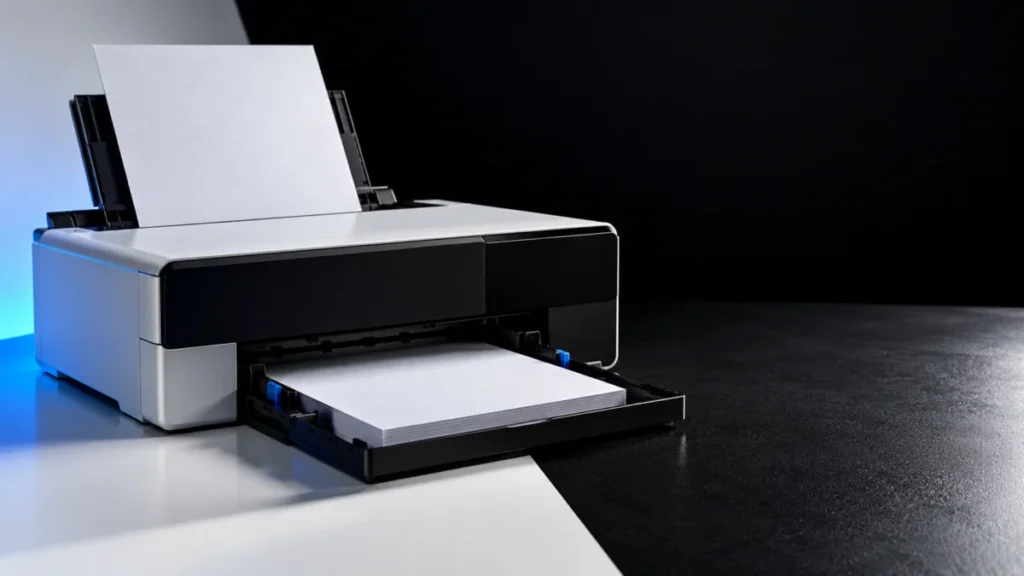
Epson ET-8550 Not Feeding Paper? How to Fix Each of the 4 Paper Sources
If your Epson ET-8550 is not feeding paper, first identify which of its four paper sources is failing: Cassette 1, Cassette 2, the rear paper feeder, or the single-sheet rear paper feed slot. Each source has its own rules for size, orien... -
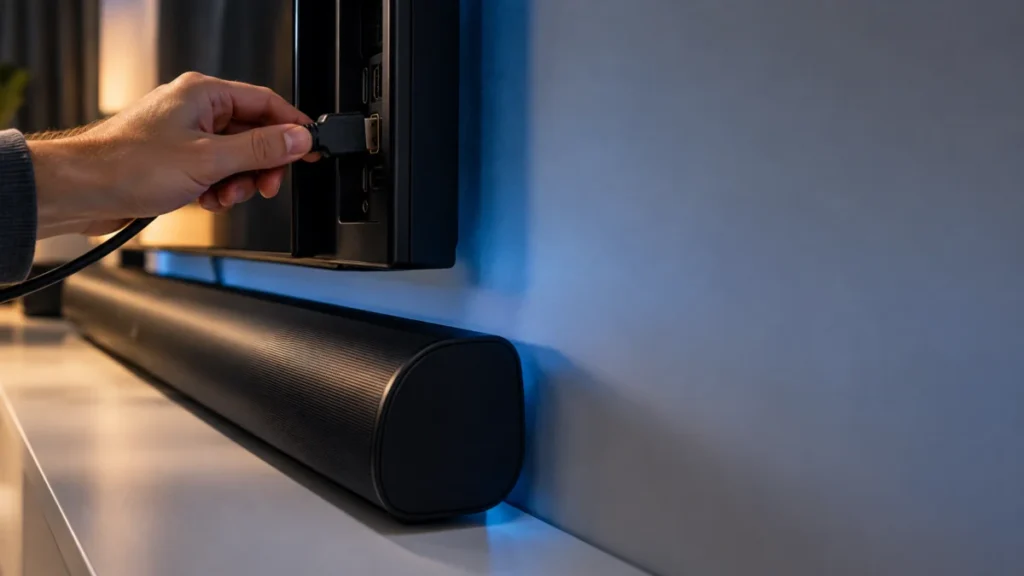
Sonos Arc Ultra Has No TV Sound? Check ARC, TV Output, and Audio Sources
If your TV speakers play sound but your Sonos Arc Ultra stays silent, check the connection between the TV and the soundbar before you suspect a faulty unit. Arc Ultra plays TV audio only after setup in the Sonos app, and only through the... -
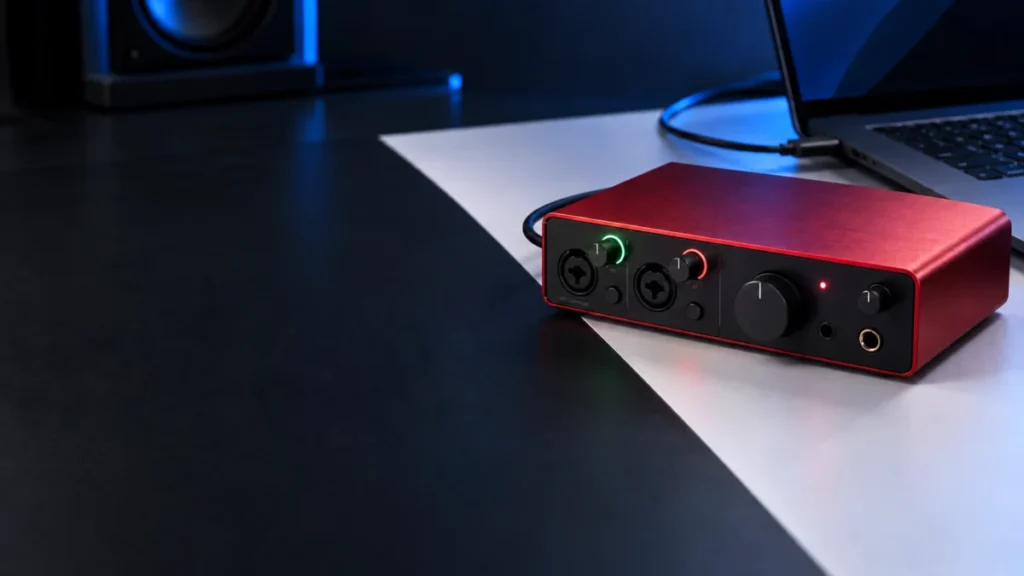
Scarlett 4i4 4th Gen USB Icon Flashing Red? 5-Step Power, Port, and Cable Fix
A flashing red USB icon on the Focusrite Scarlett 4i4 4th Gen means the interface is not getting enough power. Focusrite states that the 4i4 4th Gen needs at least 5V at 1.5A. While underpowered, it may still appear in your computer's So... -
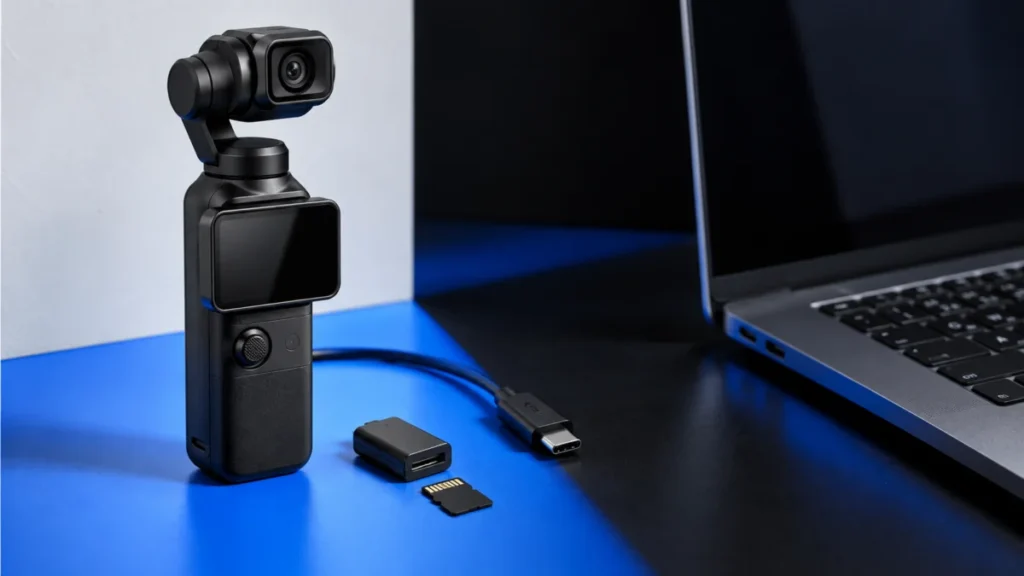
DJI Osmo Pocket 3 Not Recognized by Windows 11: USB, Cable, and microSD Checks
If Windows 11 does not see your DJI Osmo Pocket 3, check the camera's connection state before changing Windows settings. The Pocket 3 appears as a drive after you select the file-transfer option on the pop-up that opens on the camera scr... -
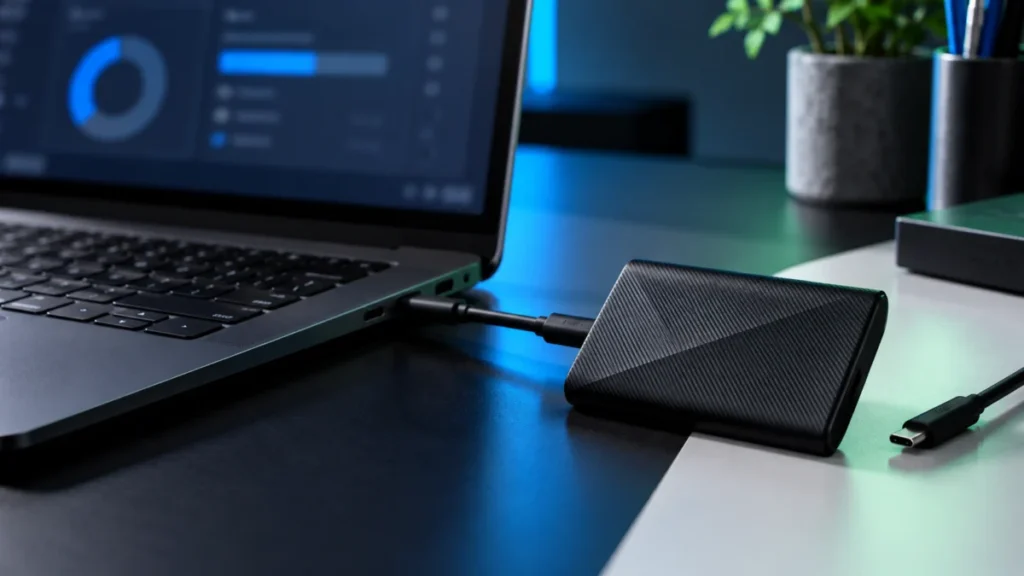
Samsung T9 Not Recognized in Windows 11? Check USB, Disk Management, and Samsung Magician
If the files on your Samsung Portable SSD T9 matter, stop before you change anything in Disk Management. Windows may offer destructive options, and Initialize Disk, Format, Delete Volume, and Secure Erase can destroy data on a drive that... -
Wacom Movink 13 No Display Over USB-C: Step-by-Step Fix Checklist
If your Wacom Movink 13 stays black over USB-C, start with the video connection and power rather than reinstalling the Wacom driver. Wacom states that a video signal reaches its pen displays whether or not the driver is installed. The fi...