
Gaming Devices– category –
-
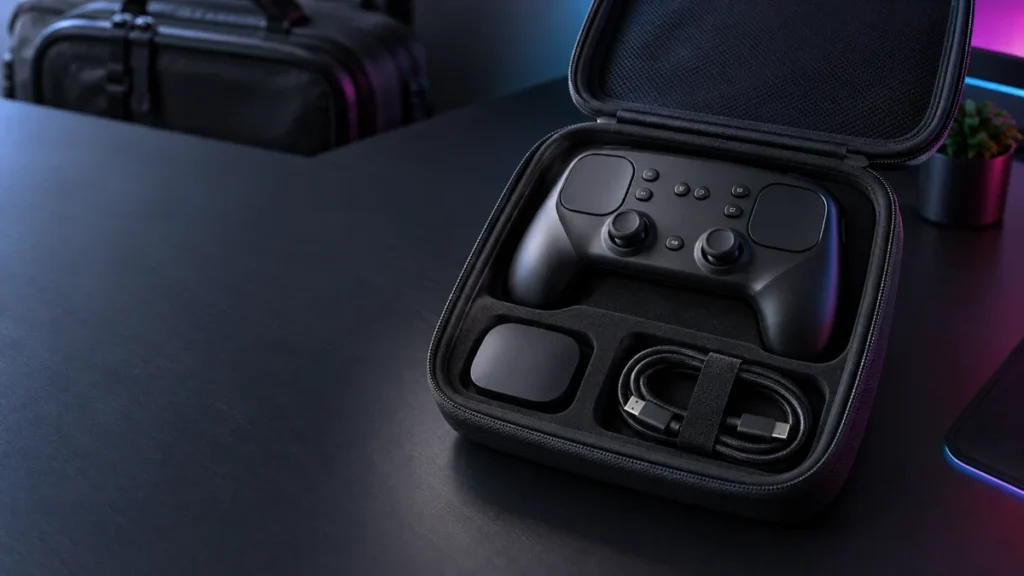
Best Steam Controller 2026 Cases: Puck Storage, Slim Shells, and Travel Fit
There is no best overall Steam Controller 2026 case yet, and that is the most useful thing we can tell you. Only one case on the market has a manufacturer that documents storage for both the controller and the Steam Controller Puck, and ... -
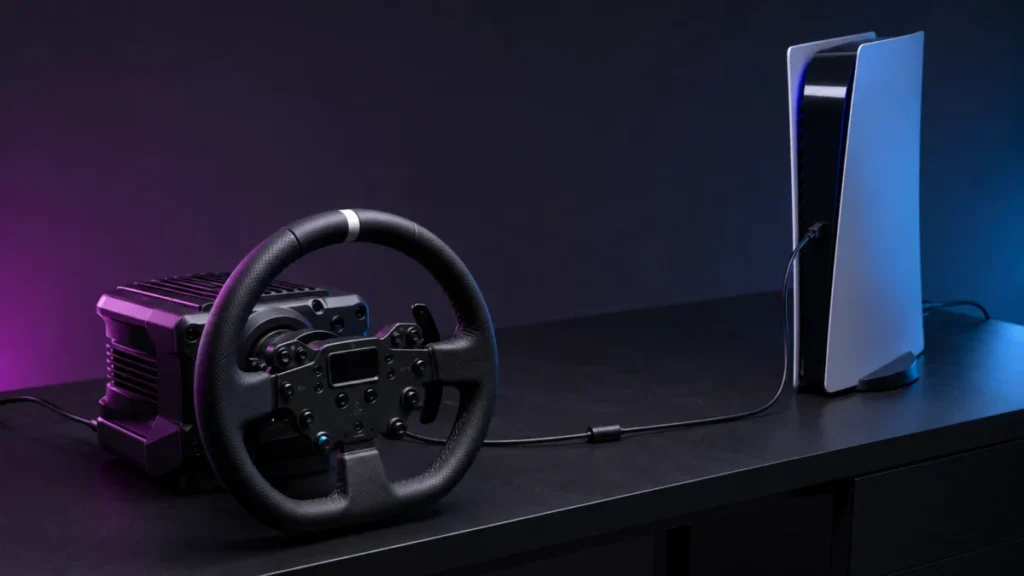
Logitech RS50 Not Detected by PS5: Platform Setting, Hardware Version, and Compatibility Mode
Before you change a single setting, answer one question: has this RS50 ever worked on this PS5? If it has never worked and the base powers on, check the platform version first. Logitech states that PlayStation compatibility requires the ... -
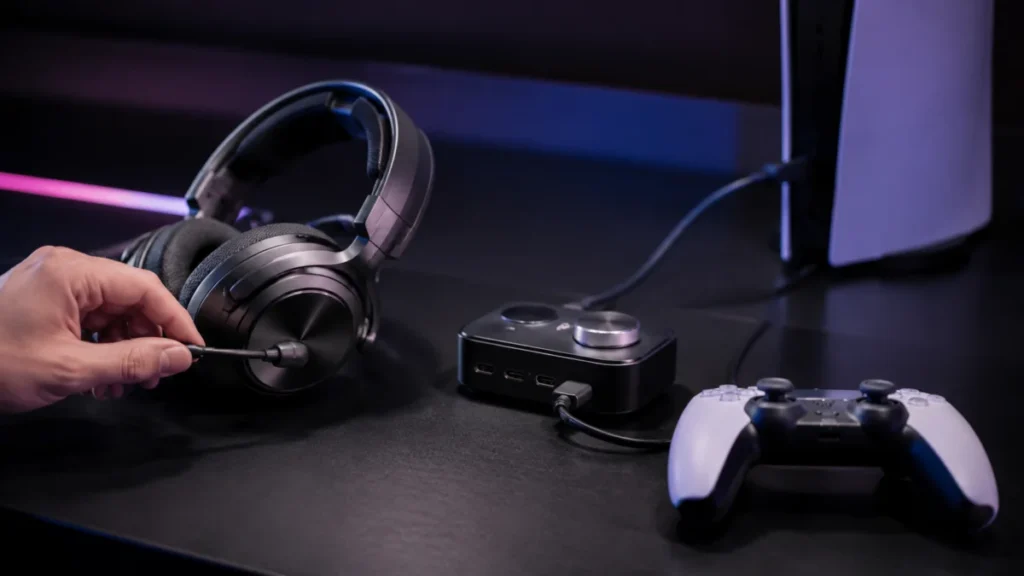
Arctis Nova Elite Mic Not Working on PS5: Sidetone, GameHub Port, and Voice Chat Checks
If your Arctis Nova Elite plays game audio on PS5 but nobody can hear you, find out where your voice stops before you change any hardware. Start with sidetone, the setting that plays your own voice back into the headset. If you can hear ... -
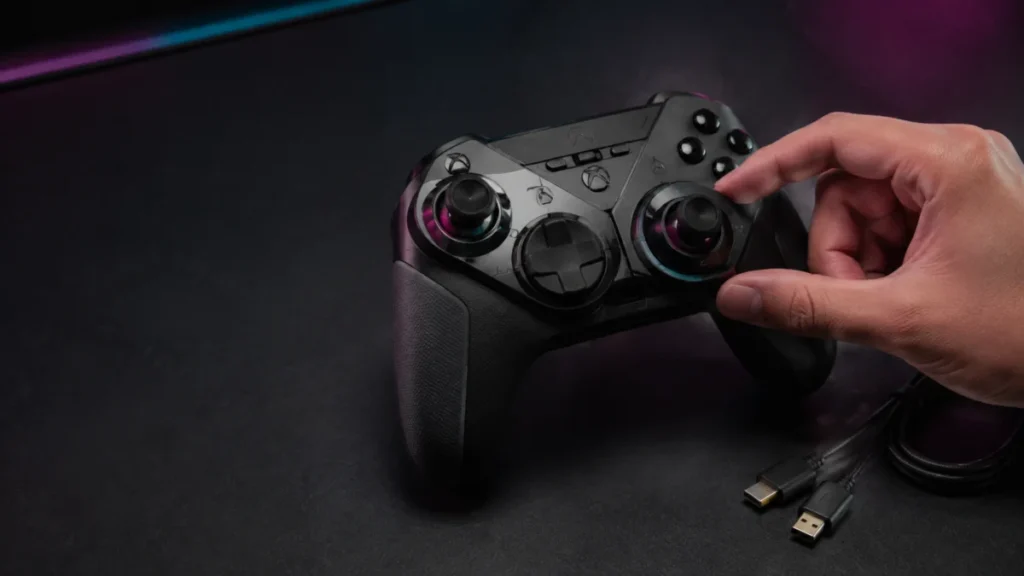
Turtle Beach Stealth Pivot Stick Drift: Calibration, Deadzone, and Pivot Module Checks
Answer first: Run the official calibration in Control Center 2 over a wired USB connection, then rotate both Pivot Modules a few times and set them back. Turtle Beach publishes that exact sequence for the Stealth Pivot. If the unwanted i... -
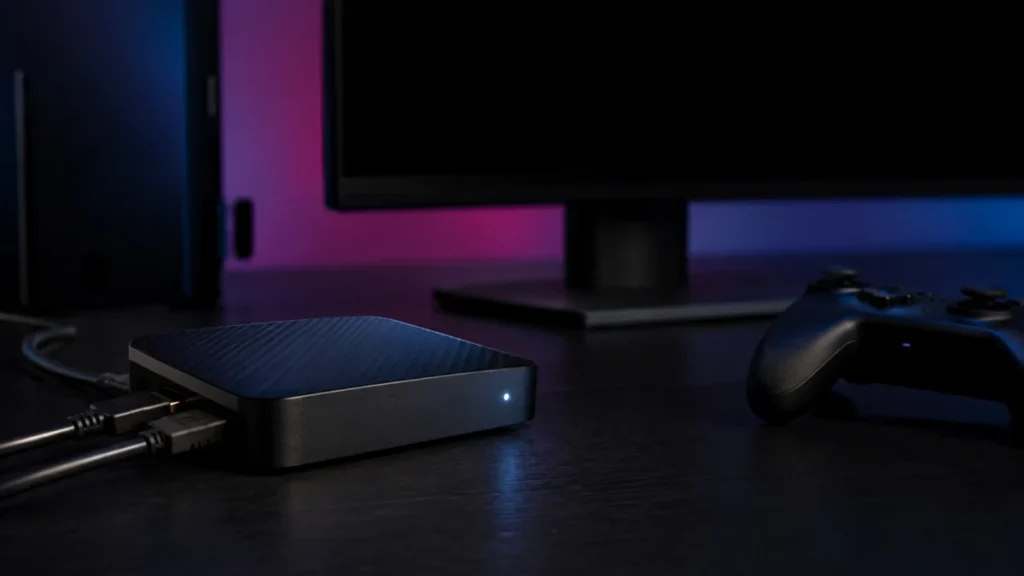
Elgato 4K X No Signal: A Status LED Fix for Black Screen and Passthrough Problems
If your Elgato Game Capture 4K X shows no signal, check the status LED first. Elgato's status LED guide documents four states: orange means a USB 2.0 connection, white means USB 3.x with no input signal detected, blue means USB 3.x with ... -
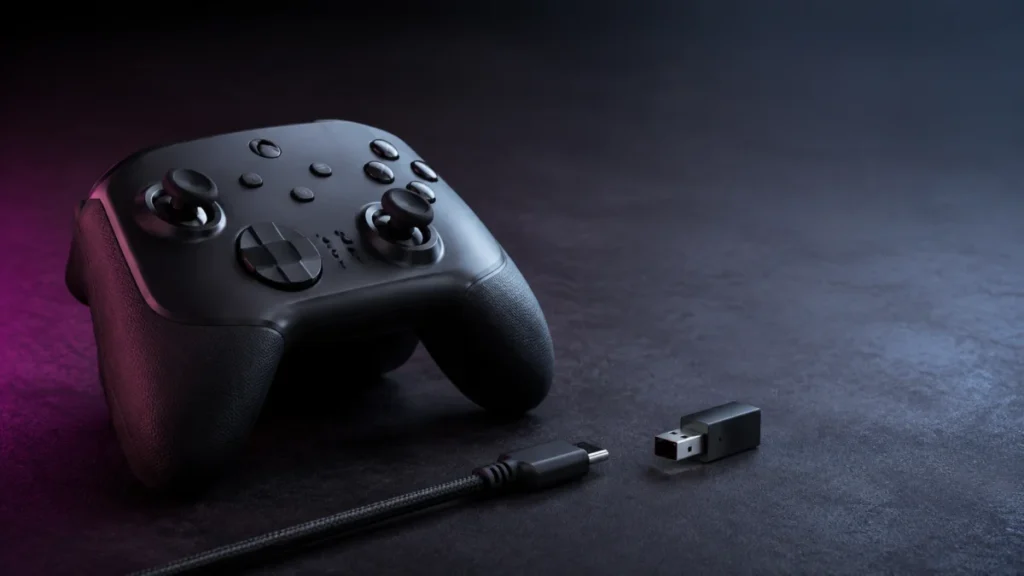
Razer Wolverine V3 Pro Keeps Disconnecting on Xbox: Wired and Wireless Fixes
If your Razer Wolverine V3 Pro keeps disconnecting on an Xbox Series X|S, the first move is to identify which connection path is failing — not to reinstall firmware. Wired USB-C, the HyperSpeed Wireless dongle, and both-at-once point to ... -
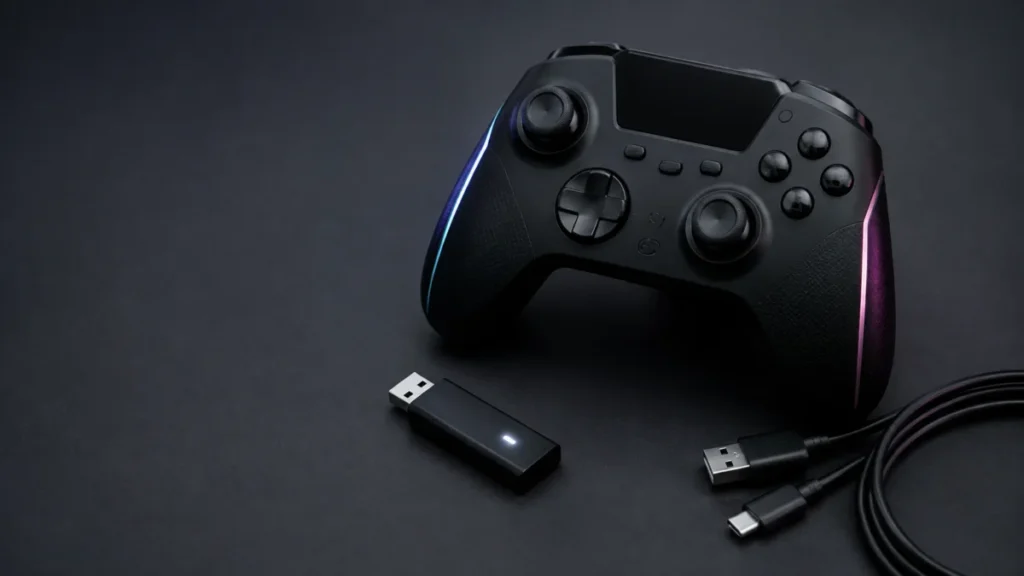
Turtle Beach Stealth Ultra Won’t Connect to Xbox: Transmitter, Pairing, and Reset Checks
If your Turtle Beach Stealth Ultra has stopped connecting to your Xbox, start with one fact that changes the whole diagnosis: on Xbox, this controller connects only through its USB Wireless Transmitter or a wired USB cable. Bluetooth on ... -
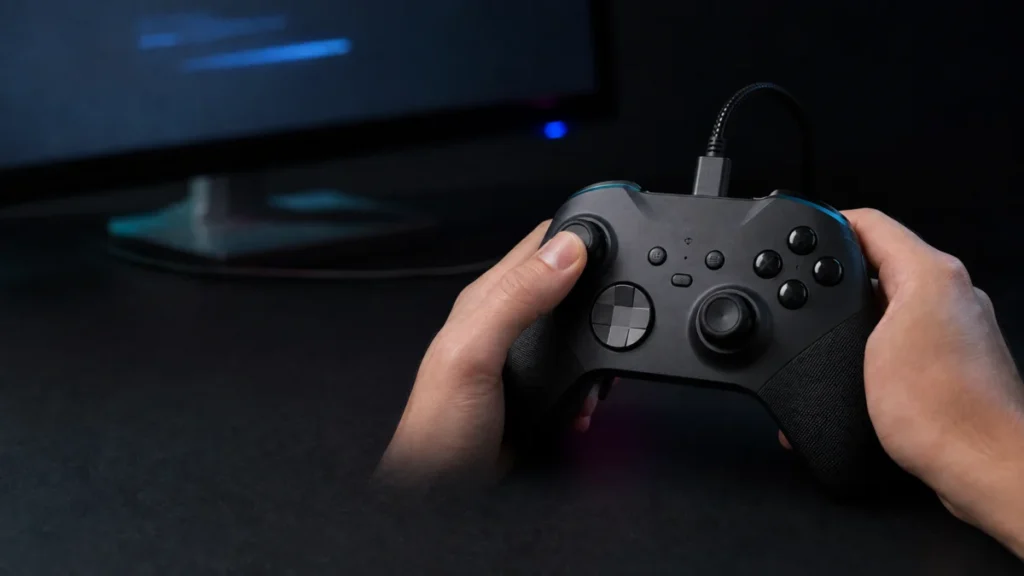
SCUF Valor Pro Firmware Stuck? Official Steps by Model
If your SCUF Valor Wired controller still reports an old firmware version such as v0.5.20, and the SCUF Valor Companion App refuses to see it, there is a documented explanation to rule out before assuming a fault. Valor Wired with Hall E... -
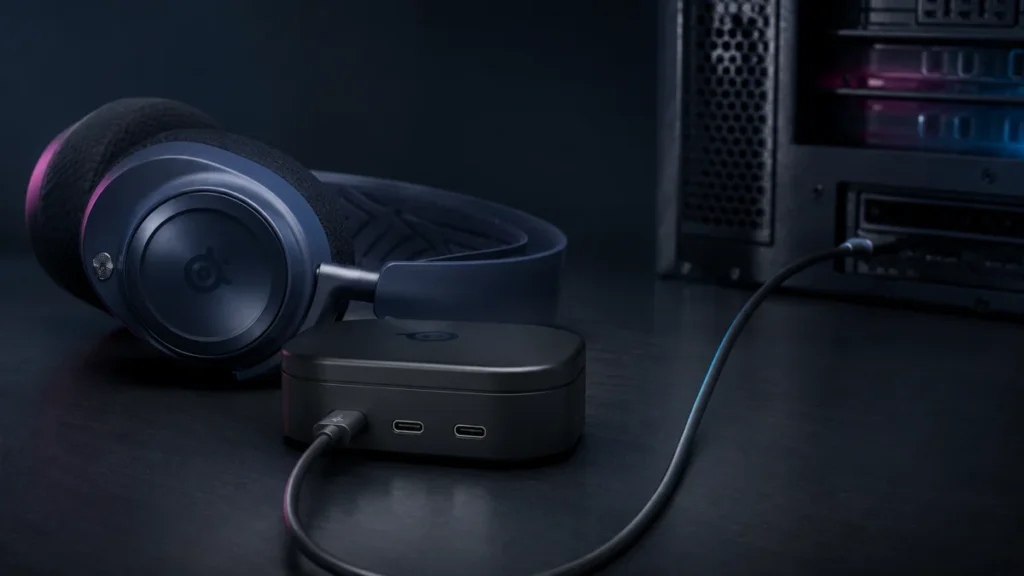
Arctis Nova Pro Omni Not Showing in Sonar or Engine? Start With the USB 1 Port
If your Arctis Nova Pro Omni plays sound but never appears in SteelSeries GG, the first thing to verify is the cable running from your PC to the GameHub. SteelSeries states that GG and Sonar are supported only on the GameHub's USB 1 port... -
Samsung Odyssey 3D Hub Not Opening on Windows 11: KB5074105 and App Update Fix
If your Samsung Odyssey 3D Hub launches, shows an error, and immediately closes on your G90XF monitor, Samsung attributes this to a compatibility problem with Windows 11 update KB5074105. The official fix is to update the Odyssey 3D Hub ...