
Gaming Devices– category –
-
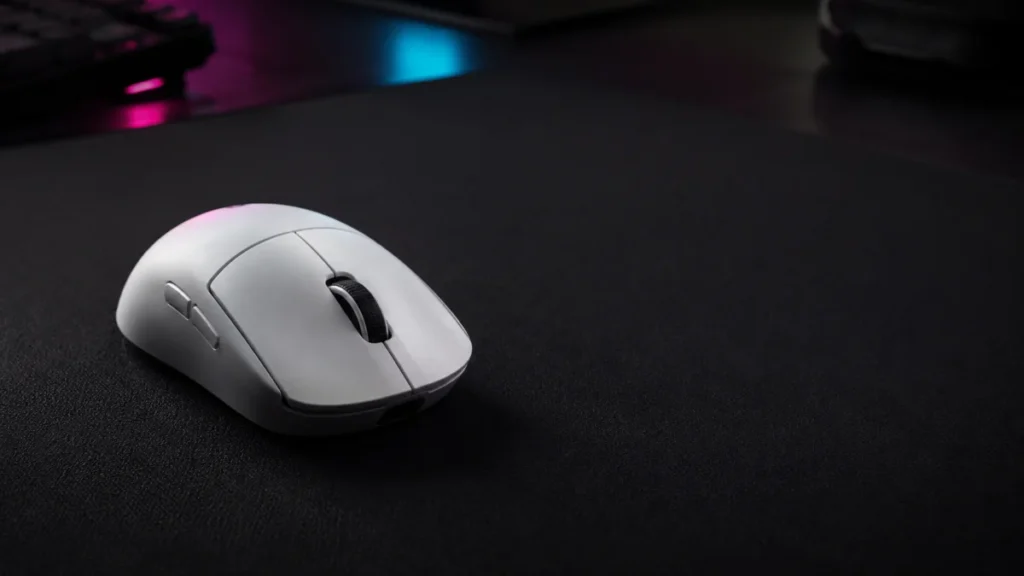
Logitech G PRO X2 SUPERSTRIKE Review: What to Know Before You Buy
Quick Answer: The Logitech G PRO X2 SUPERSTRIKE offers unusually deep click tuning, but its speed advantage depends on setup. Logitech states that HITS cuts click latency by 9 to 30 milliseconds. In one independent aim-trainer test, the ... -
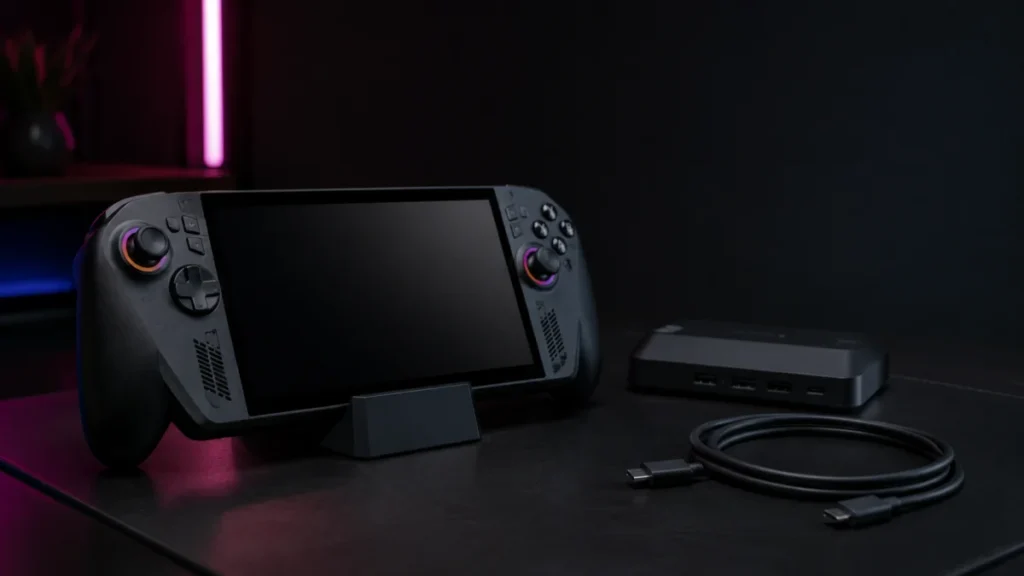
ROG Xbox Ally X Auto SR setup guide: Enable and Fix the Toggle
Note: Auto SR is rolling out as a staged Windows update. The screens and menu names described in this guide may look slightly different depending on your current Windows 11 version. You bought the ROG Xbox Ally X, docked it to your TV, a... -
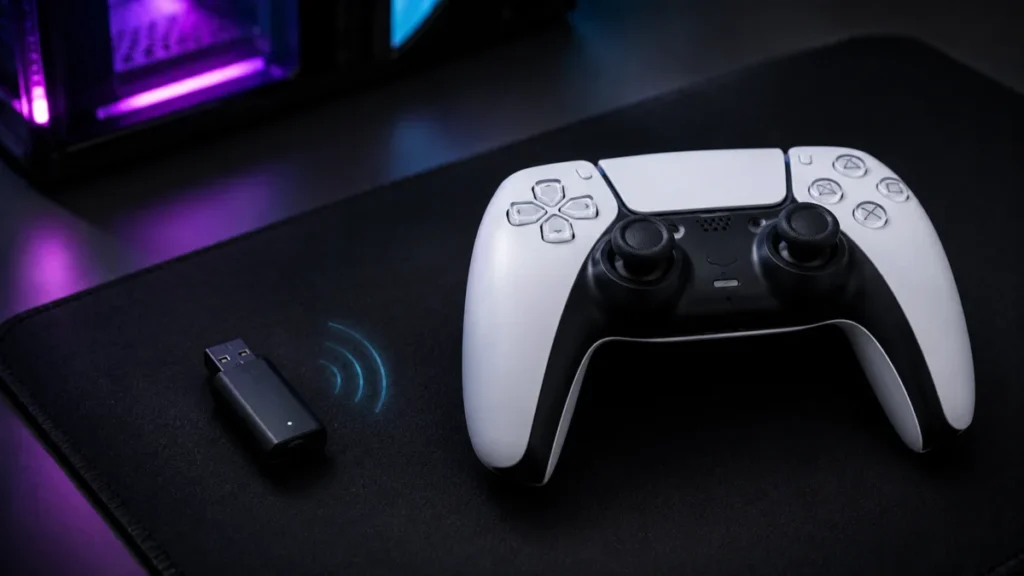
DS5Dongle Setup Guide: Enable DualSense Wireless Haptics on PC
⚠️ Important: DS5Dongle is an unofficial, third-party open-source project distributed under an MIT license. It is not developed, endorsed, or supported by Sony Interactive Entertainment in any way. Use this tool at your own risk. Compati... -
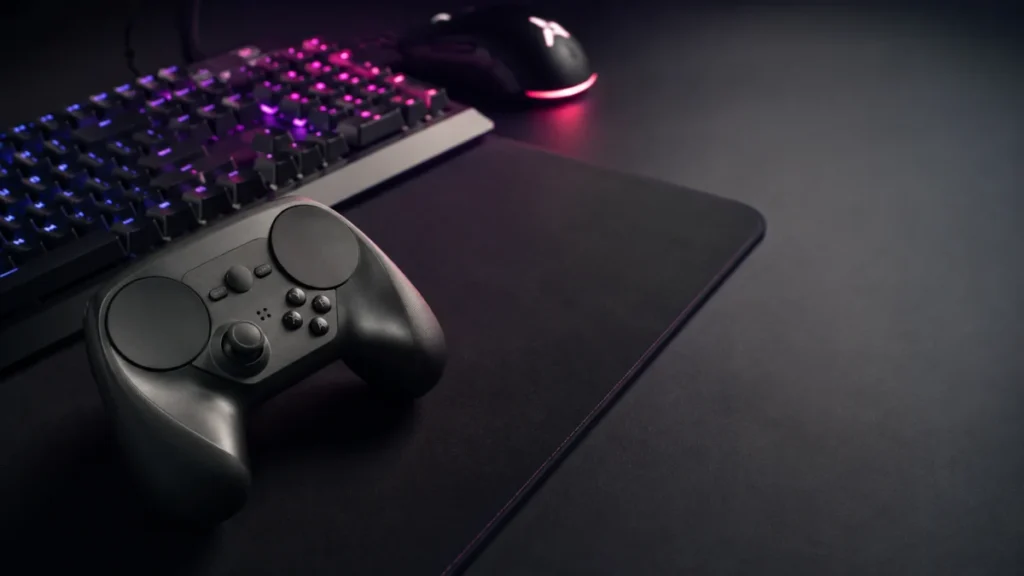
Steam Controller 2026 Manual: Setup, Bluetooth Pairing, and PC Fixes
Quick answer: To set up the Steam Controller 2026 on Windows, update Steam first, connect the controller through Steam's controller settings, enable the Steam Overlay, and launch games through Steam. If the controller lights up but does ... -
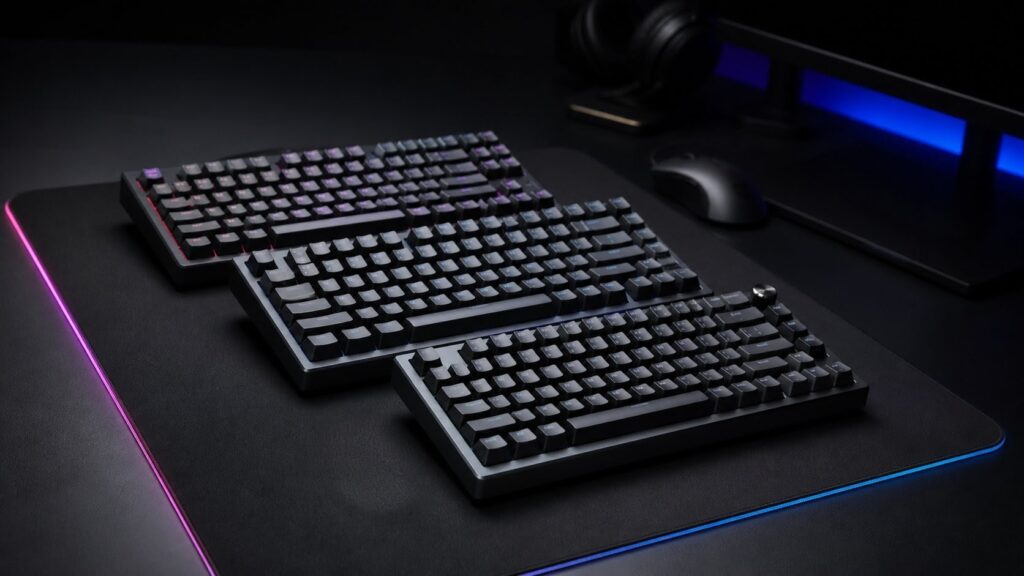
Best Hall Effect Gaming Keyboards in 2026: Buyer Fit, Specs, and Trade-Offs
Quick Comparison: Best Hall Effect Keyboards in 2026 Product Best for Key strength Main caveat Price tier Wooting 80HE Competitive FPS; software-first buyers Browser-based Wootility; zero background overhead; Rappy Snappy deepest-press p...