
Gaming Devices– category –
-
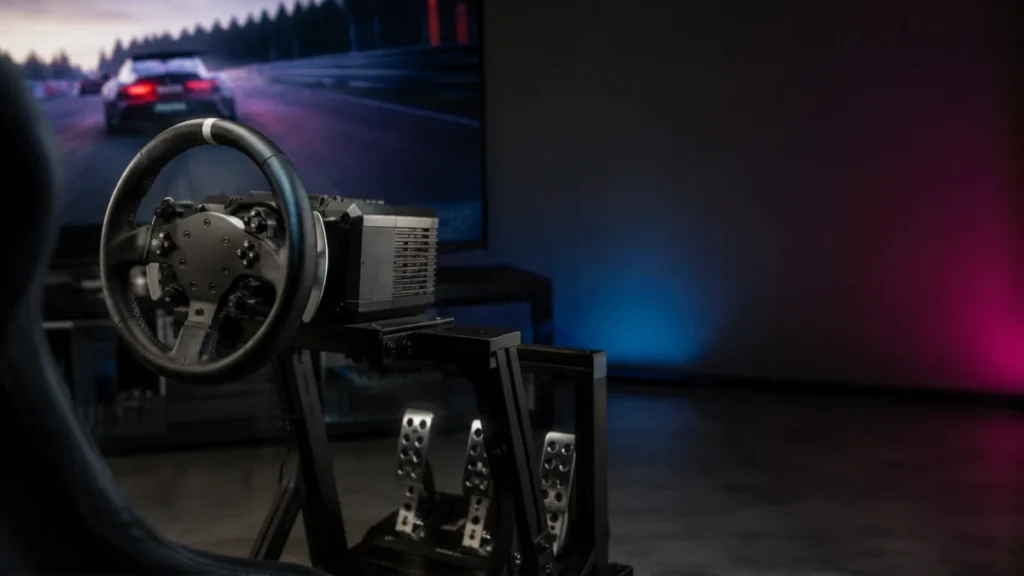
PS5 Direct Drive Racing Wheels: What to Check Before Buying for Gran Turismo 7
Direct drive describes how a wheel generates force feedback — it says nothing about whether the wheel works on PS5. A direct drive base that runs perfectly on PC can be completely unusable on a PlayStation 5, because PlayStation support ... -
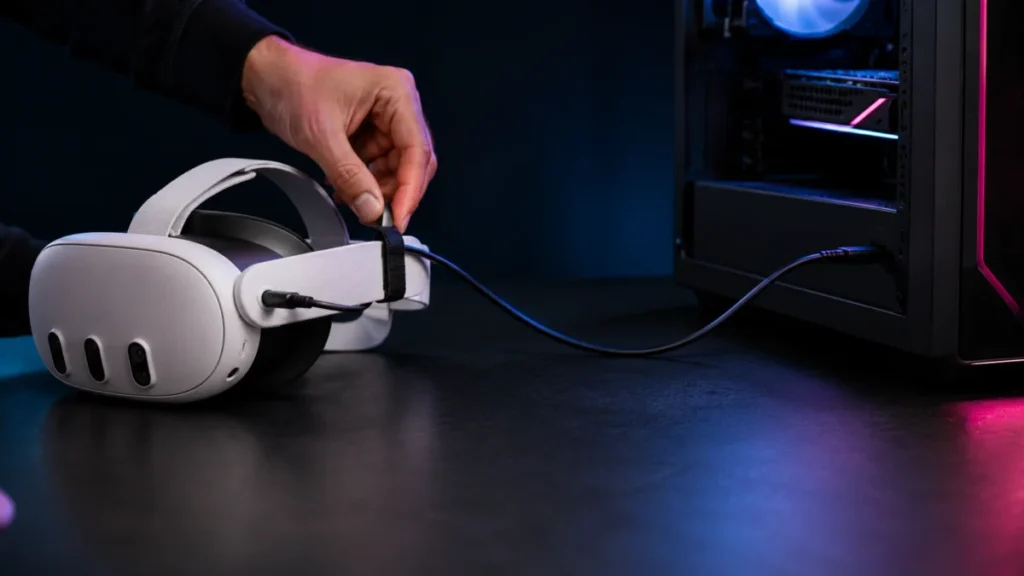
Best Meta Quest Link Cables for PCVR (2026): What to Check Before Buying
A good Meta Quest Link cable needs two things above everything else: at least 5 Gbps of data transfer (USB 3.0 / USB 3.2 Gen 1) and a length of about 10 to 16 feet so you can move freely in VR. The official Meta Quest Link Cable use... -
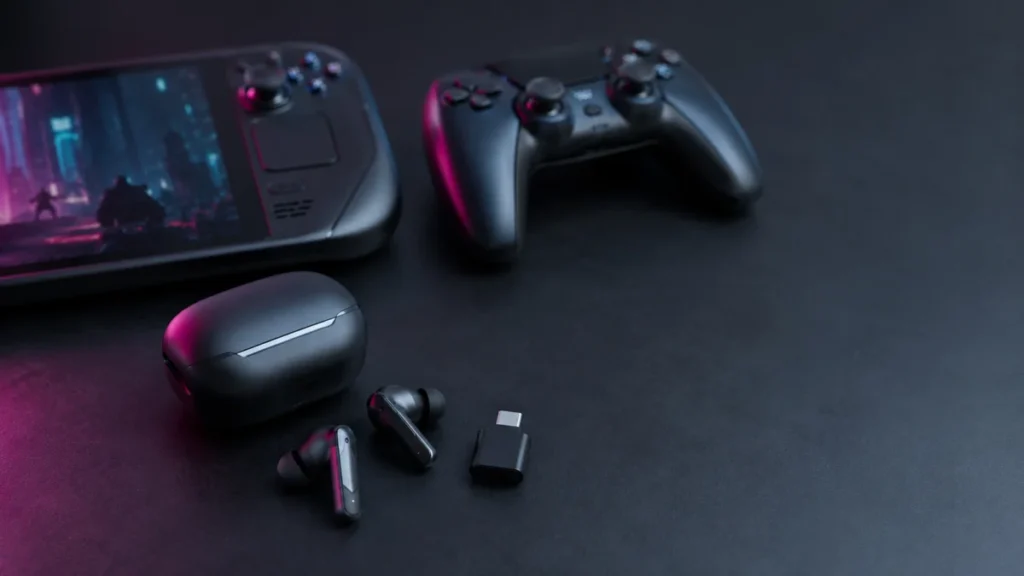
Best Low-Latency Gaming Earbuds for PC, PS5, and Handhelds: What to Check Before Buying
If you play shooters or action games wirelessly, a 2.4GHz USB-C dongle connection is the single most important feature to look for in gaming earbuds. Standard Bluetooth connections typically add 150–250ms of audio delay, which is enough ... -
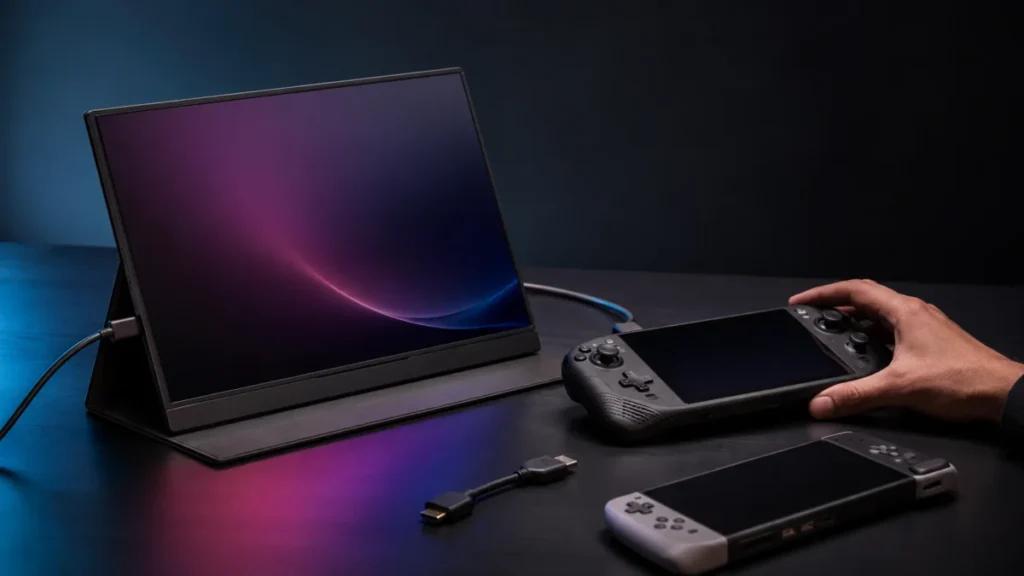
Best Portable Monitor for Handheld Gaming PCs: Steam Deck, ROG Ally X, Legion Go, and Switch 2 Setups
The right portable monitor for a handheld gaming PC comes down to three questions before anything else: how your device outputs video, whether you need the monitor to charge your handheld during play, and what refresh rate your device ca... -
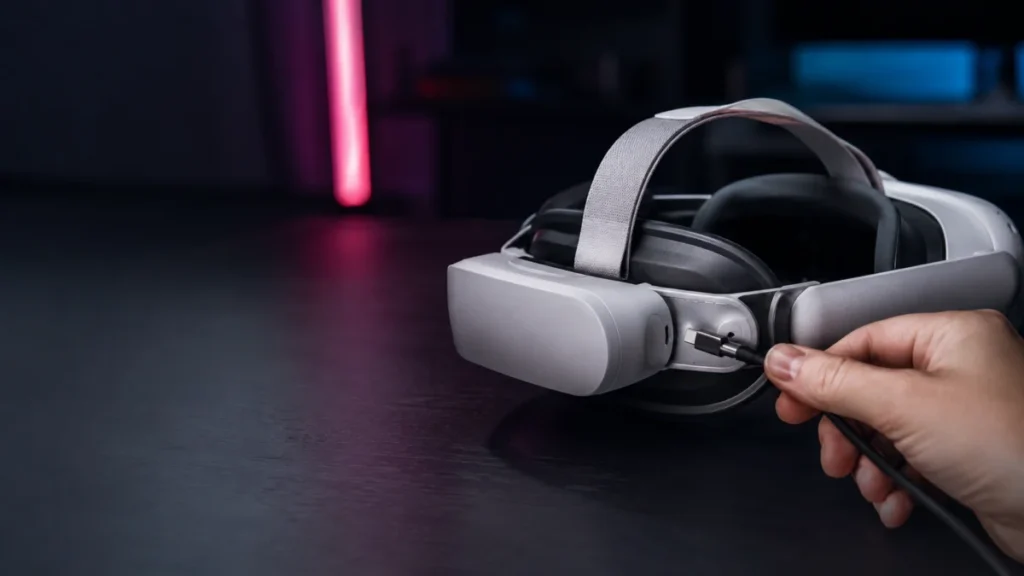
Quest 3 Elite Strap Battery Not Charging: Fix Recognition, 70% Limit, and Power Issues
If your Meta Quest 3 Elite Strap with Battery isn't charging the headset, isn't being recognized, or disappears from the battery display after a few seconds, the most likely causes are a loose USB-C connection, a low strap battery that n... -
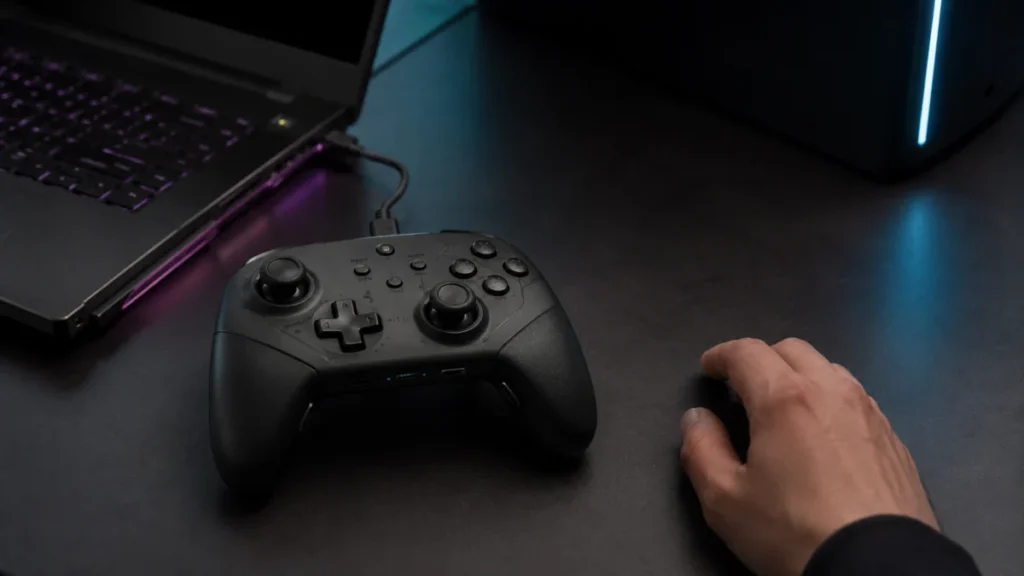
Switch 2 Pro Controller PC Setup Guide: How to Use It on Steam and Windows
The Nintendo Switch 2 Pro Controller works on PC via a USB-C wired connection through Steam Input — but two things catch most users off guard. First, Bluetooth is not supported on PC as of the current Steam client. Second, Steam detectin... -
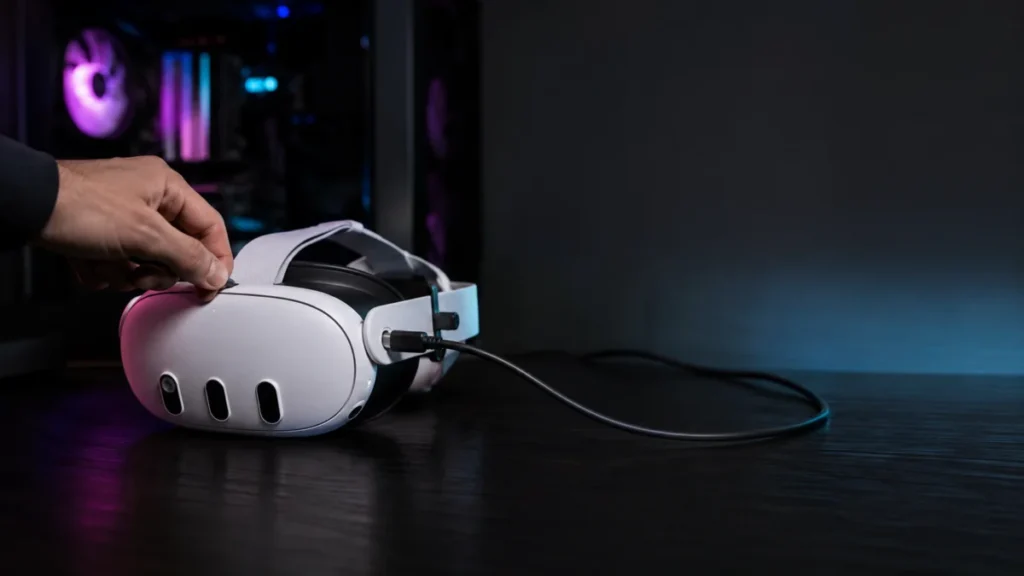
Meta Quest Link Cable Keeps Disconnecting: How to Fix USB Dropouts and Charging Loops on Quest 3 and Quest 3S
If your Meta Quest 3 or Quest 3S Link Cable keeps disconnecting — with repeated USB connection sounds from your PC, a charging loop that never stabilizes, or a headset your PC won't recognize — the most likely causes are Windows USB powe... -
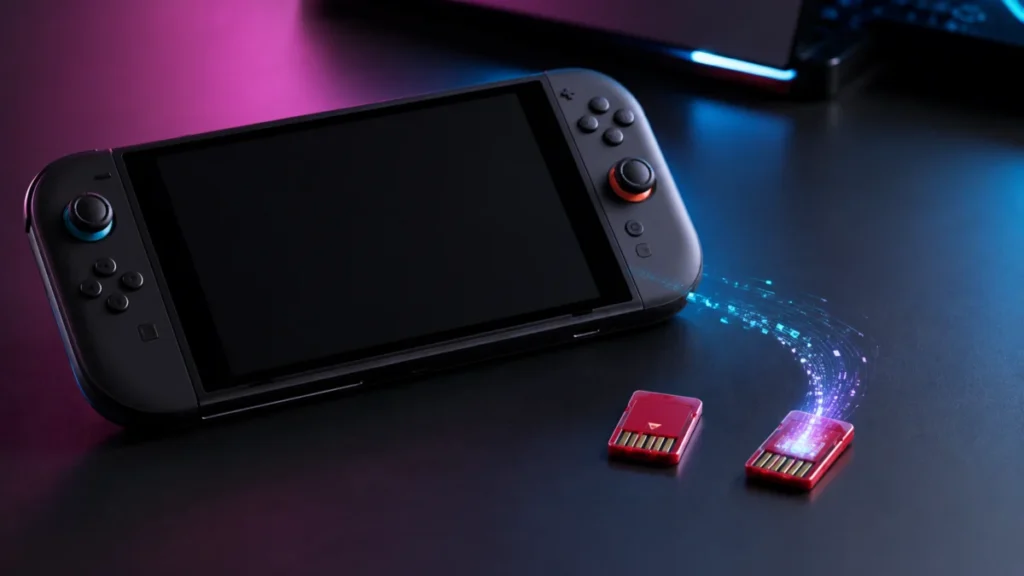
Nintendo Switch 2 Game-Key Card vs Game Card: What’s Actually on the Cartridge?
If you are planning to buy a physical Nintendo Switch 2 game, this is the most important thing to check before you pay: not every physical cartridge contains the full game. Nintendo Switch 2 has two separate physical formats — the regula... -
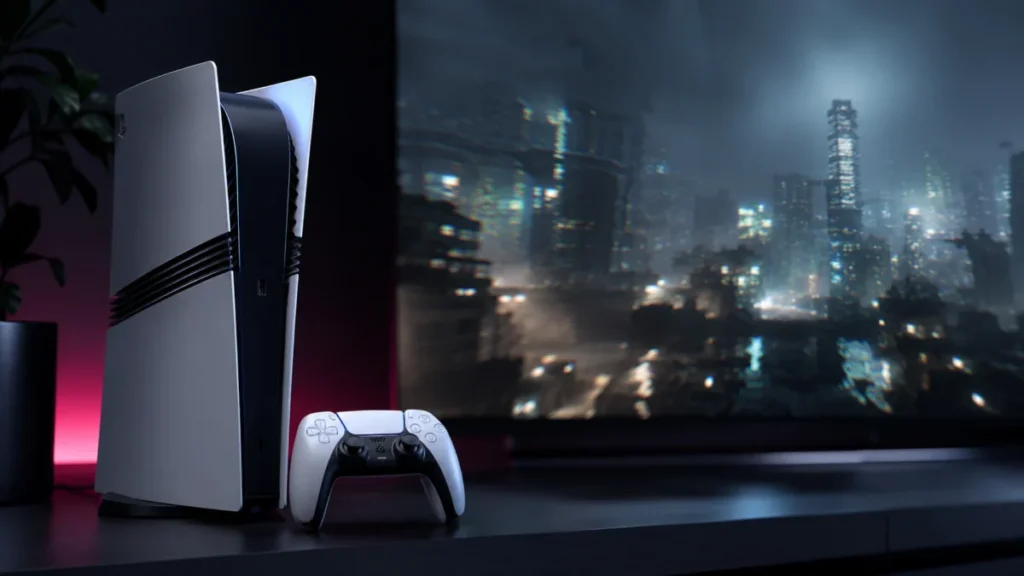
PS5 Pro PSSR Flickering or Shimmering? What to Check Before Turning It Off
If your PS5 Pro is showing flickering edges, shimmering surfaces, or unstable visual detail in certain games, the most likely cause is how PSSR — Sony's AI upscaling system — handles specific in-game materials. The good news is that the ... -
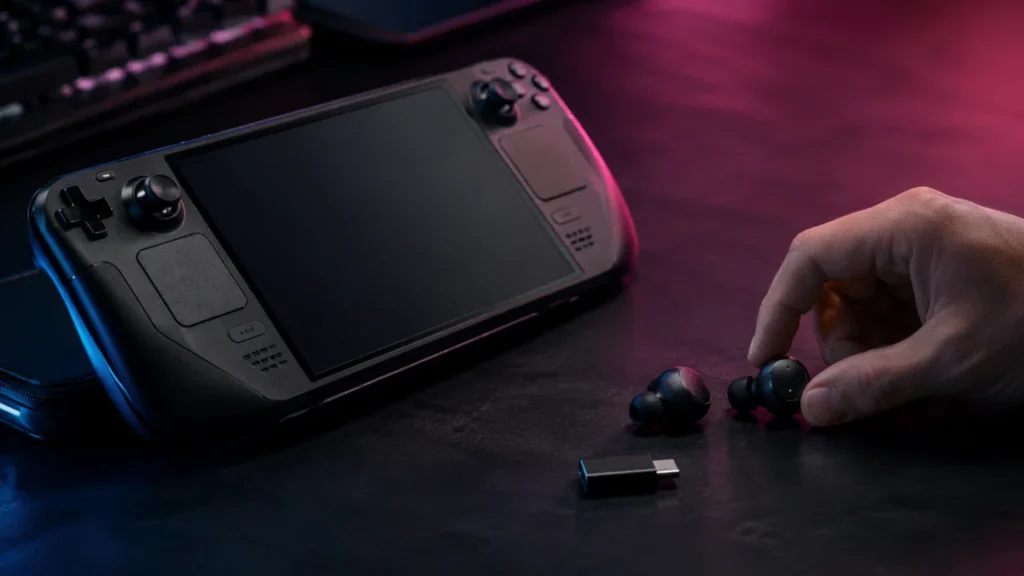
How to Fix Bluetooth Audio Delay on Steam Deck OLED (And When to Switch to 2.4GHz)
If your Steam Deck OLED has noticeable Bluetooth audio delay while gaming, the most likely cause is the codec being negotiated between the Deck and your earbuds — not a hardware defect. The Steam Deck OLED uses Bluetooth 5.3, which is a ...