
Gaming Devices– category –
-
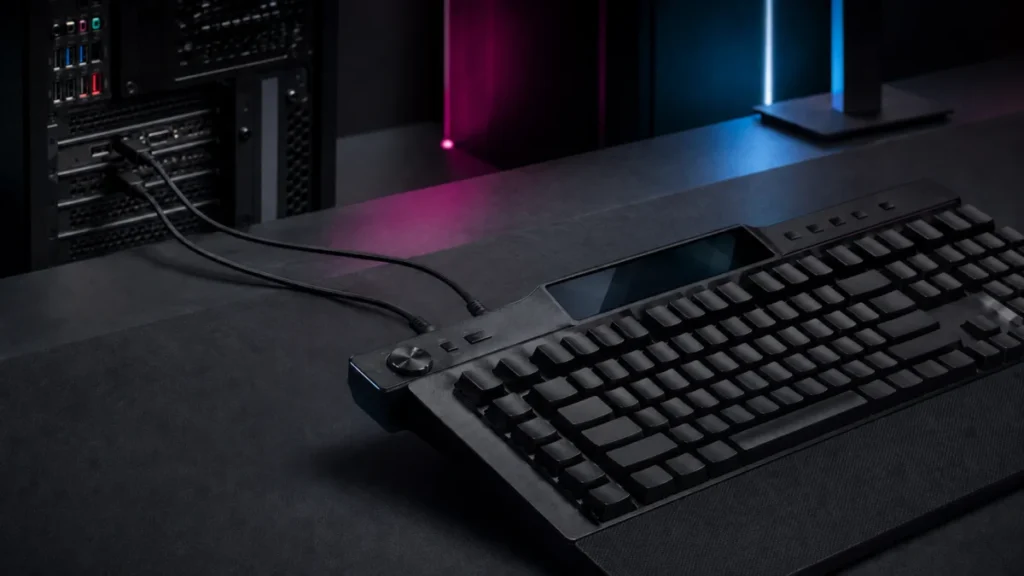
Corsair Galleon 100 SD Firmware Update Failed? B+L Recovery Steps by Symptom (2026)
The Corsair Galleon 100 SD is really two devices in one shell: a mechanical keyboard managed through the browser-based Corsair Web Hub, and an Elgato Stream Deck managed by a separate desktop app. Each half has its own controller and its... -
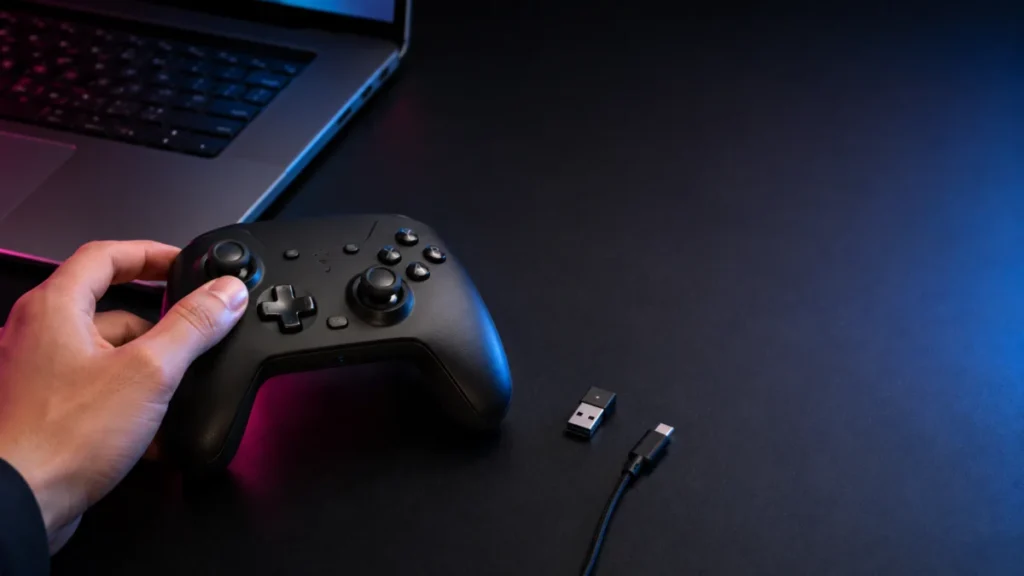
GameSir G7 Pro 8K Not Showing in GameSir Connect? Step-by-Step App, Mode, and Receiver Checks
If your GameSir G7 Pro 8K works in Windows or Steam but never appears inside the GameSir app, the cause is almost always one of four things: you installed GameSir Nexus instead of GameSir Connect, the controller is not connected in the r... -
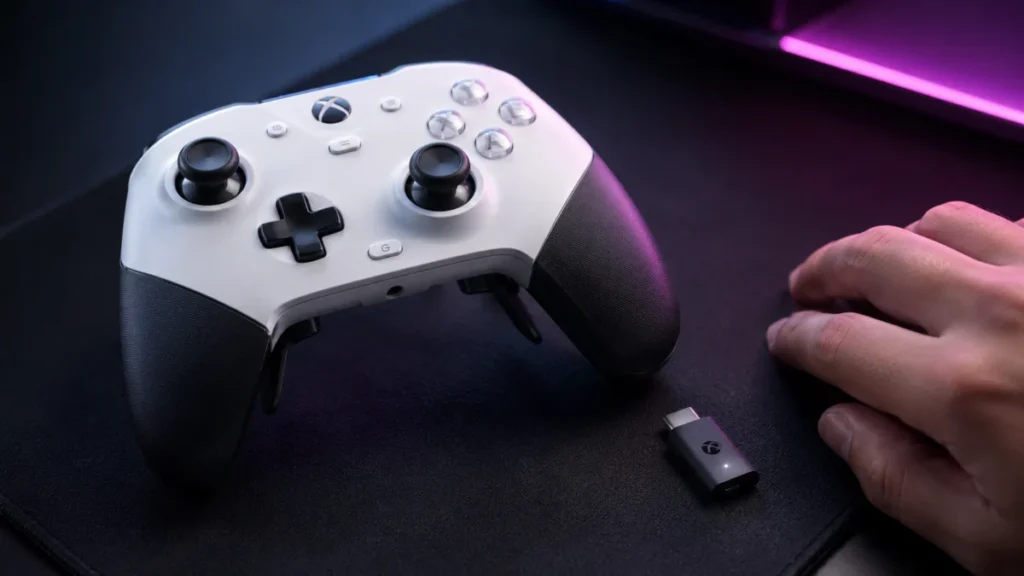
GameSir G7 Pro 8K Steam Input: Why Rear Buttons, Gyro, and Extra Bumpers Don’t Show Up
First, separate "Steam sees the controller" from "Steam Input exposes every advanced control" If Steam detects your GameSir G7 Pro 8K as an Xbox controller but the rear buttons, extra bumpers, and gyro do not show up in Steam Input, the ... -
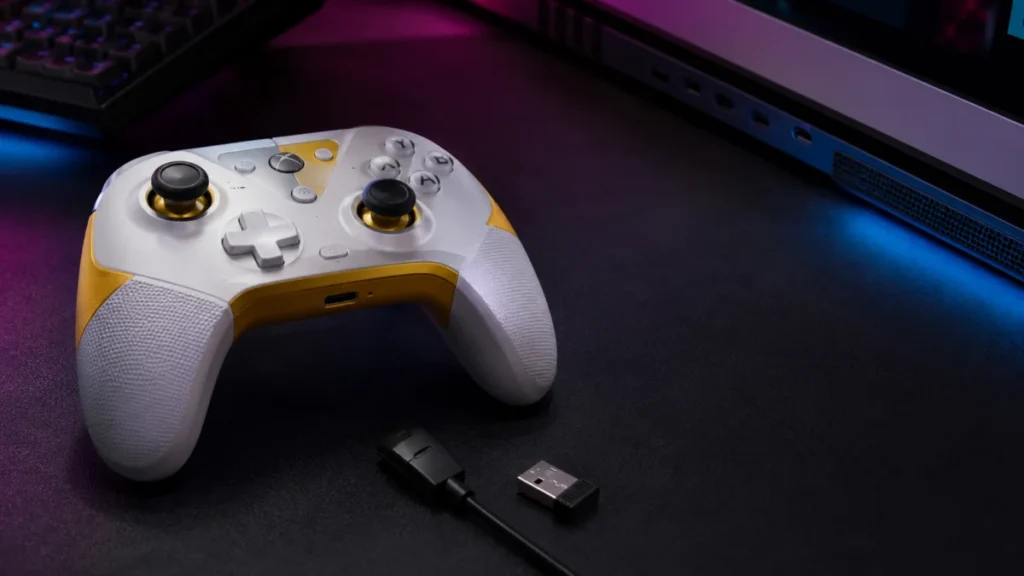
GameSir G7 Pro 8K Not Working? Fix PC Connection, GameSir Connect App & Steam Input Issues
If your GameSir G7 Pro 8K is not working on your PC, the fastest path to a fix is to identify where the failure happens rather than guessing. Three different problems bring most people here: the controller is not recognized on the PC at ... -
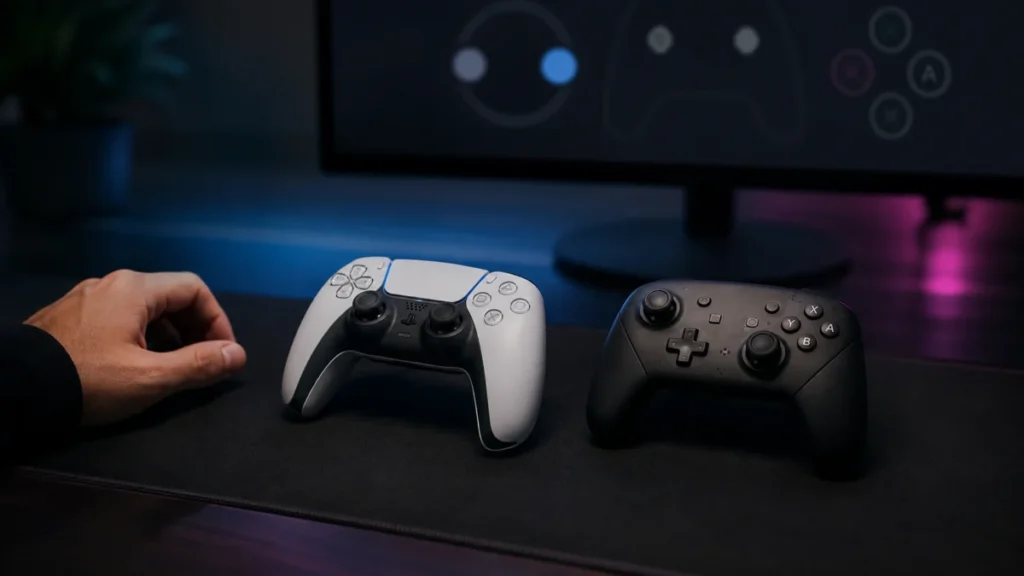
Steam Shows Xbox Buttons for PlayStation or Nintendo Controllers: Steam Input and Button Glyphs Explained
If Steam shows Xbox button prompts while you are holding a DualSense, DualShock 4, Switch Pro Controller, or 8BitDo pad, your controller is most likely working correctly. In nearly every case, the mismatch comes from one of two layers: h... -
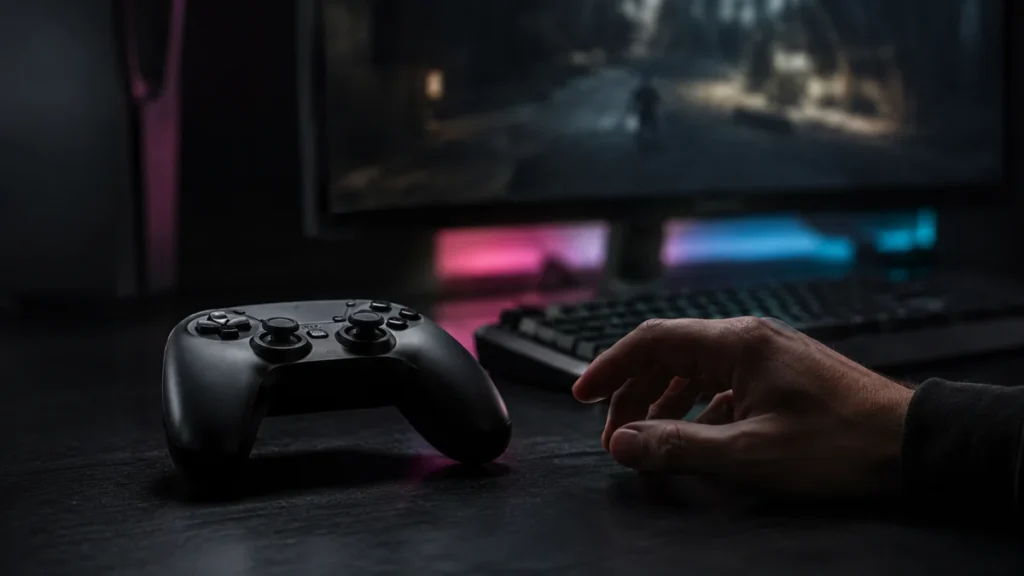
Steam Detects Your Controller but It’s Not Working in Game: Steam Input, Per-Game Settings & Native Support (2026 Checklist)
Steam seeing your controller does not mean the game will accept its input. Steam detection and in-game support are separate layers. If your controller shows up in Steam (or in Big Picture) but it's not working in game, the break is almos... -
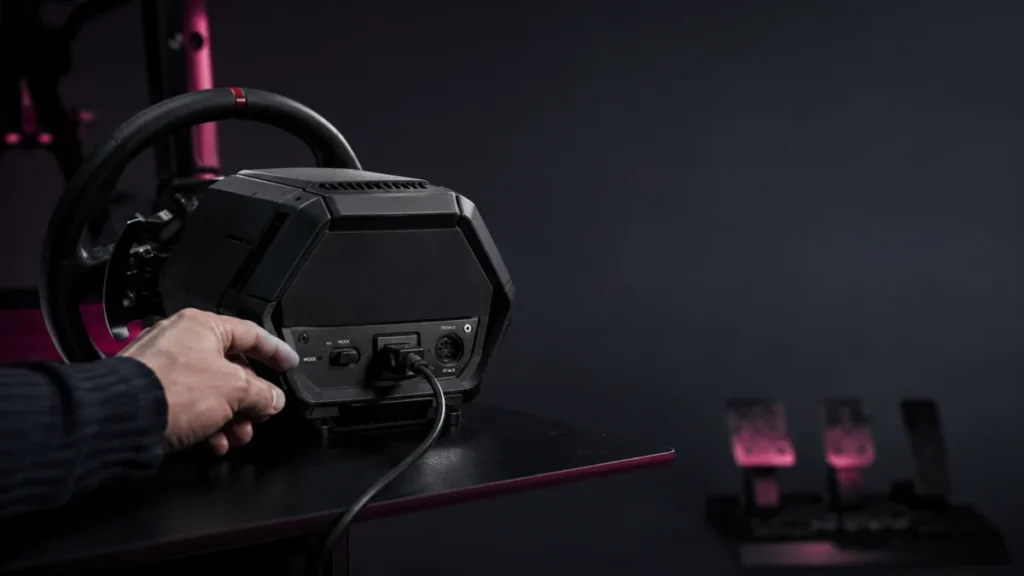
Thrustmaster T598 Not Detected: My Thrustmaster Panel, Firmware, USB, and Game Settings to Check
If your Thrustmaster T598 is not detected, the first job is to figure out where detection stops: Windows itself, the My Thrustmaster Panel app, the firmware update, or the game. These are separate problems with separate fixes. The most c... -
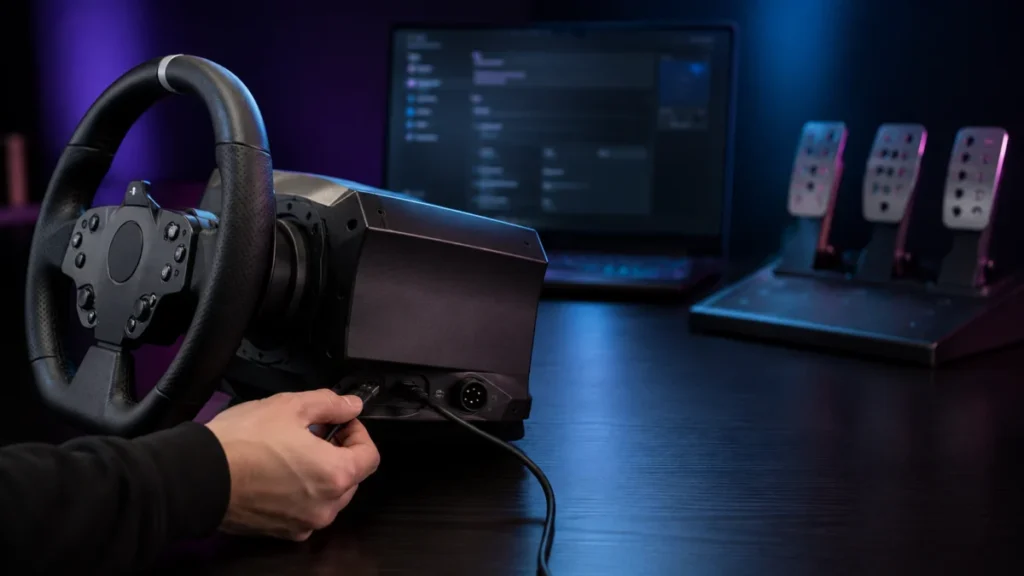
Racing Wheel Not Detected on PC: USB, Power, Driver, Firmware, and Game Settings to Check
If your racing wheel is not detected on your PC, the most useful first step is to recognize that "not detected" is not one problem — it is five separate layers that fail independently. A wheel can be invisible to Windows, visible t... -
Best Sim Racing Wheels for PC and PS5: What to Check Before Buying (2026)
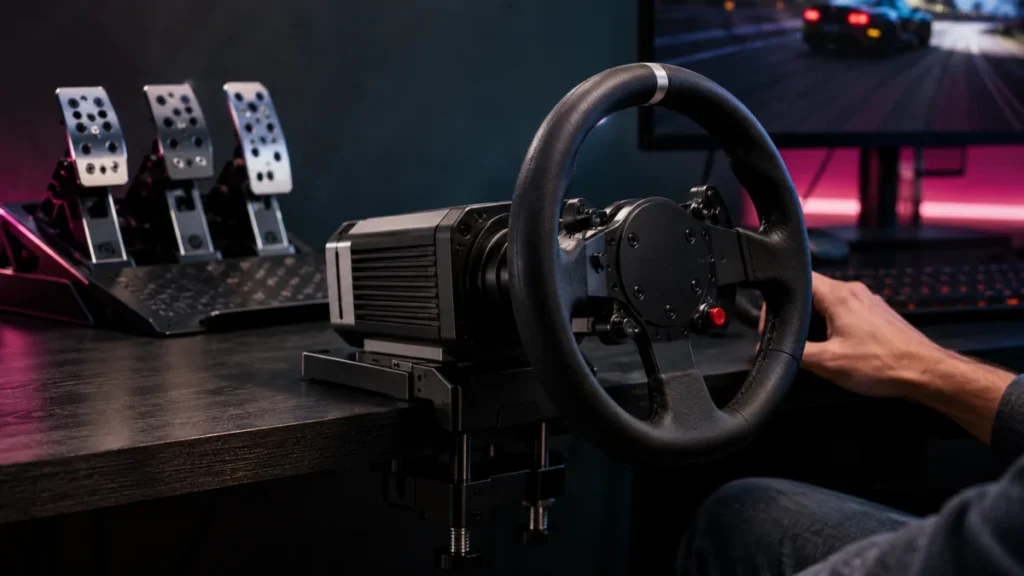
The best sim racing wheel is not a single product — it is the wheel that matches your platform first. Before comparing torque or force feedback, decide whether you are racing on PC, PlayStation 5, or Xbox, because compatibility is decide... -
Logitech G923 Force Feedback Not Working on PC: Power, G HUB, and Game Settings to Check
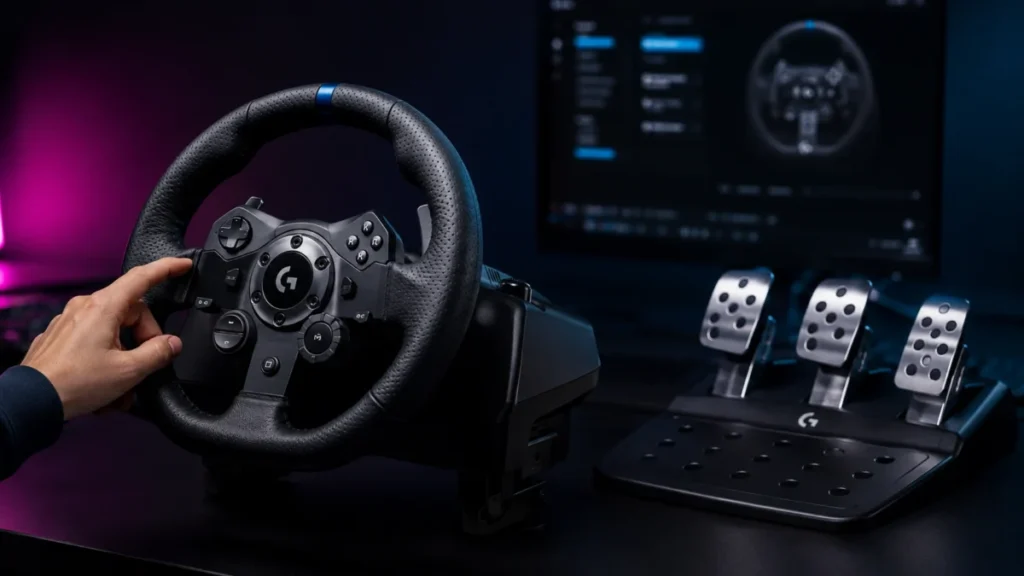
If your Logitech G923 is detected on your PC but has no force feedback, work through three things in order: power, G HUB, and in-game mapping. According to Logitech's official support, the G923 must be powered by its provided power suppl...