
Gaming Devices– category –
-
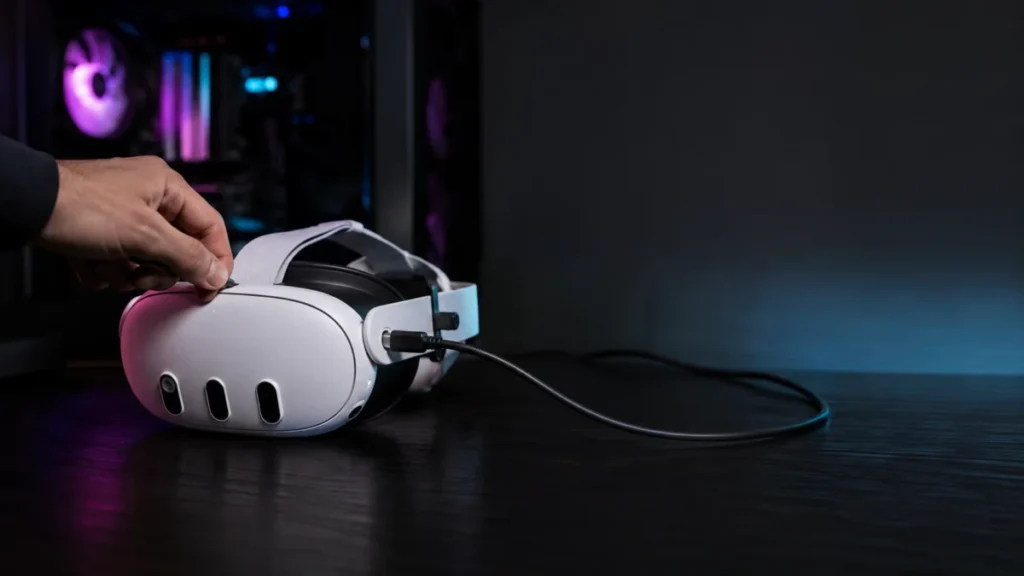
Meta Quest Link Cable Keeps Disconnecting: How to Fix USB Dropouts and Charging Loops on Quest 3 and Quest 3S
If your Meta Quest 3 or Quest 3S Link Cable keeps disconnecting — with repeated USB connection sounds from your PC, a charging loop that never stabilizes, or a headset your PC won't recognize — the most likely causes are Windows USB powe... -
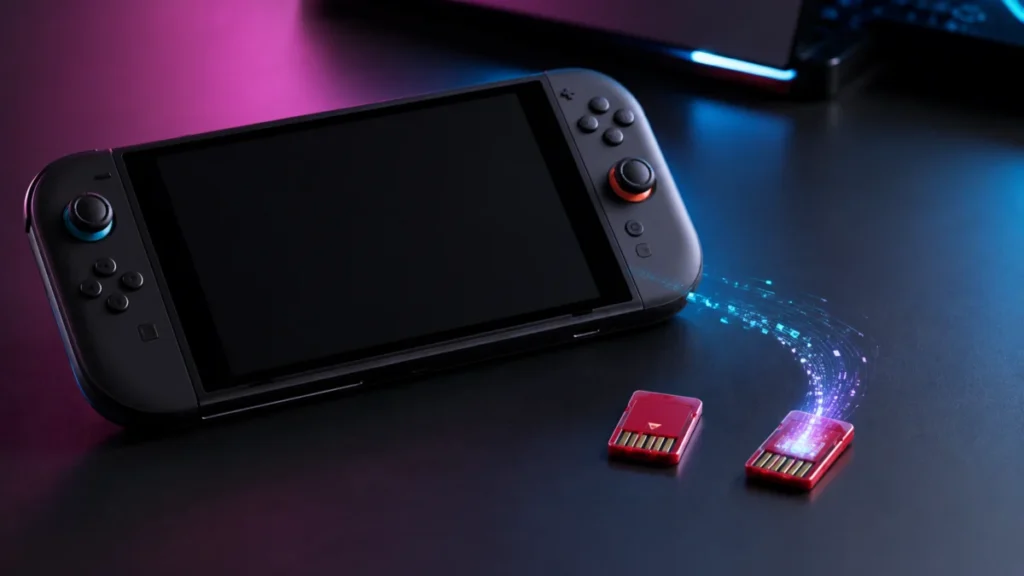
Nintendo Switch 2 Game-Key Card vs Game Card: What’s Actually on the Cartridge?
If you are planning to buy a physical Nintendo Switch 2 game, this is the most important thing to check before you pay: not every physical cartridge contains the full game. Nintendo Switch 2 has two separate physical formats — the regula... -
PS5 Pro PSSR Flickering or Shimmering? What to Check Before Turning It Off
If your PS5 Pro is showing flickering edges, shimmering surfaces, or unstable visual detail in certain games, the most likely cause is how PSSR — Sony's AI upscaling system — handles specific in-game materials. The good news is that the ... -
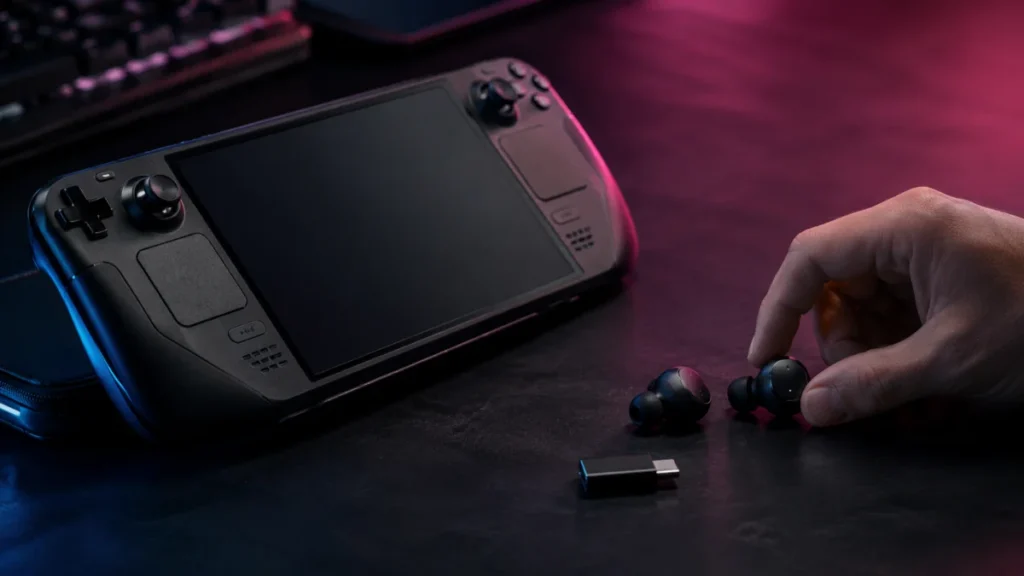
How to Fix Bluetooth Audio Delay on Steam Deck OLED (And When to Switch to 2.4GHz)
If your Steam Deck OLED has noticeable Bluetooth audio delay while gaming, the most likely cause is the codec being negotiated between the Deck and your earbuds — not a hardware defect. The Steam Deck OLED uses Bluetooth 5.3, which is a ... -
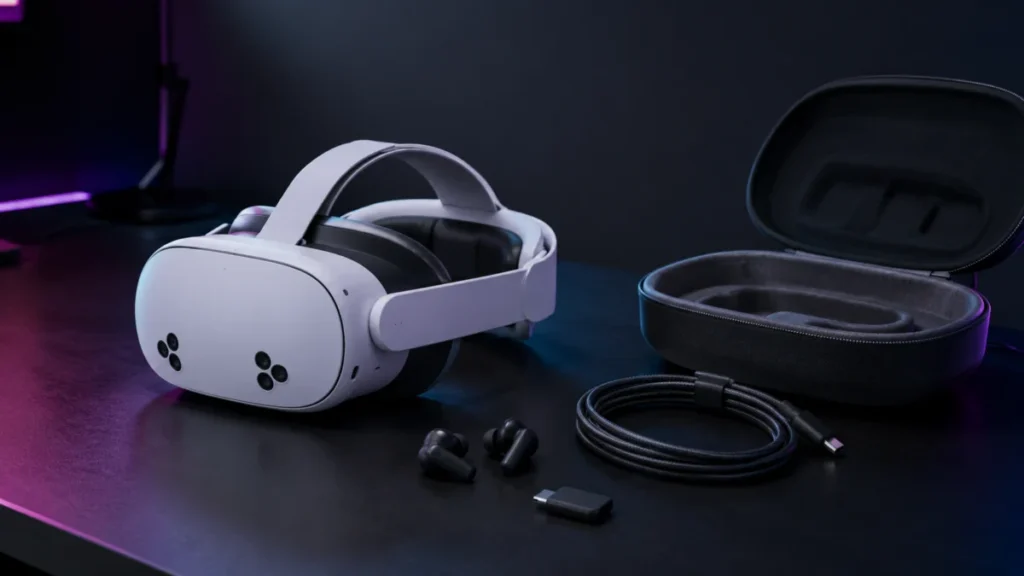
Best Meta Quest 3S Accessories: Battery Straps, Cases, Link Cables, and a Compatibility Guide Before You Buy
The Meta Quest 3S uses a hybrid design — the XR2 Gen 2 processor and Touch Plus controllers from the Quest 3 generation, paired with Fresnel optics and a three-position sliding IPD mechanism from the Quest 2 generation. That combination ... -
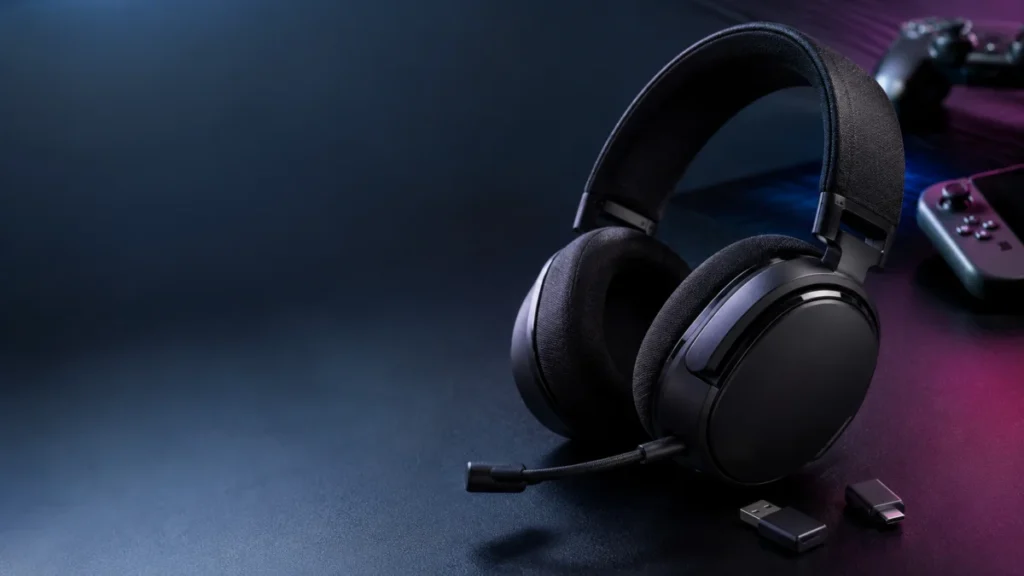
Best Gaming Headset Under $150: 6 Wireless Picks for PC, PS5, Switch 2, and Xbox
Quick answer: For most players, the SteelSeries Arctis Nova 5 Wireless is the best overall pick under $150 — it works across PC, PS5, Switch 2, and mobile over 2.4GHz plus Bluetooth. On Xbox, choose the Turtle Beach Stealth 600 Gen 3 (Xb... -
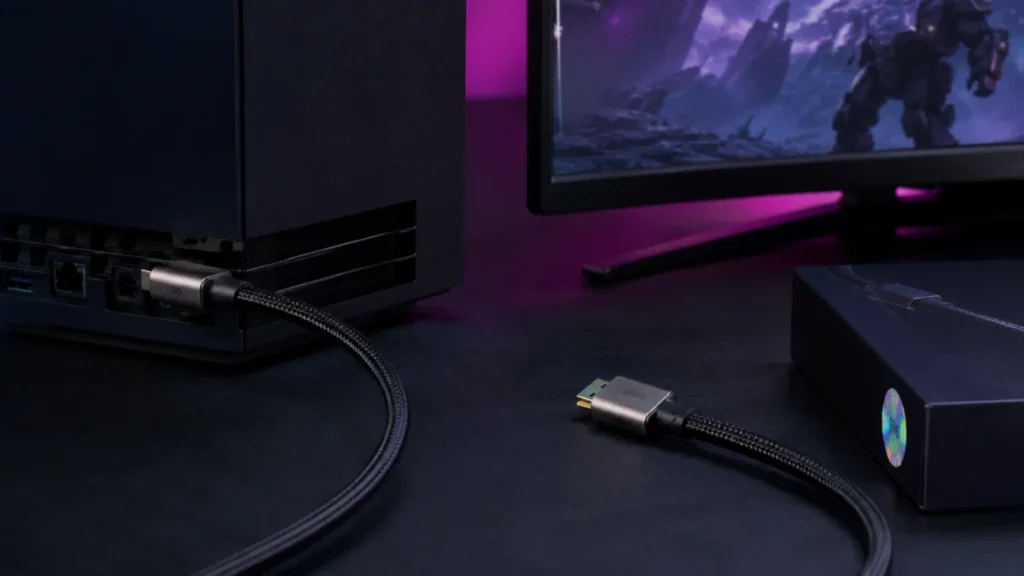
Best Certified HDMI 2.1 Cables for PS5 and Xbox Series X: What to Know Before You Buy
Both the PS5 and Xbox Series X ship with an Ultra High Speed HDMI cable already in the box — the same certified 48Gbps standard you'd spend money on separately. For most setups, no replacement is needed. The situation where a new cable m... -
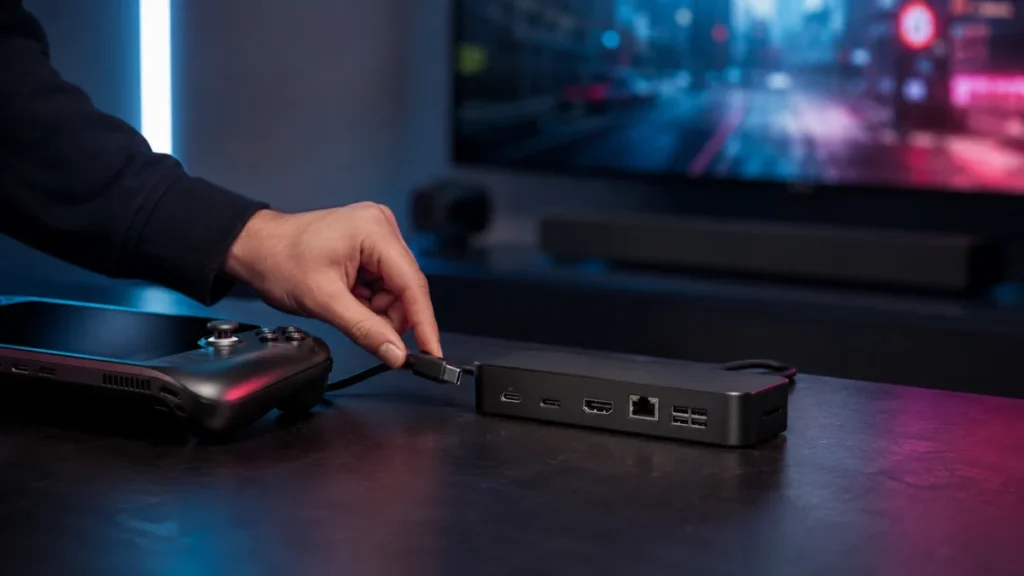
Best Steam Deck Docks with HDMI 2.1: TV Setup, Budget, and Travel Picks
If you want to connect your Steam Deck or ROG Ally to a TV with 4K@120Hz and VRR support, the JSAUX HB1201S covers the most ground at a reasonable price — HDMI 2.1, DisplayPort 1.4, Gigabit Ethernet, and 85W passthrough charging in one u... -
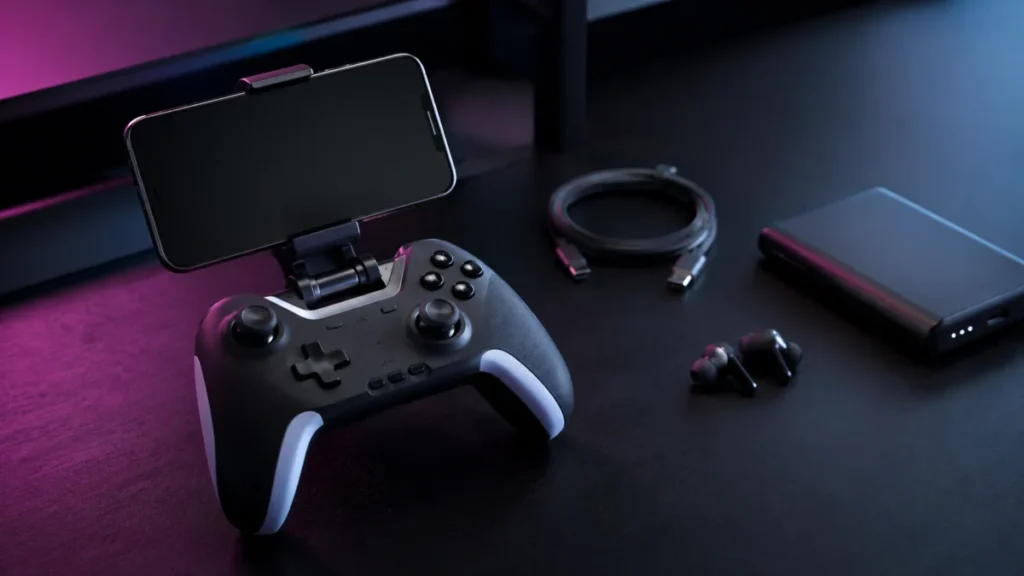
Best Accessories for Leadjoy Xeno Plus: What You Actually Need for Mobile Gaming
If you purchase through our links, Fixory may earn a small commission at no extra cost to you. Jump to: What to Check Before Buying Accessories Community Complaints to Know First Phone Clips (Mandatory) Charging Setup Cooling Accessories... -
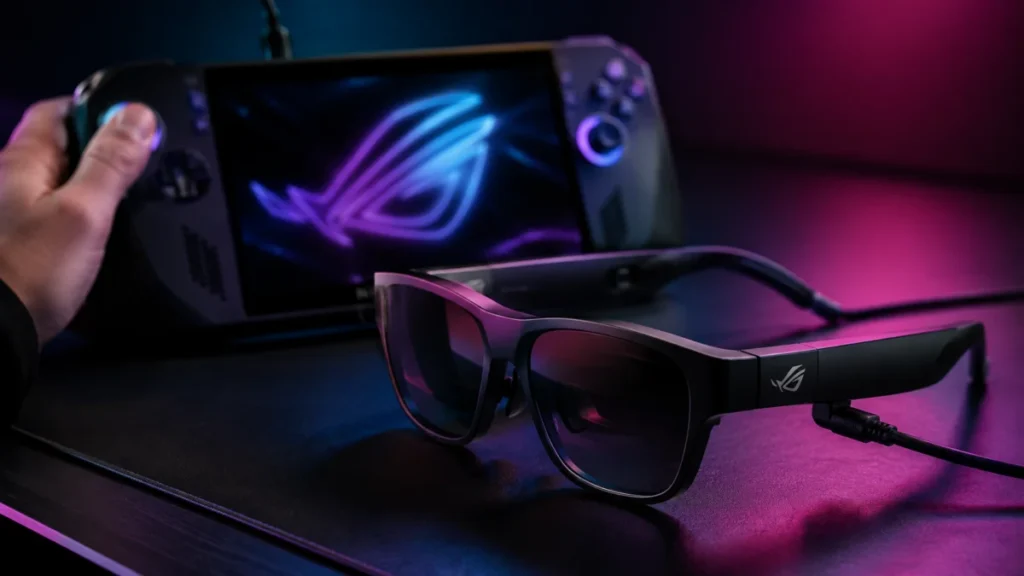
ROG Xreal R1 AR Glasses — 240Hz Virtual Display, Premium Pricing, and Who Should Actually Buy Them
Short answer: Buy the ROG Xreal R1 if you own a ROG Ally or ROG Xbox Ally and want its ACSE dual-screen control panel and the bundled ROG Control Dock. If you game mainly on a Steam Deck, gaming laptop, or console, look at the Xreal One ...