
Network & Wi-Fi– category –
-
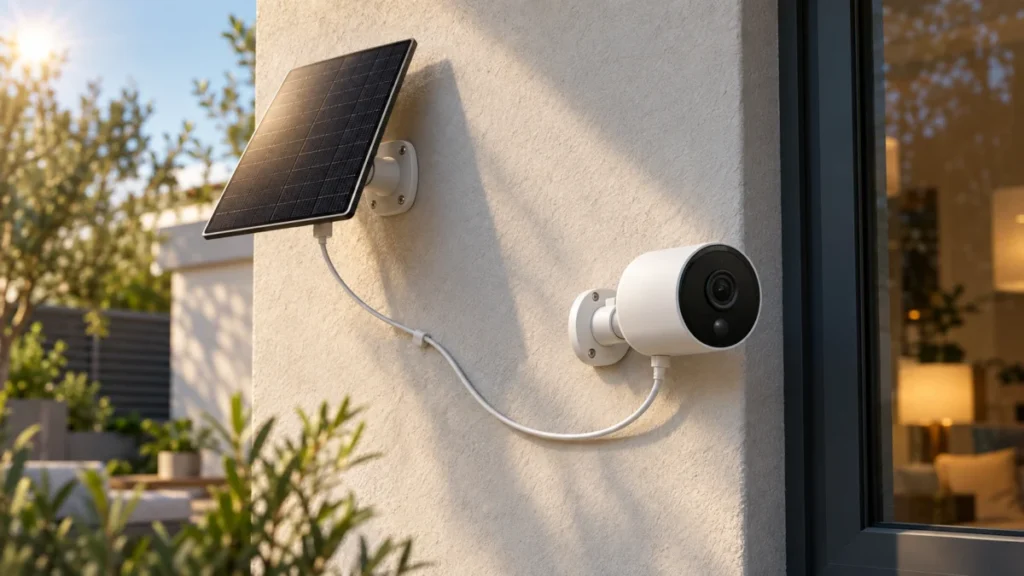
Tapo C425 Solar Panel Not Charging: Hardware Version, Cable, and Sunlight Checks
Quick Answer: What to Check First Before you adjust anything outdoors, plug your C425 into its original USB power adapter. If the battery climbs, the battery and normal USB charging path are working, which narrows the fault to the solar ... -
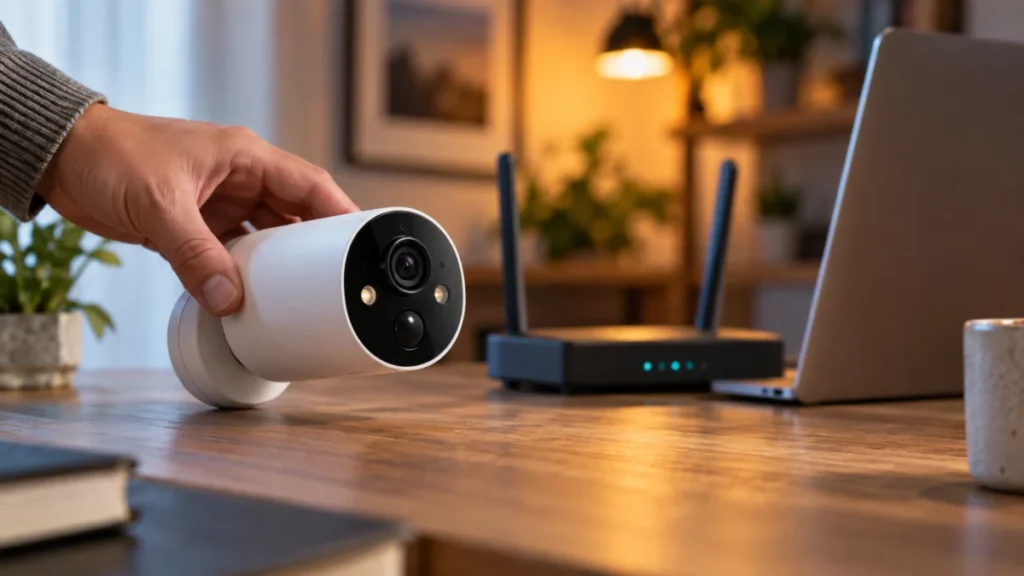
Tapo C425 Camera Offline: LED, 2.4 GHz, and Signal Checklist (2026)
If your Tapo C425 shows Offline in the Tapo app, do not start with a factory reset. Start with the status LED. That LED separates two failures that look identical in the app but have completely different fixes: a camera that never joined... -
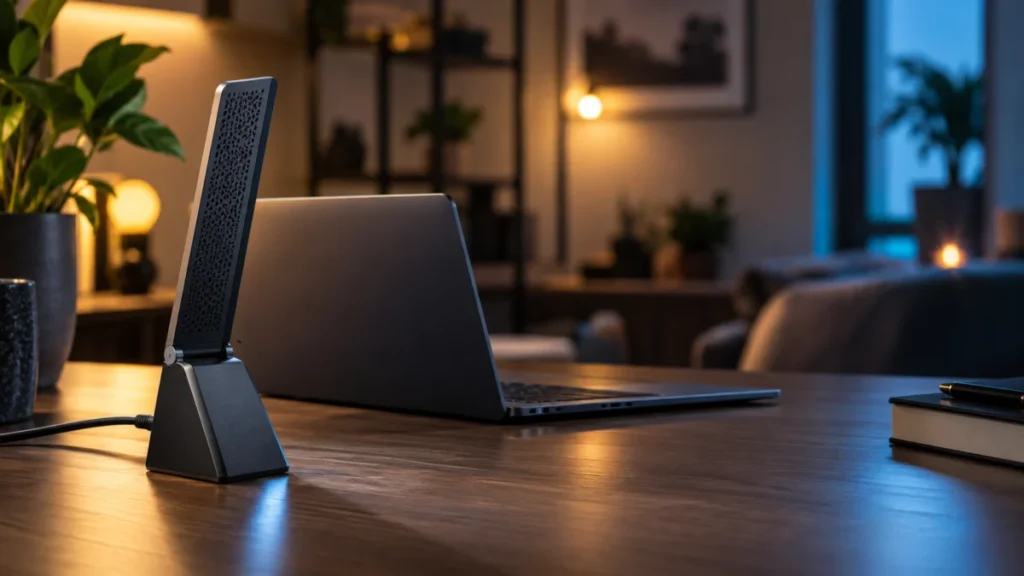
NETGEAR A8000 Not Detected on Windows: USB, Driver, and Startup Checks
If your NETGEAR A8000 is not detected on Windows, start by identifying what Windows actually shows, not by reinstalling the driver. "Not detected" covers four different situations; a driver-related error points first to checking the soft... -
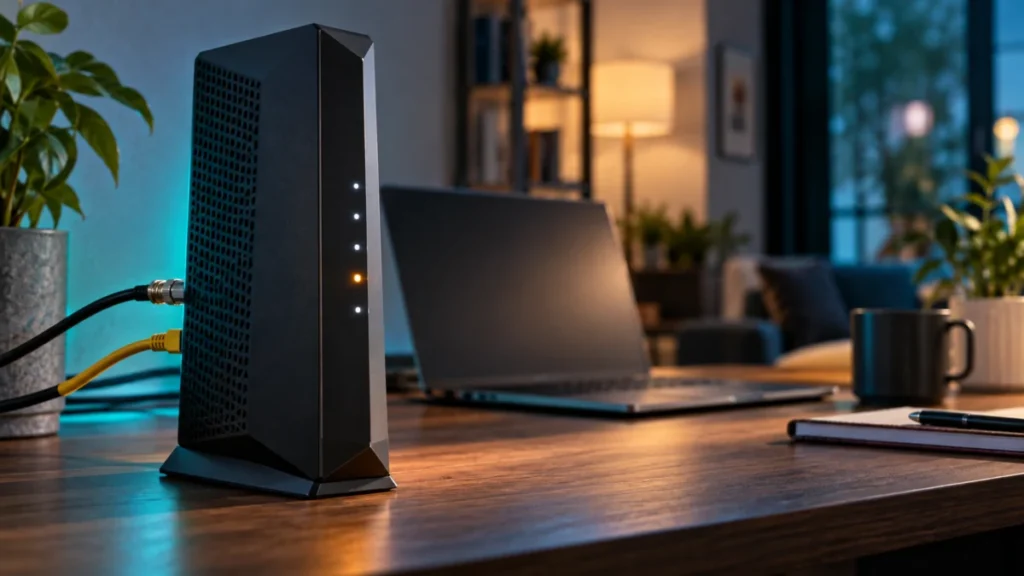
NETGEAR CM2000 Upstream Light Blinking: LED, Coax, and ISP Checks
On the NETGEAR CM2000, a blinking white Upstream LED means one specific thing: the modem is scanning for an upstream channel. That can happen during startup. If it persists or accompanies connection problems, check the modem status befor... -
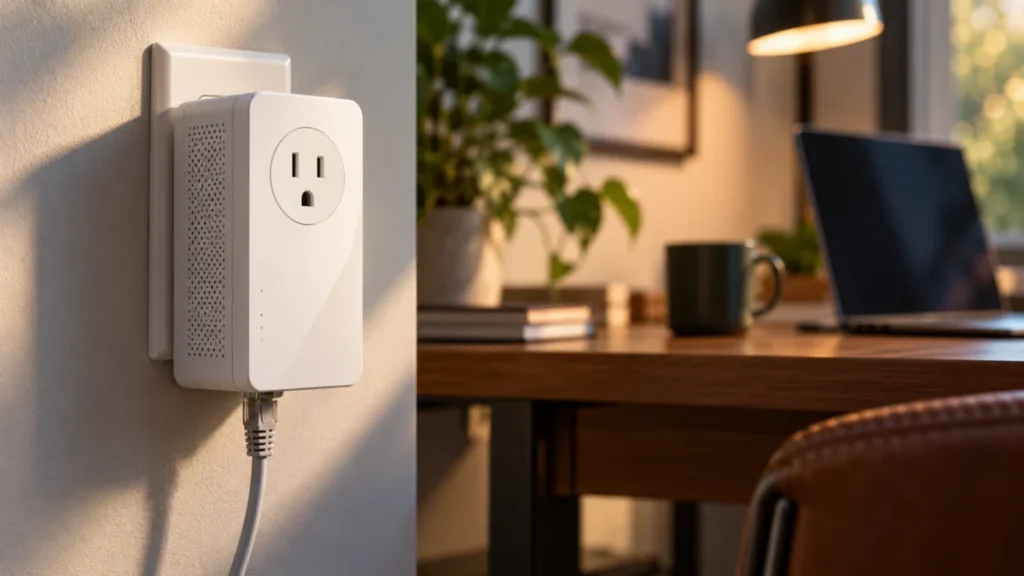
TP-Link TL-PA9020P Powerline Light Off: Pairing, Outlet, and Ethernet Checks
If the Powerline light on your TL-PA9020P is off, check the hardware version printed on the adapter's label before you re-pair or reset anything. TP-Link publishes separate US user guides for V1, V2, V3, and the V4-series, and they do no... -
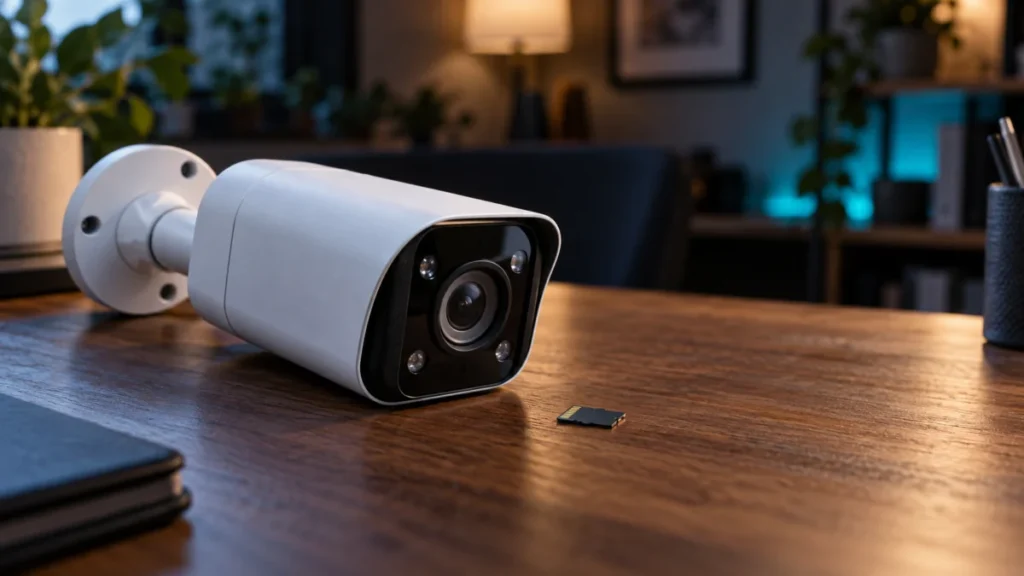
Reolink RLC-811A microSD Card Not Detected: Checks to Run Before You Format
If your Reolink RLC-811A shows a live picture but reports no microSD card, do not format anything yet. A working live view proves nothing about storage: video reaches your phone over the network whether or not a card is installed. Confir... -
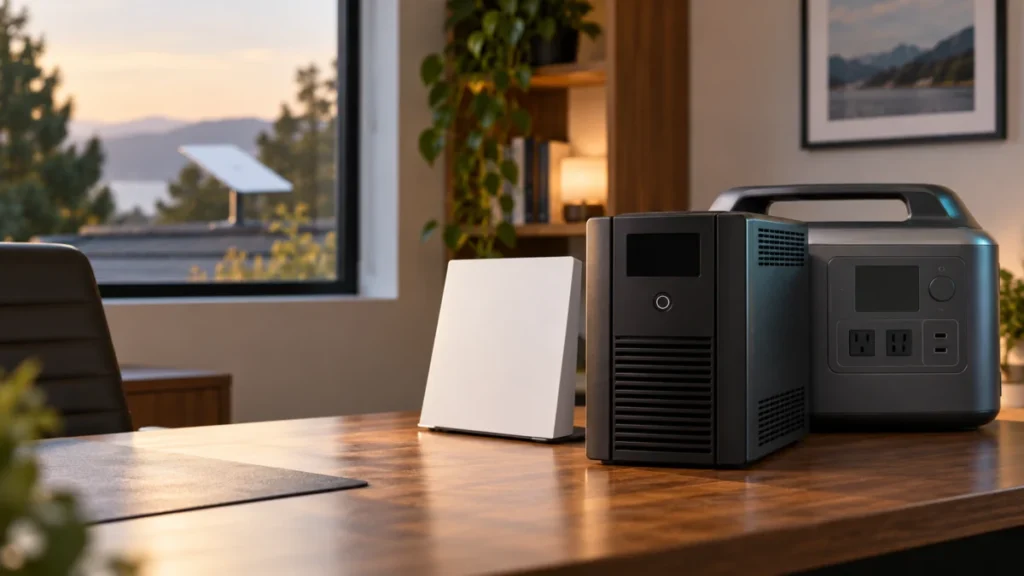
Best UPS for Starlink Gen 3 (2026): Size by Load, Not VA Alone
Starlink's published specification sheet for the Standard 4 X kit lists an average power consumption of 75–100 W. That figure is where UPS sizing starts, and it is also why the VA number printed on the front of a UPS box cannot, on... -
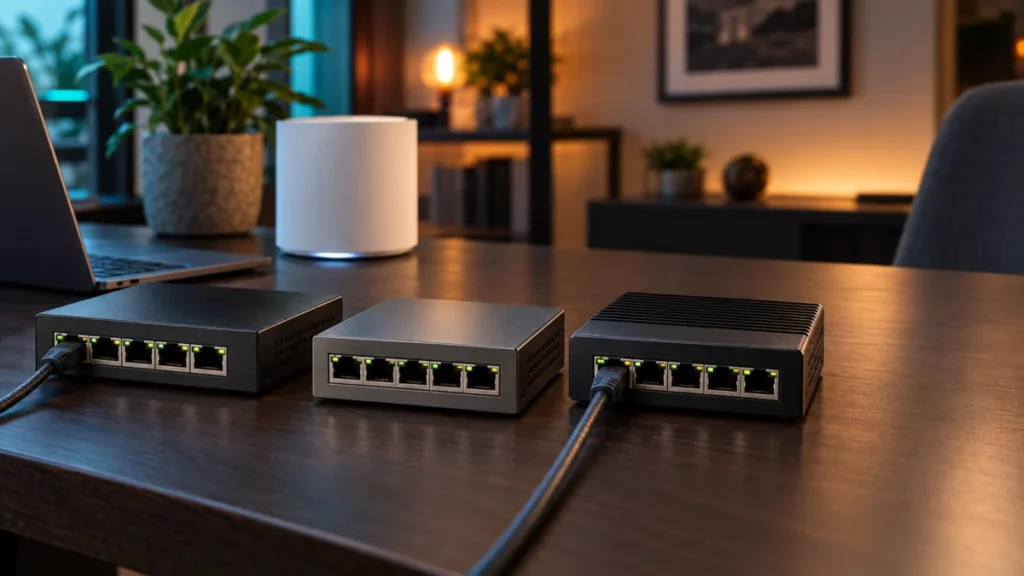
Best 5-Port 2.5GbE Switches for Wi-Fi 7 Mesh: Three Unmanaged Picks Compared
The Bottom Line: Who Should Buy a 5-Port 2.5GbE Switch A 5-port 2.5GbE unmanaged switch is the right upgrade only if your mesh nodes have 2.5G ports and you need four or fewer wired connections after the uplink. It is the wrong choice if... -
UDR7 Keeps Rebooting: How to Tell a Console Reboot From a WAN or Wi-Fi Failure
If your UniFi Dream Router 7 (UDR7) seems to restart on its own, the first job is not fixing it — it is confirming what actually failed. A console reboot, a WAN outage, and a Wi-Fi radio outage all look identical from a phone that sudden... -
ASUS ZenWiFi BQ16 Pro Reboots When an iPhone 17 Pro Max Connects: Firmware and Isolation Checks
If your ASUS ZenWiFi BQ16 Pro restarts whenever an iPhone 17 Pro or 17 Pro Max joins your network, start by putting every unit in the AiMesh system on the same current official stable firmware. That means the main router and every node, ...