
S.S– Author –

-
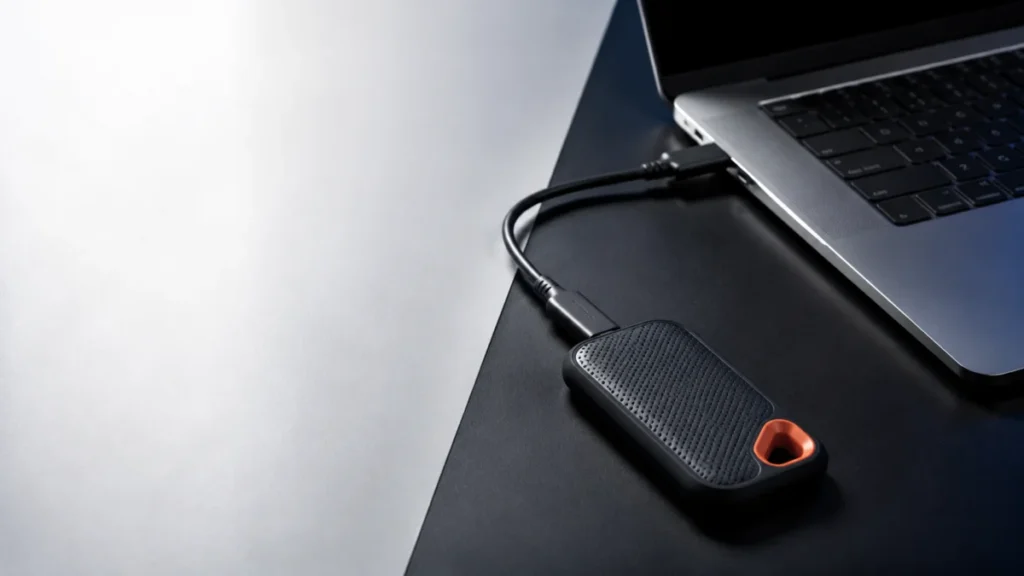
SanDisk Extreme Portable SSD V2 Slow Transfer on Windows 11: Step-by-Step Checks by Symptom
If your SanDisk Extreme Portable SSD V2 (SDSSDE61) transfers files slowly on Windows 11, check the negotiated USB link speed before you change any setting. A steady rate near 40 MB/s strongly suggests that the connection has fallen back ... -
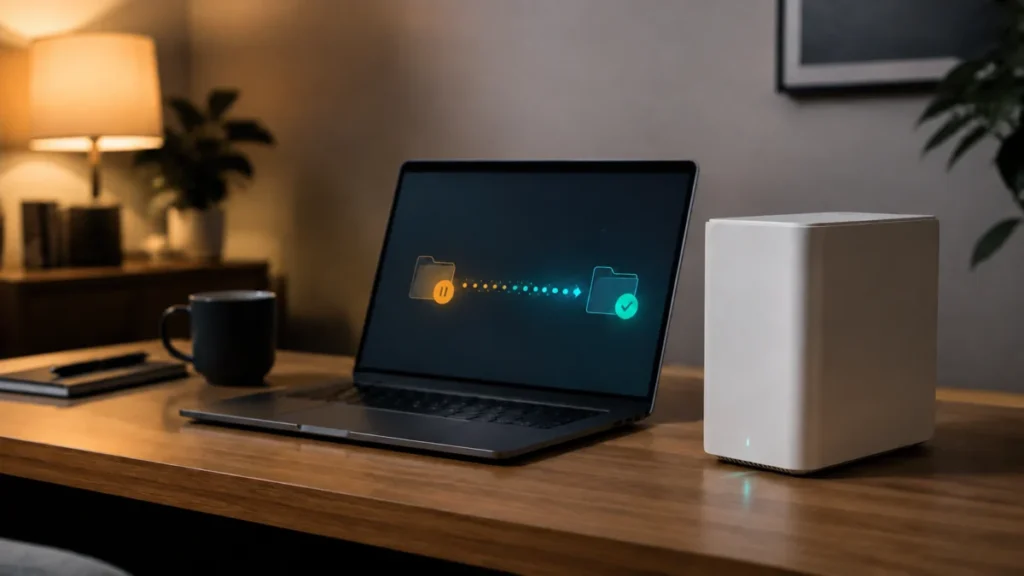
BeeStation Desktop Sync Not Working on Windows 11: A Safe Diagnostic Order
If BeeStation for desktop has stopped syncing on Windows 11, identify which feature stopped before you change any setting. BeeStation moves files through several separate mechanisms, and each fails for different reasons. Repairing the wr... -
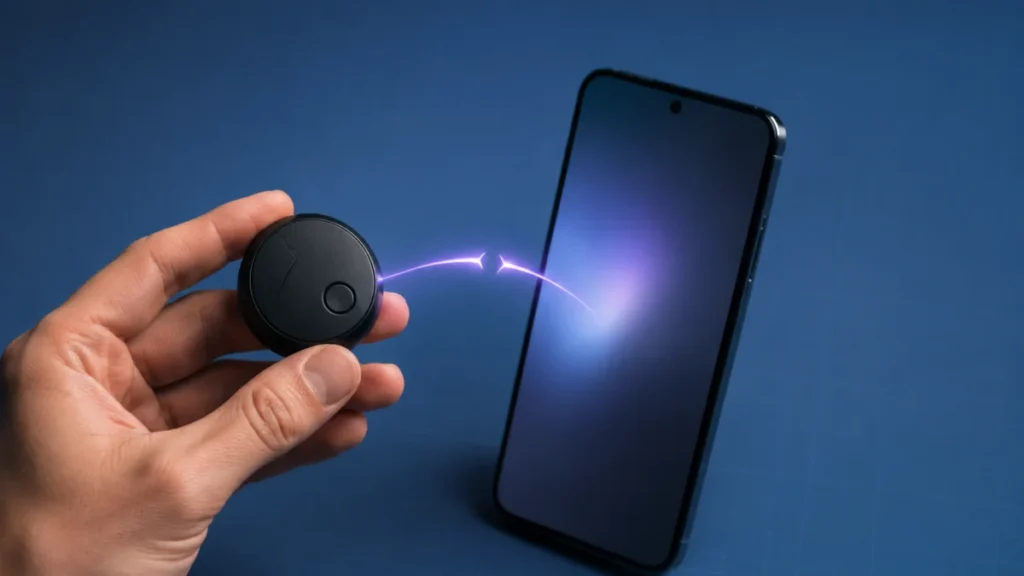
Moto Tag Unable to Connect to Google Find Hub: Fix the Pop-Up, Account, and Pairing
If your Moto Tag will not connect, the failure often occurs in the Google Fast Pair or account-registration process rather than at the hardware level. Bluetooth detection, Moto Tag app visibility, and completed Find Hub registration are ... -
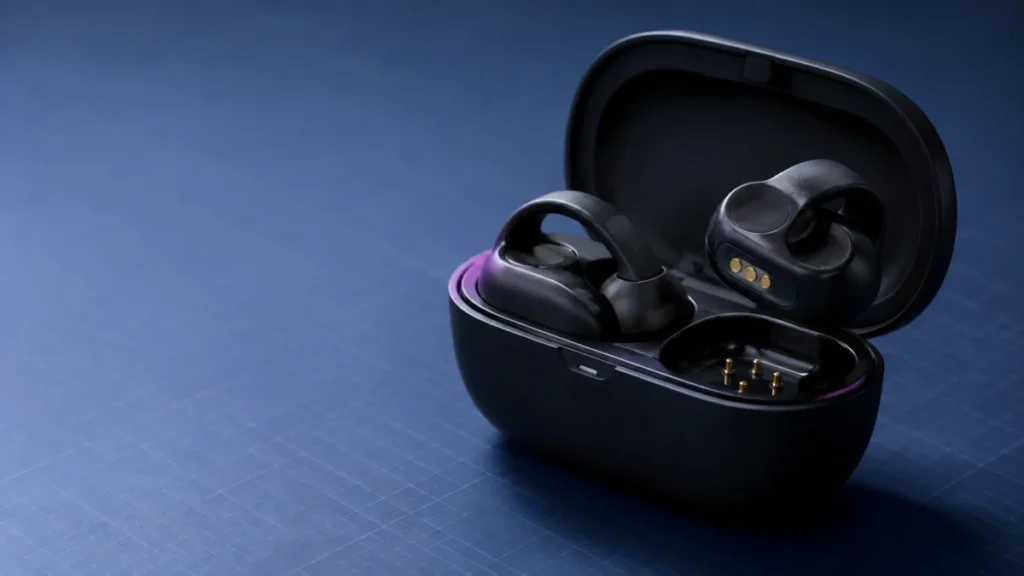
Bose Ultra Open Earbuds: One Side Is Not Charging – What to Check Before Service
If only one Bose Ultra Open Earbud is not charging, start with the case status light. Place each earbud into the open charging case one at a time and watch the light for that side. Bose states that when an earbud's status light does not ... -
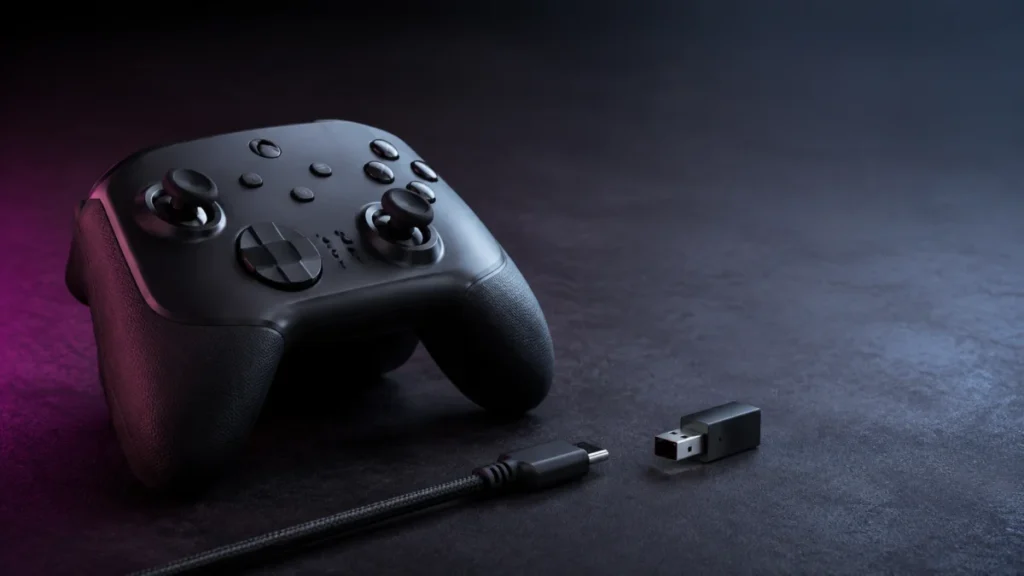
Razer Wolverine V3 Pro Keeps Disconnecting on Xbox: Wired and Wireless Fixes
If your Razer Wolverine V3 Pro keeps disconnecting on an Xbox Series X|S, the first move is to identify which connection path is failing — not to reinstall firmware. Wired USB-C, the HyperSpeed Wireless dongle, and both-at-once point to ... -
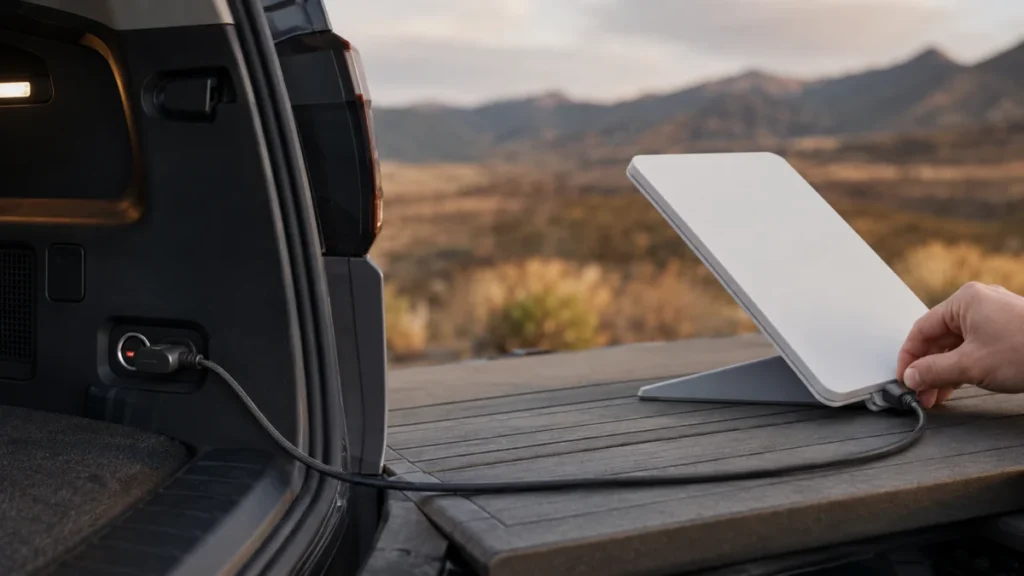
Starlink Mini USB-C Car Power Not Working: Adapter, Cable, and PD Checks by Power Path
If your Starlink Mini will not power on from a car USB-C port, the port is the first thing to check — not just the cable. The official Starlink Mini USB-C cable requires a 100W USB-C Power Delivery source rated 20V/5A, and many factory-i... -
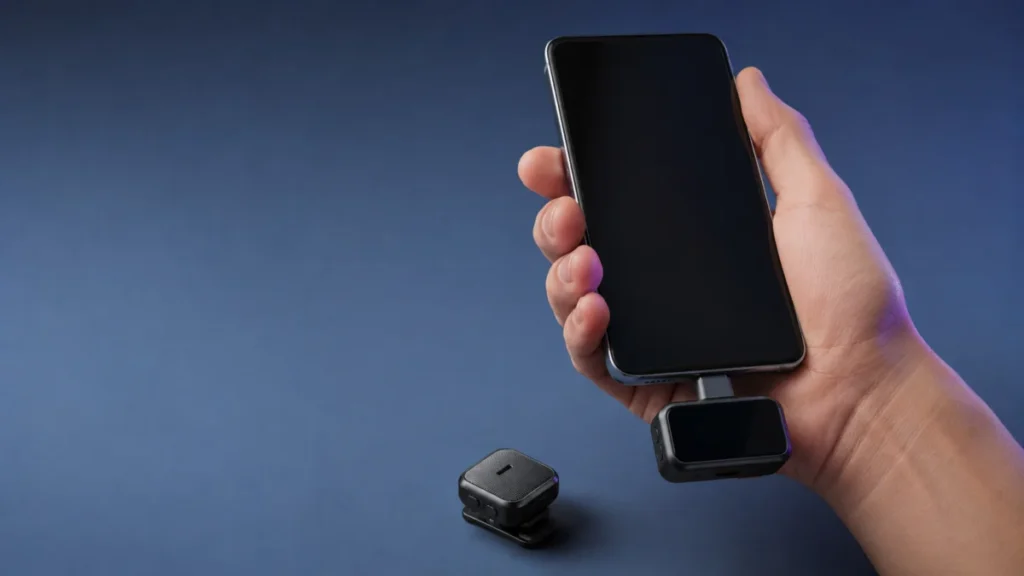
DJI Mic 2 Records No Audio on Android: Receiver, USB-C, and Bluetooth Checks by Connection Path
If your DJI Mic 2 records nothing on Android, or the audio in your video clearly comes from the phone instead of the microphone, first establish which of the two connection paths you are using. The receiver with a USB-C adapter and the t... -
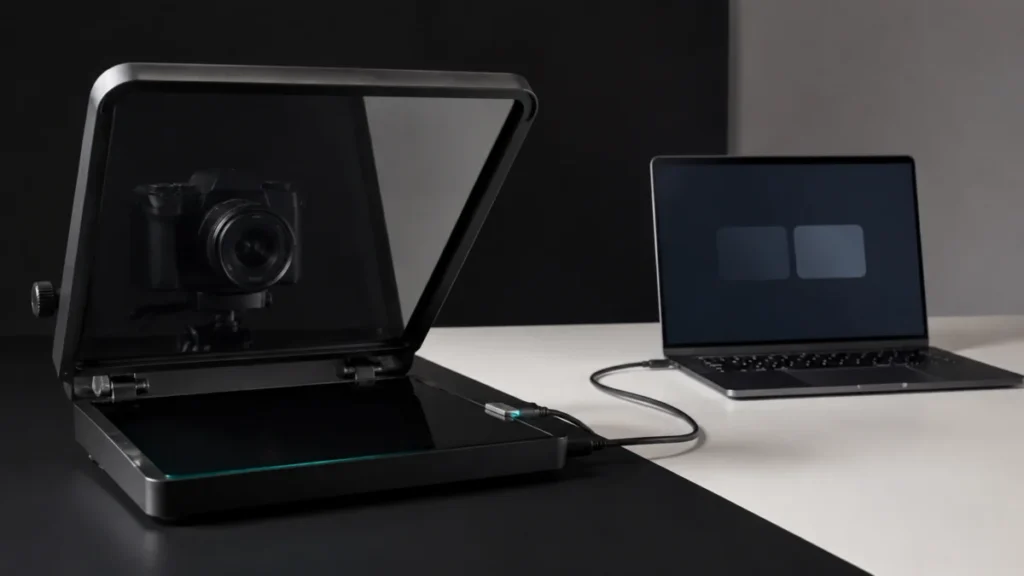
Elgato Prompter No Image on Windows: Step-by-Step Fix by Symptom
If your Elgato Prompter shows no image on Windows, do not reinstall Camera Hub yet. Open Settings → System → Display first and check whether Windows lists Prompter as a second display. That single check decides everything that follows. I... -
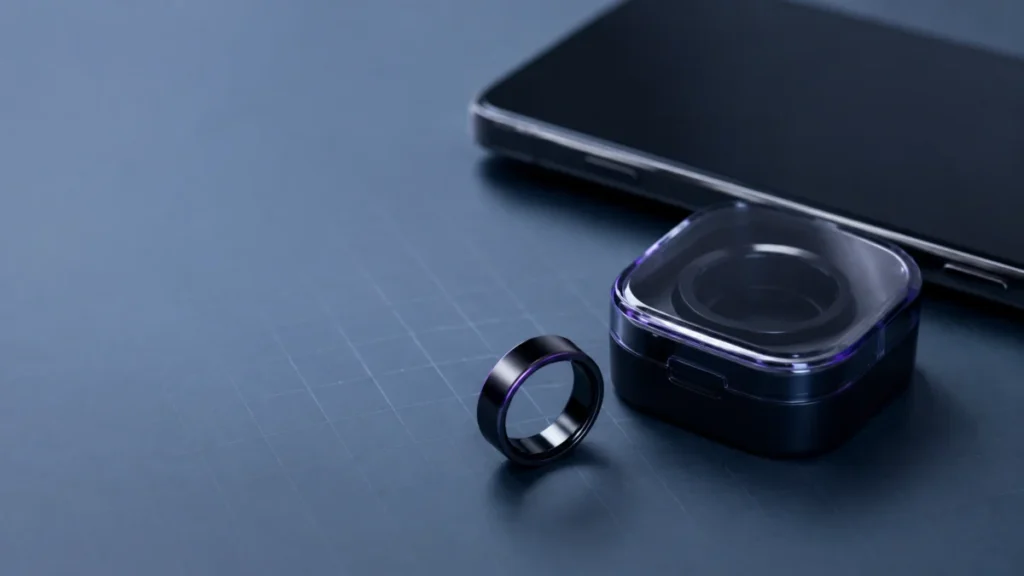
Galaxy Ring Keeps Disconnecting from Android: Battery, Bluetooth, App, and Reset Checks
If your Galaxy Ring keeps disconnecting from your Android phone, start by separating three possible layers: the ring powering down on a low battery, the Bluetooth link dropping, or the ring losing its registration in Galaxy Wearable. Eac... -
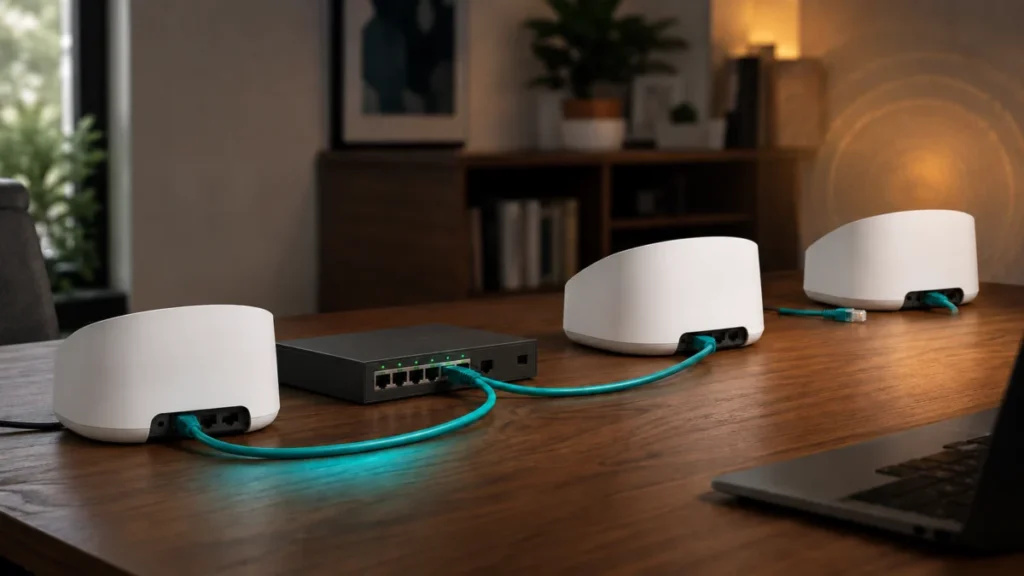
eero Max 7 Keeps Switching from Wired Backhaul to Wireless: How to Isolate the Cause
If your eero Max 7 keeps switching from wired backhaul to wireless, check your network topology before you replace a single cable. eero's documentation requires every additional eero to connect through one gateway eero, and it warns that...