
S.S– Author –

-
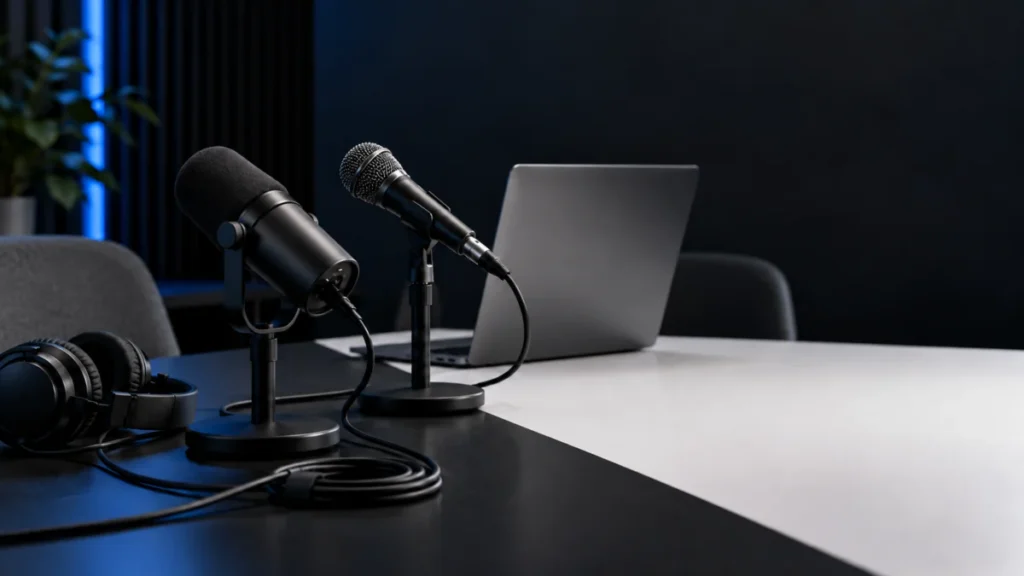
Shure MV7i Second XLR Mic: Step-by-Step Setup to Record Both Voices
Yes, the Shure MV7i can record a second XLR microphone without a separate audio interface. Plug the guest mic into the combo XLR/¼-inch input on the back of the MV7i, connect the MV7i to your Windows PC with one USB-C cable, and control ... -
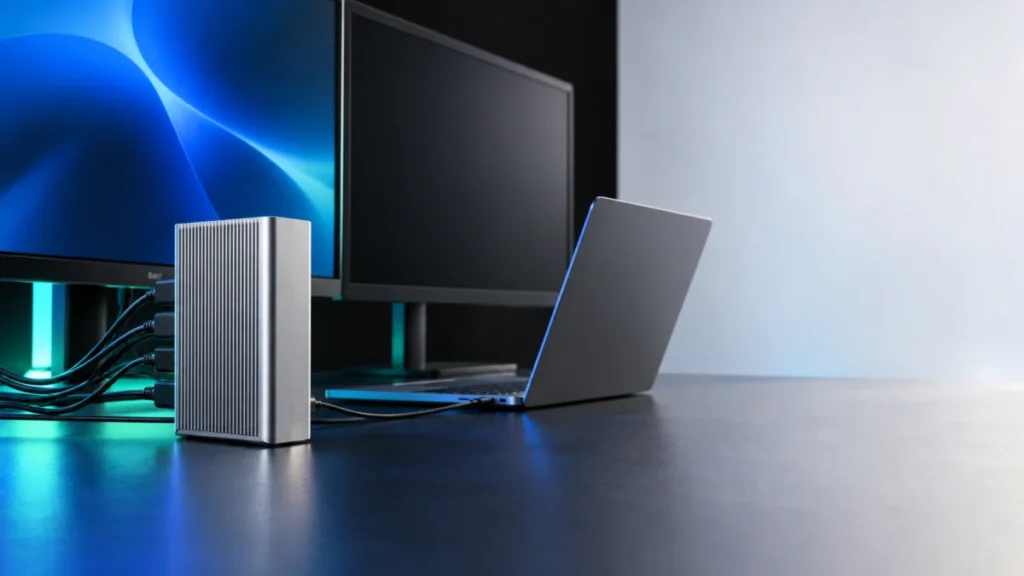
CalDigit TS4 Second Monitor Not Detected on Windows? Check the Host, Ports, and Settings
If your CalDigit TS4 shows one monitor on a Windows PC but the second stays dark or never appears in Settings, check the PC before blaming the dock. CalDigit says Windows Thunderbolt 3 and Thunderbolt 4 PCs can run up to two displays thr... -
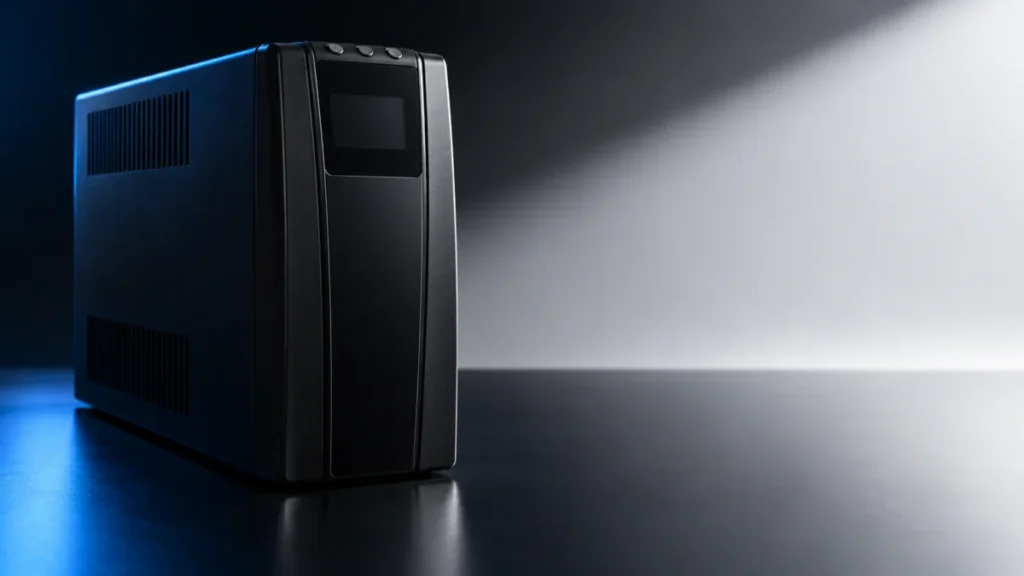
APC BR1500MS2 Replace Battery Warning? What to Check Before Buying
If your APC Back-UPS Pro BR1500MS2 shows the Replace Battery icon, the official manual identifies an aging battery. Once you have confirmed the warning and ruled out damage or a separate hardware fault, arrange replacement with the match... -
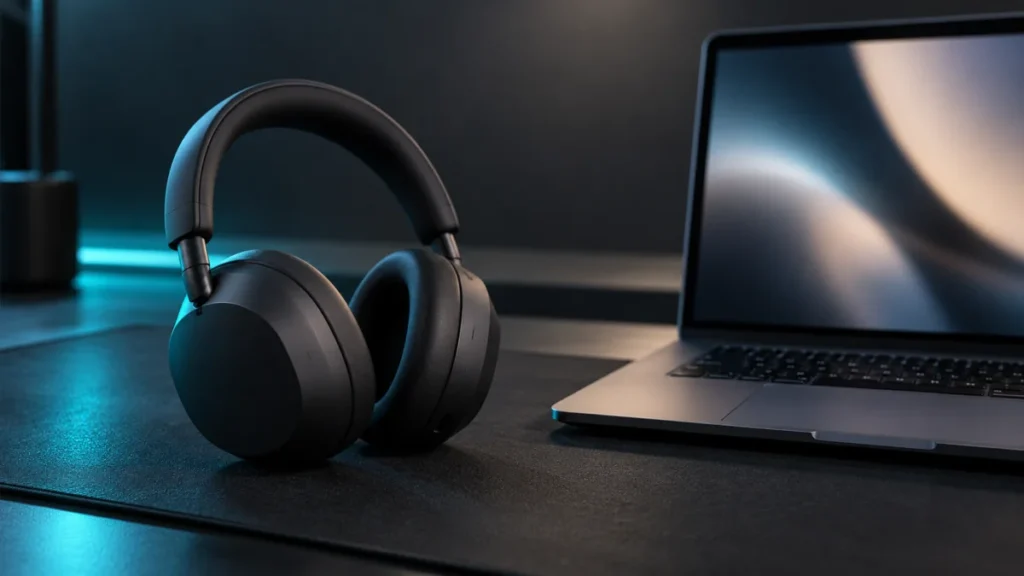
Sony WH-1000XM5 Mic Not Working on Windows? Check the Call Connection First
If your Sony WH-1000XM5 plays sound on a Windows PC but people on a call can't hear you, check which connection your call app is using before you blame the microphone. Sony's Help Guide tells you to use the calling connection (HFP/HSP), ... -
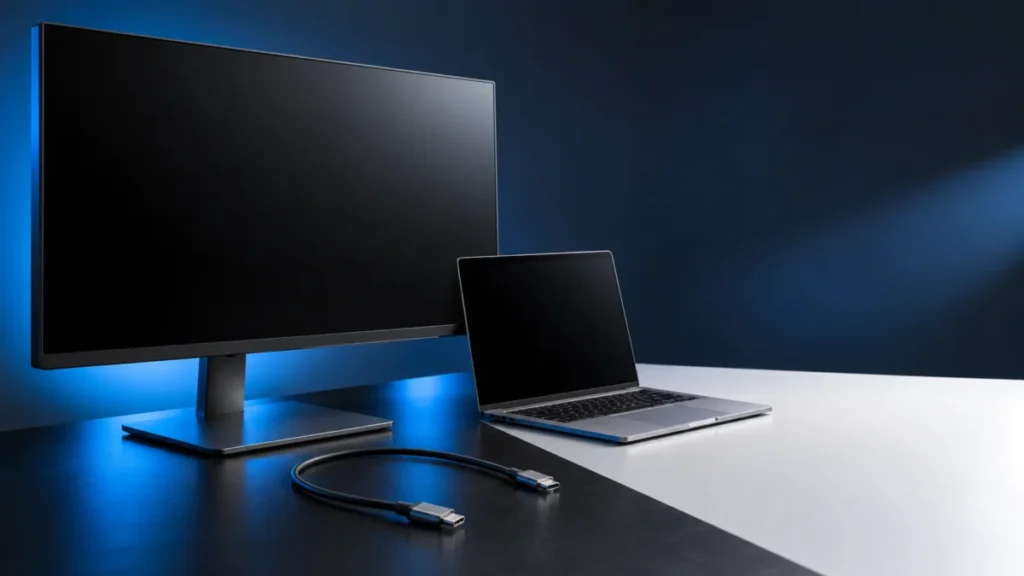
BenQ PD3225U USB-C No Signal on Mac? Check the Thunderbolt Port First
If your Mac charges from a BenQ PD3225U but the monitor shows no signal, the charging only proves that power is getting through — not video. Check three things first: the cable must go into the monitor's Thunderbolt 3 input (not the Thun... -
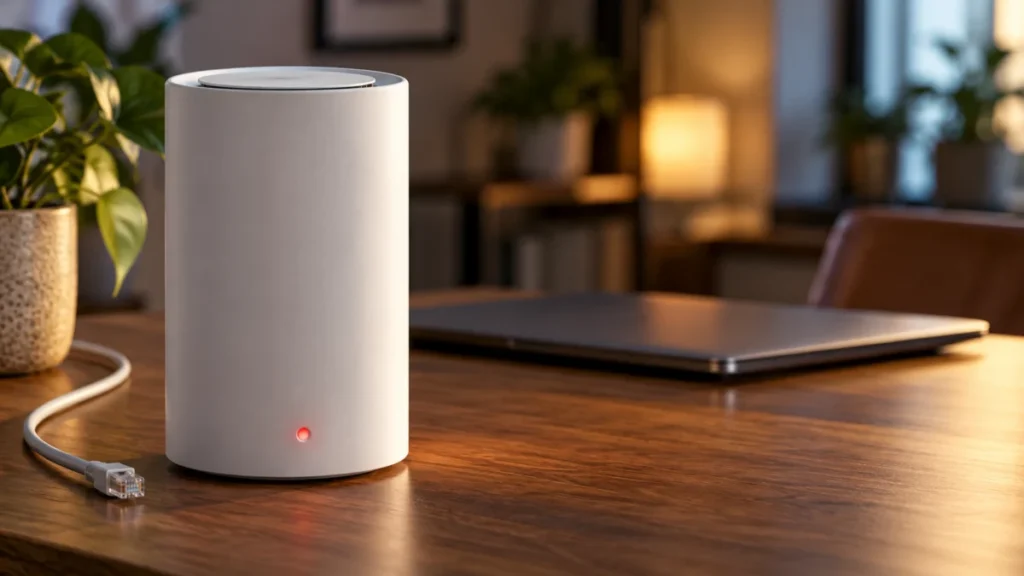
Deco BE85 Solid Red Light? Fix No Internet on the Main Unit
If the main unit of your TP-Link Deco BE85 shows a solid red light, it means the Deco cannot reach the internet. Start with three free checks: reseat the Ethernet cables, confirm the main Deco (not a satellite) is the unit plugged into t... -
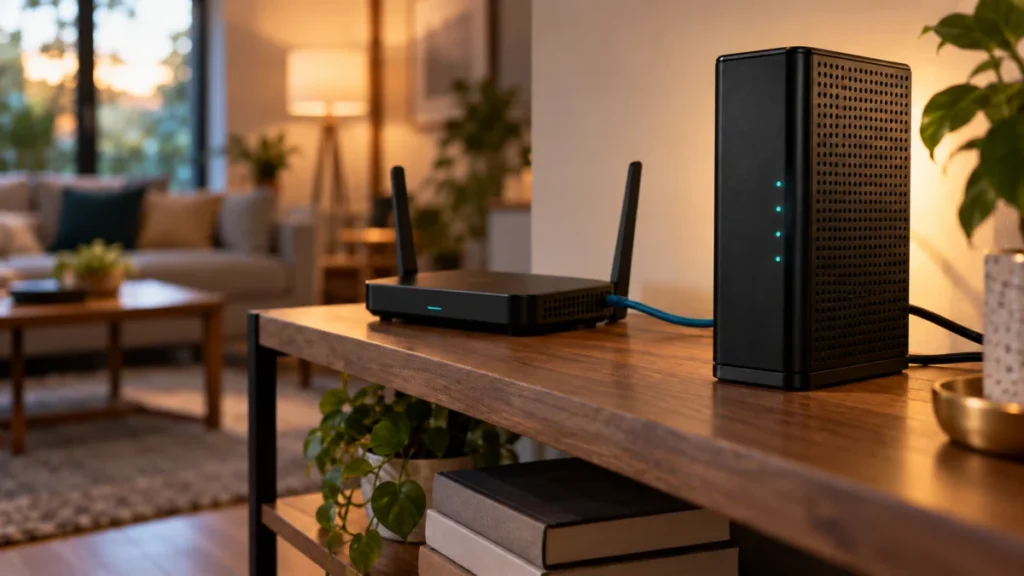
NETGEAR CM3000 2.5 Gig Port Setup: Check Your Router and Link Speed
If you want the NETGEAR CM3000 to carry a multi-gig cable plan, use its single Multi Gig port and connect it directly to a router whose WAN or Internet port runs at 2.5 Gbps or faster. Then read the Multi Gig Port LED: solid blue means a... -
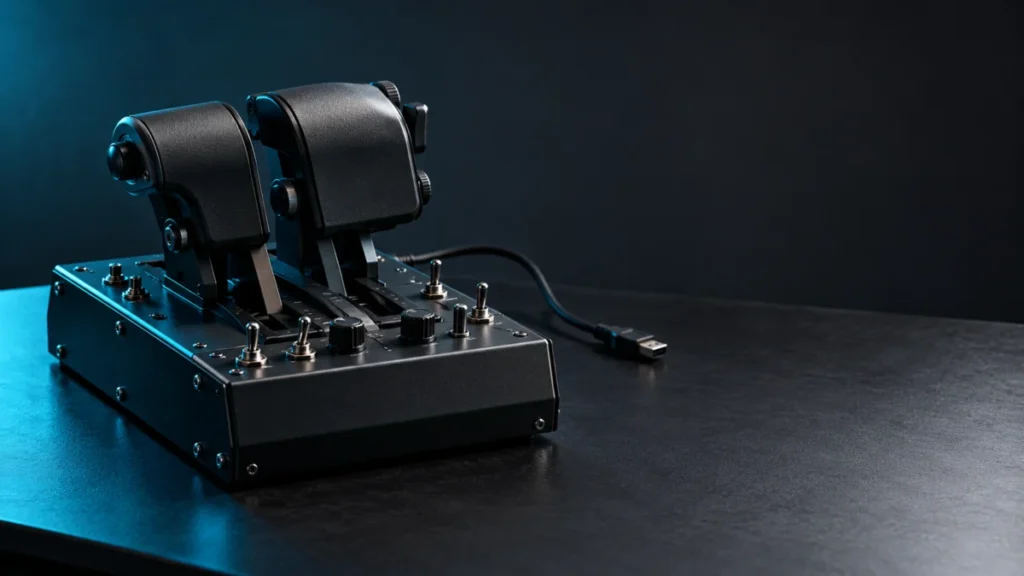
HOTAS Warthog Throttle Not Detected on PC? USB, Driver and Wake-Up Fixes
If your HOTAS Warthog Dual Throttles is not detected on a Windows 10 or 11 PC, start with two free checks: plug it directly into a USB port on the PC, then see whether it appears in the Windows Game Controllers panel (joy.cpl). Next, rei... -
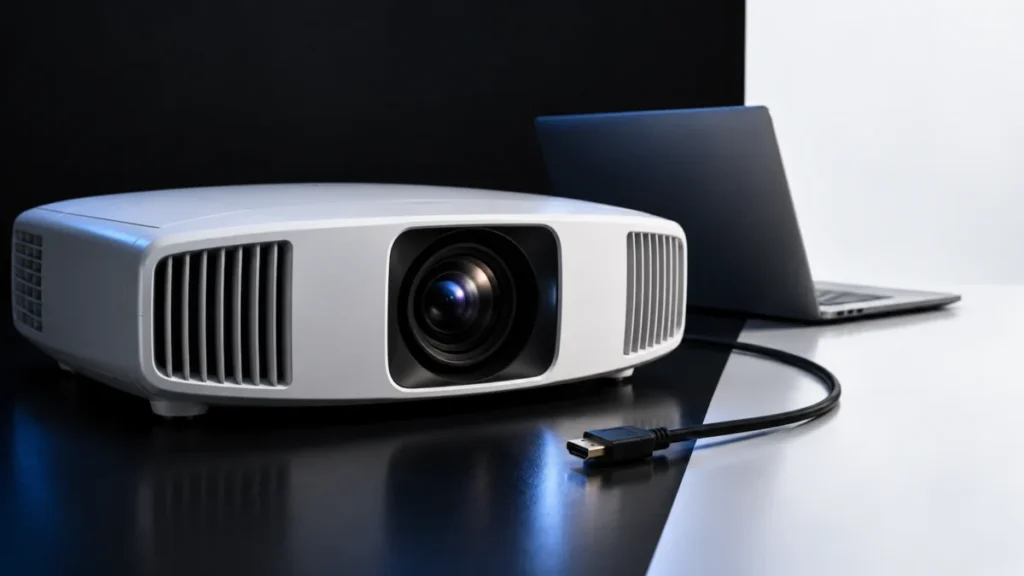
Epson LS11000 No Signal at 4K120 on PC? Check HDMI and EDID
If your Epson Home Cinema LS11000 goes blank or shows a No Signal message only when a Windows PC sends 4K at 120Hz, treat it as a signal-path problem before you suspect the projector. First confirm the projector can display its own menu.... -
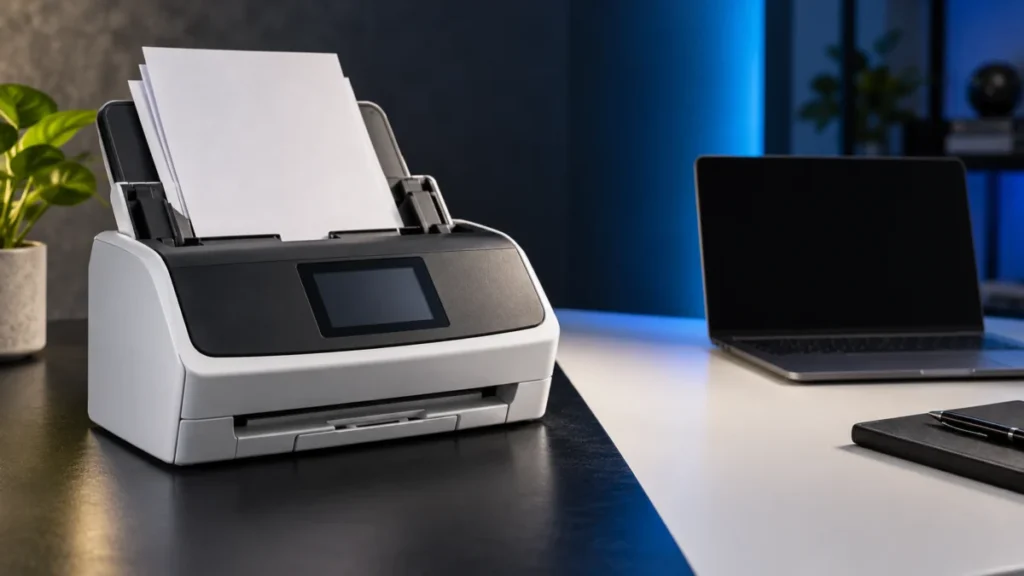
ScanSnap iX1600 Not Connecting to Wi-Fi on Windows? Step-by-Step Fix
If your ScanSnap iX1600 won't connect over Wi-Fi to a Windows PC, or the touch panel shows "The device is not responding." when everything looks connected, start by checking four links: the scanner's connection to your access point, the ...