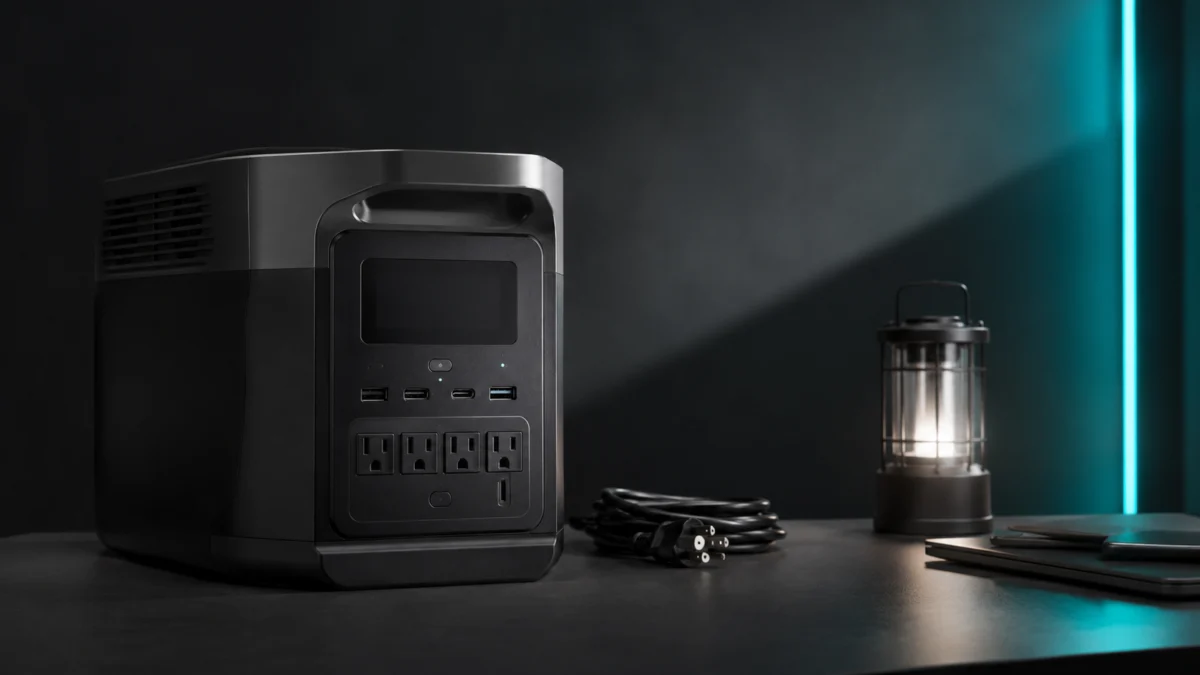
If your EcoFlow Delta shows a wrong battery percentage, suddenly drops to 0%, or shuts off earlier than expected, the most likely cause is SOC drift — a mismatch between what the battery management system thinks the charge level is and the battery’s actual state. Before assuming a defect, check your app’s charging and discharging limit settings, then run a controlled full discharge and recharge cycle to recalibrate the BMS. This guide covers the safe steps to try first, how to read symptoms, and when the issue requires EcoFlow support rather than a DIY fix.
Important: If your unit shows abnormal heat, physical swelling, burning smell, error codes, or refuses to charge at all, do not attempt calibration. Contact EcoFlow support directly.
This guide is primarily relevant to LFP-based Delta models including the Delta 2, Delta 2 Max, Delta Pro, Delta Pro Ultra, Delta Pro 3, and Delta 3 series. The original DELTA and DELTA Max use a different battery chemistry and have separate considerations noted where relevant.
Quick Fix: How to Recalibrate Your EcoFlow Delta Battery Percentage
The fastest safe fix for an EcoFlow Delta showing a wrong battery percentage is to check your app’s charge and discharge limit settings first, then run one complete discharge-and-recharge cycle using a standard AC wall outlet. According to EcoFlow’s official documentation, performing this cycle up to three times can restore accurate SOC readings on most Delta models.
- Open the EcoFlow app and navigate to your unit’s settings. Check whether a charging upper limit (such as 80%) or a discharging lower limit (such as 20%) is enabled. If either limit is active, the BMS cannot complete a full calibration cycle. Disable both temporarily before proceeding.
- Discharge the unit using a safe load — a fan, lamp, or small appliance — until the unit shuts off automatically. Do not force-stop the discharge. Let the BMS cut off power on its own.
- Charge back to 100% using an AC wall outlet without interruption. Once the display or app shows 100%, leave the unit plugged in and powered off for an additional hour or two to allow cell balancing to complete.
- Check the app reading after the session. If the percentage still behaves erratically, repeat the full cycle up to two more times before drawing further conclusions.
If the problem persists after three cycles, the cause is likely beyond SOC drift. Continue reading to identify the specific symptom pattern and decide whether support is the right next step.
Why EcoFlow Delta Battery Percentage Can Be Wrong
LFP batteries like those in the Delta 2 and Delta Pro have a very flat voltage curve, which makes it difficult for the battery management system to estimate remaining charge from voltage alone. The BMS relies on tracking charge and discharge cycles over time, and when that tracking loses its reference points — due to partial cycling, low-load operation, long storage, or firmware quirks — the displayed percentage drifts away from the battery’s actual state.
EcoFlow’s official BMS troubleshooting guidance identifies five common sources of unexpected behavior:
- BMS miscalibration: The BMS loses its upper and lower charge reference points, causing the displayed percentage to be higher than the actual charge. This leads to shutdowns that appear sudden because the unit reaches true empty before the display reaches 0%.
- Imbalanced cell voltage: Individual cells within the battery pack can drift to slightly different voltage levels. When the difference exceeds approximately 0.1V, the BMS runs background balancing that consumes power and can create unexplained percentage drops even when no load is connected.
- Age-related capacity loss: As the battery ages, its actual usable capacity shrinks. The BMS may still report percentages based on the original rated capacity, making 80% on the display represent less runtime than it did when the unit was new. EcoFlow’s official FAQ notes that the original DELTA (first generation) may reach 80% of its original capacity after approximately 800 charge cycles.
- Temperature extremes: The BMS shuts off automatically when operating outside its safe temperature range (below 32°F or above 104°F). These shutdowns can look like sudden battery failure but are a protective response.
- Parasitic loads: Devices left connected to the unit can draw small amounts of power continuously, causing gradual percentage loss that resembles a BMS problem.
The key distinction to understand is that SOC drift is a calibration problem, not a hardware failure. A unit showing wrong percentages can still hold full charge — the display is simply no longer reading it accurately.
Common Symptoms and What to Check First
Different display behaviors point to different root causes. The table below maps common EcoFlow Delta battery symptoms to the first check worth running before starting a full calibration cycle.
| Symptom | Most Likely Cause | First Check |
|---|---|---|
| Percentage suddenly drops to 0% and unit shuts off | BMS miscalibration — actual charge reached 0 before display did | Check charging/discharging limits in app; run full calibration cycle |
| Shows 100% but runtime is much shorter than expected | BMS miscalibration or age-related capacity reduction | Check cycle count history in app; run calibration cycle; compare runtime before and after |
| Percentage stuck at 99% or refuses to reach 100% | Charging upper limit active in app, or cell balancing in progress | Check and disable charging upper limit in app; allow unit to remain plugged in longer |
| Expansion battery and main unit show very different percentages | Independent BMS calibration drift between units | Disconnect expansion battery; calibrate main unit first; reconnect and monitor |
| Percentage drops fast under light load, accurate under heavy load | BMS SOC estimation error at low discharge rates — confirmed across multiple community reports on Delta Pro units | Run calibration cycle; EcoFlow support has confirmed this pattern and recommended 2–3 full cycles |
| Unit shuts off in cold garage or hot car | Temperature protection — not a calibration issue | Move unit to a climate-controlled environment (between 32°F and 104°F) and retest |
Step-by-Step EcoFlow Delta Battery Calibration Checklist
For most Delta models, the full calibration process takes one to three complete discharge-and-recharge cycles run through an AC wall outlet. Disable any charging or discharging limits in the app before starting, and allow the unit to rest at full charge for at least one to two hours after each cycle to support cell balancing.
-
Step 1 — Check app settings before anything else
Open the EcoFlow app and go to your unit’s settings panel. Look for a charging upper limit or discharging lower limit. If the charging limit is set below 100% or the discharge limit is set above 0%, the unit cannot complete a proper calibration cycle. Temporarily set both limits to their full range (100% upper / 0% lower) before continuing. -
Step 2 — Check for firmware updates
In the EcoFlow app, navigate to device settings and check for available firmware updates. EcoFlow has released firmware updates that address SOC reporting accuracy on several Delta models. Install any pending updates before running a calibration cycle, as updates may resolve the issue without a full discharge cycle. -
Step 3 — Run a safe full discharge
Connect a reliable load — a fan, LED work light, or similar device drawing between 100W and 500W — and allow the unit to discharge until it shuts off automatically. Do not use a very low load (under 50W) for this step, as light loads make SOC estimation less accurate during discharge. Do not interrupt the process. -
Step 4 — Recharge to 100% without interruption
Using a standard AC wall outlet, charge the unit to 100%. Do not interrupt charging partway through. Allow charging to complete fully. If using a charging speed limit in the app, set it to full speed for this session. -
Step 5 — Leave the unit off for 1–2 hours at full charge
After reaching 100%, power the unit off and leave it plugged in for at least one to two hours. This allows the BMS to complete cell top-balancing, which is the process of equalizing voltage across individual cells in the pack. Skipping this step means calibration may be incomplete. -
Step 6 — Verify and repeat if needed
Power on the unit, check the display and app, then discharge and recharge again under normal conditions. If the percentage still behaves erratically, repeat the full cycle (Steps 3–5) up to two more times. EcoFlow’s official documentation recommends up to three complete cycles for full recalibration. Running this cycle every two to three months as routine maintenance can prevent drift from recurring.
What not to do during calibration:
- Do not attempt to discharge the battery using an unusually high load that would trigger overload protection.
- Do not use a third-party modification, disassembly, or manual cell intervention. EcoFlow’s warranty does not cover damage from unauthorized modifications.
- Do not interrupt charging midway and assume calibration is complete.
- Do not rely on solar charging alone for the calibration cycle, as variable solar input can introduce inconsistencies.
When Calibration Is Not Enough: Signs You Need EcoFlow Support
SOC recalibration addresses display inaccuracy caused by BMS drift. It does not fix hardware faults, cell damage, or deep firmware errors. After completing two to three full calibration cycles, the following symptoms indicate that contacting EcoFlow support is the appropriate next step rather than continuing DIY attempts.
- The unit shuts off within a few minutes even at full charge after calibration
- The battery refuses to charge past a very low percentage (under 30%) despite multiple attempts
- The unit shows error codes on the display or in the app that persist after a firmware update
- The unit feels abnormally warm during charging, even in a climate-controlled environment
- The expansion battery percentage remains dramatically out of sync with the main unit (more than 15–20%) after both have been individually calibrated
- The unit was stored for an extended period (over 6 months) at a very low or very high charge level, which can accelerate cell degradation in some conditions
When contacting EcoFlow support, prepare the following information to speed up diagnosis:
- Exact model name (Delta 2, Delta Pro, Delta Pro Ultra, etc.)
- Current firmware version (visible in the EcoFlow app under device settings)
- Approximate purchase date and estimated number of charge cycles if known
- Description of the symptom, including what percentage the unit shuts off at
- Any error codes visible on the display or app
- Whether an expansion battery is connected and whether the issue affects both units or only one
Setup and Accessory Checks Before Replacing Your Power Station
Before concluding that the power station itself is faulty, check whether external factors in your setup are contributing to the behavior. Several common configuration issues can mimic battery or BMS problems without any fault in the unit itself.
Charging source and cable quality
Inconsistent or undersized input sources can cause the BMS to receive incomplete charge cycles. For calibration and general reliability, AC wall outlet charging is the most predictable method. Solar input is variable by nature and is not ideal for calibration sessions. If using a third-party XT60 or DC cable, verify that it is rated for the unit’s supported input wattage — an undersized cable can limit charging speed and affect how the BMS tracks the full charge threshold.
Extension cord limitations
A long or thin extension cord between the wall outlet and the unit can cause voltage drop, which may prevent the unit from reaching a true 100% charge. If possible, plug directly into a wall outlet during calibration.
Operating and storage temperature
LFP batteries perform best and calibrate most accurately within a moderate temperature range. If the unit has been stored in an unheated garage over winter or in a hot vehicle, allow it to return to room temperature before running a calibration cycle. Charging a cold battery can skew the BMS reference points further.
Expansion battery connection
If you use a Delta 2 Extra Battery, Delta Pro Extra Battery, or similar expansion module, the two units maintain separate BMS states that need to stay in sync. If the main unit and expansion battery show large percentage discrepancies, disconnect the expansion battery, calibrate the main unit independently, then reconnect and monitor for synchronization over one or two cycles. EcoFlow’s app should reflect a combined percentage once the units are reconnected and balanced.
App version
Outdated versions of the EcoFlow app can occasionally display stale or cached percentage data. Verify that your app is up to date and that it is actively connected to the unit via Bluetooth or Wi-Fi during monitoring.
How We Researched
This article is based on EcoFlow’s official US blog documentation covering BMS troubleshooting, SOC calibration procedures, and power station charging behavior, as well as the official EcoFlow DELTA FAQ. We also reviewed multiple threads on DIY solar and outdoor power community forums where users reported SOC drift patterns on Delta Pro and Delta 2 units and shared direct responses from EcoFlow support. Fixory has not conducted hands-on testing of EcoFlow Delta units. Any calibration steps described are drawn from official EcoFlow documentation and confirmed user-reported procedures. For model-specific instructions, always refer to the EcoFlow support documentation for your exact unit.
Conclusion
A wrong battery percentage on an EcoFlow Delta is frustrating, but it is usually a calibration issue rather than a sign that the battery is failing. Start by disabling any charging or discharging limits in the app, then run one to three complete discharge-and-recharge cycles using an AC outlet. Allow the unit to rest at full charge for an hour or two after each cycle to support cell balancing. If the behavior does not improve after three cycles, or if you see persistent error codes, abnormal heat, or very short runtimes even after calibration, contact EcoFlow support with your model details and symptom description. For most users, a calibration cycle run every two to three months is enough to keep SOC readings accurate over the long term.

Please check the Amazon product page for the latest price and availability.
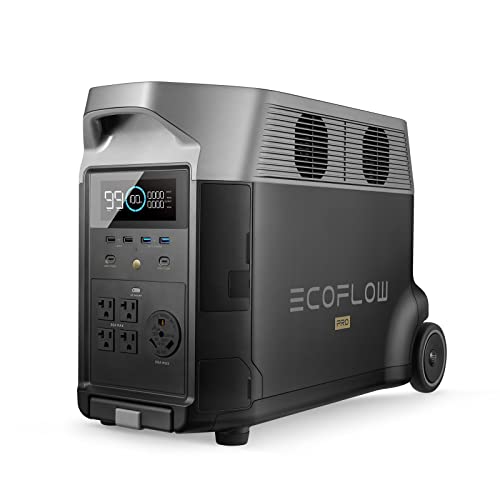
Please check the Amazon product page for the latest price and availability.