
S.S– Author –

-

M4 MacBook Air Dual Monitor Setup: Thunderbolt Dock, USB-C Hub, DisplayLink — What You Need to Know Before Buying
The M4 MacBook Air is the first MacBook Air in the Apple Silicon era to support two external monitors with the lid open — no clamshell mode, no workarounds required. Before buying any dock, hub, or adapter, there are three things to conf... -
Windows 11 “You’ll Need the Internet for This” Error? Install KB5085516 First
If OneDrive, Teams Free, Microsoft Edge, Word, Excel, or Copilot are showing "You'll need the Internet for this" — but your browser loads pages without any problem — this is most likely caused by the March 10, 2026 Windows 11 cumulative ... -
Best Gaming Headset Under $150: 6 Wireless Picks for PC, PS5, Switch 2, and Xbox
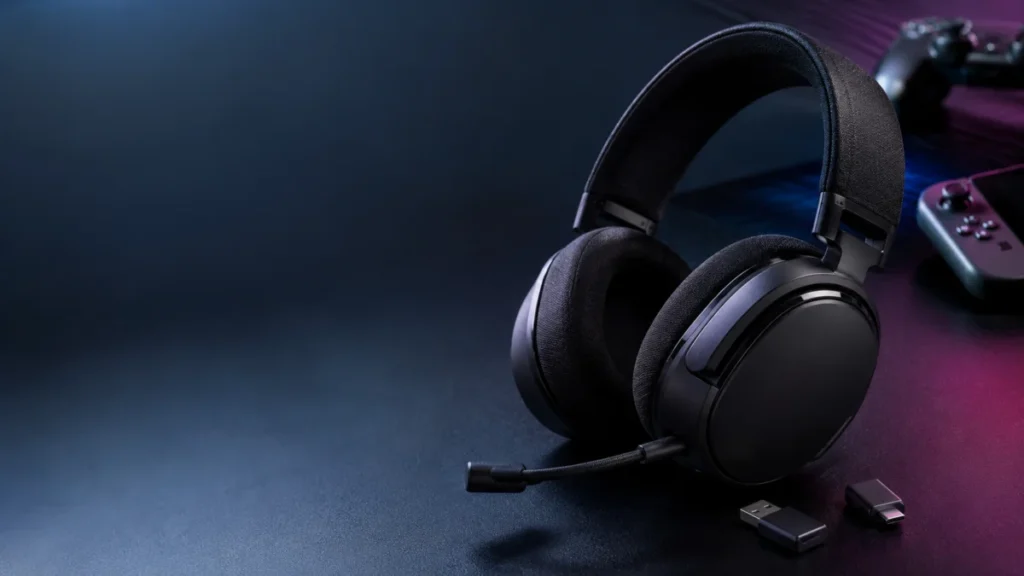
Quick answer: For most players, the SteelSeries Arctis Nova 5 Wireless is the best overall pick under $150 — it works across PC, PS5, Switch 2, and mobile over 2.4GHz plus Bluetooth. On Xbox, choose the Turtle Beach Stealth 600 Gen 3 (Xb... -
Best Certified HDMI 2.1 Cables for PS5 and Xbox Series X: What to Know Before You Buy
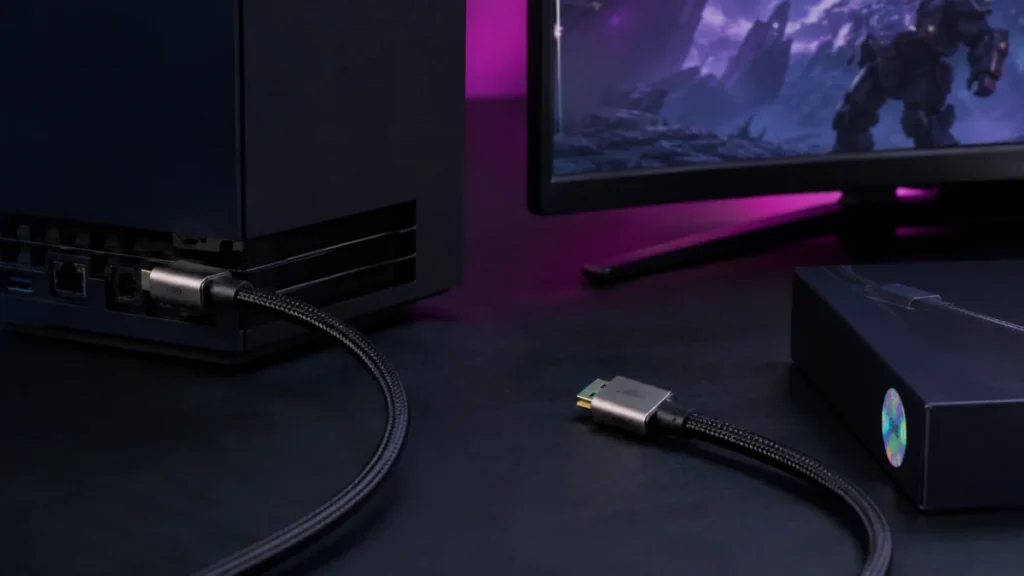
Both the PS5 and Xbox Series X ship with an Ultra High Speed HDMI cable already in the box — the same certified 48Gbps standard you'd spend money on separately. For most setups, no replacement is needed. The situation where a new cable m... -
Best USB-C 2.5Gb Ethernet Adapters in 2026: MacBook, iPhone, and Mini PC Picks
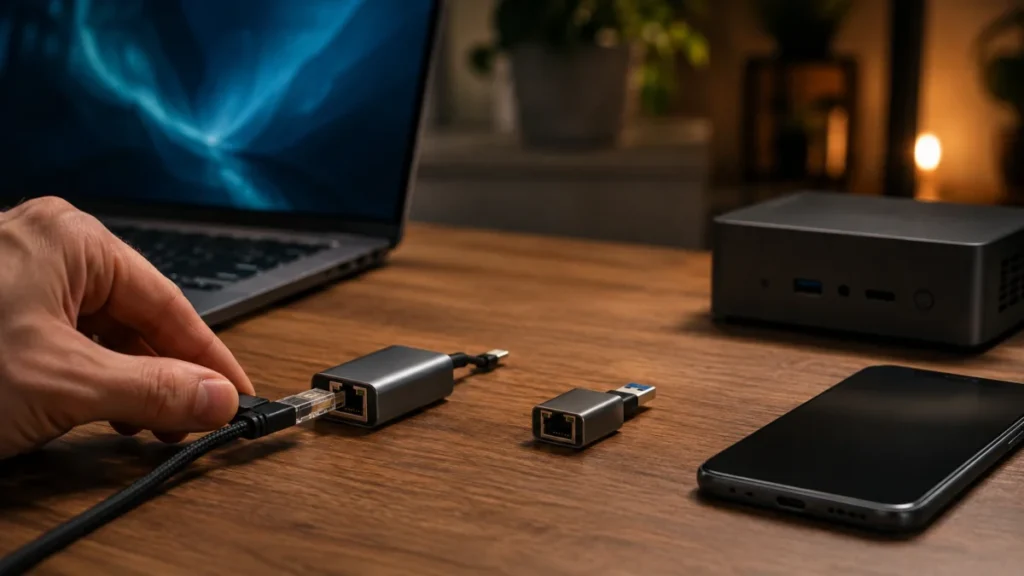
The best USB-C 2.5Gb Ethernet adapter for most people depends on three factors: your device's USB-C standard, whether your switch or router supports 2.5GbE, and how much connection flexibility you need. If you want one adapter that cover... -
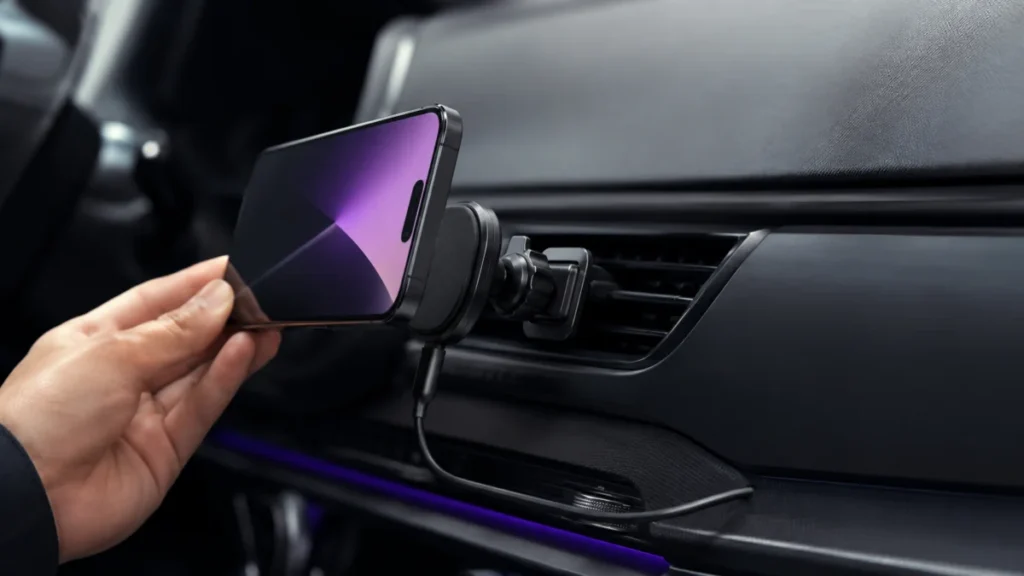
Best Qi2 Car Chargers for iPhone: Vent, Dashboard, and Buying Tips
The best Qi2 car charger for your iPhone depends on three things before anything else: your mount position (vent or dashboard), your car adapter's output (most car USB ports won't reach 15W), and whether your charger is actually Qi2 cert... -
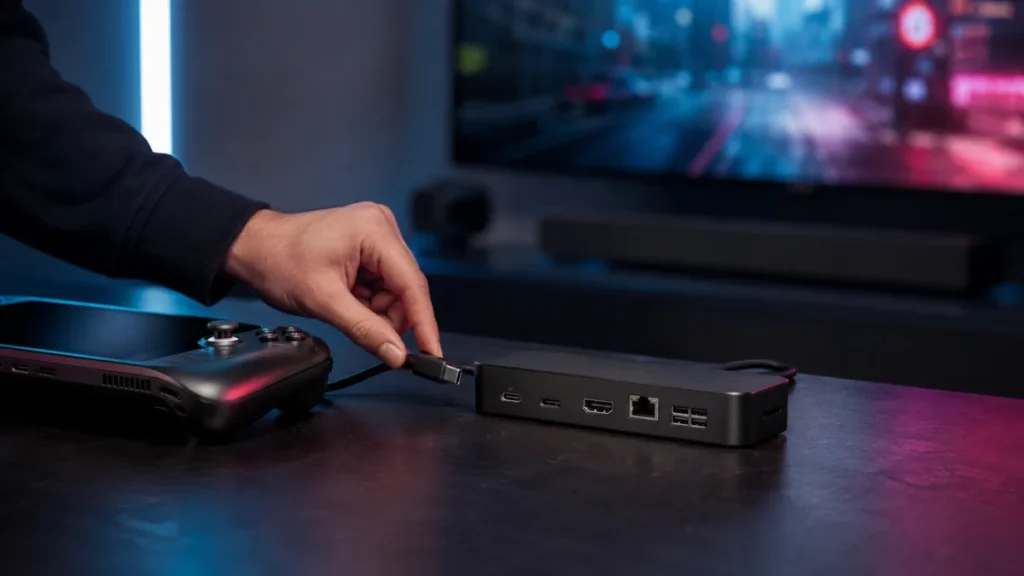
Best Steam Deck Docks with HDMI 2.1: TV Setup, Budget, and Travel Picks
If you want to connect your Steam Deck or ROG Ally to a TV with 4K@120Hz and VRR support, the JSAUX HB1201S covers the most ground at a reasonable price — HDMI 2.1, DisplayPort 1.4, Gigabit Ethernet, and 85W passthrough charging in one u... -
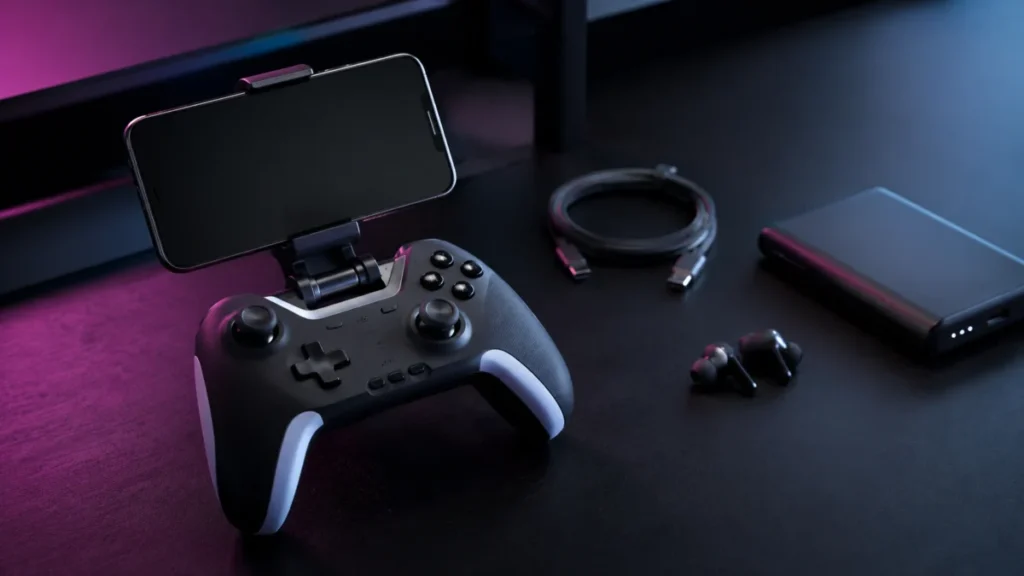
Best Accessories for Leadjoy Xeno Plus: What You Actually Need for Mobile Gaming
If you purchase through our links, Fixory may earn a small commission at no extra cost to you. Jump to: What to Check Before Buying Accessories Community Complaints to Know First Phone Clips (Mandatory) Charging Setup Cooling Accessories... -
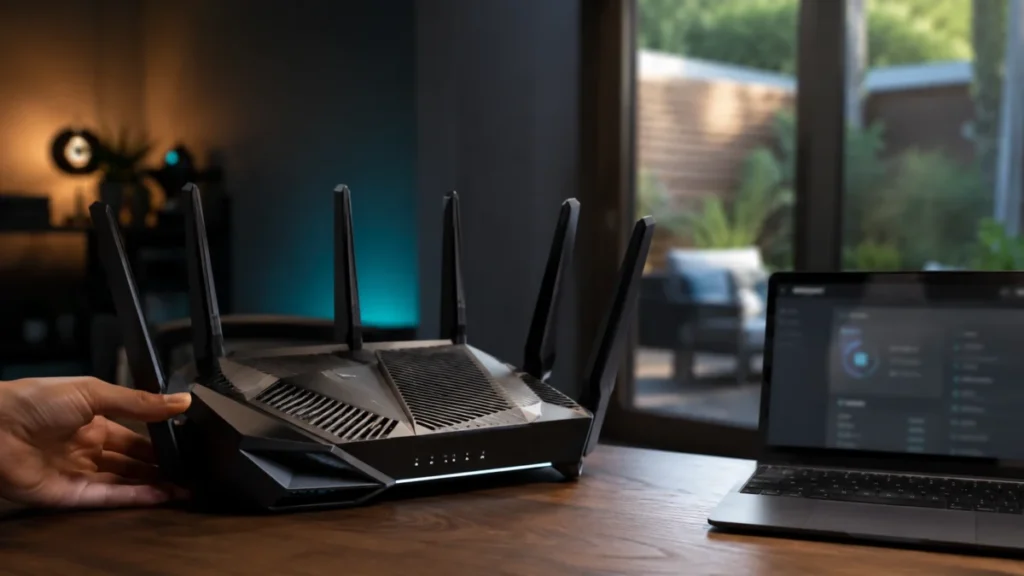
Wi-Fi 7 AFC Explained: Does Standard Power 6GHz Actually Improve Range?
Jump to a section: What Is AFC in Wi-Fi 7? Low Power Indoor vs. Standard Power 6GHz Does AFC Actually Improve 6GHz Range? Who Actually Needs a Standard Power Router? Who Doesn't Need AFC Yet? How to Check Whether a Router Supports AFCAFC... -
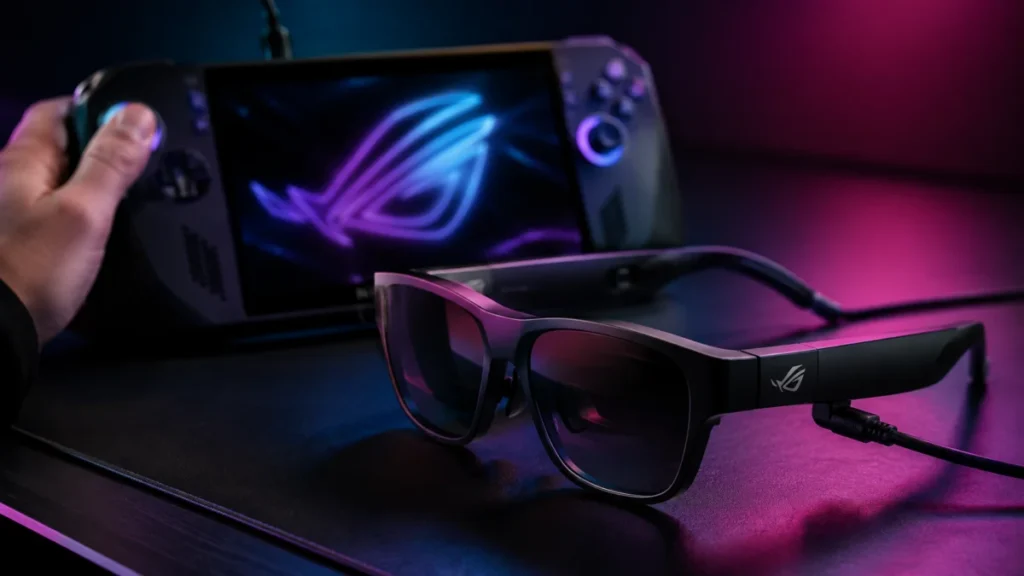
ROG Xreal R1 AR Glasses — 240Hz Virtual Display, Premium Pricing, and Who Should Actually Buy Them
Short answer: Buy the ROG Xreal R1 if you own a ROG Ally or ROG Xbox Ally and want its ACSE dual-screen control panel and the bundled ROG Control Dock. If you game mainly on a Steam Deck, gaming laptop, or console, look at the Xreal One ...