If you want a Matter-over-Thread wall switch and you’re not sure your box has a neutral wire, the short answer is this: it depends on the switch type. The Inovelli White Series Dimmer (VTM31-SN) can run without a neutral (it’s recommended, not required) but is rated for lights only. The On/Off Switch (VTM30-SN) requires a neutral wire. The Fan Switch (VTM35-SN) runs without a neutral but loses the high speed and can’t drive exhaust fans in that mode. On top of wiring, every Matter-over-Thread switch needs a Thread Border Router and an IPv6-enabled network. If you don’t know what’s in your wall box, confirm your wiring with a licensed electrician before buying anything.
What Does “No Neutral” Mean for a Smart Switch?
The neutral wire completes the electrical circuit and lets a smart switch draw continuous power while the light is off. Most smart switches need that constant power to stay online. “No-neutral” switches are designed to work without it, but that design almost always comes with trade-offs in load type, dimming behavior, or available features depending on the model.
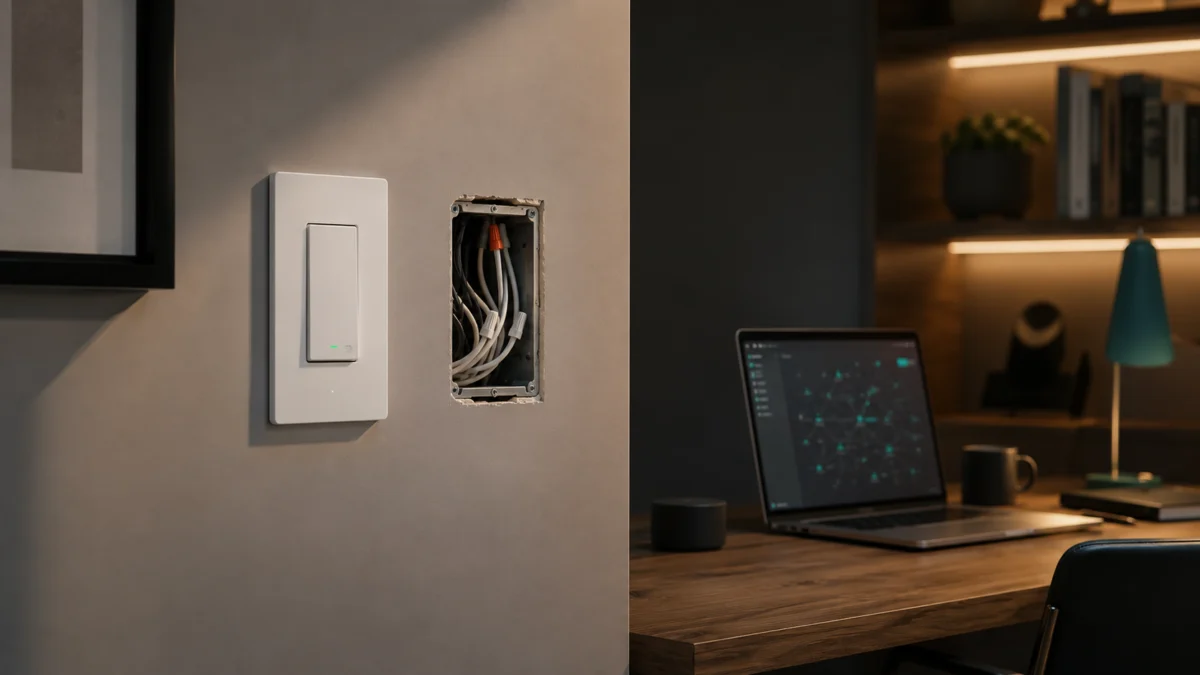
In older homes, the switch box often contains only a line (hot) and a load wire, with the neutral bundled at the light fixture instead. A traditional dumb switch doesn’t need a neutral because it simply breaks the circuit. A smart switch is different: its radio, processor, and LED indicator need power even when the light is off, which is why the neutral matters.
When a switch advertises “no neutral required,” it typically uses a small trickle of current through the load to stay powered. That approach works, but it introduces constraints. Some no-neutral switches require a bypass at the fixture for low-wattage LED loads, some limit which loads they can drive, and some disable features that depend on a fuller power supply. The phrase “works without a neutral” is a starting point, not a guarantee that every function is available.
Can Matter over Thread Switches Work Without Neutral?
Some can, but it varies by model, and “Matter over Thread” describes the connectivity, not the wiring. In the Inovelli White Series line, neutral requirements differ by switch: the Dimmer doesn’t strictly require a neutral, the On/Off Switch does, and the Fan Switch works without one but with reduced functionality. Separately, every Matter-over-Thread switch needs a Thread Border Router and IPv6 on your network.
Here’s the key distinction. Matter is the smart-home standard that lets a device work across Apple Home, Google Home, Amazon Alexa, SmartThings, and others. Thread is the low-power mesh radio the device uses to communicate. A “Matter over Thread” switch speaks Matter and connects through Thread — which means it can’t reach your network on its own. It needs a Thread Border Router (a device like a HomePod, certain Echo and Nest devices, or a SmartThings hub that bridges Thread to your home network).
According to Inovelli’s documentation, the White Series switches also have specific network requirements for Matter pairing: Matter devices and controllers must be on the same L2 network, IPv6 must be enabled on your router, and if you use VLANs, the Matter controller or server has to operate on that VLAN. Pairing problems with these switches are frequently network-side rather than switch-side, so these conditions matter as much as the wiring.
What to Check Before Buying: Load, Wiring, Aux Switch, and Bypass
Before buying, check five things: whether you have a neutral wire, what load you’re controlling (lights, fan, or other), whether the circuit is single-pole or multi-way, whether you’ll need an Aux Switch, and the switch’s maximum load rating. These determine not just whether a switch will work, but whether it will work with full functionality. The table below summarizes the Inovelli White Series by these criteria.
| Criterion | Dimmer (VTM31-SN) | On/Off (VTM30-SN) | Fan (VTM35-SN) |
|---|---|---|---|
| Neutral wire | Recommended, not required | Required | Not required (with limits) |
| Intended load | Lights only | Per official load rating | AC motor ceiling/exhaust fans only |
| Non-neutral limitation | Per official documentation | Not supported without neutral | Low and medium speeds only; no exhaust fans |
| Multi-way support | With Aux Switch or another Inovelli smart switch | With Aux Switch or another Inovelli smart switch | With Aux Switch (special non-neutral programming) |
| Dumb switch in multi-way | Not supported | Not supported | Not supported |
| DC motor / non-AC fan | N/A | N/A | Not supported |
Load type is the first filter
Match the switch to the load, not the other way around. According to Inovelli’s documentation, the White Series Dimmer is rated for lights only and should not be used on outlets, fans, or other inductive loads. The Fan Switch is rated for AC-motor ceiling and exhaust fans only and must not be used on lighting loads or DC motors. Using the wrong switch on the wrong load risks damage to the switch, the load, or both.
Multi-way wiring needs an Aux Switch, not a dumb switch
If a light is controlled from two or more locations, the White Series switches work in that setup only with an Inovelli Aux Switch or another Inovelli smart switch. An existing standard “dumb” switch will not work as the second control point. For the Fan Switch in a non-neutral multi-way configuration, Inovelli’s documentation notes that special programming is required for the Aux Switch.
Bypass and low-wattage LEDs
No-neutral dimmers driving very low-wattage LED loads can flicker, glow when off, or fail to power the switch reliably. The common fix is a bypass installed at the fixture. Whether your specific bulbs need one depends on the load, so confirm the wattage of your fixtures and check the switch’s official load guidance before assuming a no-neutral install will be flawless.
Matter over Thread vs Zigbee vs Wi-Fi Smart Switches
Matter over Thread offers cross-ecosystem compatibility and low-power mesh networking, but it requires a Thread Border Router and IPv6. Zigbee switches need their own hub and don’t natively join Matter. Wi-Fi switches need no hub but add traffic to your network; whether a specific model depends on a vendor cloud varies by product. The right choice depends on which hubs you already own and how much you value ecosystem flexibility.
| Matter over Thread | Zigbee | Wi-Fi | |
|---|---|---|---|
| Hub / bridge needed | Thread Border Router | Zigbee hub | None |
| Network prerequisites | IPv6, same L2 network | Vendor hub on network | Standard Wi-Fi |
| Cross-ecosystem | Yes (Matter standard) | Usually vendor-locked | Varies by app/cloud |
| Local control | Yes (Thread mesh) | Yes (via hub) | Varies by product |
| Best for | Multi-ecosystem, future-proofing | Existing Zigbee setups | Simplest single-switch installs |
If you already run Apple Home, Google Home, SmartThings, or Home Assistant and own a compatible Thread Border Router, Matter over Thread is the most flexible option because the same switch can be shared across controllers. If you have an established Zigbee ecosystem and no interest in changing it, a Zigbee switch may integrate more smoothly. If you want the simplest possible install and don’t mind a vendor app, a Wi-Fi switch avoids hubs entirely — though confirm local-control availability for the specific model before buying.
Best Matter over Thread Smart Switches to Check — and Who Should Avoid Them
The Inovelli White Series is currently the most prominent Matter-over-Thread wall switch line, available as a Dimmer, an On/Off Switch, and a Fan Switch. Each fits a different wiring and load scenario, and none is universally right. Choose by what’s in your wall box and what you’re controlling. The picks below break down who each switch suits and who should look elsewhere.
AD / Affiliate disclosure: The product links in this section are affiliate links. Fixory may earn a commission on qualifying purchases at no extra cost to you.
Inovelli White Series Dimmer (VTM31-SN) — best for no-neutral lighting
The White Series Dimmer is the most flexible of the three for older wiring because, per Inovelli’s documentation, a neutral is recommended but not required. It’s rated for lights only and supports major ecosystems including Apple Home, Google Home, Alexa, SmartThings, Home Assistant, and Hubitat (excluding C-4), each requiring a compatible device. It can also be configured to behave like an on/off switch, which is Inovelli’s recommended path for non-neutral boxes that need on/off control.
Check on Amazon
/
Official site
Buy if: you have a no-neutral box, you’re controlling lights, and you want the broadest ecosystem support in the line.
Don’t buy if: you need to switch a fan, an outlet, or another inductive load — this switch is rated for lighting only.
Inovelli White Series On/Off Switch (VTM30-SN) — best when you have a neutral
The On/Off Switch requires a neutral wire, so it’s only an option if your box has one. According to Inovelli, if you have a non-neutral setup, the company recommends the Dimmer (configured to simulate on/off) instead. In multi-way setups it works with an Aux Switch or another Inovelli smart switch, but not with an existing dumb switch.
Buy if: your box has a confirmed neutral wire and you want a dedicated on/off switch.
Don’t buy if: you have no neutral — choose the Dimmer instead, per Inovelli’s own guidance.
Inovelli White Series Fan Switch (VTM35-SN) — best for AC ceiling/exhaust fans
The Fan Switch controls AC-motor ceiling and exhaust fans and does not require a neutral wire. However, according to Inovelli’s documentation, in non-neutral mode you get only low and medium speeds (no high), and exhaust fans are not supported without a neutral. It works with AC motors only — DC motors are not supported — and must not be used on lighting loads. Multi-way use requires an Aux Switch, with special programming in non-neutral mode.
Buy if: you’re controlling an AC-motor ceiling fan and want Matter-over-Thread fan control.
Don’t buy if: you have no neutral and need the high speed or exhaust-fan control, or your fan uses a DC motor.
How We Researched
This article is based on manufacturer documentation and official support materials from Inovelli, including the White Series Dimmer, On/Off, and Fan Switch product pages and help center manuals. We have not conducted hands-on lab testing. All neutral-wire requirements, load ratings, speed limitations, multi-way conditions, and Matter/Thread network prerequisites are attributed to official Inovelli sources. Product links and final specifications are verified separately before publication.
Frequently Asked Questions
Can I use a Matter over Thread dimmer without a neutral wire?
Yes, in some cases. According to Inovelli, the White Series Dimmer (VTM31-SN) recommends a neutral but does not strictly require one, so it can run in a non-neutral box. It’s rated for lighting loads only, and very low-wattage LEDs may need a bypass at the fixture. Confirm your wiring and bulb wattage before buying.
Do Matter over Thread switches need a Thread Border Router?
Yes. A Matter-over-Thread switch communicates over Thread, which requires a Thread Border Router on your network to bridge it to your other devices. Inovelli’s documentation also requires IPv6 to be enabled and all Matter devices and controllers to be on the same L2 network for pairing to succeed.
Can I use a regular dumb switch as the second switch in a multi-way setup?
No. According to Inovelli, the White Series switches work in multi-way setups only with an Inovelli Aux Switch or another Inovelli smart switch. An existing standard dumb switch will not function as the second control point in these configurations.
Will the same switch work the same way on Apple Home and Home Assistant?
Not necessarily. While the White Series switches support multiple ecosystems, Inovelli’s documentation notes platform-specific differences in available features and setup. Some advanced settings are accessible on certain platforms but not others, so check the documentation for your specific controller before assuming feature parity.
Final Recommendation
Choose a Matter-over-Thread switch by your wall box and your load, not the “no-neutral” label alone. The White Series Dimmer fits no-neutral lighting; the On/Off Switch requires a neutral; the Fan Switch works without a neutral but with speed and exhaust-fan limits. In every case, a Thread Border Router and IPv6 are required. If you can’t confirm what’s in your wall box, have a licensed electrician check the wiring before you buy.