
Windows 11– tag –
-
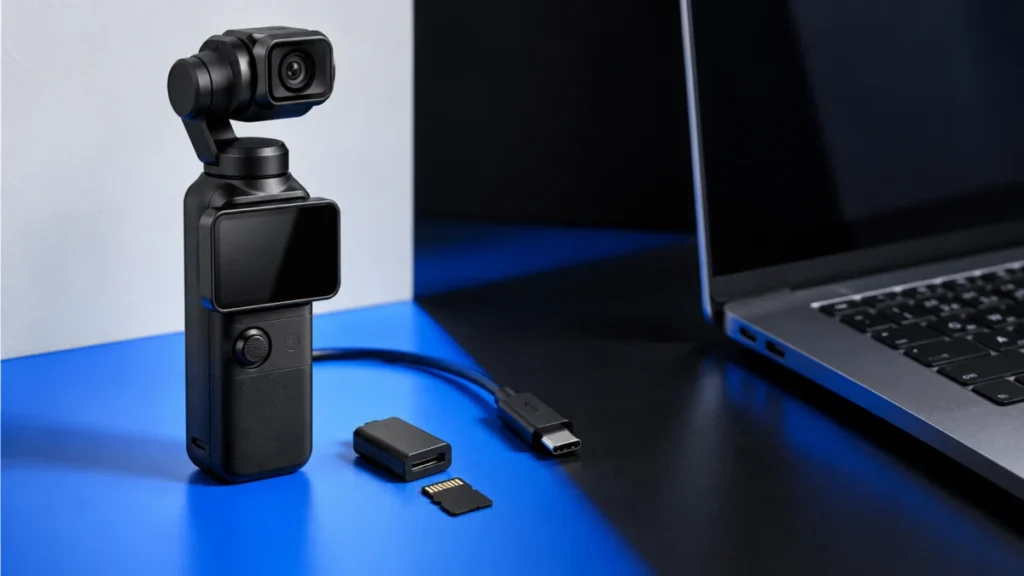
DJI Osmo Pocket 3 Not Recognized by Windows 11: USB, Cable, and microSD Checks
If Windows 11 does not see your DJI Osmo Pocket 3, check the camera's connection state before changing Windows settings. The Pocket 3 appears as a drive after you select the file-transfer option on the pop-up that opens on the camera scr... -
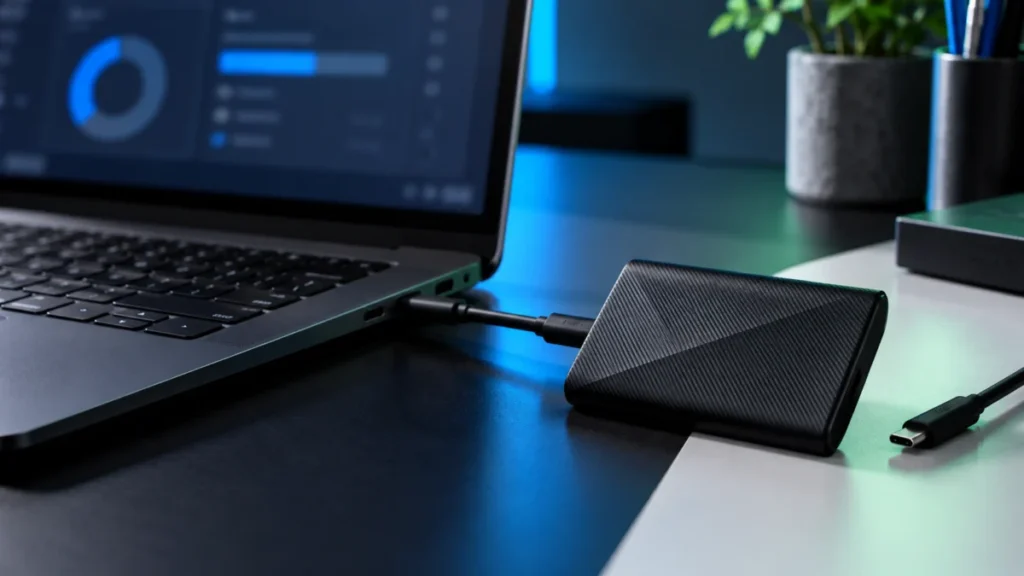
Samsung T9 Not Recognized in Windows 11? Check USB, Disk Management, and Samsung Magician
If the files on your Samsung Portable SSD T9 matter, stop before you change anything in Disk Management. Windows may offer destructive options, and Initialize Disk, Format, Delete Volume, and Secure Erase can destroy data on a drive that... -
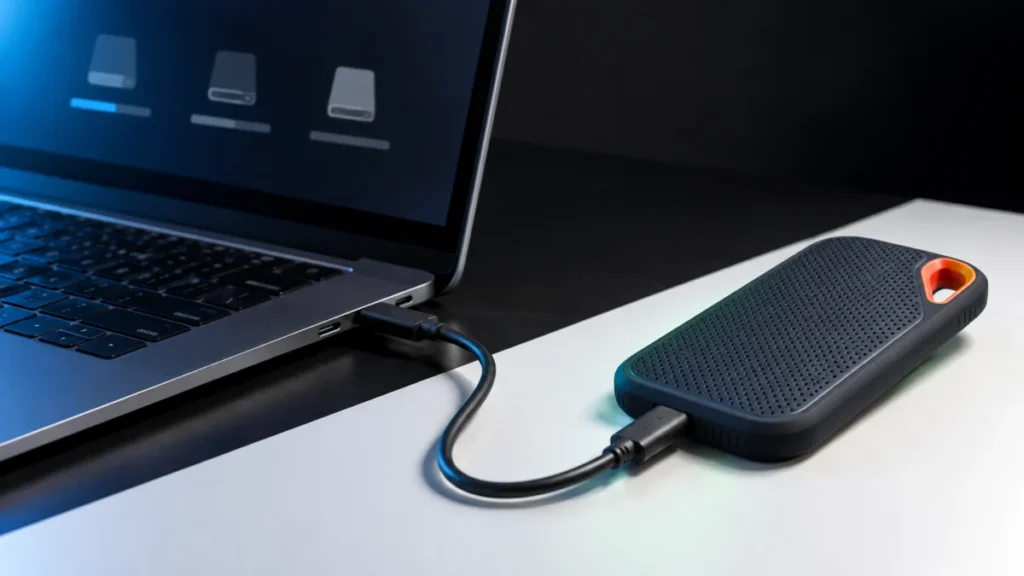
SanDisk Extreme Portable SSD V2 Not Recognized in Windows 11: Check It in This Order Before You Format
When a SanDisk Extreme Portable SSD V2 (SDSSDE61) is not recognized in Windows 11, the fastest route to a fix is to find out how far Windows actually gets. Check three places, in this order: File Explorer, Disk Management, and Device Man... -
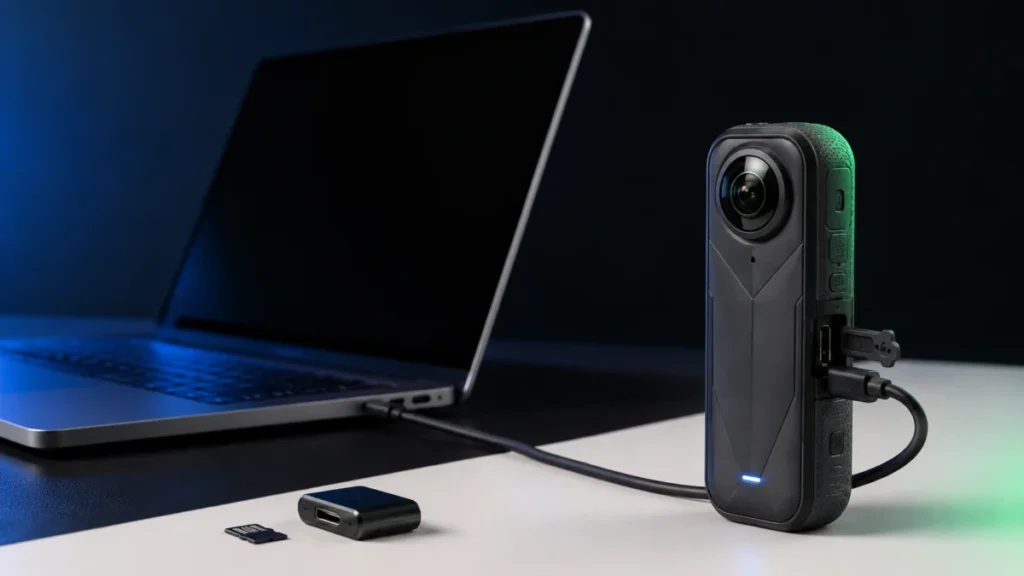
Insta360 X5 USB Mode Not Showing on PC: Fix It by Symptom, in the Right Order
If your Insta360 X5 shows no USB mode screen when you plug it into a PC, start here: power the camera on, connect it directly to the computer with a USB-C cable that carries data, and watch the camera screen. Insta360 documents that X5 a... -
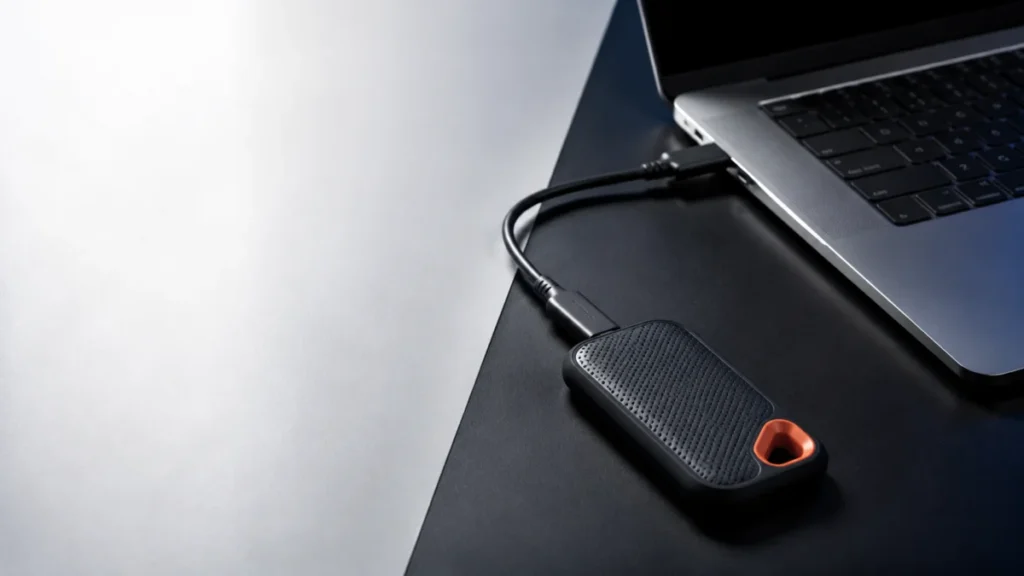
SanDisk Extreme Portable SSD V2 Slow Transfer on Windows 11: Step-by-Step Checks by Symptom
If your SanDisk Extreme Portable SSD V2 (SDSSDE61) transfers files slowly on Windows 11, check the negotiated USB link speed before you change any setting. A steady rate near 40 MB/s strongly suggests that the connection has fallen back ... -
BeeStation Desktop Sync Not Working on Windows 11: A Safe Diagnostic Order
If BeeStation for desktop has stopped syncing on Windows 11, identify which feature stopped before you change any setting. BeeStation moves files through several separate mechanisms, and each fails for different reasons. Repairing the wr... -
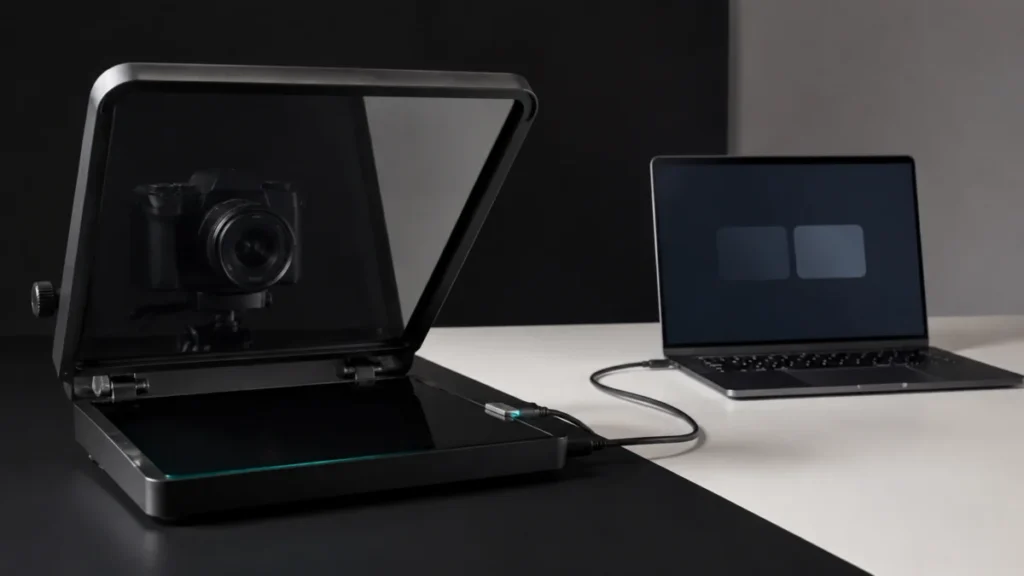
Elgato Prompter No Image on Windows: Step-by-Step Fix by Symptom
If your Elgato Prompter shows no image on Windows, do not reinstall Camera Hub yet. Open Settings → System → Display first and check whether Windows lists Prompter as a second display. That single check decides everything that follows. I... -
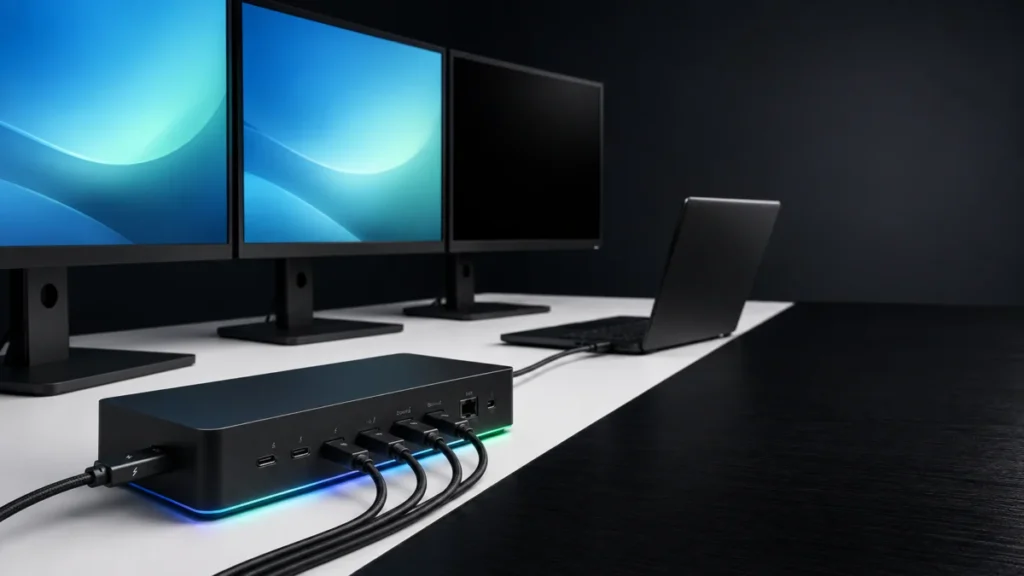
Razer Thunderbolt 5 Dock Chroma Monitor Not Detected on Windows 11: Host, Cable, and Display Checks
If your monitor is not detected through the Razer Thunderbolt 5 Dock Chroma on Windows 11, start with three checks: confirm that the laptop uses the upstream port, verify that the display cable carries video, and check how many external ... -
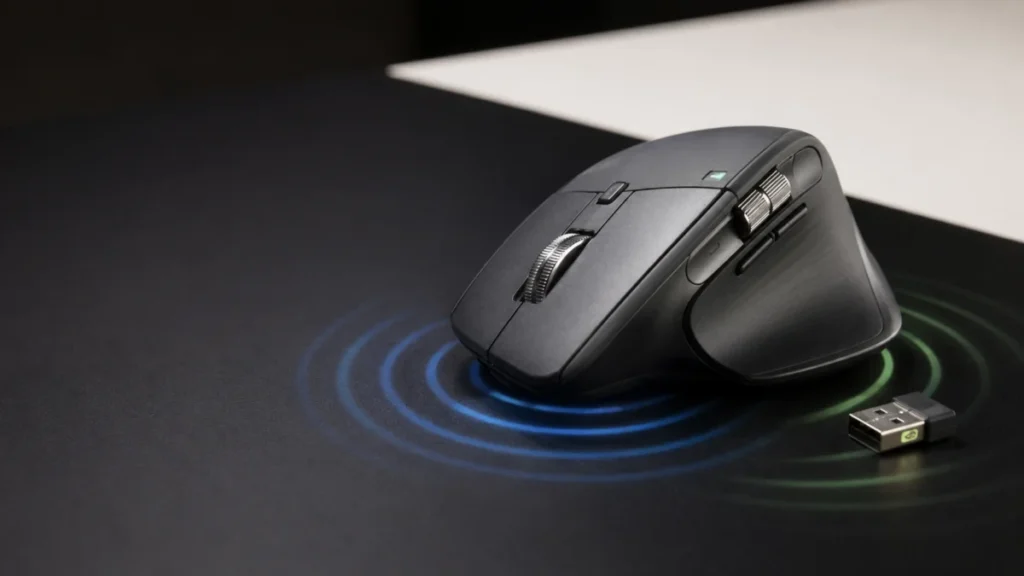
MX Master 4 Haptic Feedback Not Working on Windows 11: Firmware, Bolt, and Options+ Checks (2026)
If your MX Master 4 gives no haptic feedback, first check whether it vibrates at power-on or during its first Bluetooth connection. A response there confirms that the haptic mechanism can activate, so check software and setup conditions ... -
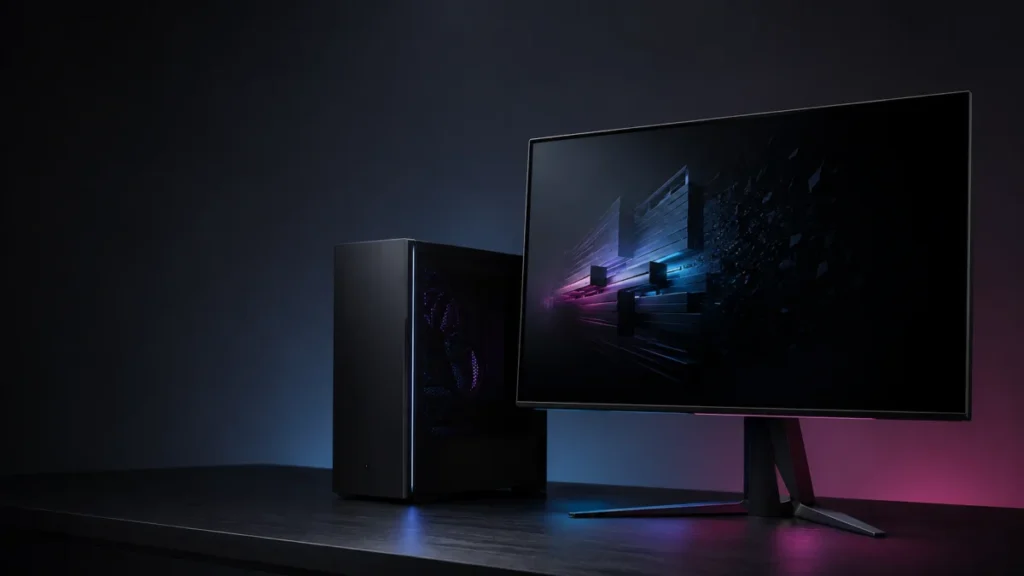
Samsung Odyssey 3D Hub Not Opening on Windows 11: KB5074105 and App Update Fix
If your Samsung Odyssey 3D Hub launches, shows an error, and immediately closes on your G90XF monitor, Samsung attributes this to a compatibility problem with Windows 11 update KB5074105. The official fix is to update the Odyssey 3D Hub ...