
PS5– tag –
-
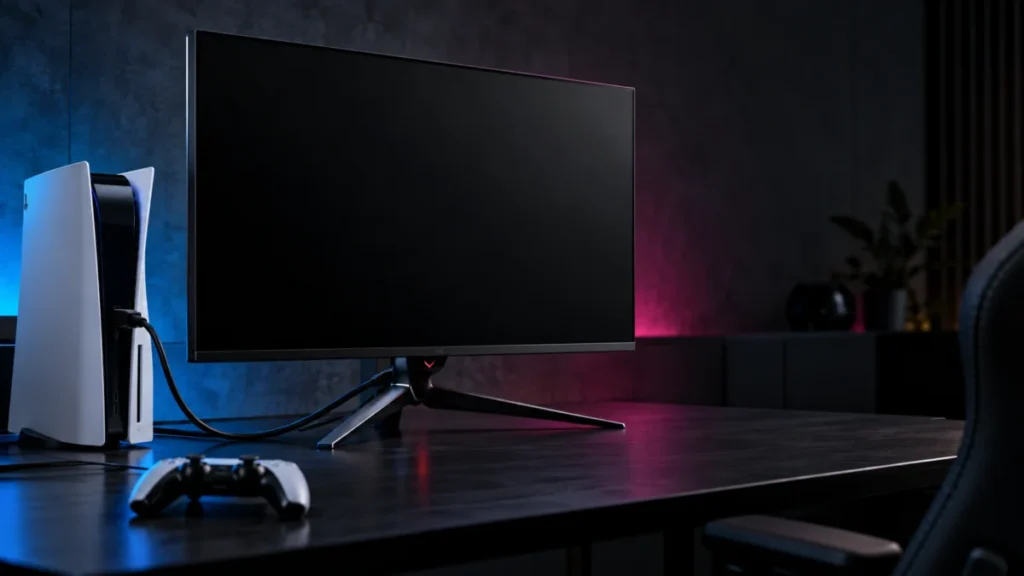
ASUS PG32UCDM Shows No Signal on PS5: Check the Input and HDMI Path
If your ASUS ROG Swift OLED PG32UCDM shows “NO SIGNAL” or stays black while your PS5 is on, start with the monitor’s Input Select menu, then connect the PS5 directly to HDMI-1 or HDMI-2 with no capture card, switch, or soundbar in betwee... -
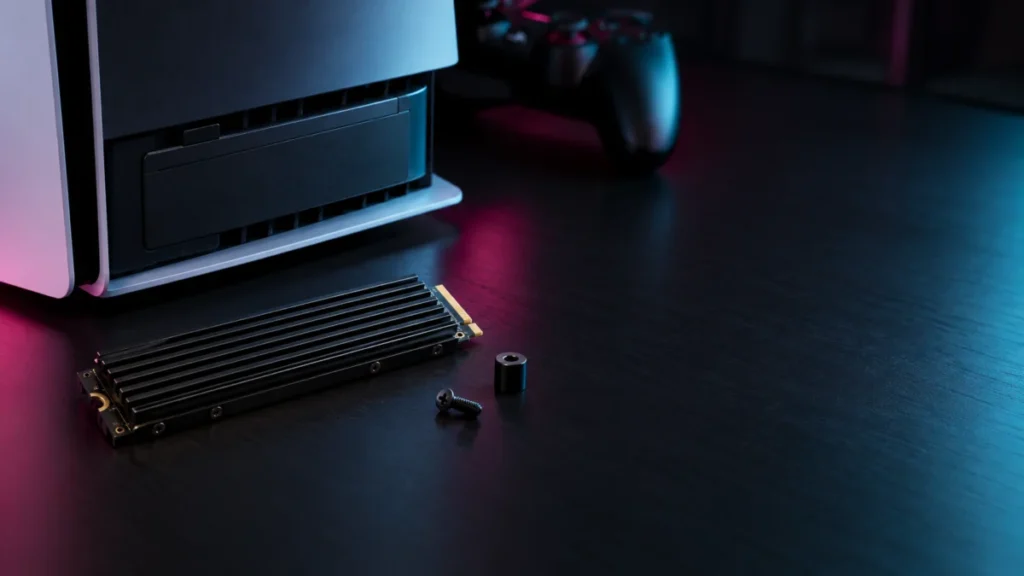
WD_BLACK SN850X Not Detected by PS5? Step-by-Step Checks by Console Model
If your PS5 does not detect a WD_BLACK SN850X, do not replace the drive yet. Sony's instructions say a PS5 shows a formatting guide the first time it boots with a newly installed M.2 SSD. If that guide never appears, check four things in... -
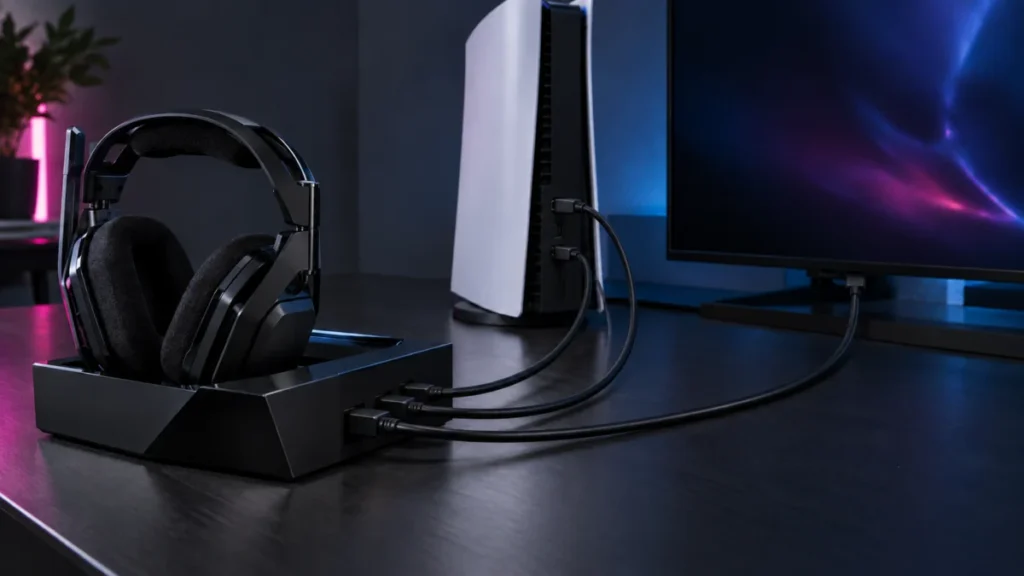
ASTRO A50 X Has No Sound on PS5: HDMI, USB Audio, and Output Setting Checks
If your ASTRO A50 X has no sound on PS5, check the audio routing before assuming the hardware has failed. In the setup Logitech recommends, the A50 X does not behave like an ordinary USB headset. Game audio reaches the headset over HDMI,... -
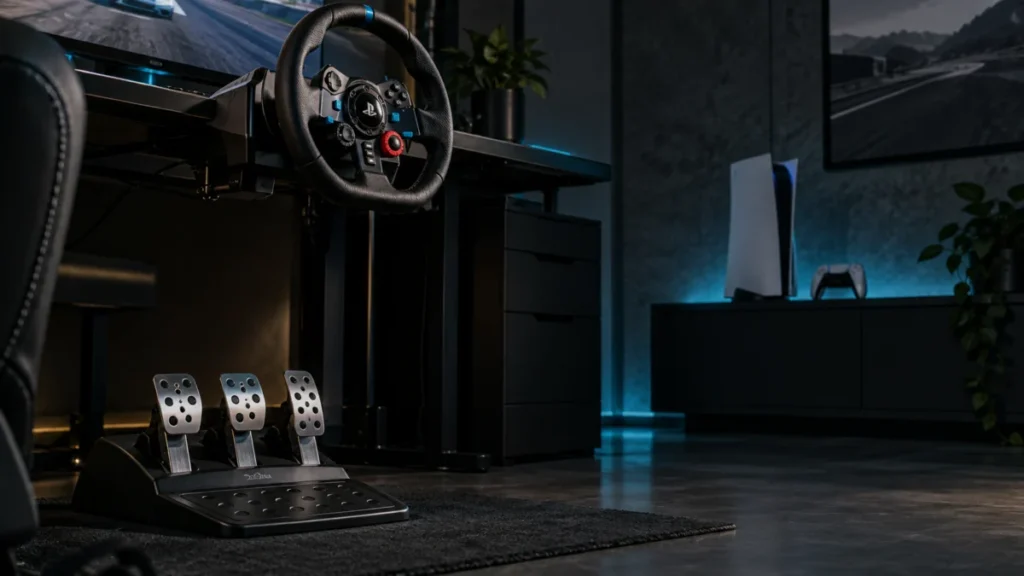
Logitech G29 Pedals Not Working on PS5: Connection, Game Settings, and Clutch Checks
If your G29 pedals are not responding on PS5, start by watching what the wheel does the moment you plug it in. Logitech's official troubleshooting documentation states that once the wheel is connected to a game console or PC, it rotates ... -
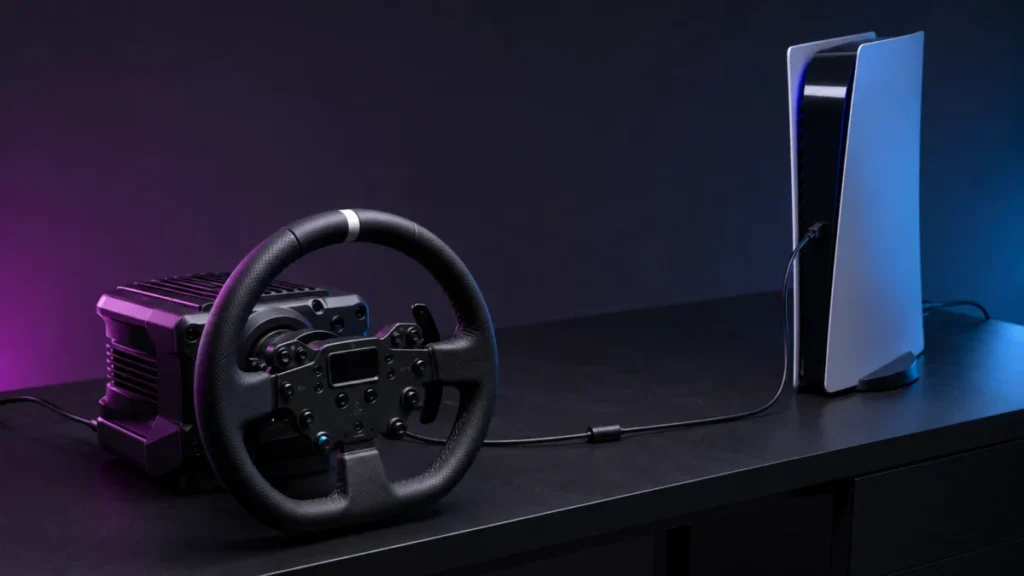
Logitech RS50 Not Detected by PS5: Platform Setting, Hardware Version, and Compatibility Mode
Before you change a single setting, answer one question: has this RS50 ever worked on this PS5? If it has never worked and the base powers on, check the platform version first. Logitech states that PlayStation compatibility requires the ... -
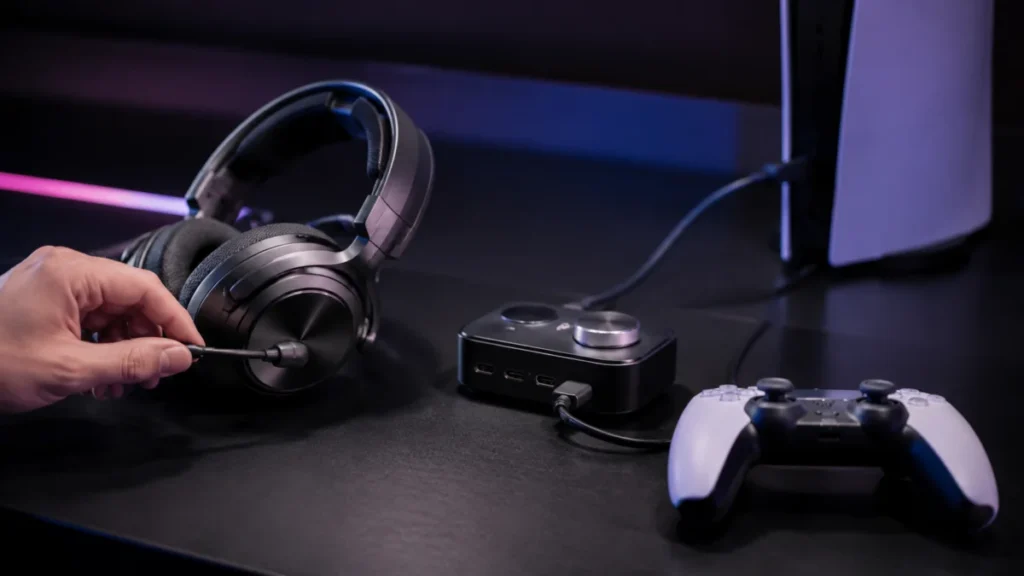
Arctis Nova Elite Mic Not Working on PS5: Sidetone, GameHub Port, and Voice Chat Checks
If your Arctis Nova Elite plays game audio on PS5 but nobody can hear you, find out where your voice stops before you change any hardware. Start with sidetone, the setting that plays your own voice back into the headset. If you can hear ... -
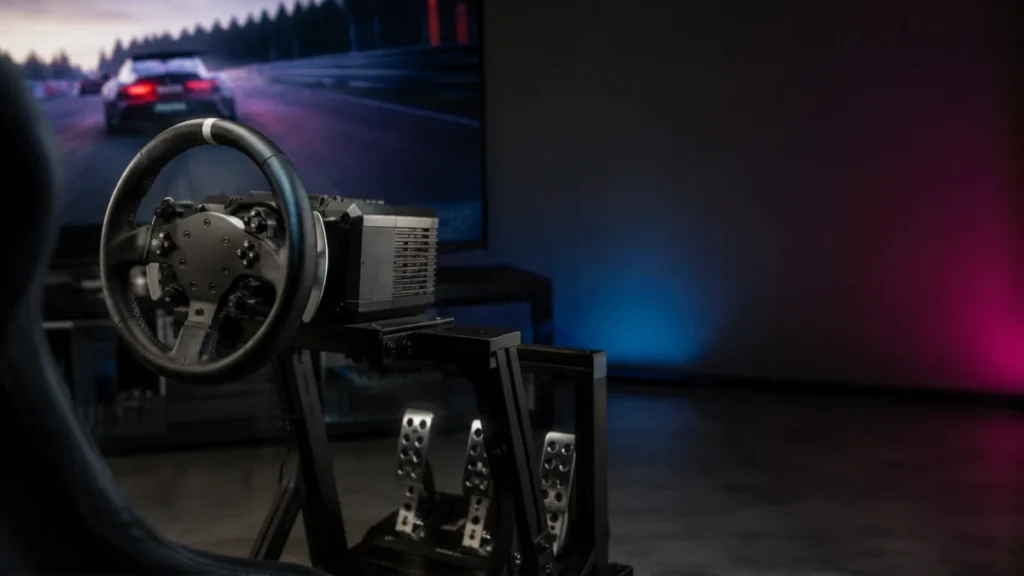
PS5 Direct Drive Racing Wheels: What to Check Before Buying for Gran Turismo 7
Direct drive describes how a wheel generates force feedback — it says nothing about whether the wheel works on PS5. A direct drive base that runs perfectly on PC can be completely unusable on a PlayStation 5, because PlayStation support ... -
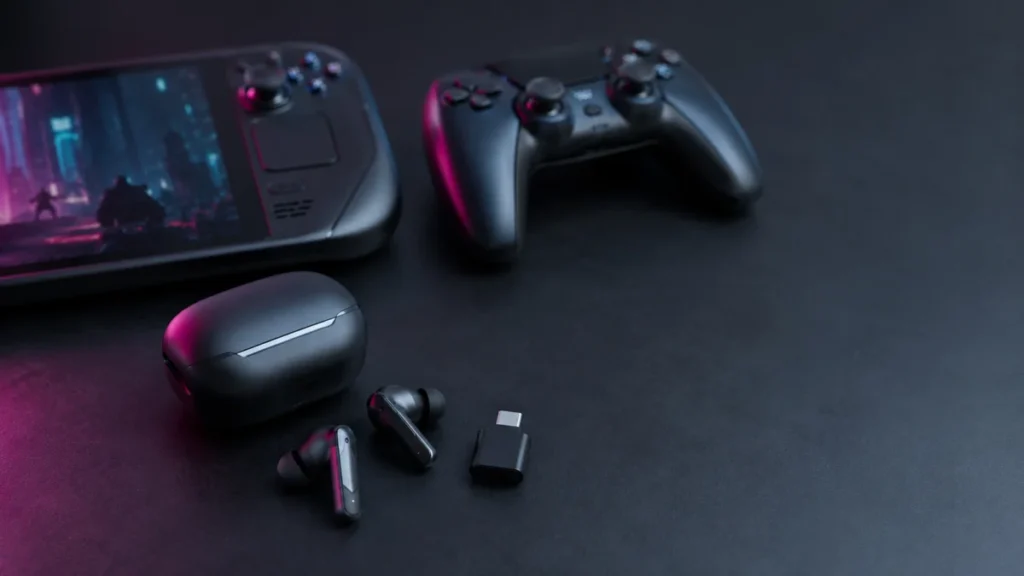
Best Low-Latency Gaming Earbuds for PC, PS5, and Handhelds: What to Check Before Buying
If you play shooters or action games wirelessly, a 2.4GHz USB-C dongle connection is the single most important feature to look for in gaming earbuds. Standard Bluetooth connections typically add 150–250ms of audio delay, which is enough ...
1