
Smartphones & Mobile– category –
-
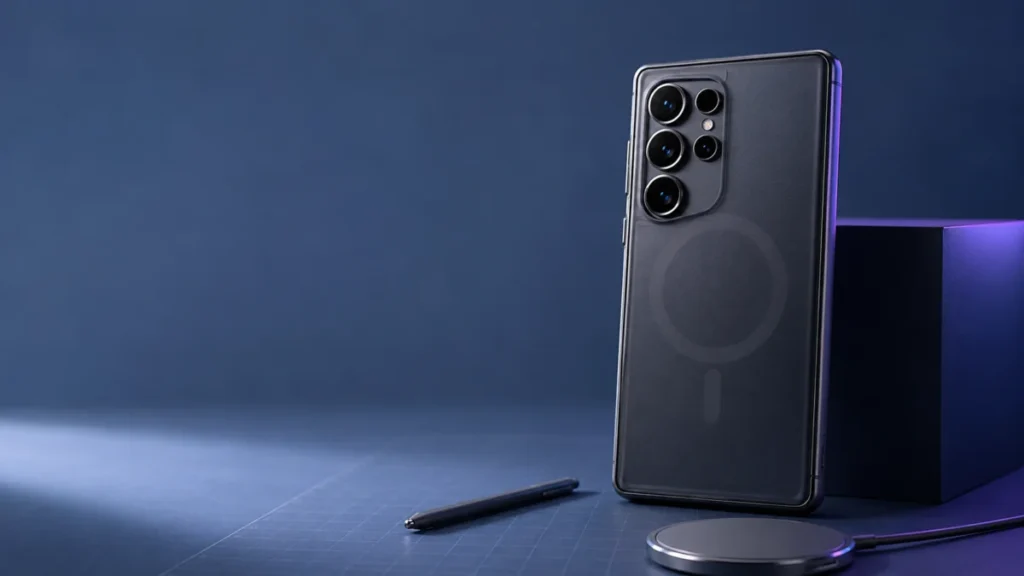
Galaxy S26 Ultra Magnetic Case S Pen Problem? Here’s What Actually Happens
The Galaxy S26 Ultra has no built-in magnets. To use Qi2 magnetic alignment, MagSafe-style mounts, or snap-on accessories, you need a case with a built-in magnetic ring. That ring creates two competing problems: its magnetic field can in... -
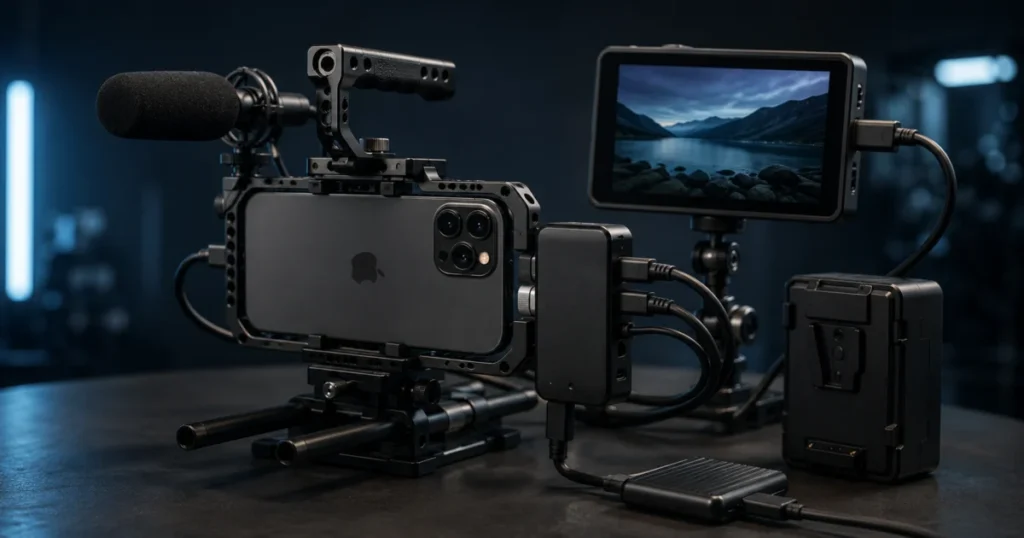
Blackmagic Camera ProDock iPhone 17 Pro: What It Adds and Buyer Fit
The Blackmagic Camera ProDock is a professional production dock, not a general-purpose iPhone accessory. It turns iPhone 17 Pro into a synchronized, monitor-ready camera node in a multi-camera or virtual production setup by adding genloc... -
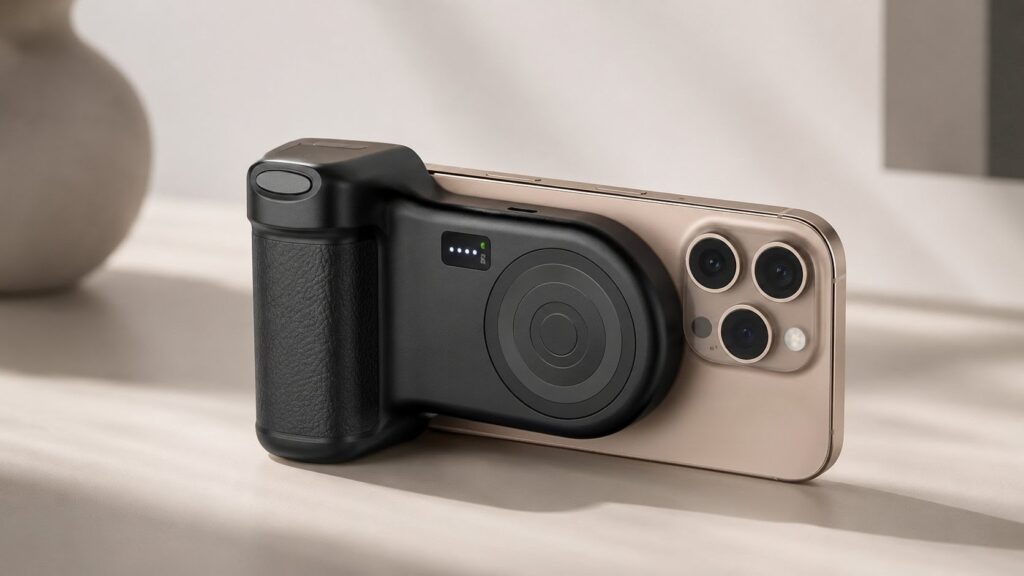
Belkin Stage PowerGrip review: A MagSafe Camera Grip for Daily Carry
The Bottom Line: The Belkin Stage PowerGrip is a MagSafe camera grip, 9,300 mAh power bank, Bluetooth shutter, and phone stand in a single accessory — priced under $100. It delivers more battery capacity than most competing grips while c... -
Google Pixel eSIM Activation Failed Fix: Step-by-Step Setup Guide
You tapped "Set up an eSIM," watched the progress bar move—then got hit with "activation failed," "could not download your SIM," or an error code you've never seen before. On a Google Pixel, eSIM failures fall into a small number of well... -
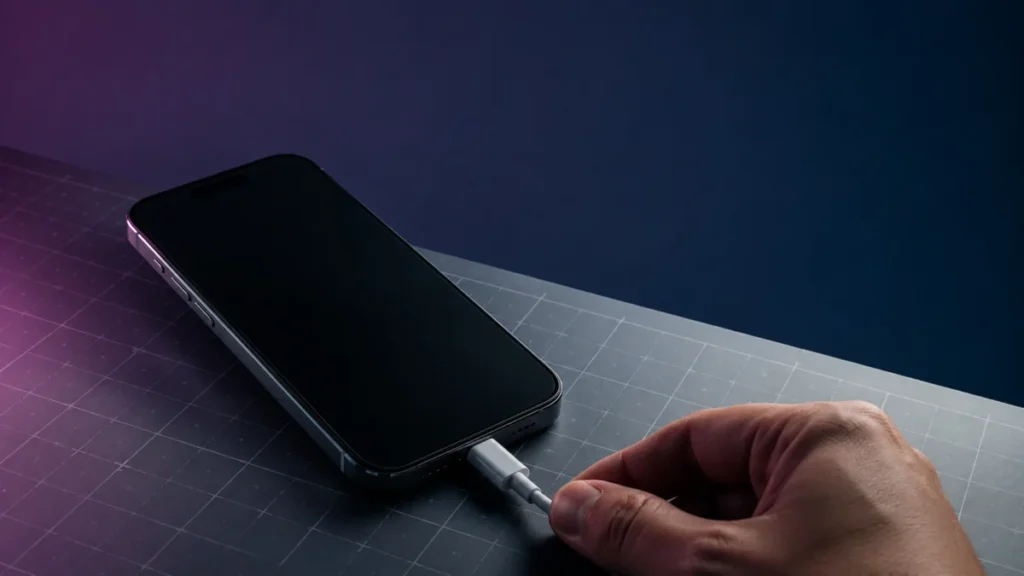
iPhone 17 Won’t Turn on After Battery Drain: Step-by-Step Fix Guide
Your iPhone 17 went to 0%, shut off, and now it won't respond — no screen, no Apple logo, nothing. Before you assume the worst, read the two sentences below. The short answer: In most cases, a completely drained iPhone 17 needs more time... -
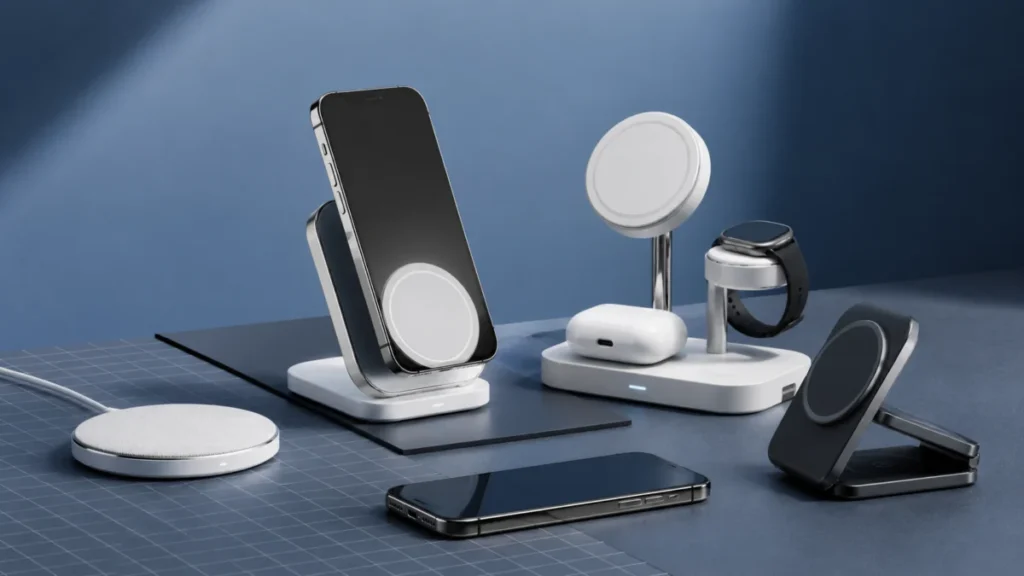
Best Qi2 Wireless Charger for iPhone and Android in 2026: 6 Top Picks Compared
If you're using an iPhone and an Android phone side by side—or you're switching to a Qi2-compatible device and want to future-proof your charging setup—you've run into the same question: which charger works with both, and which one is ac... -
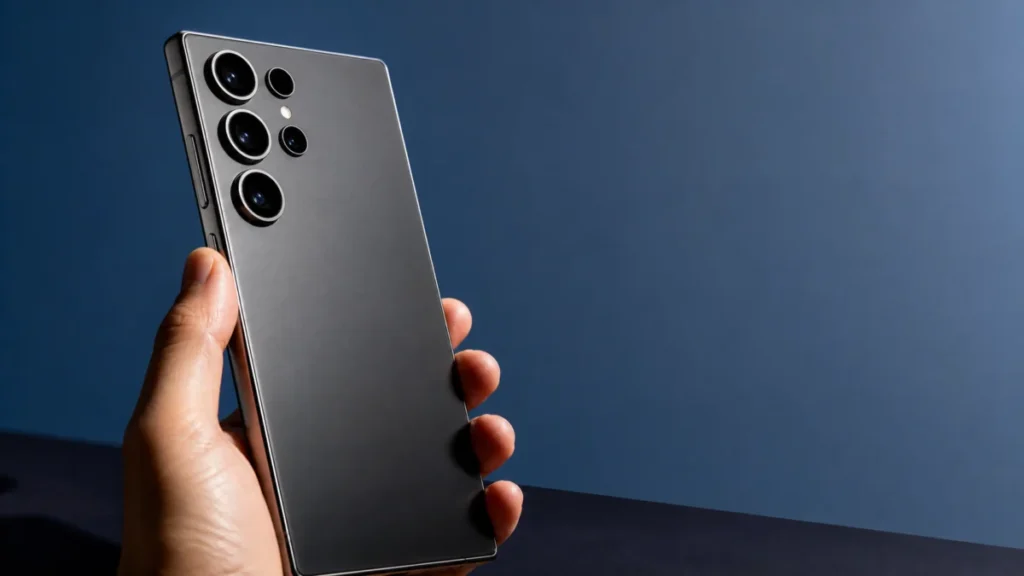
Galaxy S26 Ultra Battery Drain Fix: 6 Steps for One UI 8.5
Short answer: If your Galaxy S26 Ultra is draining fast, work through these in order: (1) install the latest One UI 8.5 security patch, (2) turn off proactive Galaxy AI features such as Now Brief and Now Nudge, (3) send background-heavy ...