
S.S– Author –

-
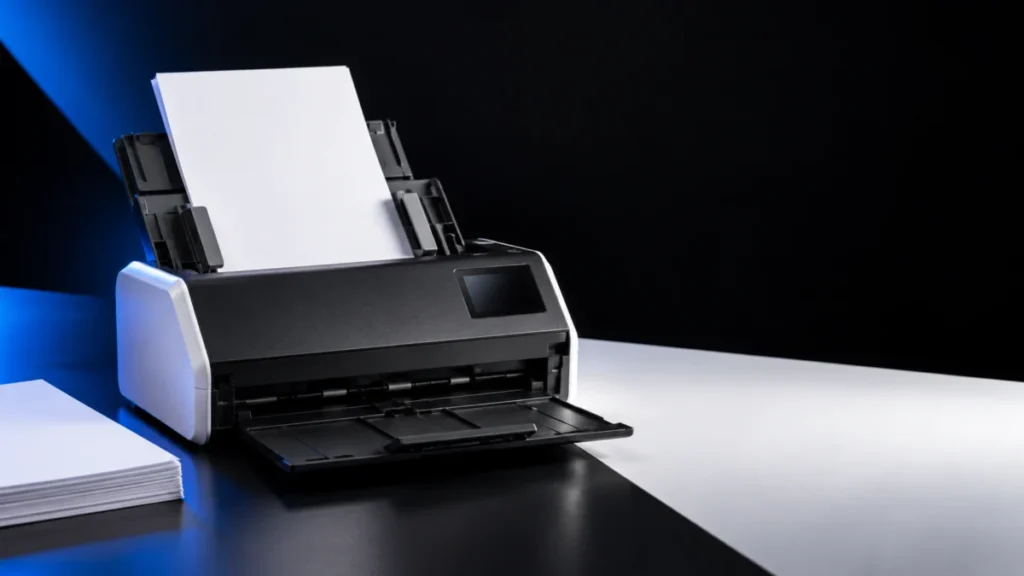
Brother ADS-1800W Paper Jams or Won’t Feed: ADF, Document, and Roller Checks
If your Brother ADS-1800W jams or will not pull paper, read the message on its LCD before you order a replacement roller. Brother uses three separate thresholds on this scanner, and they sit far apart. Scheduled Maintenance Alert appears... -
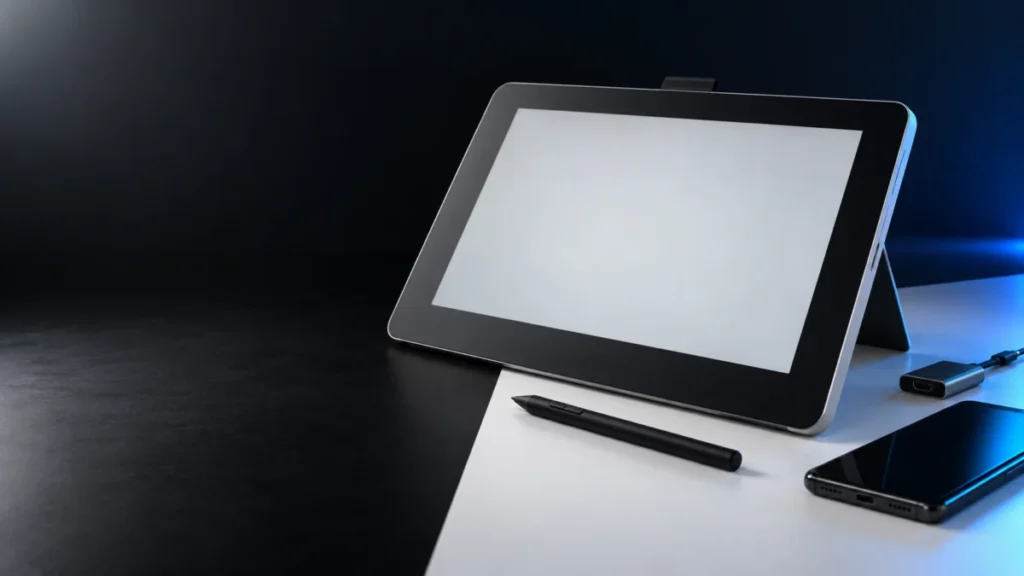
Wacom One DTC133 Pen Not Working on Android: USB Data, App, and Android Mode Checks
If the pen on your Wacom One DTC133 does nothing after you connect the display to an Android phone or tablet, check compatibility and the connection before assuming a hardware fault. The DTC133 Android support pages we checked describe c... -
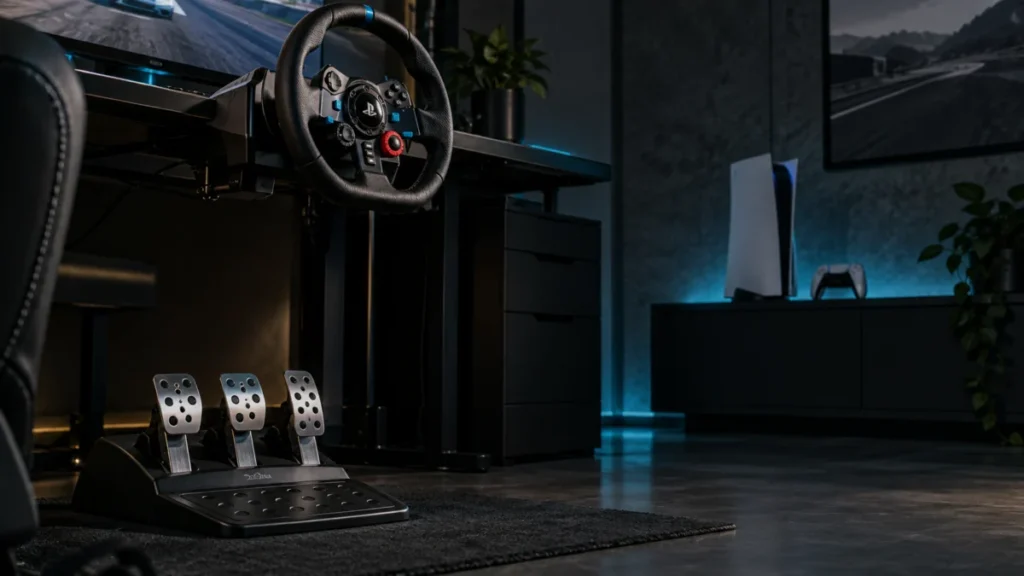
Logitech G29 Pedals Not Working on PS5: Connection, Game Settings, and Clutch Checks
If your G29 pedals are not responding on PS5, start by watching what the wheel does the moment you plug it in. Logitech's official troubleshooting documentation states that once the wheel is connected to a game console or PC, it rotates ... -
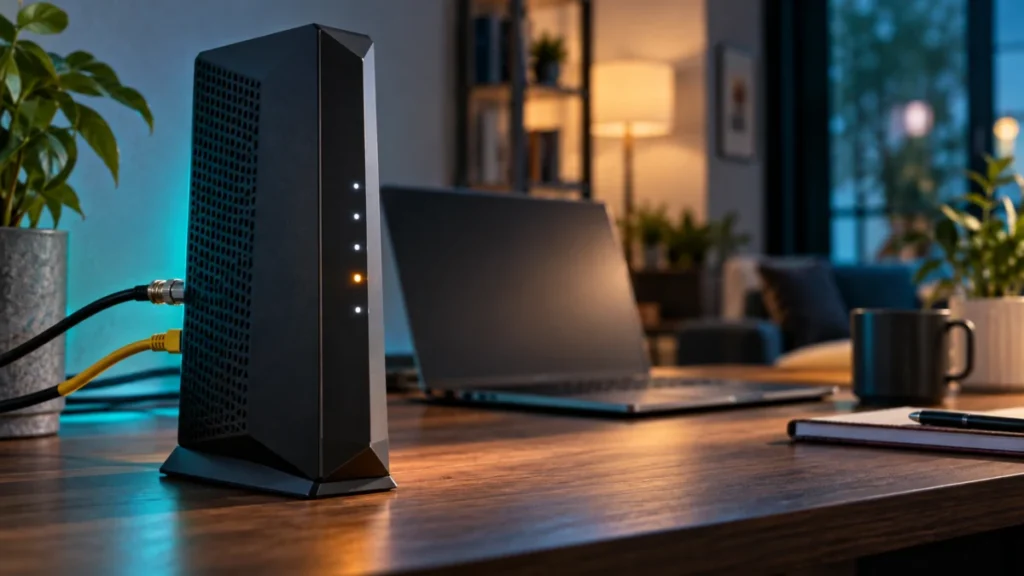
NETGEAR CM2000 Upstream Light Blinking: LED, Coax, and ISP Checks
On the NETGEAR CM2000, a blinking white Upstream LED means one specific thing: the modem is scanning for an upstream channel. That can happen during startup. If it persists or accompanies connection problems, check the modem status befor... -
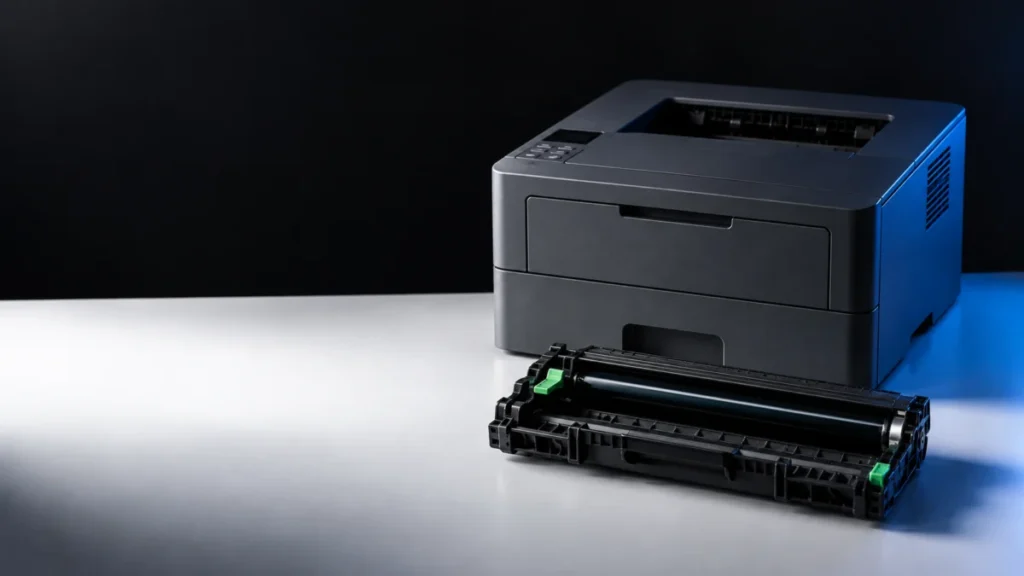
Brother HL-L2460DW Drum Replacement: What to Buy, How to Install, and How to Reset
On the Brother HL-L2460DW, the drum unit and the toner cartridge are two separate supplies, and the message on the LCD tells you which one to replace. In the US, the drum unit is supply order number DR830. The toner cartridges are TN830 ... -
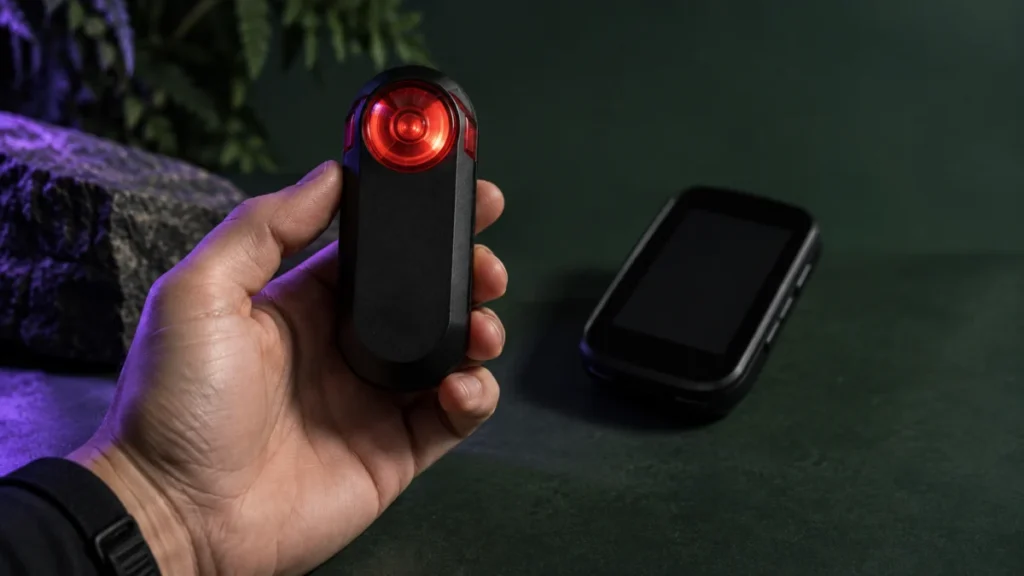
Garmin Varia RTL515 Keeps Disconnecting From Your Edge: How to Check It Step by Step
If your Garmin Varia RTL515 keeps disconnecting from your Edge, stop somewhere safe before you change anything. Garmin's warning is explicit: when the radar is not connected or not sending radar data, stop riding and check the devices in... -
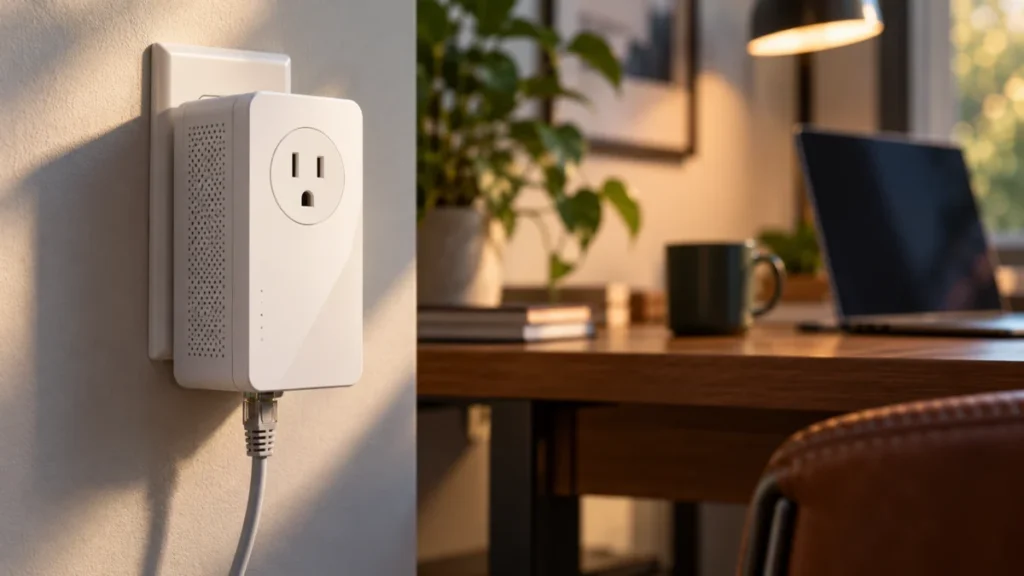
TP-Link TL-PA9020P Powerline Light Off: Pairing, Outlet, and Ethernet Checks
If the Powerline light on your TL-PA9020P is off, check the hardware version printed on the adapter's label before you re-pair or reset anything. TP-Link publishes separate US user guides for V1, V2, V3, and the V4-series, and they do no... -
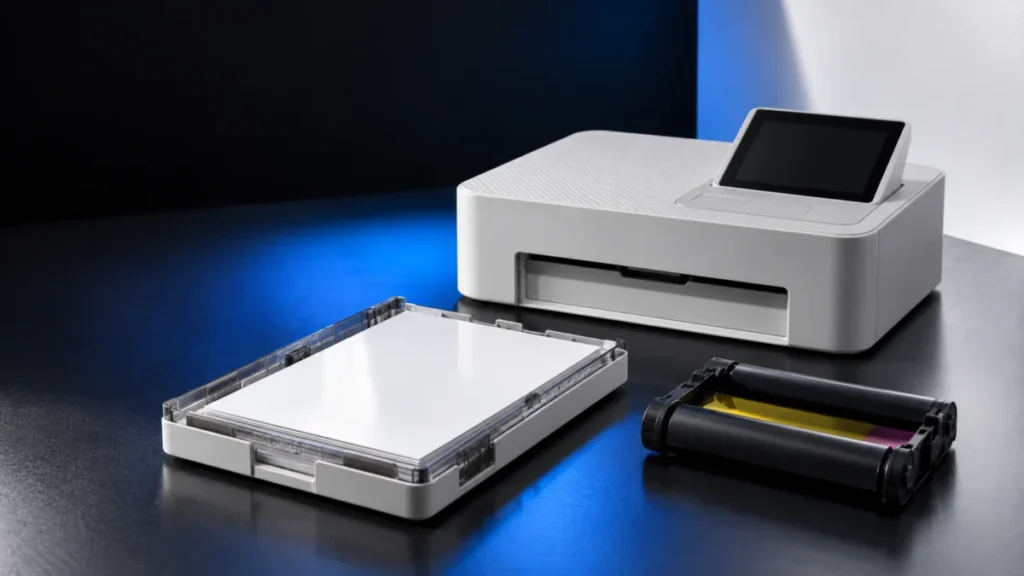
Canon SELPHY CP1500 Paper or Cassette Error: Check the Size Match, Loading, and App Setting
If your Canon SELPHY CP1500 stops before printing with a paper or cassette message, first check the size match, loading, and app setting. Canon's documentation and support guidance identify four items to check before deciding whether rep... -
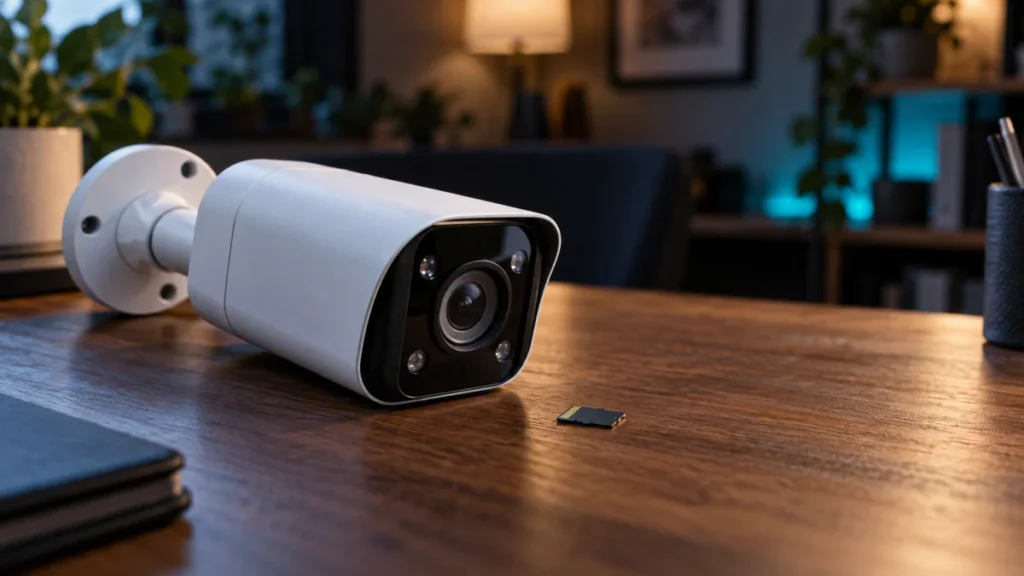
Reolink RLC-811A microSD Card Not Detected: Checks to Run Before You Format
If your Reolink RLC-811A shows a live picture but reports no microSD card, do not format anything yet. A working live view proves nothing about storage: video reaches your phone over the network whether or not a card is installed. Confir... -
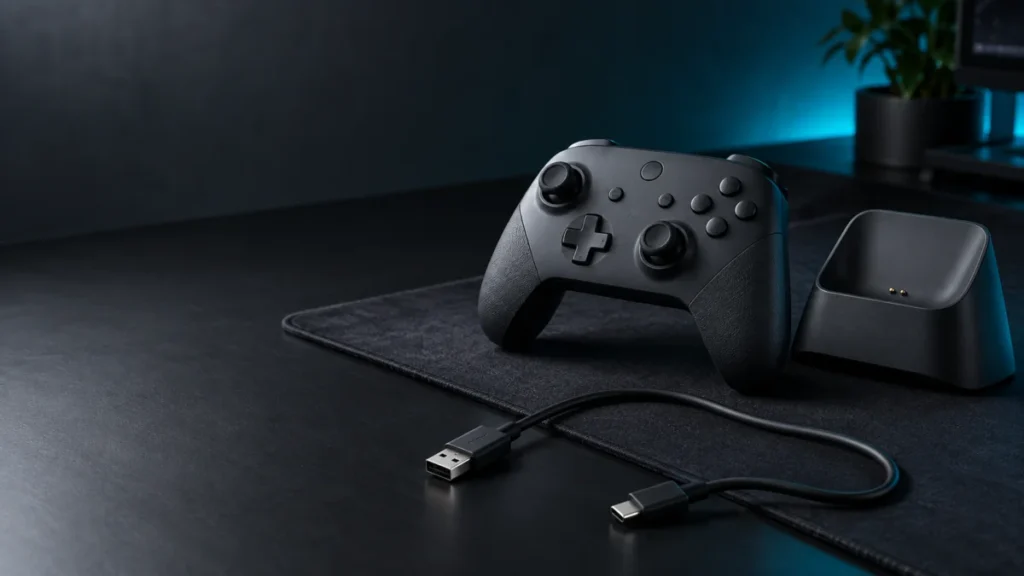
8BitDo Ultimate 2 Wireless Not Charging: Dock vs. Direct USB Checklist
If your 8BitDo Ultimate 2 Wireless will not charge, take the dock out of the circuit and watch one specific light. Lift the controller off the dock, connect the bundled cable to the USB-C port on the controller, and observe the Power LED...