
ROG Ally– tag –
-
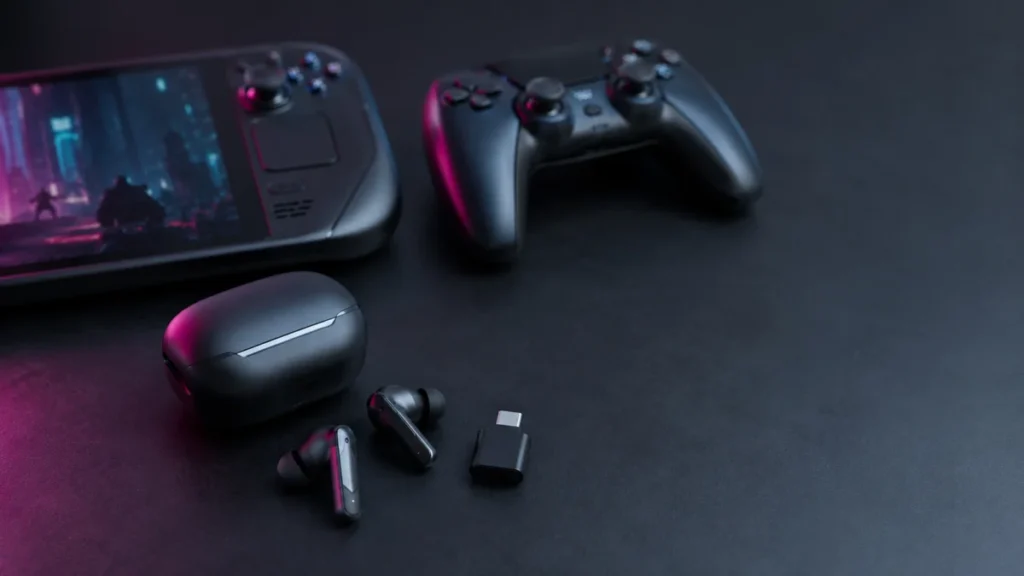
Best Low-Latency Gaming Earbuds for PC, PS5, and Handhelds: What to Check Before Buying
If you play shooters or action games wirelessly, a 2.4GHz USB-C dongle connection is the single most important feature to look for in gaming earbuds. Standard Bluetooth connections typically add 150–250ms of audio delay, which is enough ... -
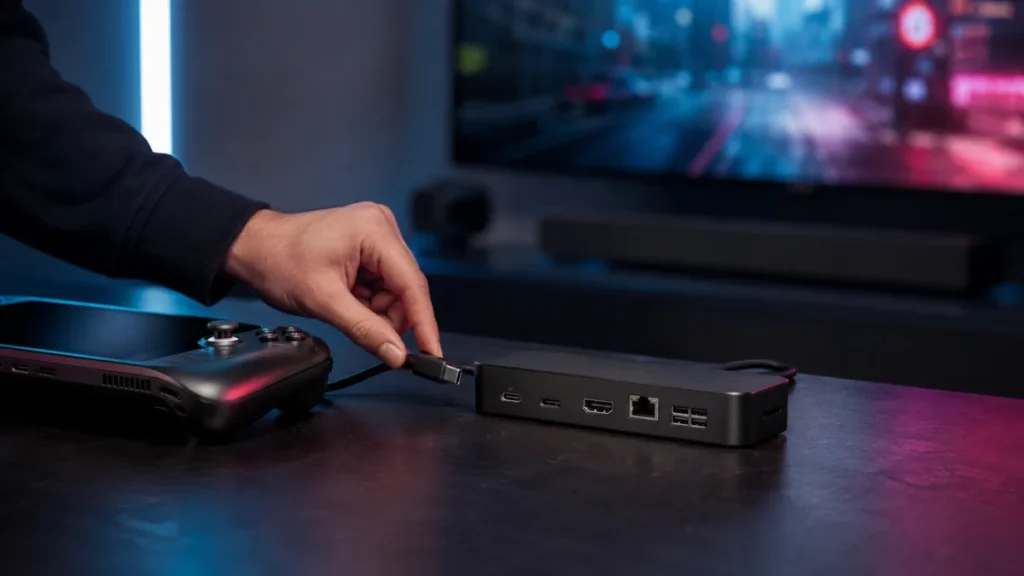
Best Steam Deck Docks with HDMI 2.1: TV Setup, Budget, and Travel Picks
If you want to connect your Steam Deck or ROG Ally to a TV with 4K@120Hz and VRR support, the JSAUX HB1201S covers the most ground at a reasonable price — HDMI 2.1, DisplayPort 1.4, Gigabit Ethernet, and 85W passthrough charging in one u... -
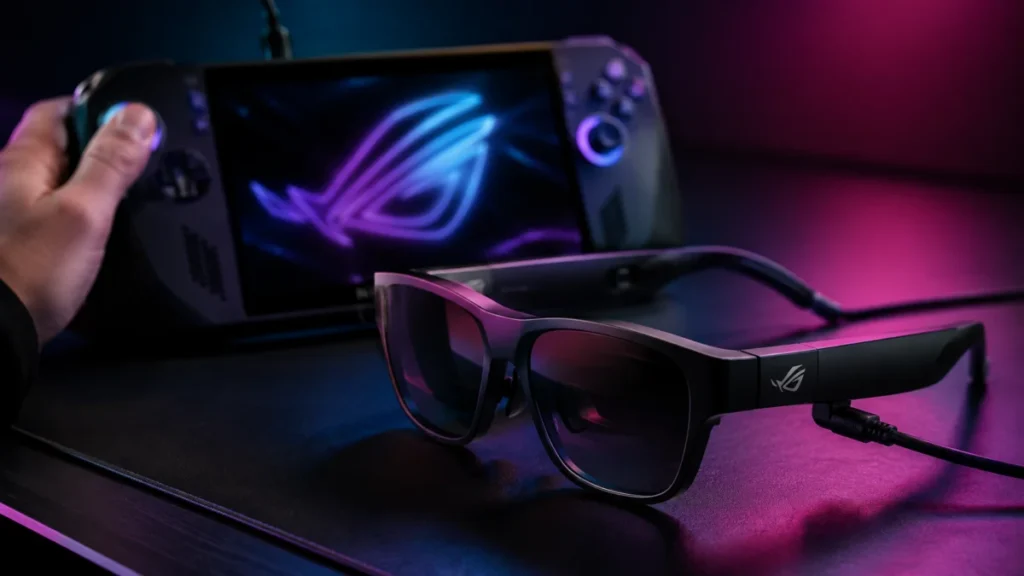
ROG Xreal R1 AR Glasses — 240Hz Virtual Display, Premium Pricing, and Who Should Actually Buy Them
Short answer: Buy the ROG Xreal R1 if you own a ROG Ally or ROG Xbox Ally and want its ACSE dual-screen control panel and the bundled ROG Control Dock. If you game mainly on a Steam Deck, gaming laptop, or console, look at the Xreal One ... -
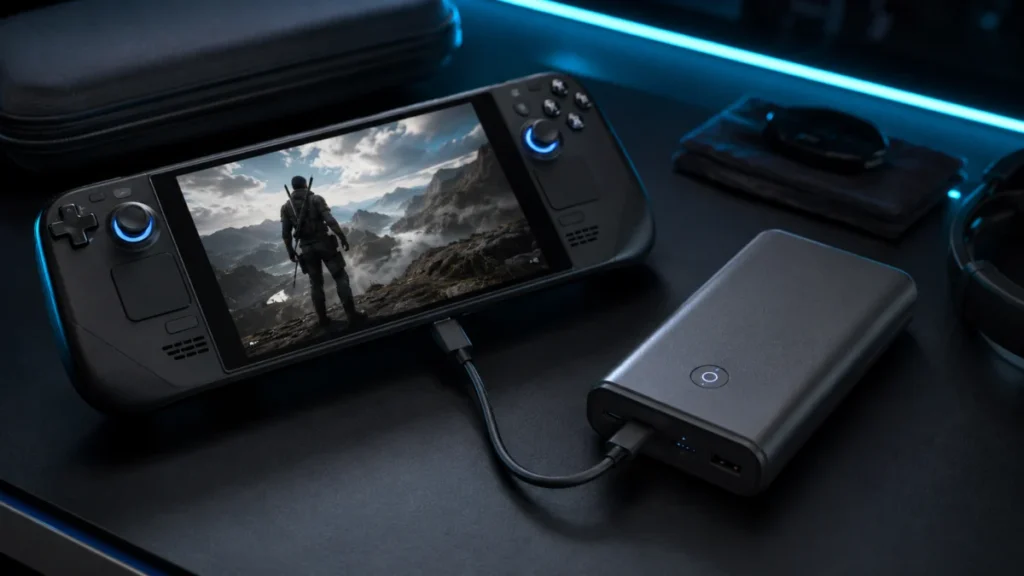
Best Power Bank for Steam Deck and ROG Ally in 2026: Wh Guide
Best Power Banks for Steam Deck, ROG Ally, and Handheld Gaming PCs in 2026 Most power bank guides are still written around the original Steam Deck and its 40Wh battery. That guidance is now outdated. The ROG Ally X, ROG Xbox Ally X, and ...
1