
racing wheel– tag –
-
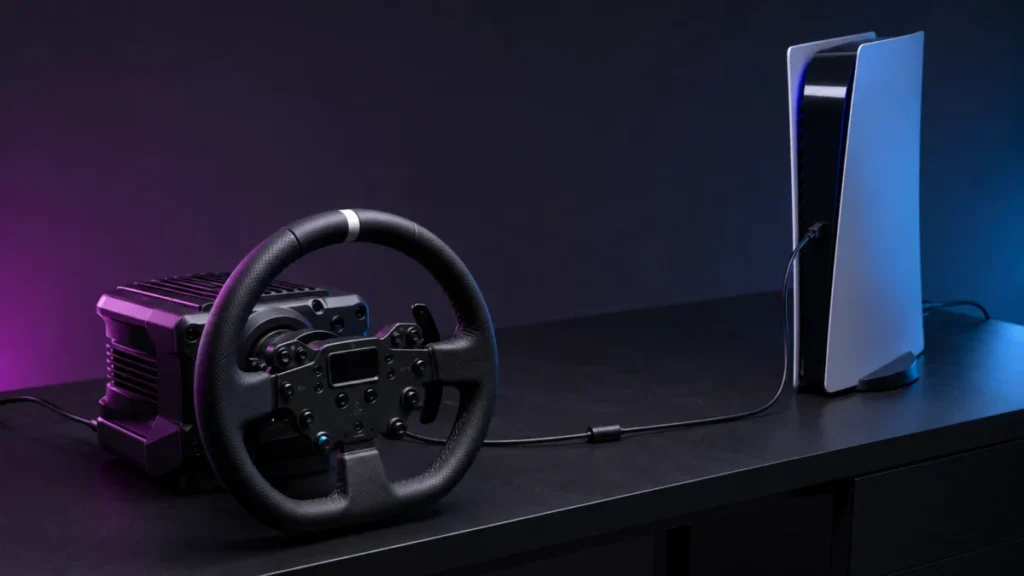
Logitech RS50 Not Detected by PS5: Platform Setting, Hardware Version, and Compatibility Mode
Before you change a single setting, answer one question: has this RS50 ever worked on this PS5? If it has never worked and the base powers on, check the platform version first. Logitech states that PlayStation compatibility requires the ... -
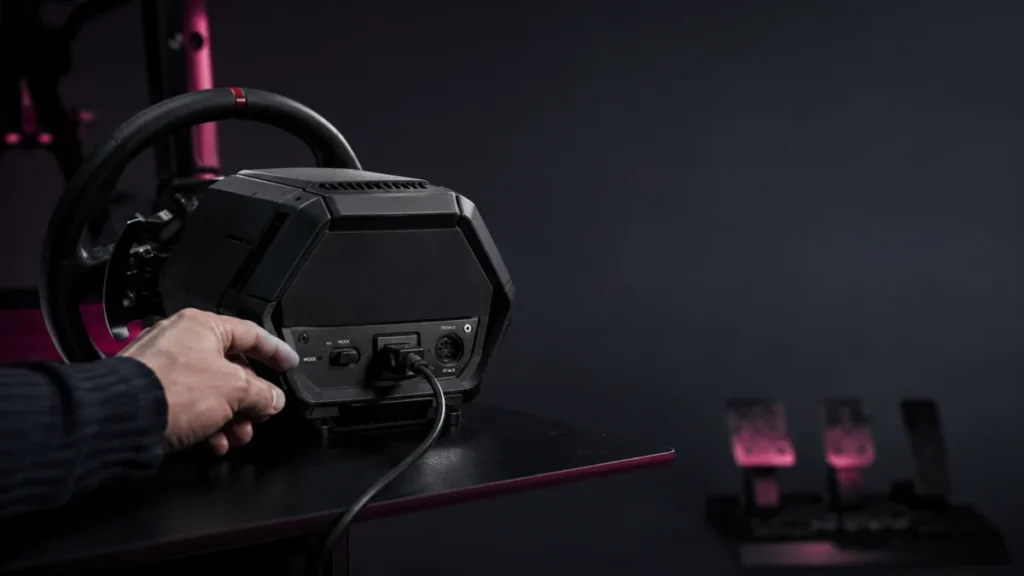
Thrustmaster T598 Not Detected: My Thrustmaster Panel, Firmware, USB, and Game Settings to Check
If your Thrustmaster T598 is not detected, the first job is to figure out where detection stops: Windows itself, the My Thrustmaster Panel app, the firmware update, or the game. These are separate problems with separate fixes. The most c... -
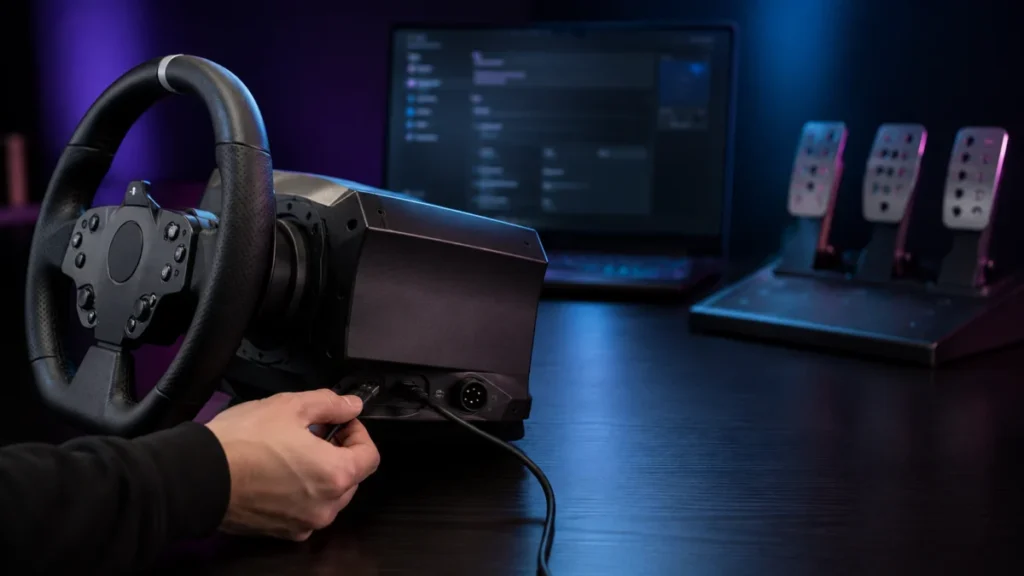
Racing Wheel Not Detected on PC: USB, Power, Driver, Firmware, and Game Settings to Check
If your racing wheel is not detected on your PC, the most useful first step is to recognize that "not detected" is not one problem — it is five separate layers that fail independently. A wheel can be invisible to Windows, visible t... -
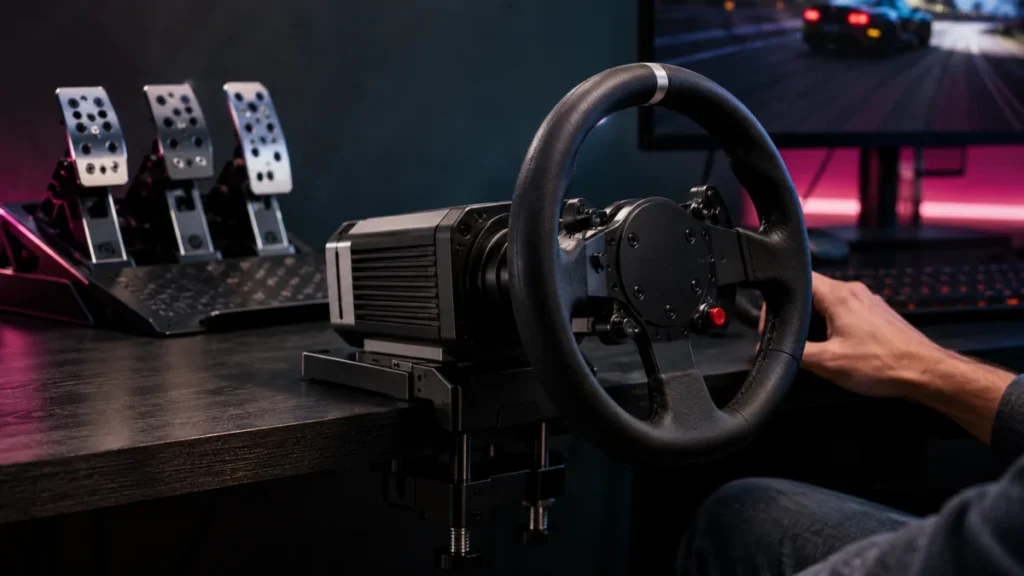
Best Sim Racing Wheels for PC and PS5: What to Check Before Buying (2026)
The best sim racing wheel is not a single product — it is the wheel that matches your platform first. Before comparing torque or force feedback, decide whether you are racing on PC, PlayStation 5, or Xbox, because compatibility is decide...
1