
network troubleshooting– tag –
-
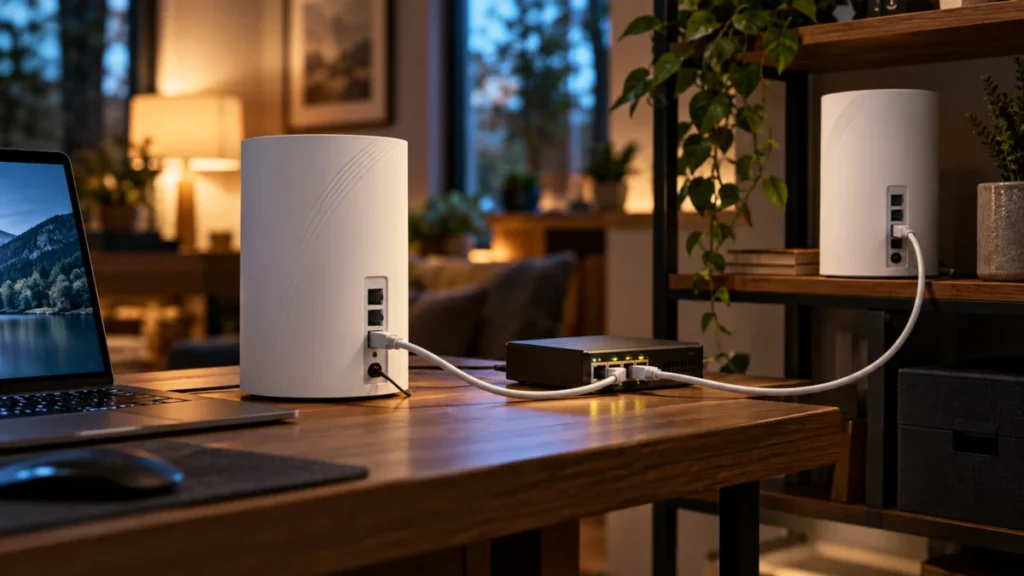
Deco BE65 Ethernet Backhaul Not Working? Check the Wiring, Mode, and Switch
If your Deco BE65 satellite still shows Wi-Fi backhaul after you plug in an Ethernet cable, start by checking where the cable lands. In Router mode, TP-Link requires a wired satellite to connect to the main Deco's LAN side, not to the IS... -
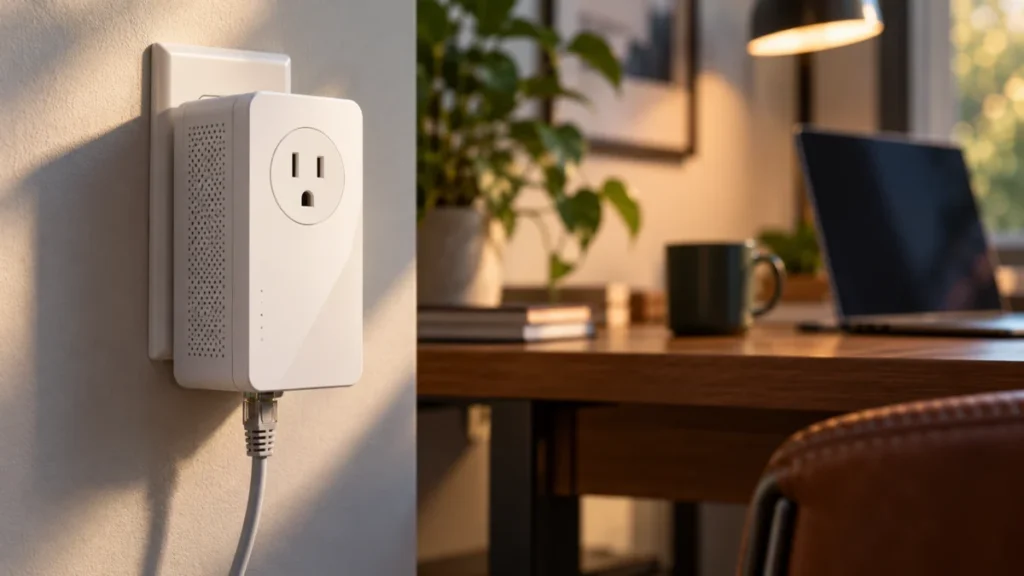
TP-Link TL-PA9020P Powerline Light Off: Pairing, Outlet, and Ethernet Checks
If the Powerline light on your TL-PA9020P is off, check the hardware version printed on the adapter's label before you re-pair or reset anything. TP-Link publishes separate US user guides for V1, V2, V3, and the V4-series, and they do no... -
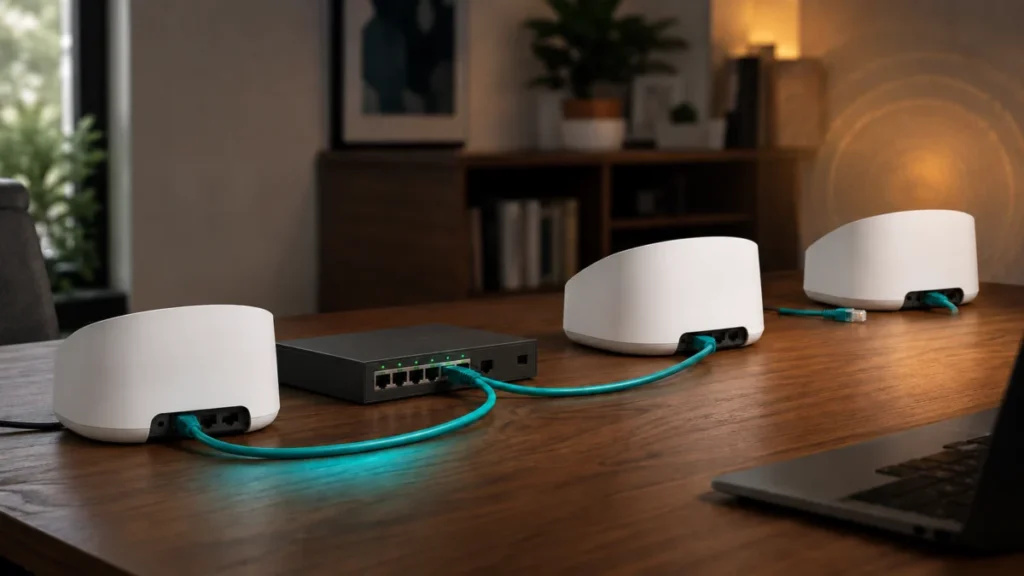
eero Max 7 Keeps Switching from Wired Backhaul to Wireless: How to Isolate the Cause
If your eero Max 7 keeps switching from wired backhaul to wireless, check your network topology before you replace a single cable. eero's documentation requires every additional eero to connect through one gateway eero, and it warns that... -
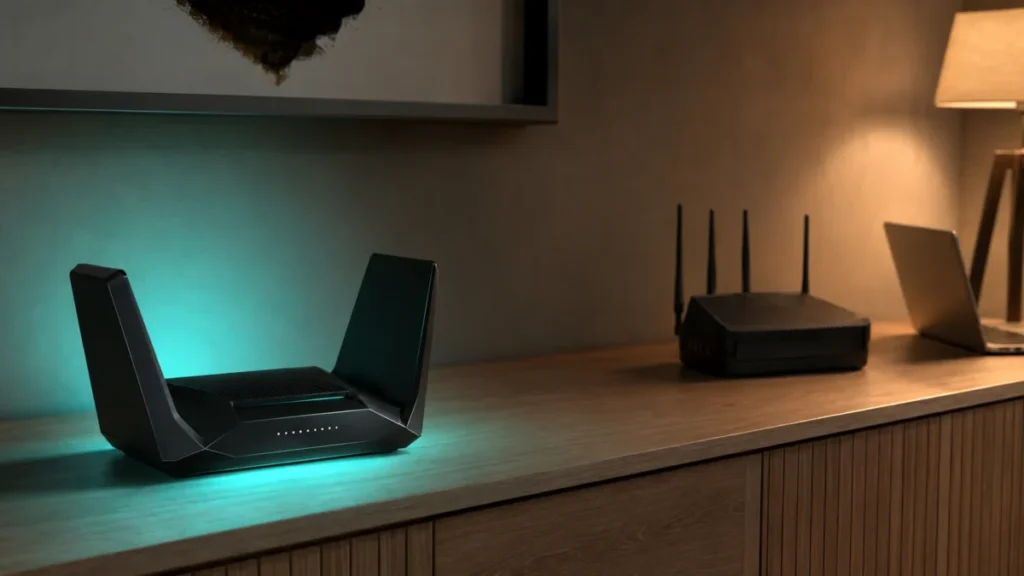
ASUS AiMesh 6 GHz Missing with a Wi-Fi 7 Router: MLO and Legacy Node Checks
If you added a Wi-Fi 6E router as an AiMesh node under a Wi-Fi 7 primary router and the 6 GHz network disappeared near that node, this is documented ASUS behavior rather than a hardware fault. ASUS states that when MLO (Multi-Link Operat... -
Sonos Android App Can’t Find Speakers on VLAN? Here’s How to Fix It
If your Sonos speakers are online but the Android app shows "No products found," and your iOS app or web player still works fine, the most likely cause is how your network handles mDNS across VLANs — combined with how the Android app per...
1