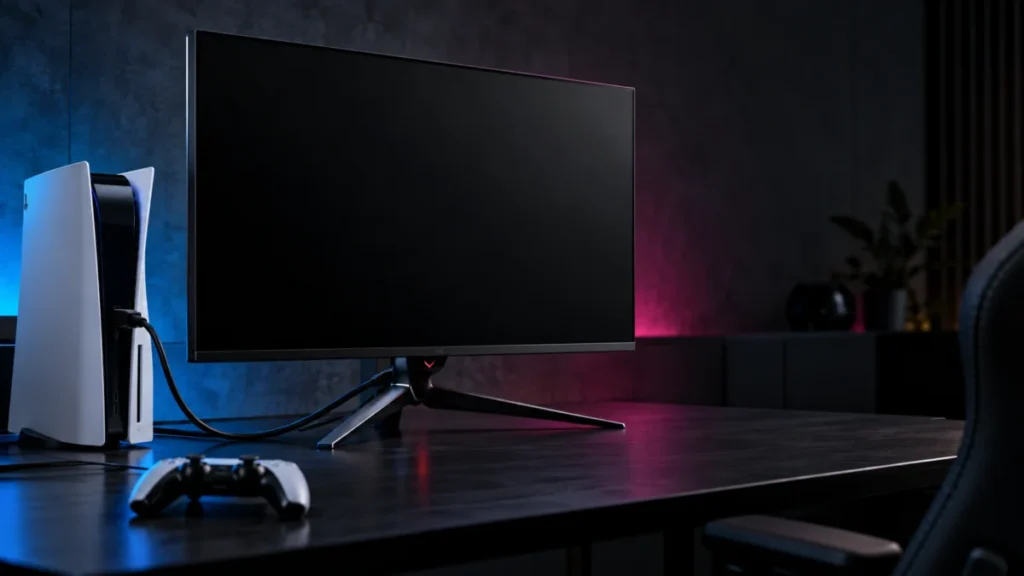
ASUS PG32UCDM Shows No Signal on PS5: Check the Input and HDMI Path
If your ASUS ROG Swift OLED PG32UCDM shows “NO SIGNAL” or stays black while your PS5 is on, start with the monitor’s Input Select menu, then connect the PS5 directly to HDMI-1 or HDMI-2 with no capture card, switch, or soundbar in betwee...